This creative displays a high-performance laptop featuring a vivid screen graphic in a snowy, illustrated environment to communicate efficiency.

ASUS Vivobook 15X M1503 Performance Display

This creative displays a high-performance laptop featuring a vivid screen graphic in a snowy, illustrated environment to communicate efficiency.

Ad Details
Style
Feature & Benefit
Format
1:1
Industry
Electronics
Platforms
social media
Language
English
Clone this ad with AI

Free credits included. No card required

Why this ad works

This laptop ad succeeds by blending high-fidelity hardware photography with whimsical, illustrated elements that communicate a sense of modern ease. The core strategy relies on juxtaposing powerful technical specifications against a calm, dreamlike environment to make the product feel both accessible and high-performance. By placing small characters around the screen, the brand creates a human connection with a device that typically feels cold or strictly transactional. Using Promer AI allows performance marketers to emulate this layered aesthetic by isolating product hero shots and merging them with custom conceptual backgrounds. For most hardware teams, this approach works because it shifts the focus from specs alone to the feeling of efficient, creative work, which typically boosts engagement in competitive categories.

The winning ingredients

  • Fantasy Framing The illustration of the snowy forest and tiny figures provides a unique backdrop that differentiates the laptop from standard, sterile product shots.
  • Clear Tech Specs The ad keeps the bottom third focused on essential hardware details like the AMD Ryzen 5 processor and display specs to ground the fantasy hook in facts.
  • Visual Balance A 1:1 square ratio is used to center the hardware, ensuring the product remains the focal point while the illustration adds depth.
Great product ads bridge the gap between technical reality and the imaginative potential of the user experience.

How to make it yours

  1. Launch an AI Ad Clone session to begin mapping out your own layout using this high-converting design as a template.
  2. Upload your product photography and provide your brand assets so the system can intelligently swap the laptop, logos, and specific color palettes.
  3. Refine the headline to highlight your product's unique efficiency and generate variations until you reach a balance between creative hook and functional benefit.

Pro tip

When using a fantasy overlay, ensure the product image remains the highest contrast element in the frame. If the background becomes too cluttered, reduce the opacity of the surrounding illustrations to keep the viewer focused on the hardware.
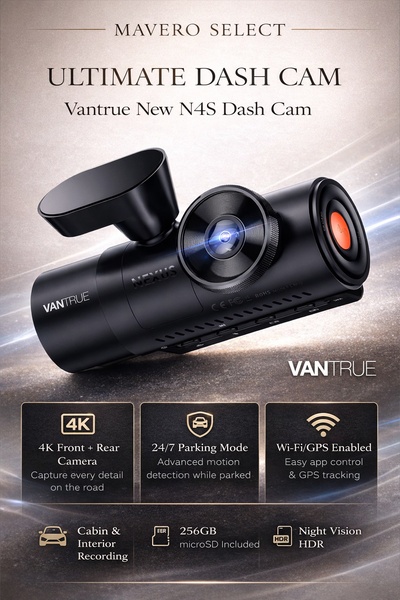
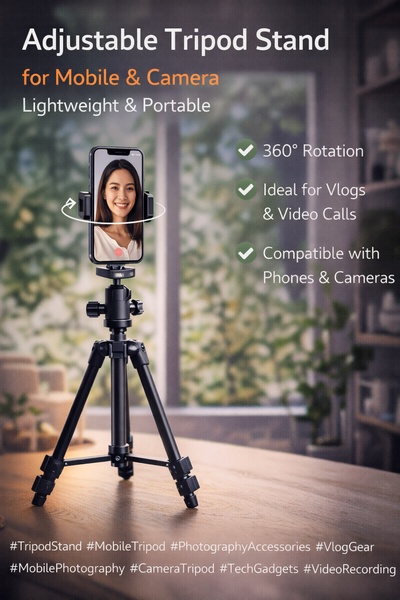
Vantrue N4S Feature Showcase
Adjustable Tripod Stand Feature Highlight
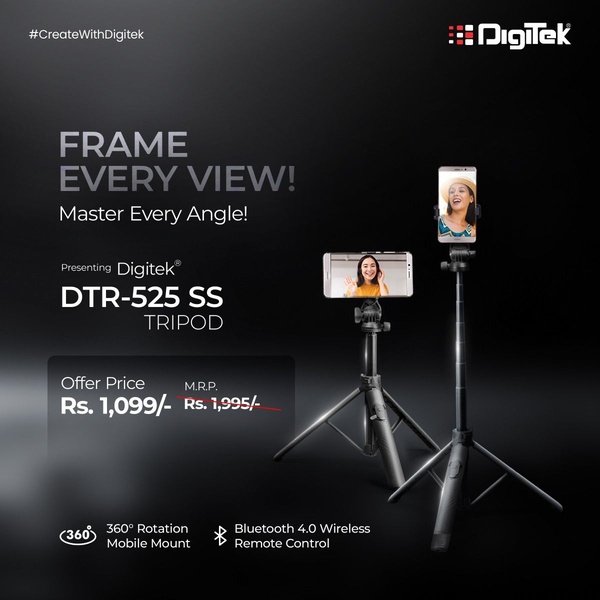
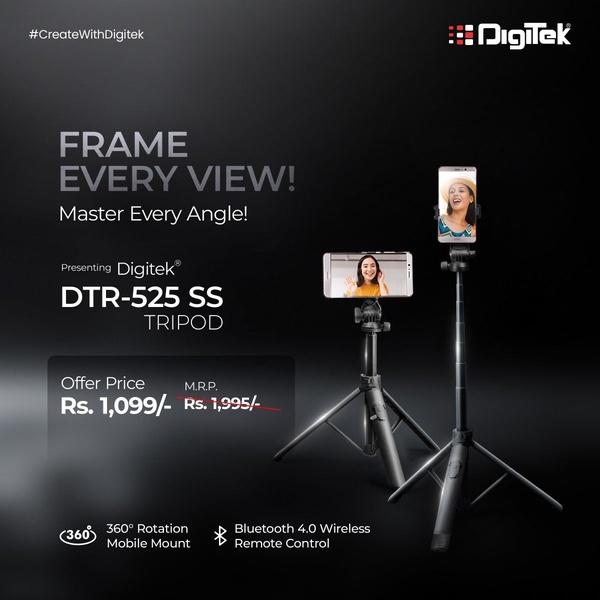
Digitek DTR-525 SS Tripod Offer
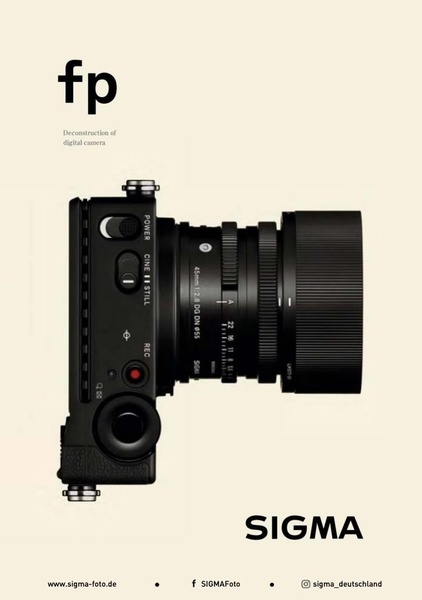
Sigma fp Deconstruction
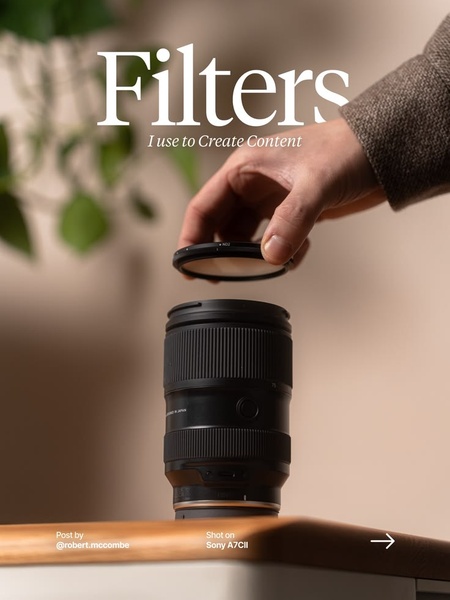
Minimalist Camera Filter Reveal
Capture Every Moment Phone Tripod Ad
Capture Every Moment Phone Tripod Creative
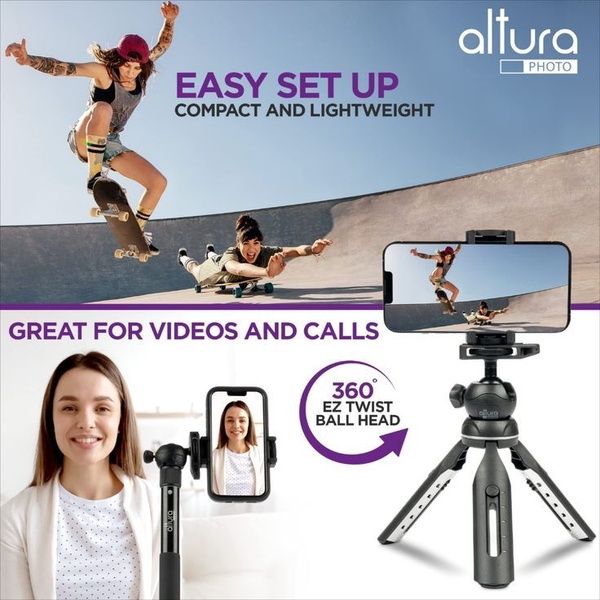
Compact Tripod Feature Breakdown
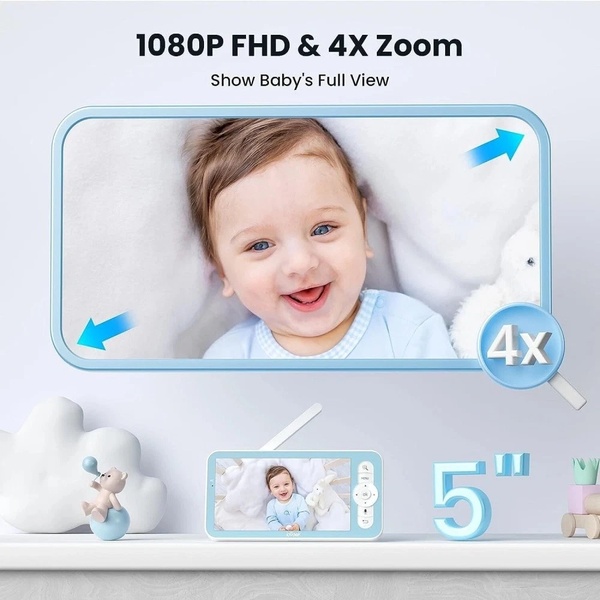
High-Definition Baby Monitor Close-Up
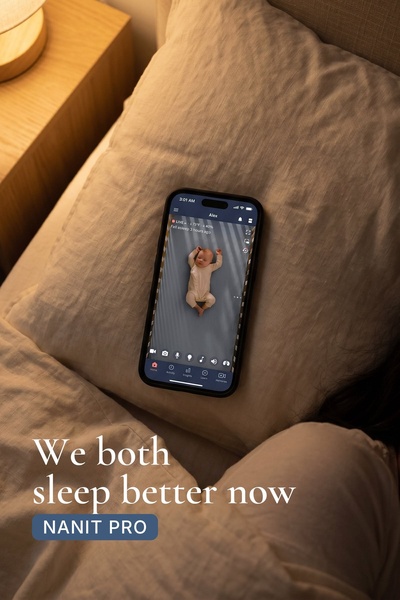
Sleep Peacefully with Nanit
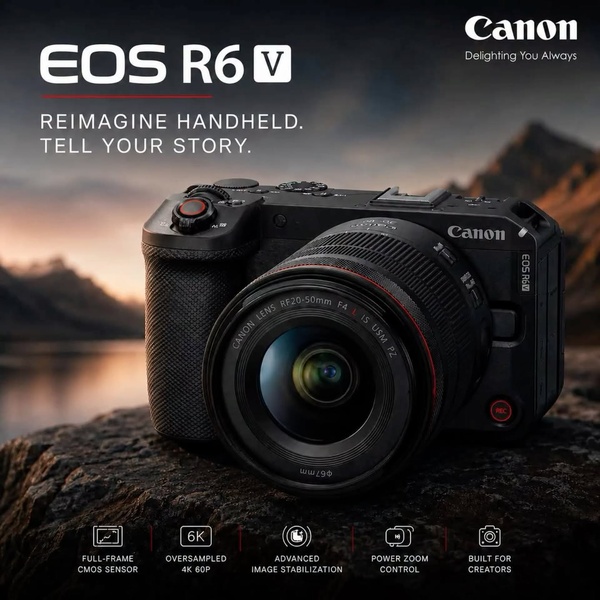
EOS R6 V Product Hero Shot
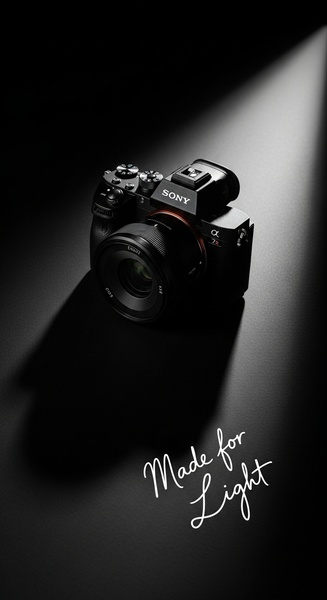
Camera Spotlight Hero
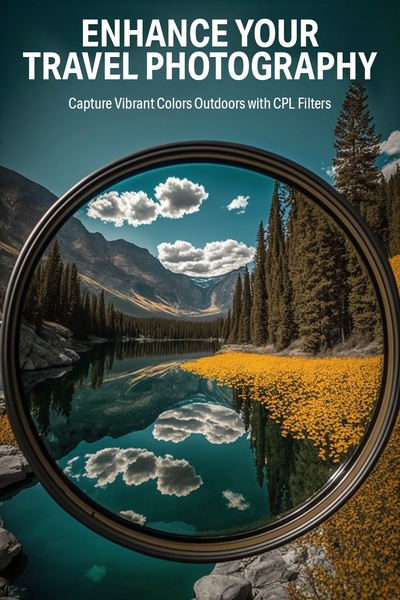
Enhance Your Travel Photography
Digitek Tripod Offer Creative
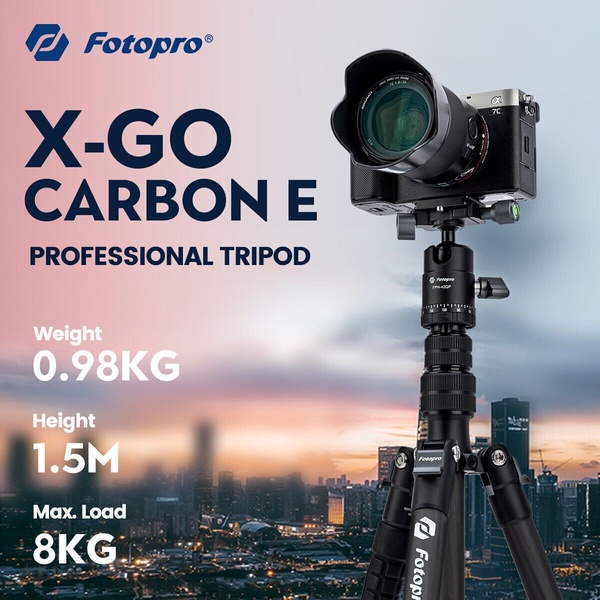
X-GO Carbon E Professional Tripod Spec Sheet
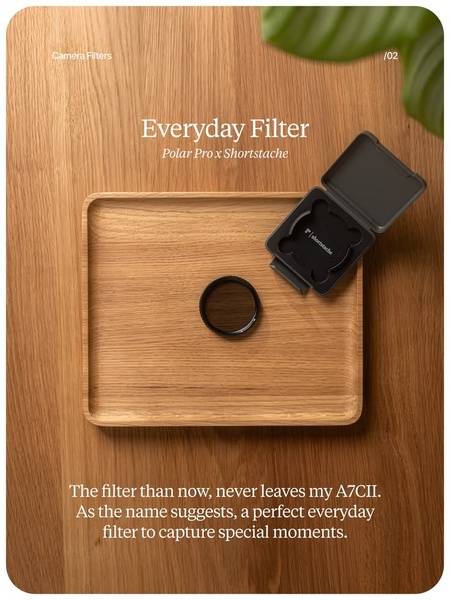
Everyday Filter Product Showcase
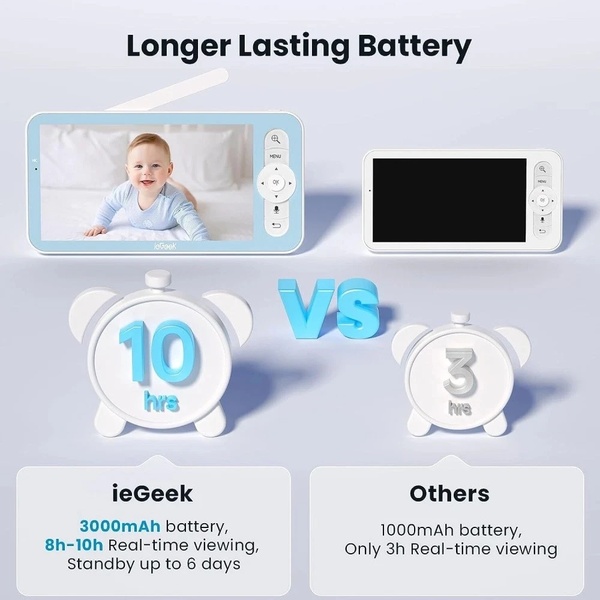
Baby Monitor Battery Comparison
CCTV Surveillance Direct Benefit Ad
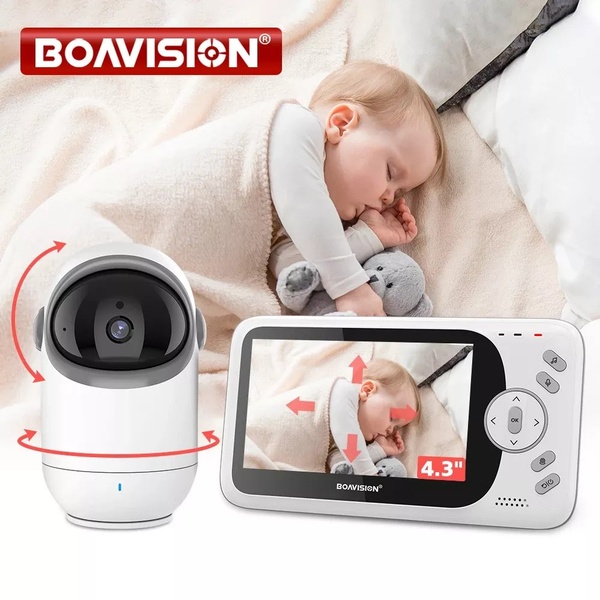
Split View Baby Monitor Feature Showcase
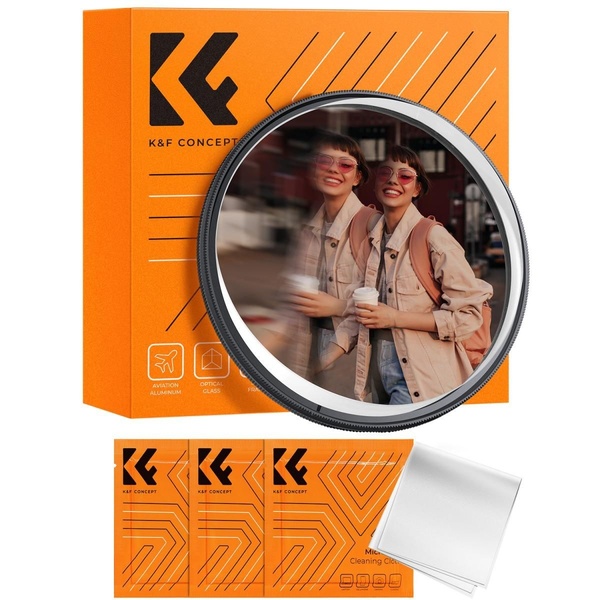
K&F Concept Lens Filter Product Display

Your next winning adis already out there.

Promer helps you find the pattern, adapt it to your product, and create your own version in minutes.

Free credits included
No credit card required
Ship in minutes.