
Turn static creativesinto video ads
Upload any image or animate creatives generated by Promer. Choose a motion style, generate a video ad, and launch new creative variations without a reshoot.
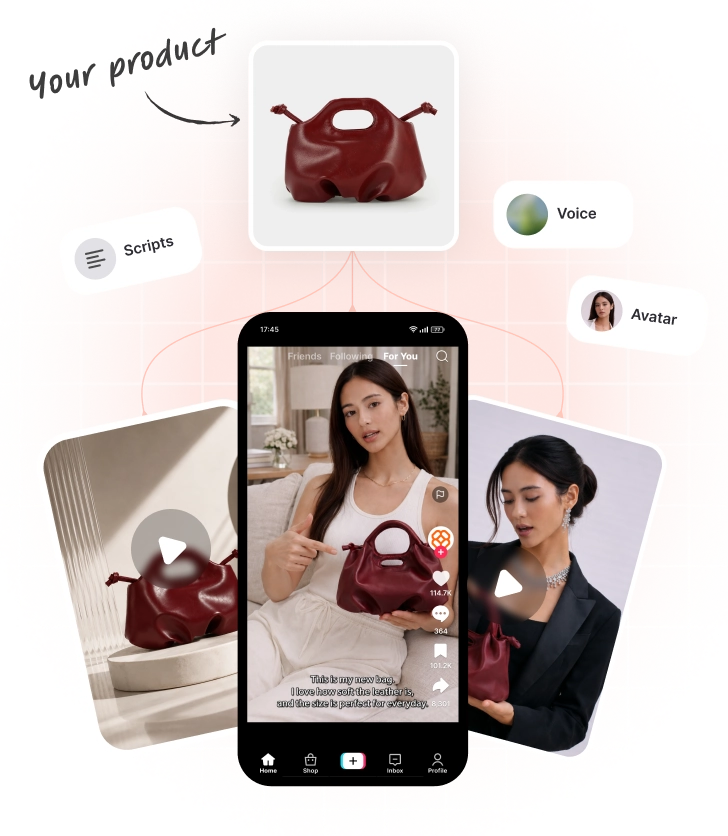


See how one creative becomesmultiple video ads
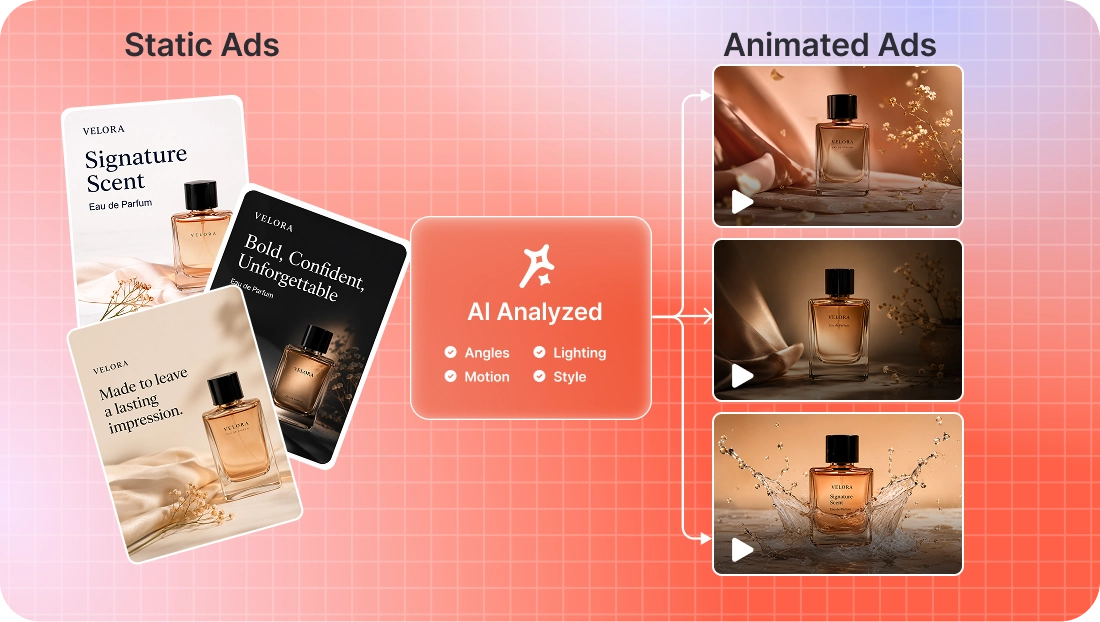
Start with a static creative, choose different animation directions, and generate multiple video variations for testing.
Create a video adin 3 steps
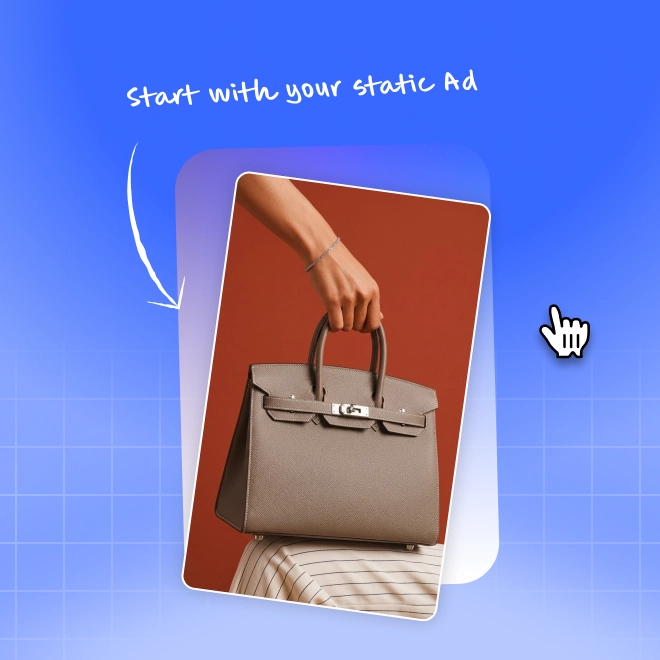
Select a static creative
Upload an image or choose a creative from Promer.
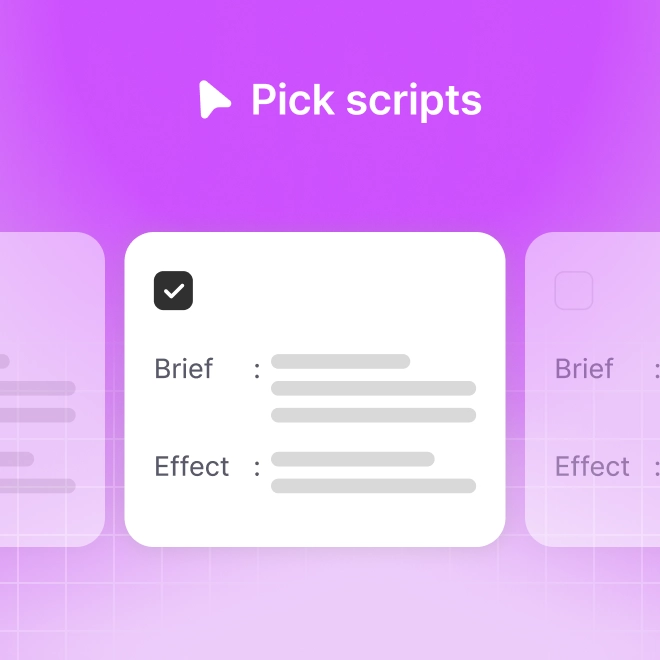
Choose an animation script
Pick a motion style based on your creative goal.

Generate your video ad
Promer transforms the static creative into an animated video ready for marketing channels.
Create more video ads withoutcreating more content
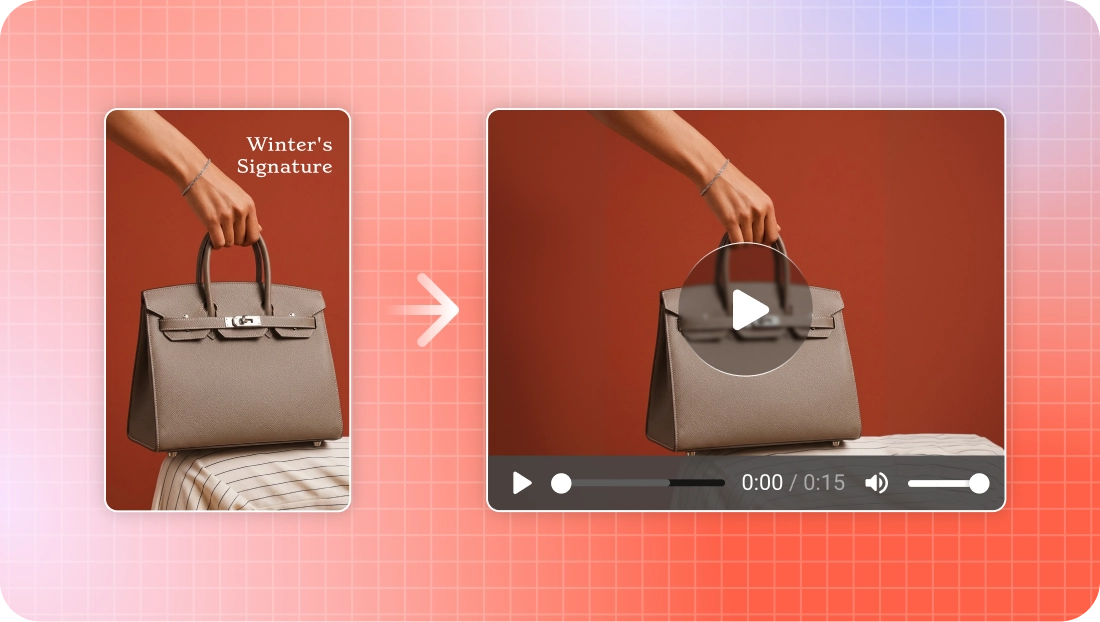
Turn existing creatives into videos
Reuse static ads instead of starting from scratch.
Test more creative variations
Generate multiple motion directions from the same design.
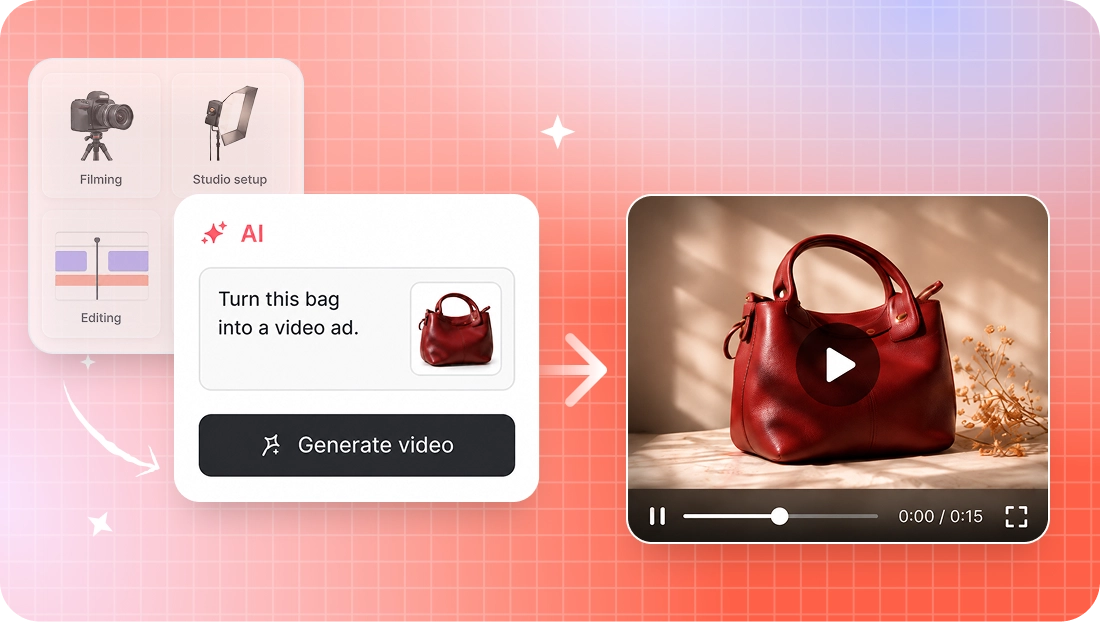
Skip expensive production
Create video ads without filming, editing, or motion design.
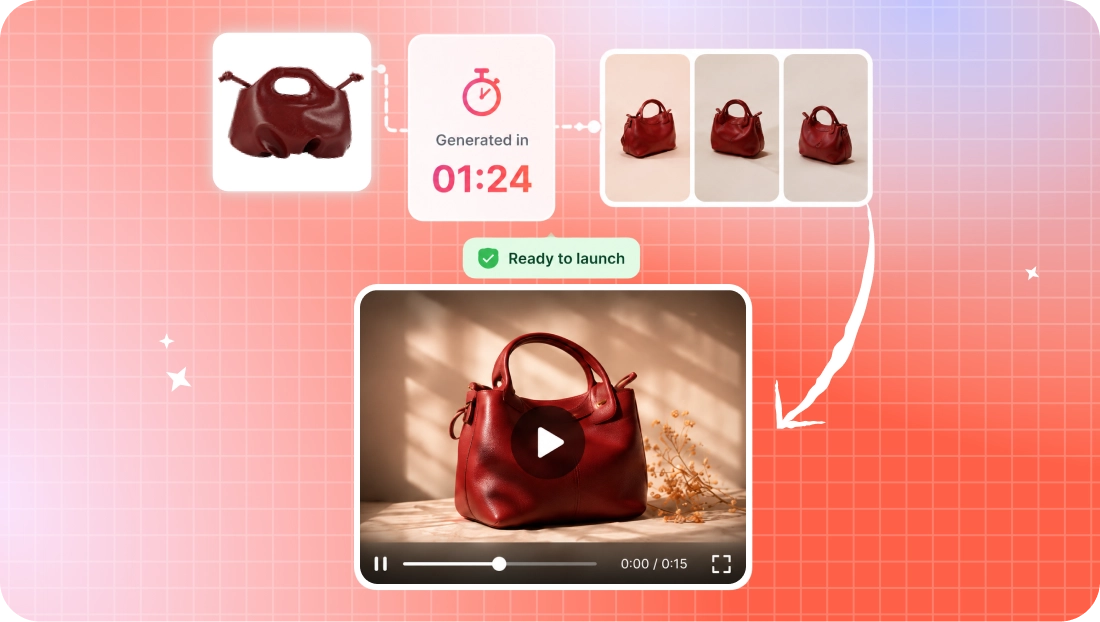
Launch faster
Go from image to video in minutes.
Works with every creativeyou already have
Any static creative can become a video ad. Upload your own image or animate content generated anywhere inside Promer.



Choose howyour creative moves
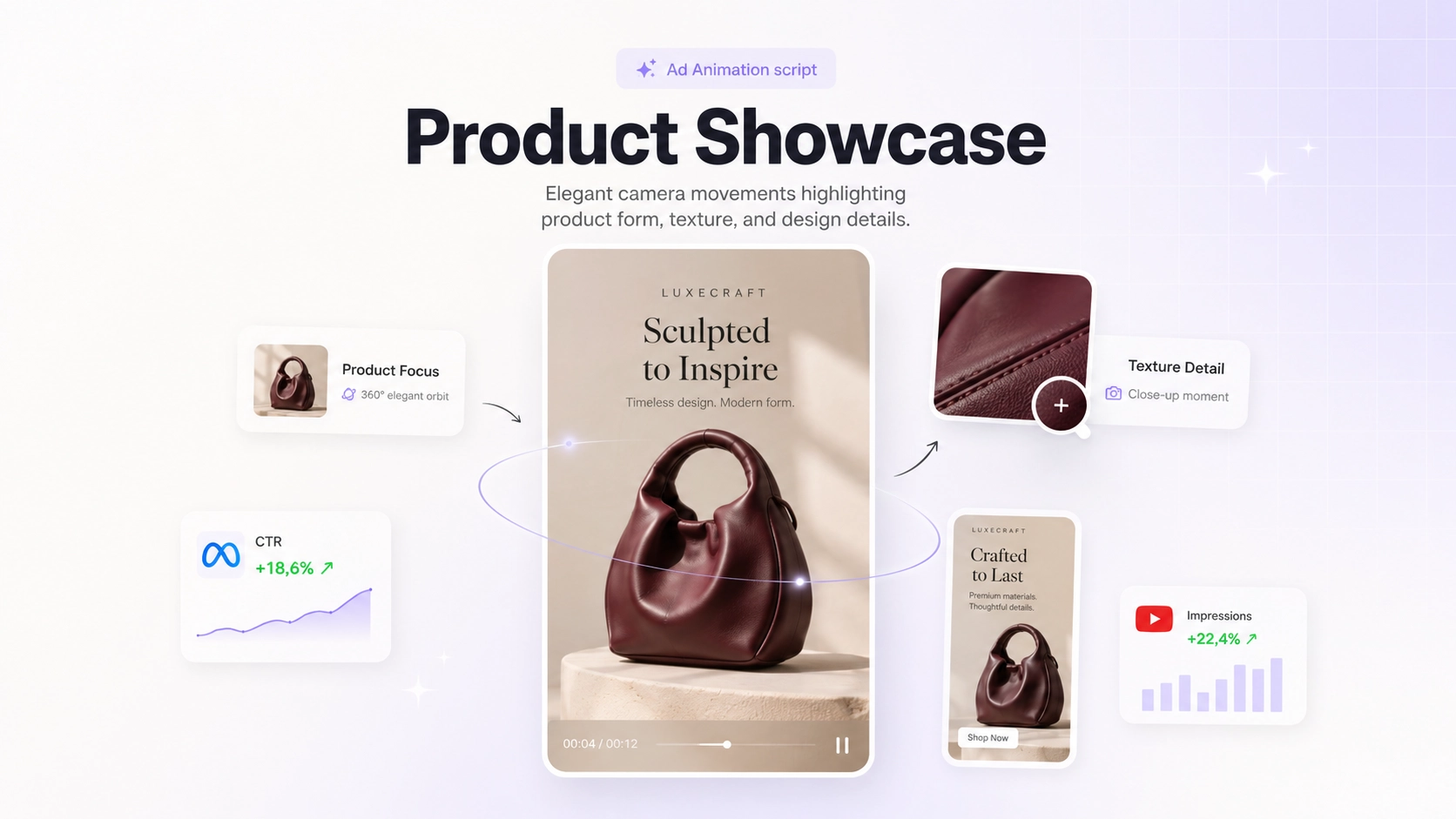
Product Showcase
Highlight product details with smooth camera motion.
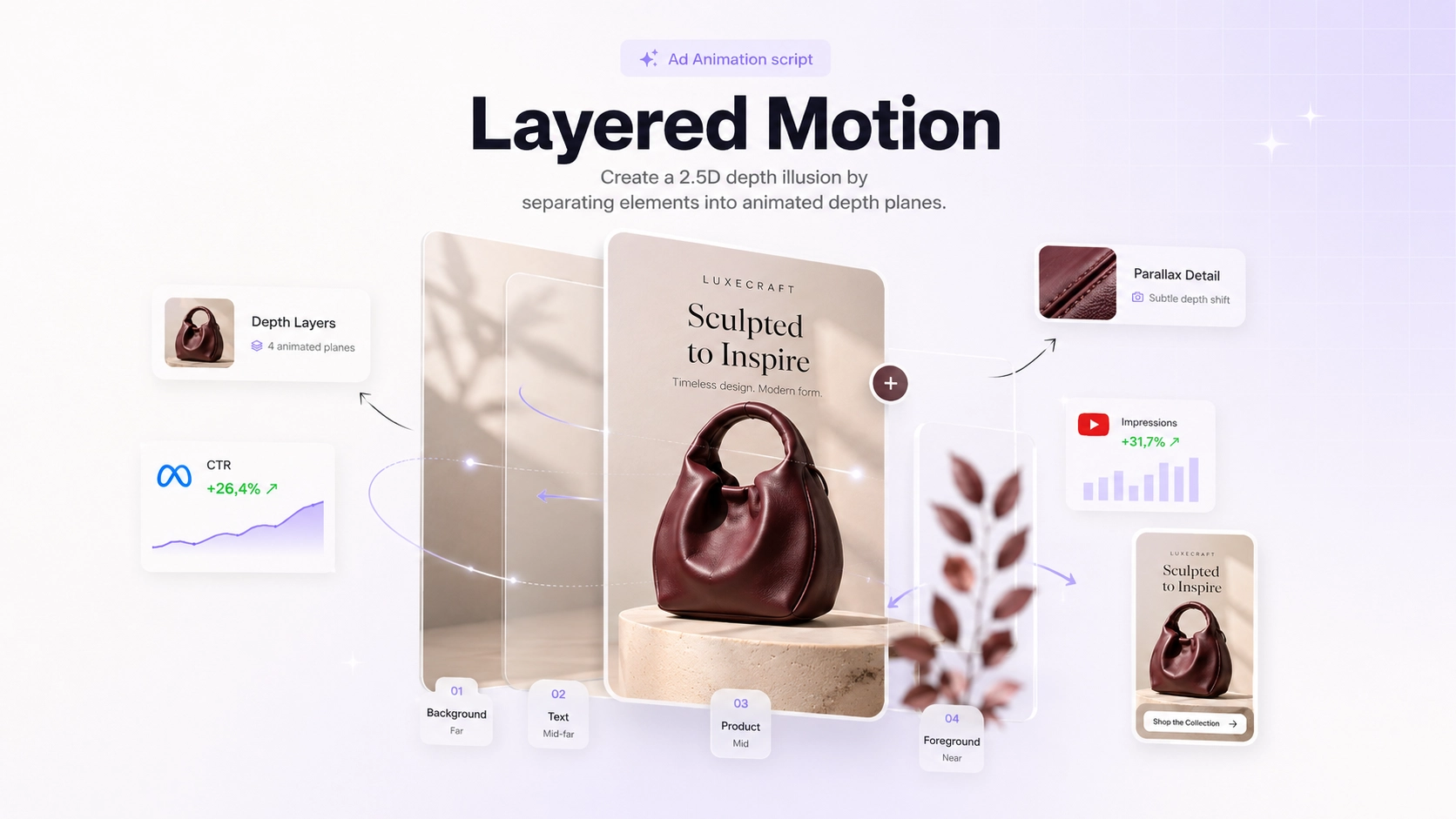
Layered Motion
Create depth using foreground, product, and background layers.
Dynamic Messaging
Bring headlines and offers to life with animated typography.
Visual Effects
Add atmosphere, lighting shifts, and cinematic motion.
Dramatic Reveal
Build anticipation before revealing the product.
Scroll Stopper
Designed to grab attention in fast-moving social feeds.
Each animation script is optimized for a different advertising goal, from premium product showcases to performance-focused social ads.
Not every video
should move the same way
Show product details
When the product is the hero. Elegant camera movement around the product to show form, texture, material, and detail. This is the safe default for most selling ads, and the right call for fashion accessories, beauty, jewelry, shoes, bags, and clean studio shots. Skip it when the product is cropped, unclear, or not the point of the ad.
Keep a premium look
When the static has real layers: foreground, product, text, background. It separates them into planes and moves them at different speeds for a 2.5D depth effect, without changing your creative direction. This is the other safe default alongside Product Showcase, and it's ideal for editorial layouts and lifestyle compositions. Skip it when the image is flat with nothing to separate.
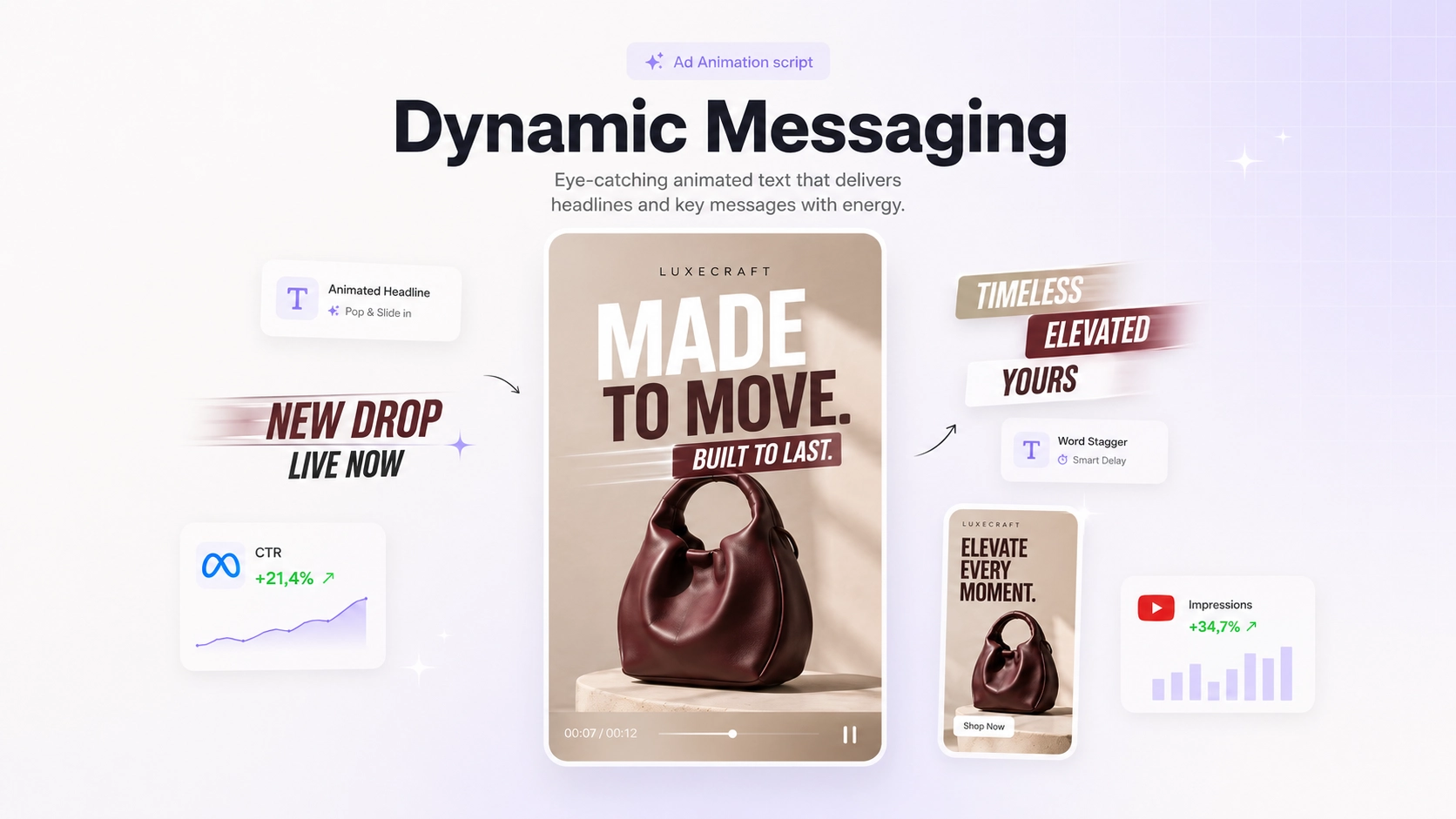
Emphasize an offer
When the message is the hook, not the image. Animated text that reveals, scales, or slides to make a headline or offer land fast. Best for bold claims, sale messages, and punchy paid-social copy. Skip it when the static has dense or small text, or when the brand is premium and needs to stay calm, loud typography fights a luxury look.
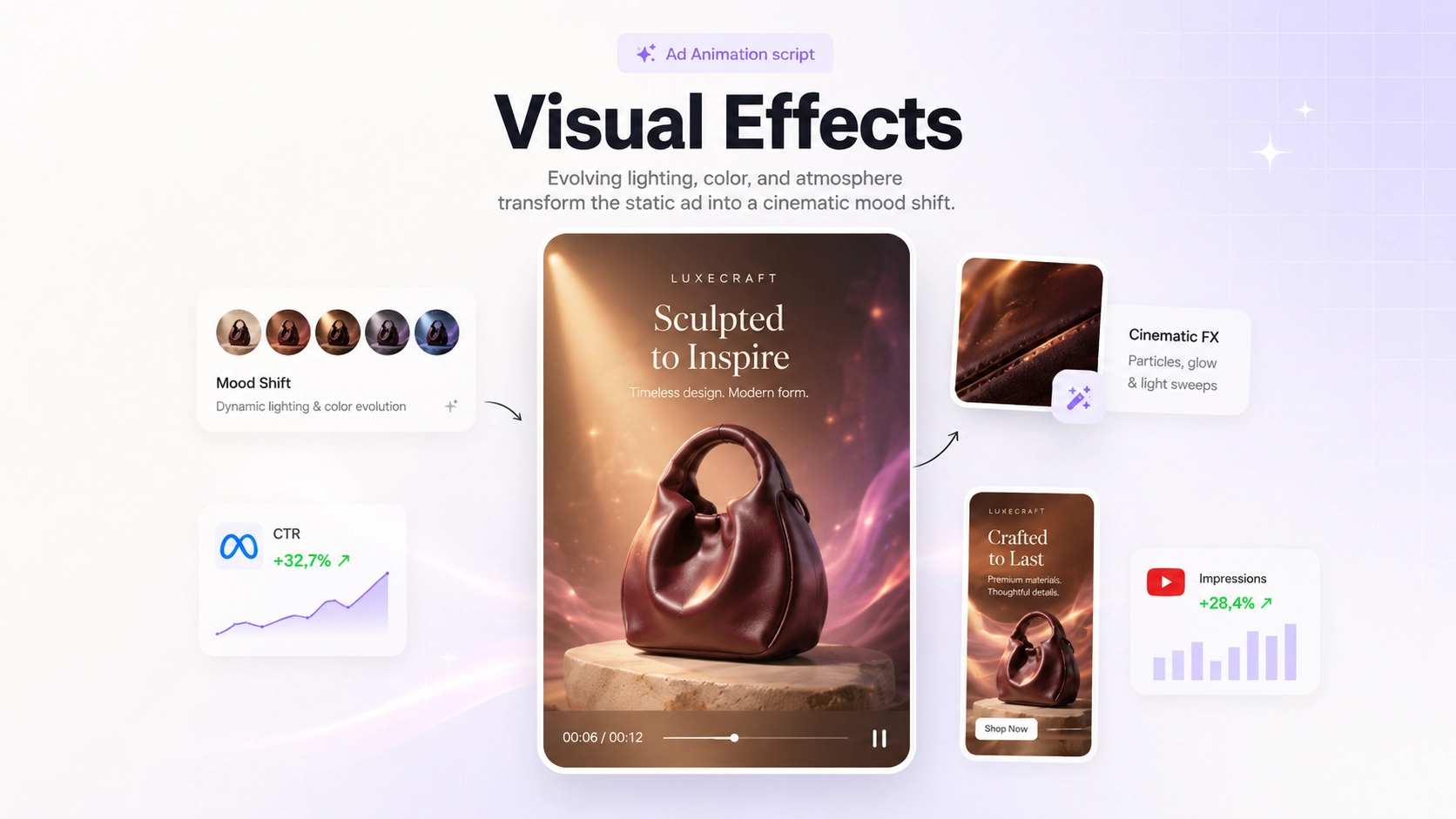
Add cinematic mood
When the product looks fine but the scene feels flat. Lighting, color, and atmosphere shift around the product for a cinematic mood. Best for fragrance, beauty, fashion, and seasonal or mood-driven campaigns. Skip it when you need a clean product demo, when brand colors must stay exact, or when the image is already visually busy.
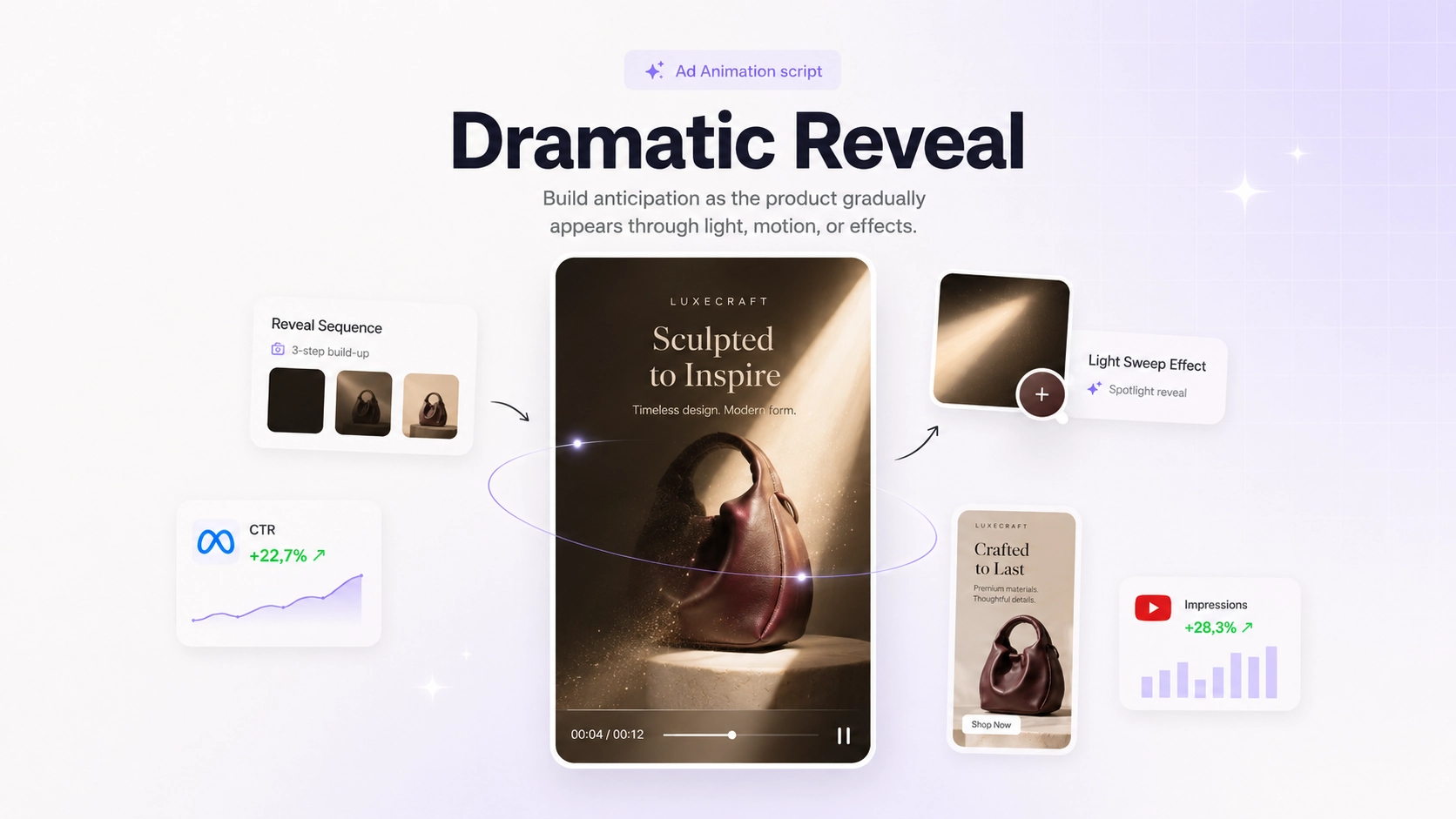
Create anticipation
When a "wait for it" moment helps. The product appears gradually through light, shadow, or motion. Best for launches, new arrivals, and premium drops where the product has a distinctive shape worth revealing. Skip it when the platform rewards instant clarity or the product is small and not visually distinctive.
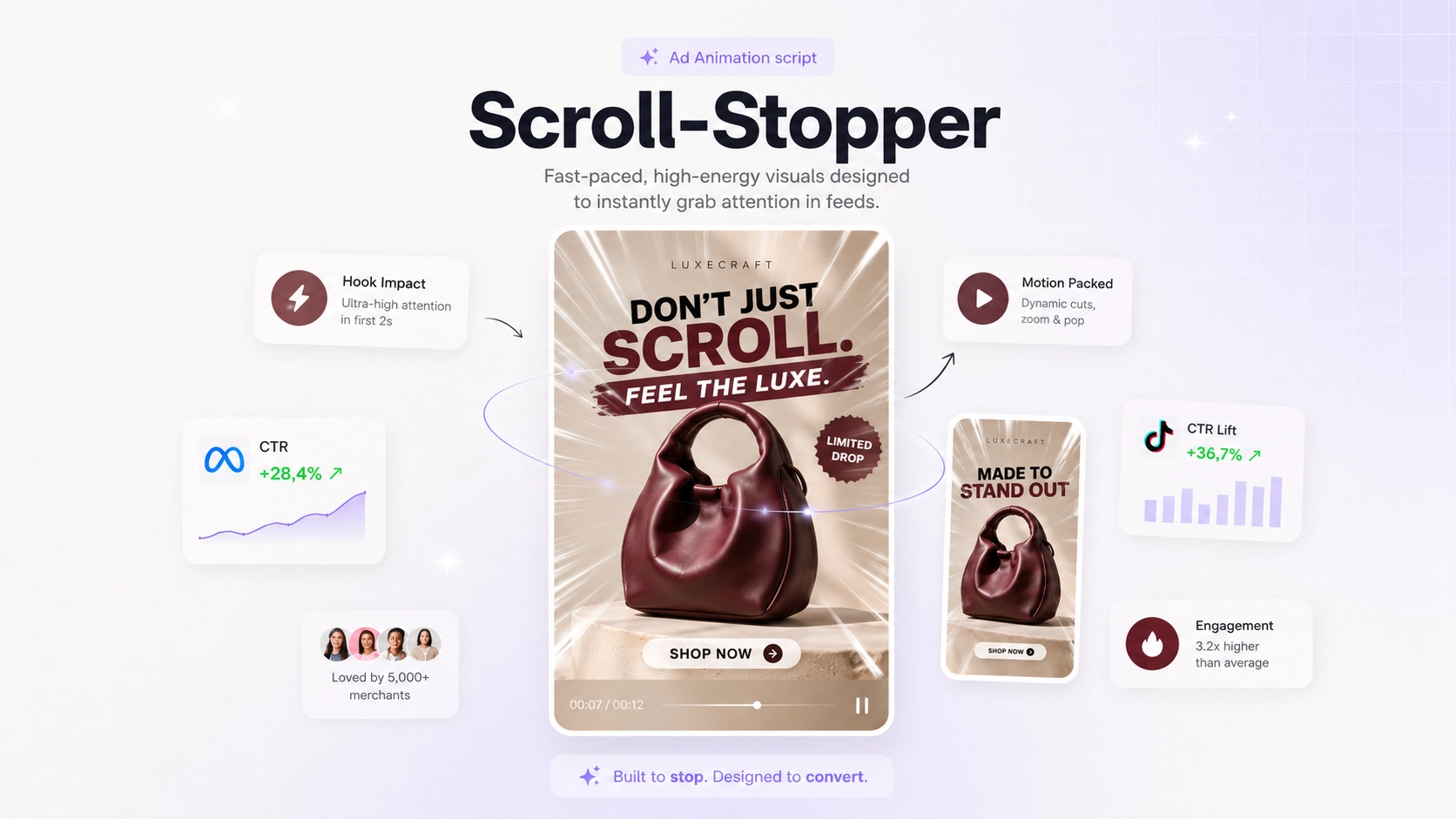
Maximize feed attention
When the first second decides everything. Fast, high-energy motion built to interrupt a feed: quick zooms, pops, intensity. Best for paid-social testing and CTR-focused variations. Skip it when the positioning is luxury or calm, it changes the creative direction the most, and it can make an expensive product look cheap.
Create videosfor every stage of your campaign
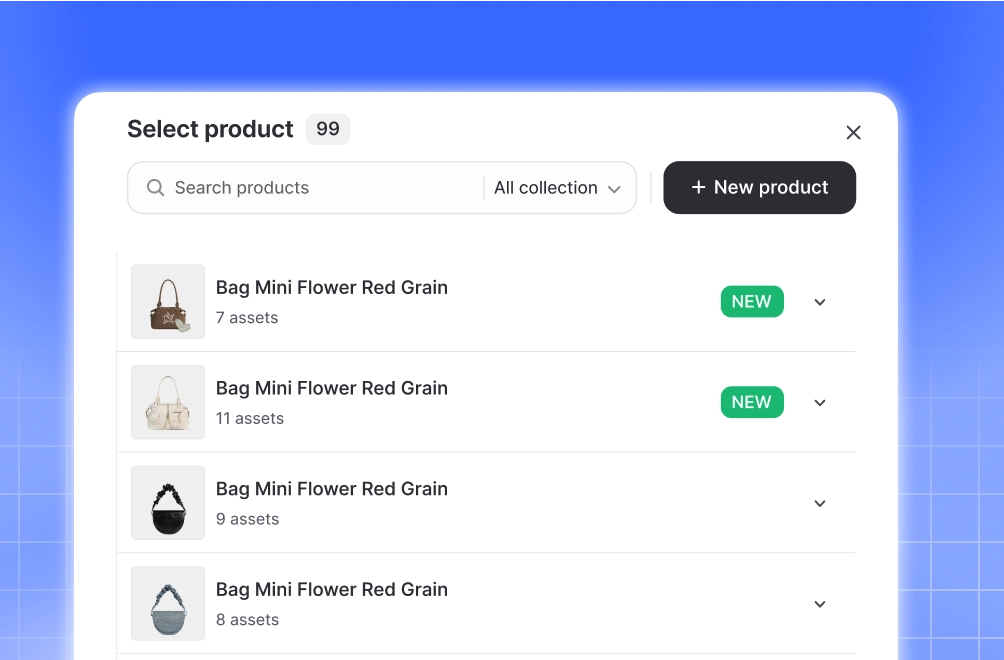
Product launches
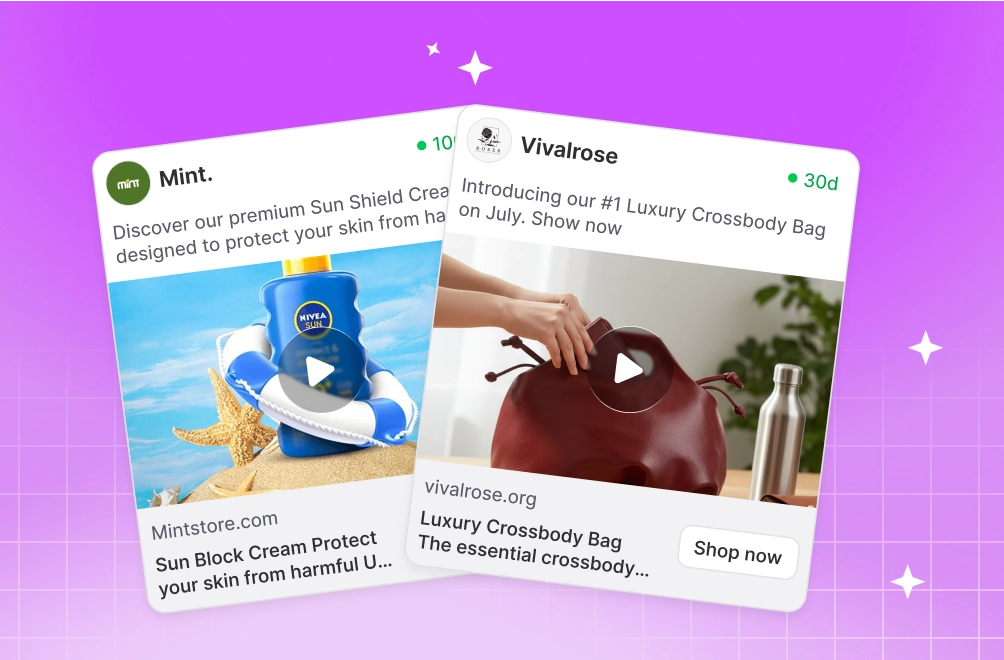
Paid social ads
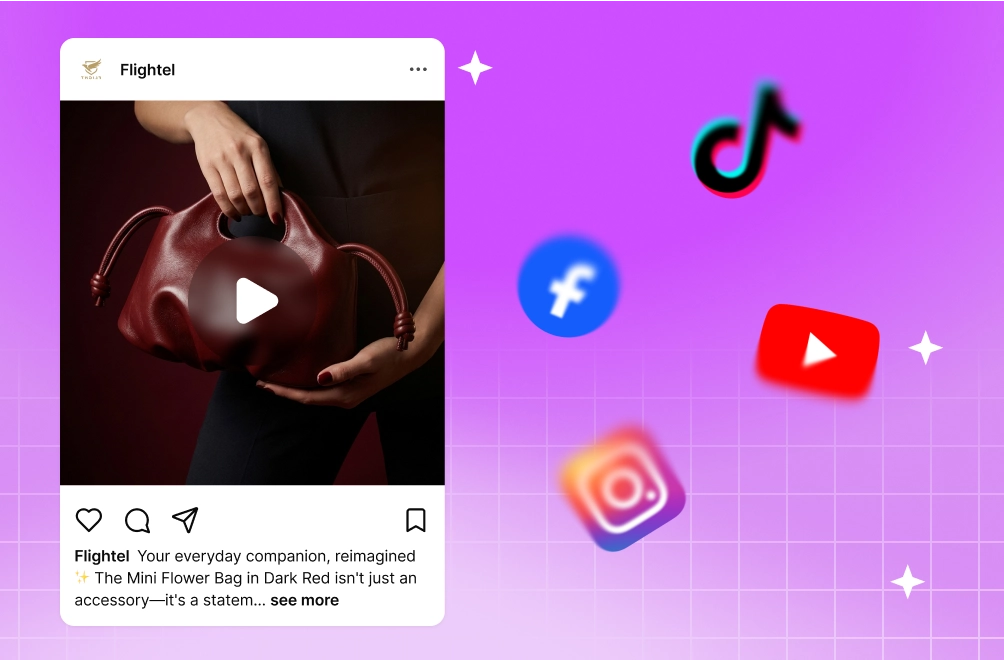
Organic social content
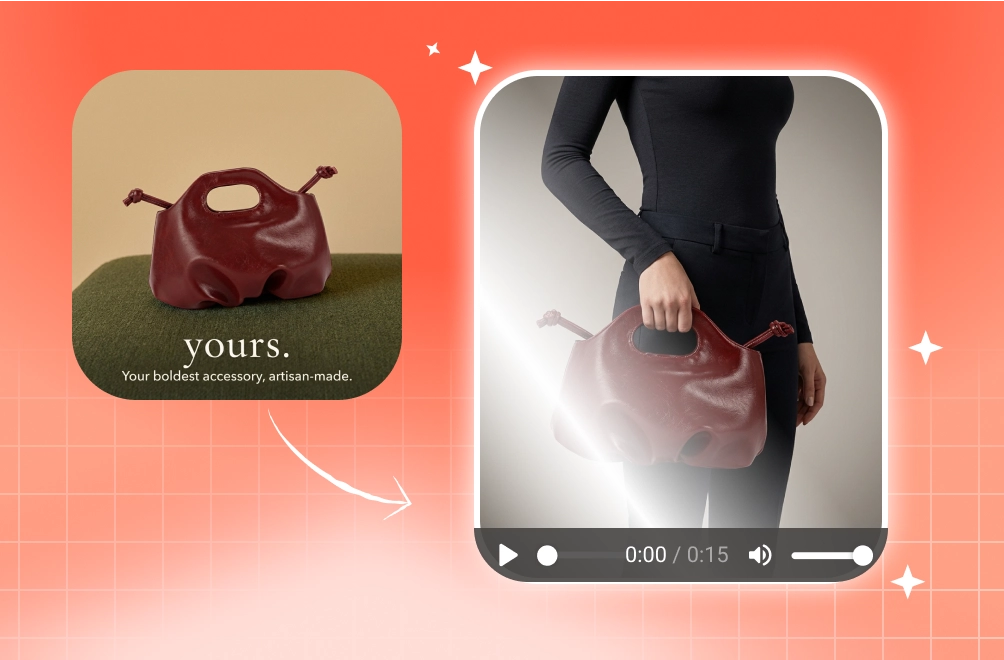
Creative refreshes
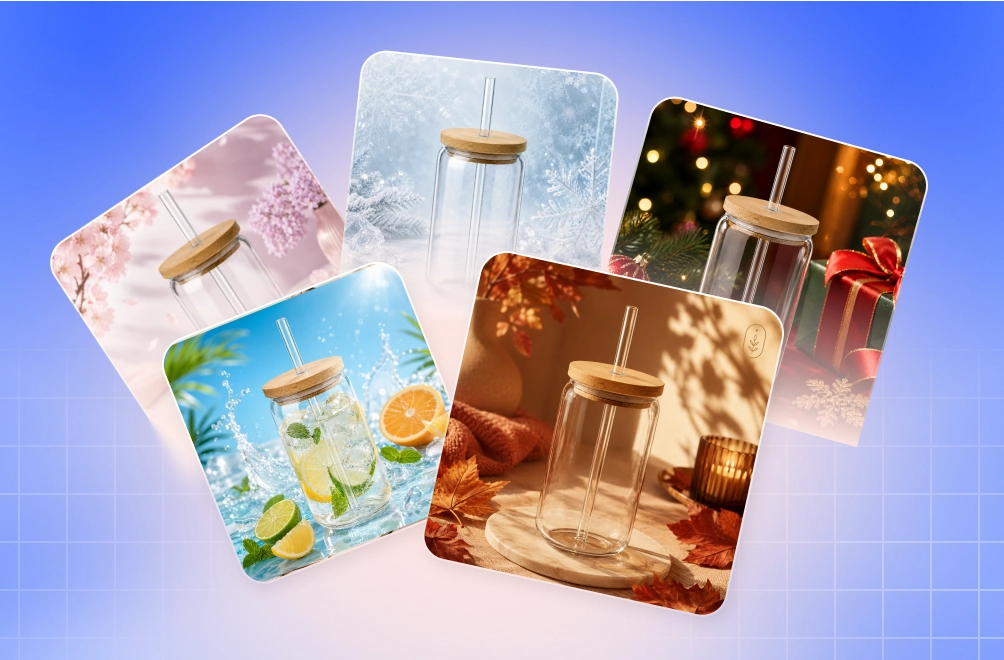
Seasonal promotions
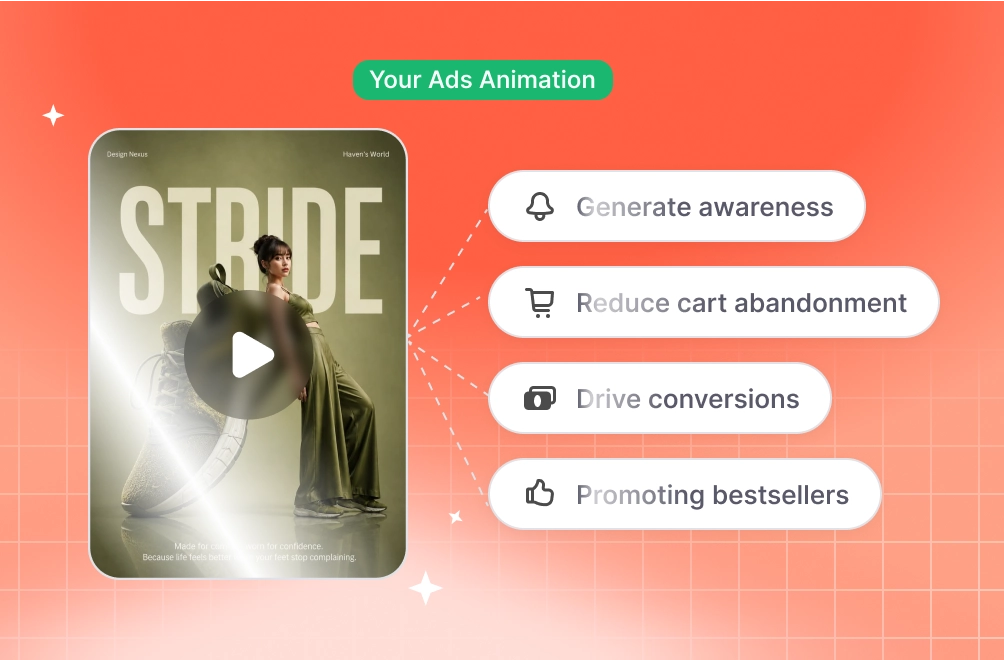
Retargeting campaigns
FAQ
Yes. Any static creative generated in Promer can be turned into a video ad.
Yes. Upload any static creative and use it as the starting point for video generation.
No. Select a creative, choose an animation script, and Promer handles the video generation process.
Each script is designed for a specific goal, such as showcasing product details, emphasizing offers, creating depth, or increasing feed engagement.
Yes. You can apply different animation scripts to the same creative to generate multiple video variations for testing.
Promer supports multiple video generation models, including Seedance, Kling, and other supported providers depending on your selected workflow.
Product-focused visuals, clean layouts, and creatives with clear subjects typically produce the strongest animation results. Text-heavy designs may generate less reliable outputs.


Your next winning adis already out there.
Promer helps you find the pattern, adapt it to your product, and create your own version in minutes.
