
Etsy Product
Photo Generator
Turn your product photo into fresh visuals for your Etsy shop. Explore studio shots, lifestyle scenes, and promotional concepts with Promer AI.
No credit card required. Free credit included
Product photo ideas for your Etsy shop

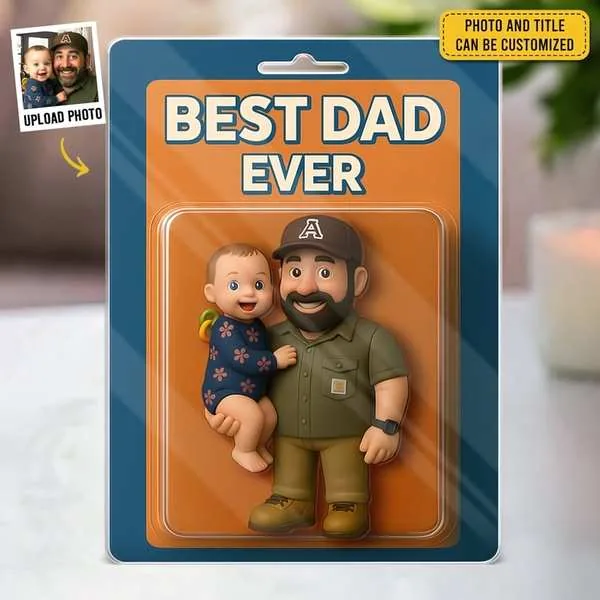
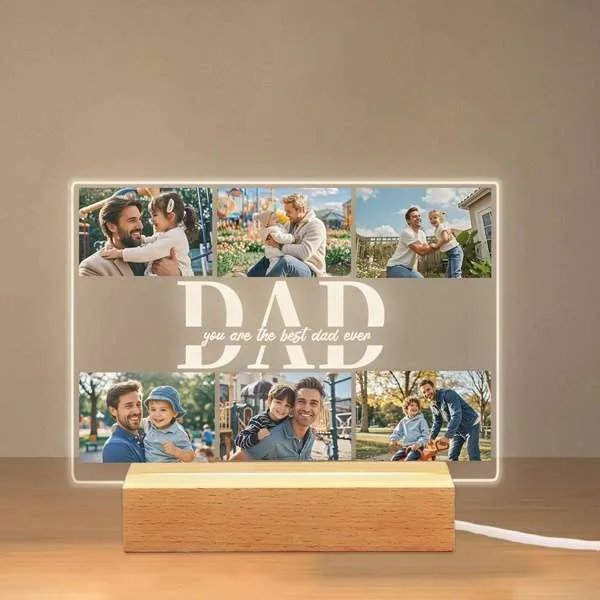
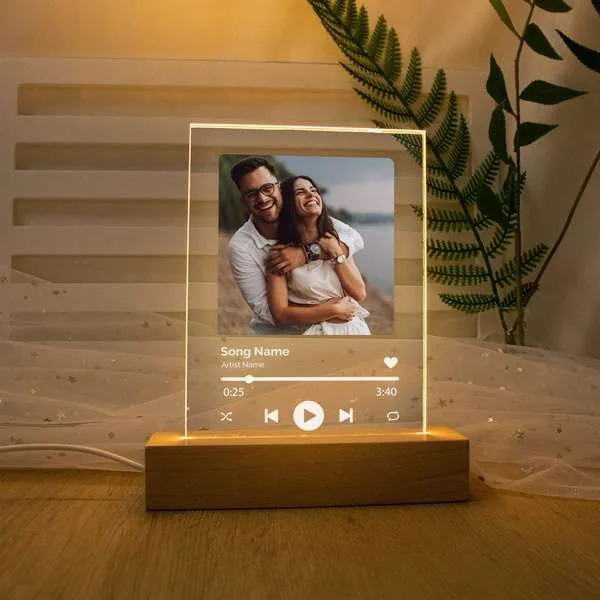
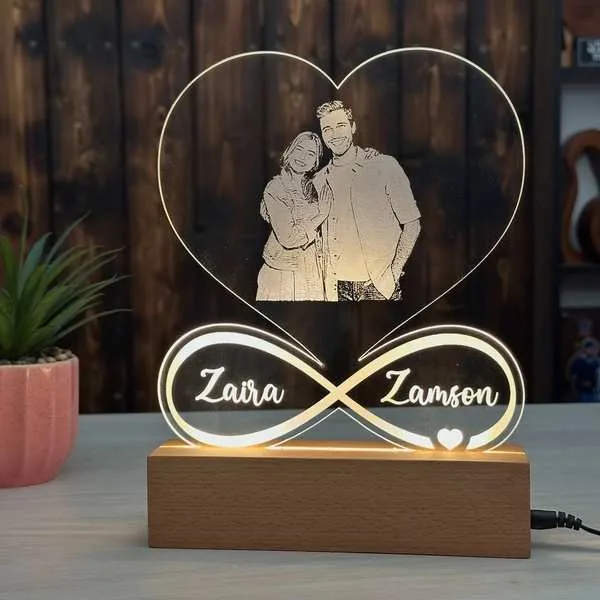
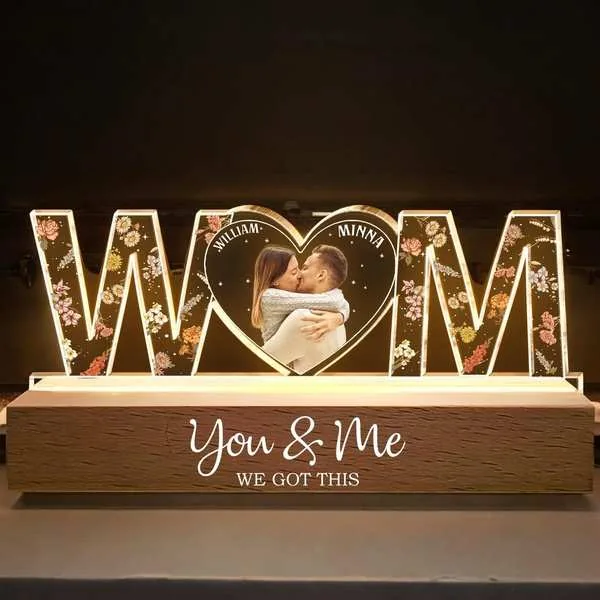
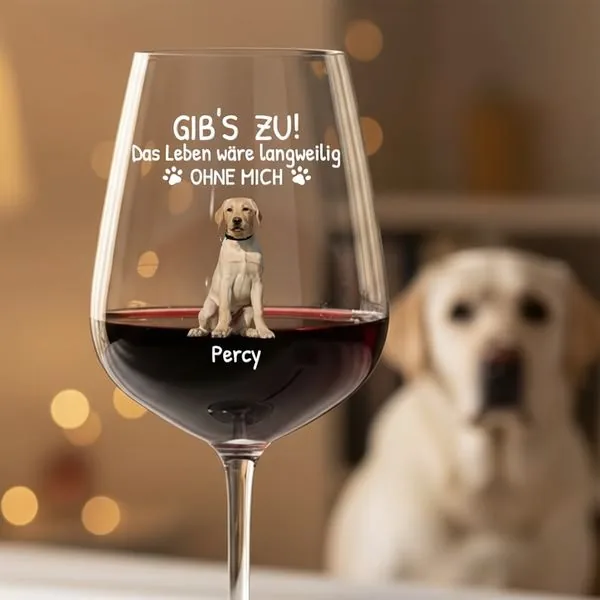
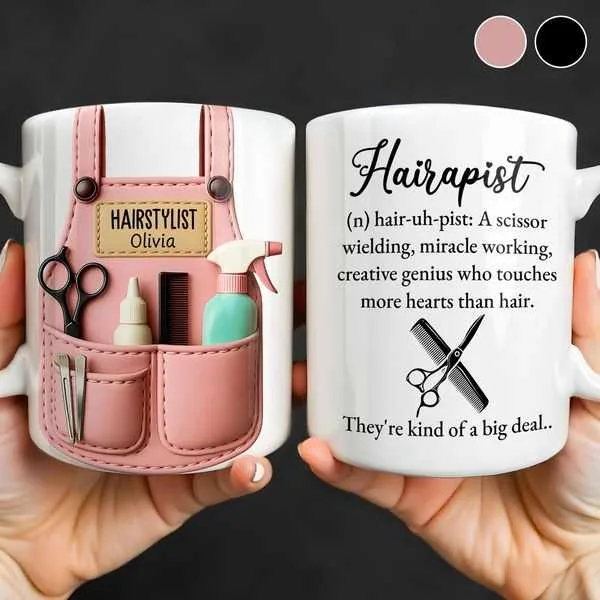
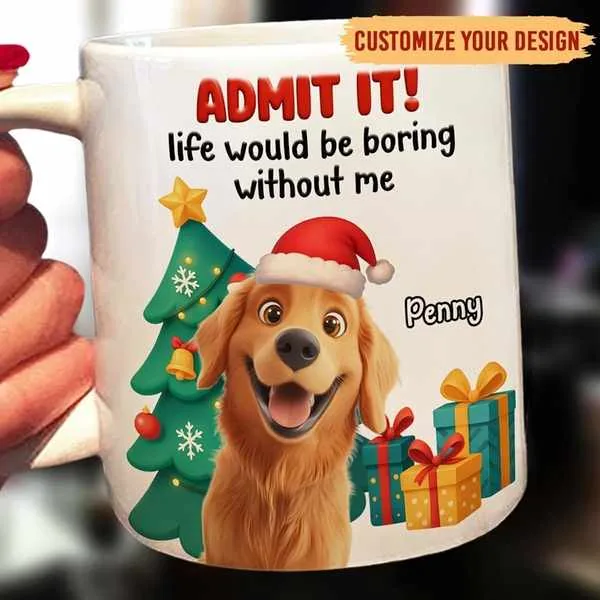
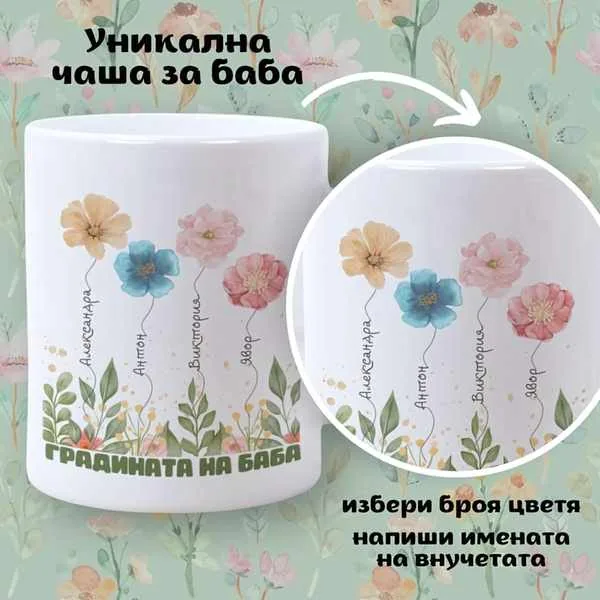
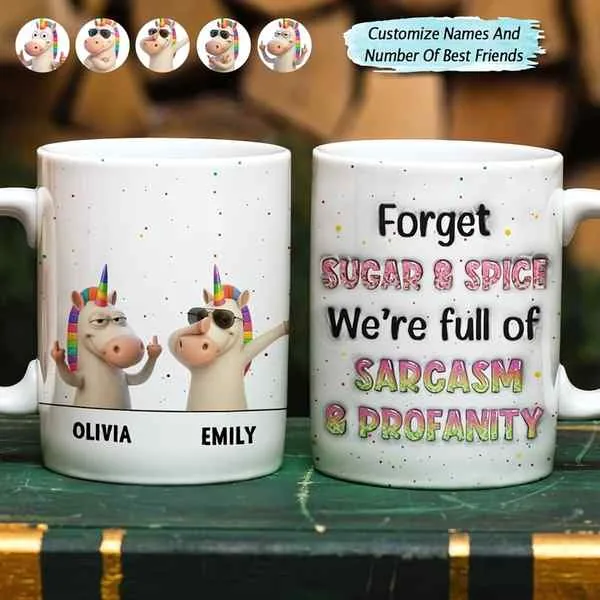
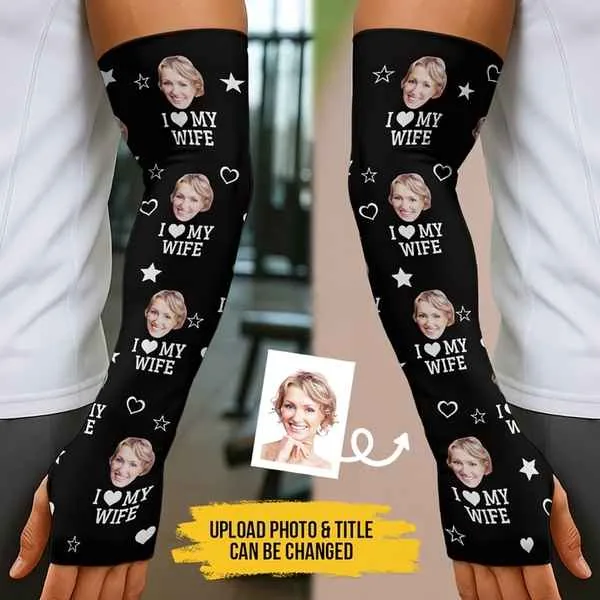

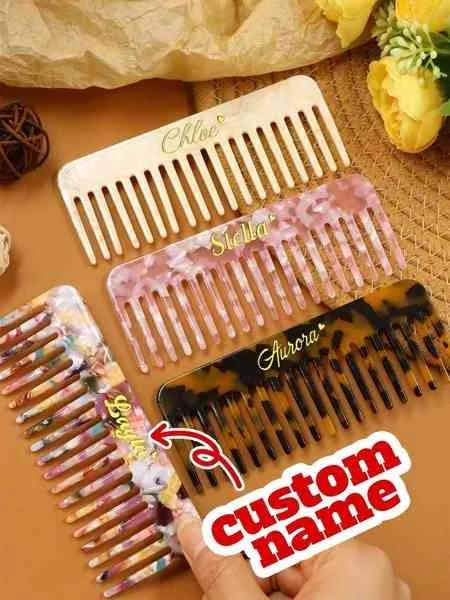
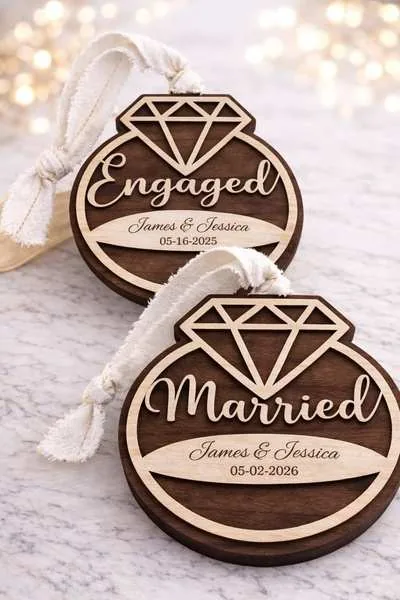
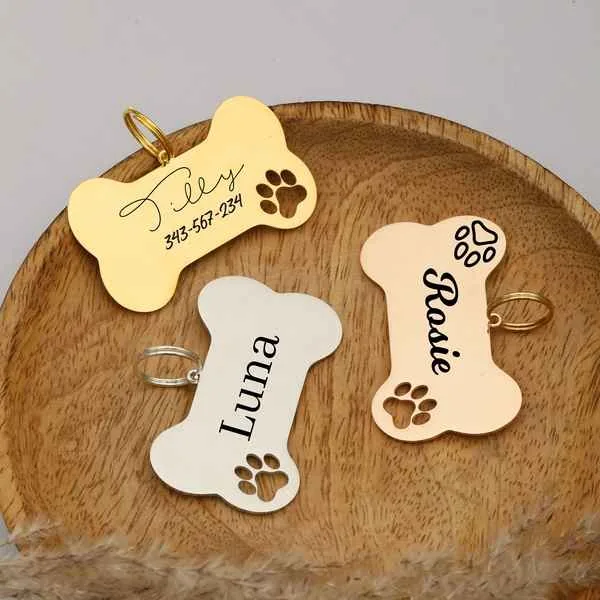
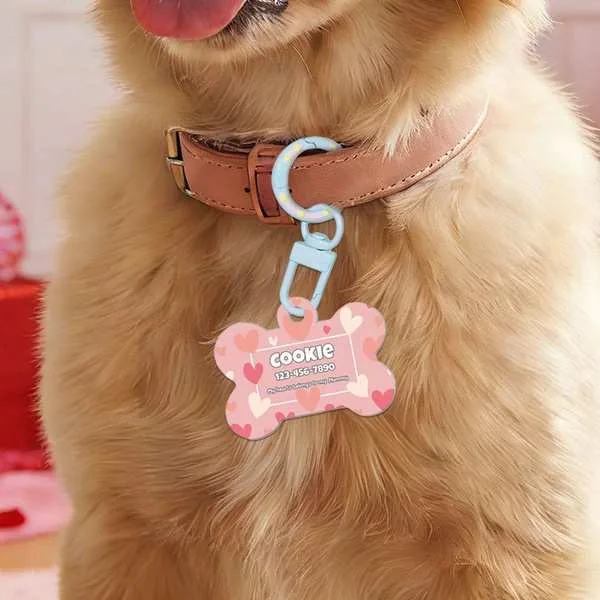


 Works with Shopify, Meta, Google, TikTok
From product photo to a fresh Etsy shop visual in 4 simple steps
Start with a clear product photo. Choose a visual direction, generate variations, and check every detail before using the result.
 1
1Add your product
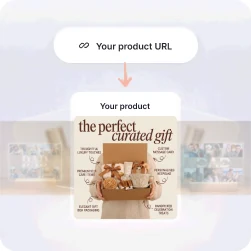
Upload a clear photo of the item you sell or add your product URL.
 2
2Choose a visual direction
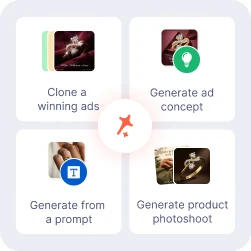
Pick a studio style, campaign concept, reference ad, or your own prompt.
 3
3Generate product photos
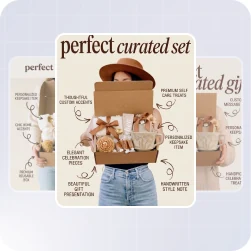
Explore different backgrounds and scenes with your product as the focus.
 4
4Review, refine & export
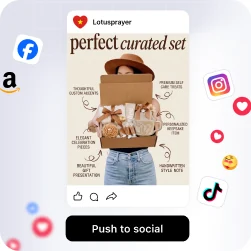
Check materials, colors, scale, and details. Refine the image before downloading.
4 ways to create photos for your Etsy shop from one product photo
Adapt a reference ad, explore a concept, describe a scene, or create a product photoshoot.
Create shop promotions around your product.
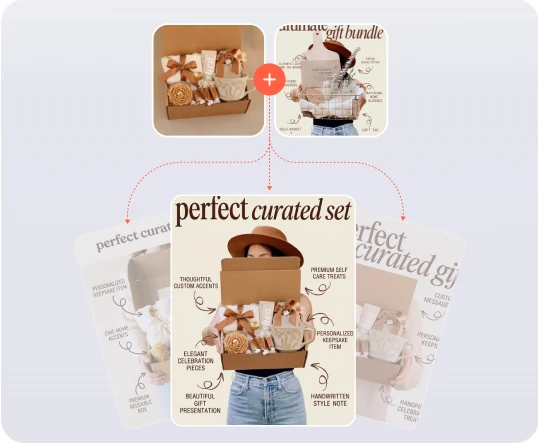
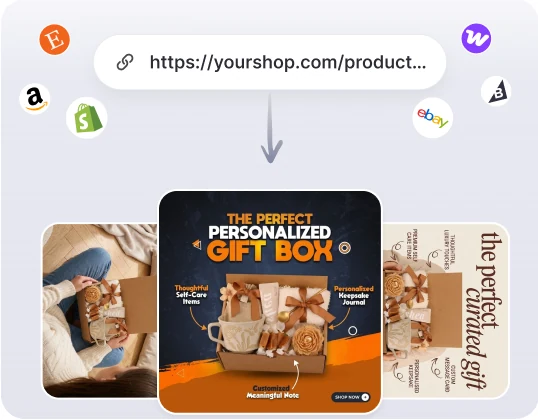
Start from a reference ad and explore promotional visuals for your shop. Adapt the composition and messaging to the item you sell.
- Paste any ad or browse 60,000+ winning ads
- Bring your product and shop story into the composition
- Refine the headline and create more variations
- Download, save to your library, or push to social platforms
Give your Etsy shop a consistent look.
Explore complementary backgrounds, surfaces, and lighting. Build a visual direction for product collections and seasonal promotions.
- Choose a mood that fits your shop
- Start with your product photo and description
- Explore different campaign compositions
- Download, save to your library, or push to social platforms
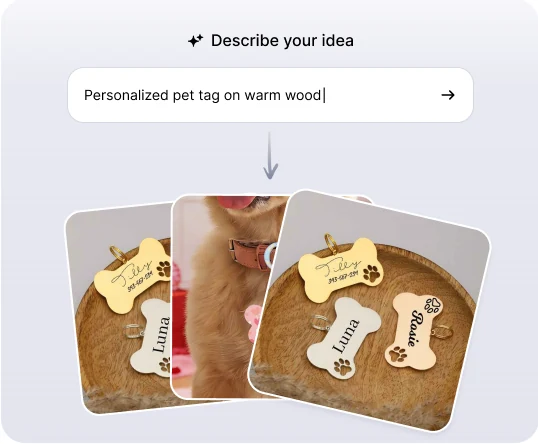
Describe your next product scene.
Describe the setting, lighting, props, and mood you have in mind. Use your product photo as a reference and refine the result to fit your shop.
- Start with a product photo and a simple scene idea
- Add lighting, props, and background details
- Apply your Brand Kit for consistency
- Download, save to your library, or push to social platforms
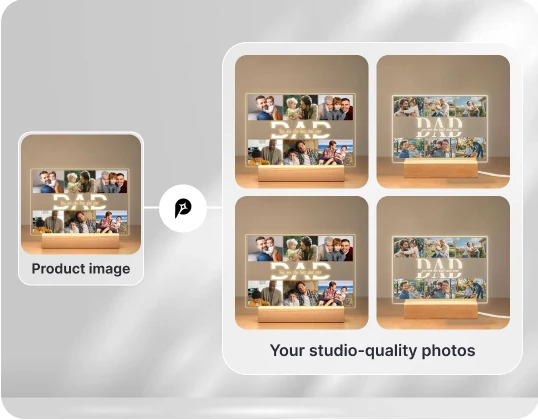
Product photos, without a studio.
Explore studio-style lighting, close-ups, and lifestyle settings. Compare every result with your actual item before using it in your shop.
- Start with a clear photo of your actual product
- Explore lighting, surfaces, and backgrounds
- Create variations for your shop and promotions
- Download, save to your library, or push to social platforms
Find Your Etsy Shop's Visual Style
Explore personalized gifts, lifestyle settings, and product details. See how different scenes bring your Etsy products to life.
Explore product photo ideasWarm lighting
Photo keepsakes
Personalized drinkware
Pet accessories
Family gifts
Wedding keepsakes
Custom details
Gift-ready scenes
Etsy Product Image Generator for Your Shop
Start with the item you sell, explore different visual directions, and review the details before adding images to your shop.
| Capacity | Promer AI | Other AI image generator tool |
|---|---|---|
| Starts from a URL, upload, or your library | Yes - paste a URL, upload a photo, or pick from product library | Typically starts from a blank prompt |
| Auto-pulls your product images | Yes - product images are extracted automatically | Extra manual upload step |
| Reads product highlights & pain point | Yes - AI reads your product before generating | Static templates, no product analysis |
| Clones a proven ad structure | Yes - built on Promer AI's 60,000+ ad library | Rarely tied to a winning-ads library |
| Generates studio-quality photoshoots | Yes - AI suggests style and composition, no studio needed | Varies by tool |
| Multi-language creative output | Yes - generate in 10 creative languages | Varies by tool |
| Fine-tune with a built-in image editor | Yes - edit and regenerate right after generating | Varies by tool |
Etsy Product Image Generator for Your Shop
Start with the item you sell, explore different visual directions, and review the details before adding images to your shop.
| Capacity | Promer AI | Other AI image generator tool |
|---|---|---|
| Starts from a URL, upload, or your library | Yes - paste a URL, upload a photo, or pick from product library | Typically starts from a blank prompt |
| Auto-pulls your product images | Yes - product images are extracted automatically | Extra manual upload step |
| Reads product highlights & pain point | Yes - AI reads your product before generating | Static templates, no product analysis |
| Clones a proven ad structure | Yes - built on Promer AI's 60,000+ ad library | Rarely tied to a winning-ads library |
| Generates studio-quality photoshoots | Yes - AI suggests style and composition, no studio needed | Varies by tool |
| Multi-language creative output | Yes - generate in 10 creative languages | Varies by tool |
| Fine-tune with a built-in image editor | Yes - edit and regenerate right after generating | Varies by tool |
FAQ
It uses a product photo or reference to create new visuals with AI. Explore backgrounds, lighting, and lifestyle compositions for your shop and promotions.
Upload a clear photo of your actual item. Choose a creative flow, describe the scene, and generate variations. Review the product details before using a result.
The terms often describe the same type of tool: creating product visuals from a reference. Compare reference controls, editing options, and export quality when choosing one.
Explore studio-style photos, detail-focused compositions, lifestyle scenes, and promotional graphics. Use settings that make sense for your actual item.
Describe lighting, materials, colors, and props in your prompt. Refine your instructions after reviewing the result.
AI can change fine details. Check color, materials, shape, scale, patterns, and any personalization against your original photo before publishing.
Use the editing workflow to refine your result or create another variation. Check product details again after editing.
Use an ad concept or reference-ad flow for promotional graphics, or product photography for product-focused scenes. Keep listing photos and campaign visuals distinct.
This page describes an image-creation workflow, not a direct Etsy integration. Download and review your images, then upload suitable results through your own shop workflow.
Start with the free credits shown in your account. Upload a product photo and review the current credit cost before generating.
Your next Etsy shop visual starts with one product.
Create product photos, explore promotional concepts, and refine your shop visuals with Promer AI.