
AI Image Generator
for Jewelry
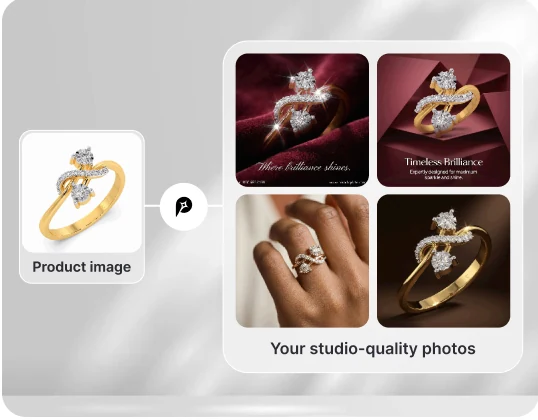
Turn a jewelry product photo into visuals for your store and ads. Explore studio shots, on-model scenes, and campaign concepts with Promer AI.
No credit card required. Free credit included
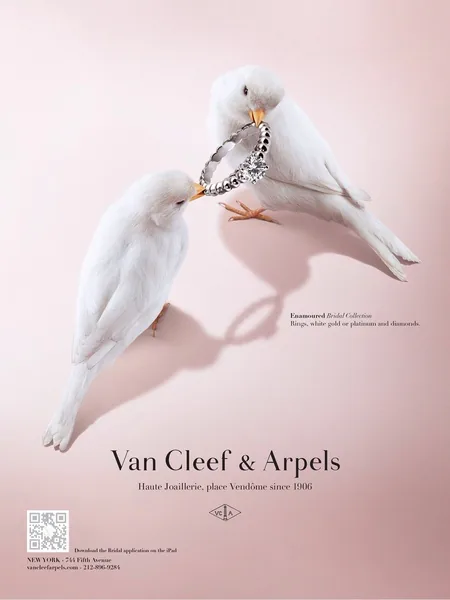
Ads created with Promer
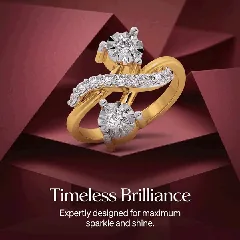
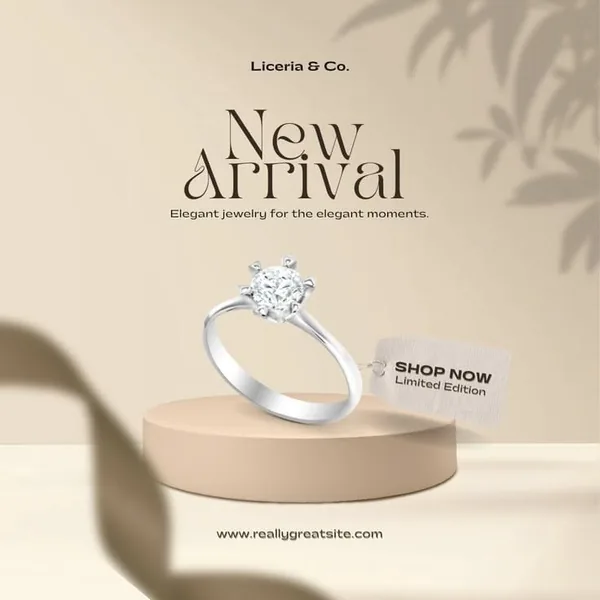
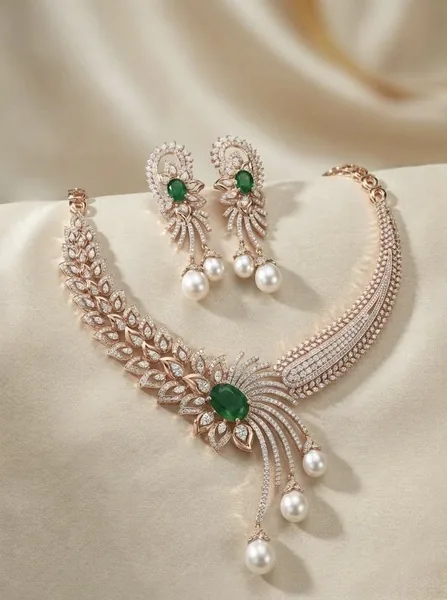
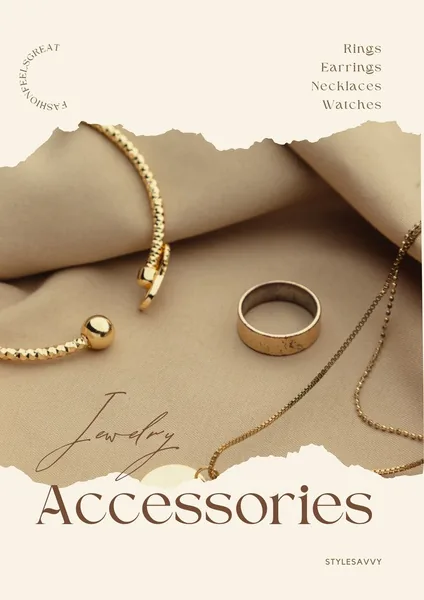
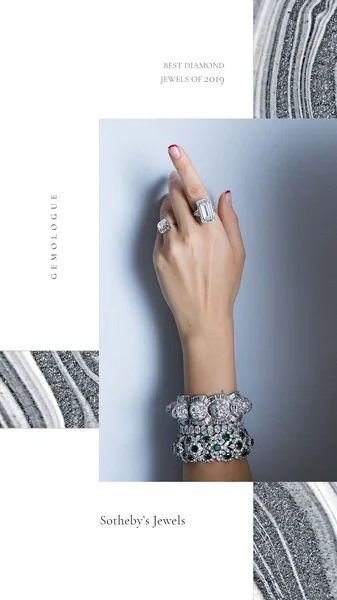
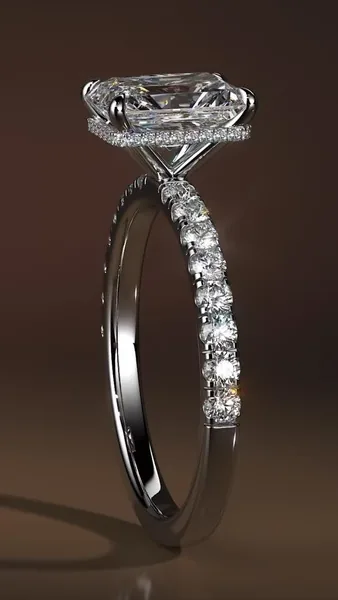
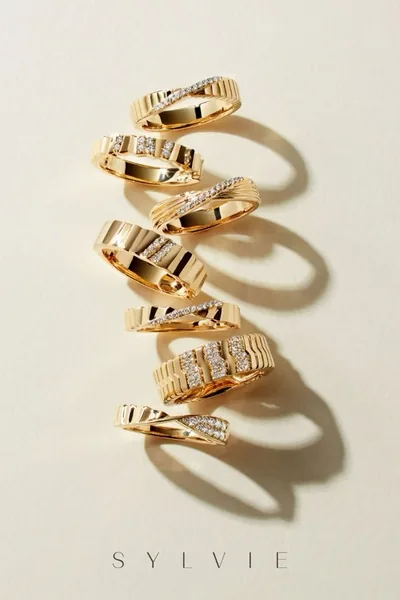
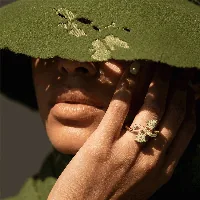
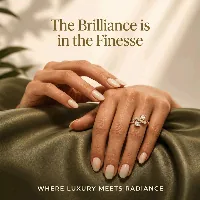
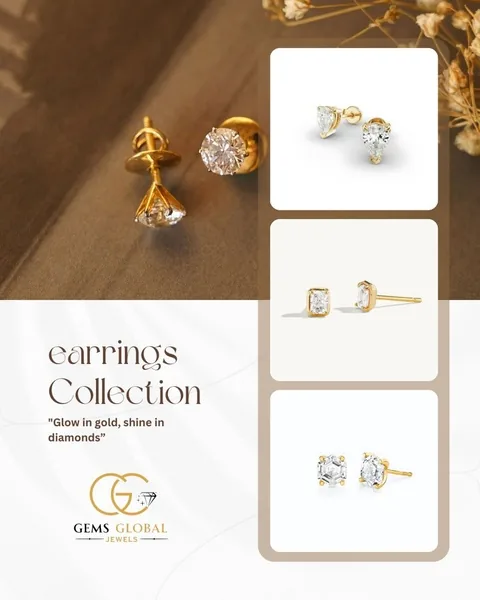
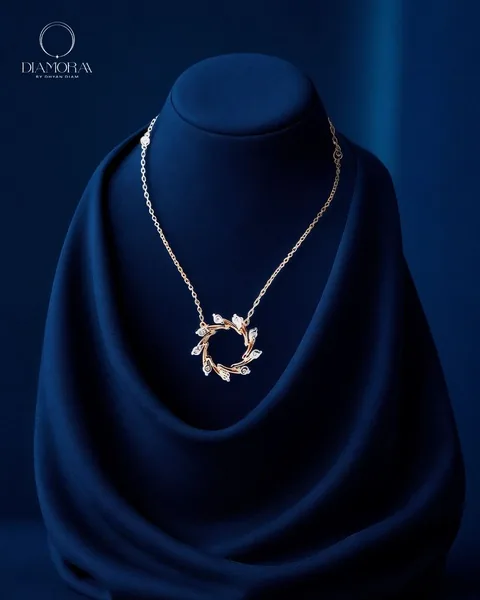
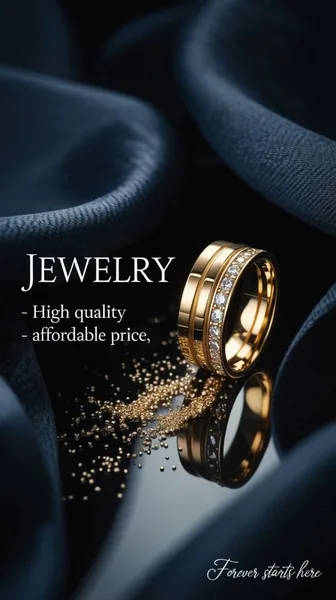
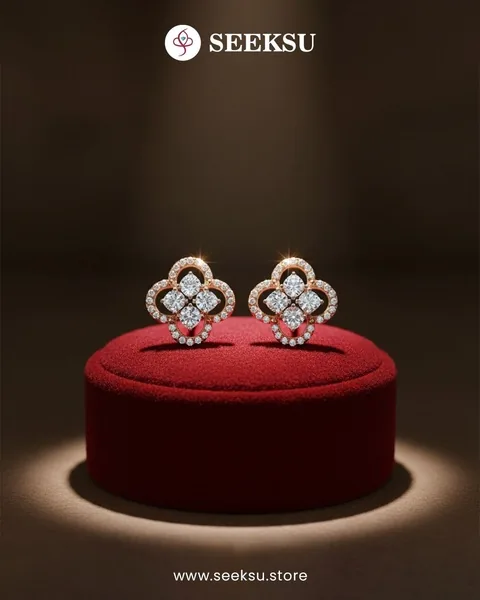
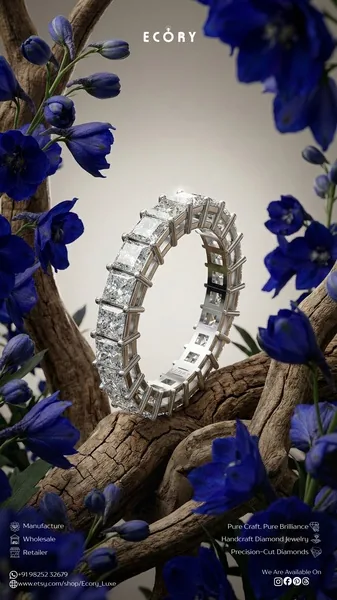
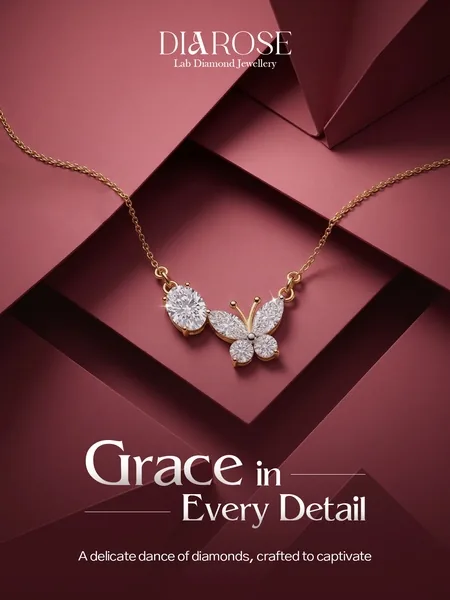


 Works with Shopify, Meta, Google, TikTok
From jewelry photo to campaign-ready image in 4 simple steps
Start with your jewelry product. Choose a visual direction, generate image variations, and refine the result for your campaign.
 1
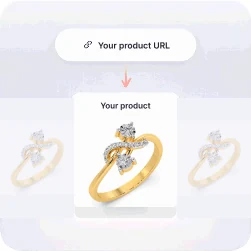
1Add your jewelry
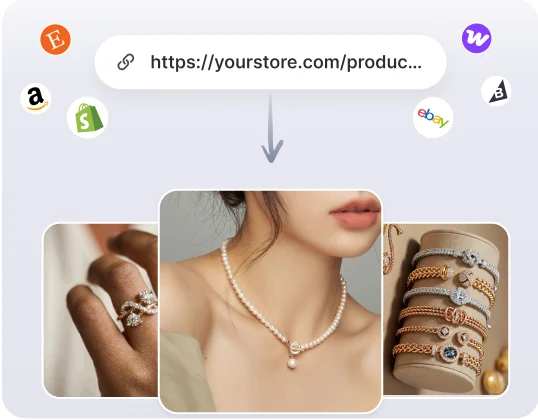
Paste your product URL or upload a clear photo of your jewelry.
 2
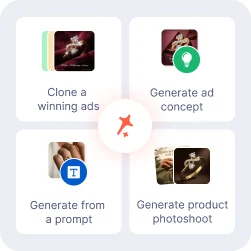
2Choose a visual direction
Pick a studio style, campaign concept, reference ad, or your own prompt.
 3
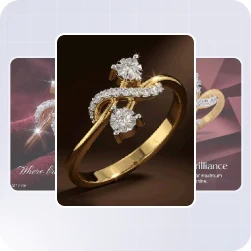
3Generate jewelry images
Create multiple scenes with your jewelry piece as the focus.
 4
4Review, refine & export
Check stone settings, metal finish, and proportions. Refine the image before downloading.
4 ways to create AI generated jewelry images from one product photo
Adapt a reference ad, explore a concept, describe a jewelry scene, or create a product photoshoot.
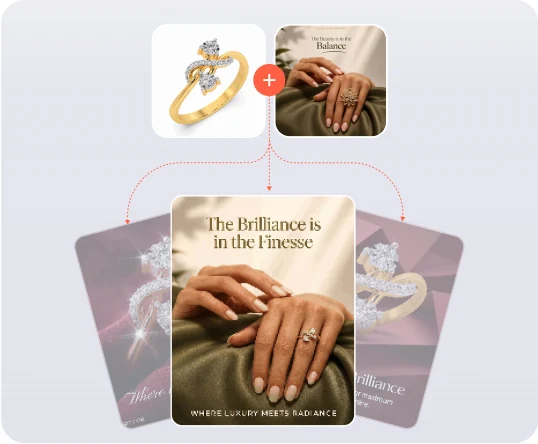
Adapt a jewelry ad with your own piece.
Start from an ad you like. Adapt its composition and messaging to your jewelry, then review the result before publishing.
- Paste any ad or browse 60,000+ winning ads
- Bring your jewelry story into the composition
- Refine the headline and create more variations
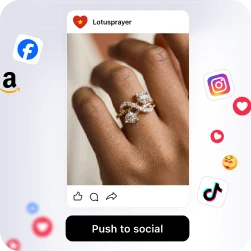
- Download, save to your library, or push to social platforms
Give your jewelry a visual world.
Explore velvet, sculptural displays, and editorial settings. Try different compositions for the same piece of jewelry.
- Choose a jewelry mood and visual theme
- Start from your piece and product description
- Explore different campaign compositions
- Download, save to your library, or push to social platforms
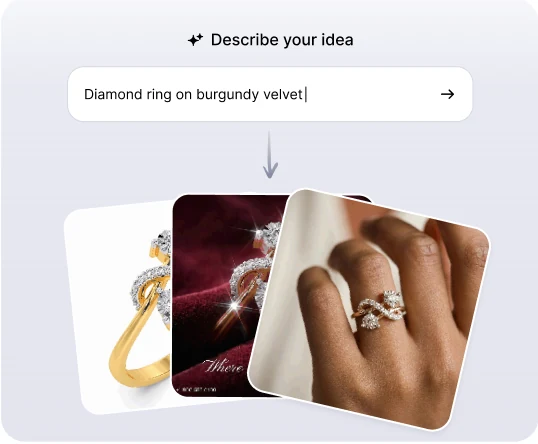
Describe your jewelry scene.
Describe the background, lighting, materials, and mood you have in mind. Use your jewelry photo as a reference and refine the result to match your brand.
- Start with a piece photo and a simple scene idea
- Add lighting, props, and background details
- Apply your Brand Kit for consistency
- Download, save to your library, or push to social platforms
Jewelry photos, without a studio.
Explore studio lighting, close-up compositions, and on-model settings. Review stone counts, settings, and metal details before export.
- Start with a clear jewelry piece photo
- Explore lighting, surfaces, and backgrounds
- Create jewelry product visuals
- Download, save to your library, or push to social platforms
Find Your Jewelry Visual Direction
Explore creative themes for jewelry collections, gifting campaigns, and everyday product imagery.
Explore jewelry inspirationLayered necklaces
Velvet campaign
Pendant close-up
On-wrist close-up
Beauty portrait
Editorial portrait
Satin flat lay
Promo ad creative
An AI Jewelry Image Generator for Your Brand
Begin with your piece and brand story. Create product images and campaign concepts, then refine the details before publishing.
| Capacity | Promer AI | Other AI image generator tool |
|---|---|---|
| Starts from a URL, upload, or your library | Yes - paste a URL, upload a photo, or pick from product library | Typically starts from a blank prompt |
| Auto-pulls your product images | Yes - product images are extracted automatically | Extra manual upload step |
| Reads product highlights & pain point | Yes - AI reads your product before generating | Static templates, no product analysis |
| Clones a proven ad structure | Yes - built on Promer AI's 60,000+ ad library | Rarely tied to a winning-ads library |
| Generates studio-quality photoshoots | Yes - AI suggests style and composition, no studio needed | Varies by tool |
| Multi-language creative output | Yes - generate in 10 creative languages | Varies by tool |
| Fine-tune with a built-in image editor | Yes - edit and regenerate right after generating | Varies by tool |
An AI Jewelry Image Generator for Your Brand
Begin with your piece and brand story. Create product images and campaign concepts, then refine the details before publishing.
| Capacity | Promer AI | Other AI image generator tool |
|---|---|---|
| Starts from a URL, upload, or your library | Yes - paste a URL, upload a photo, or pick from product library | Typically starts from a blank prompt |
| Auto-pulls your product images | Yes - product images are extracted automatically | Extra manual upload step |
| Reads product highlights & pain point | Yes - AI reads your product before generating | Static templates, no product analysis |
| Clones a proven ad structure | Yes - built on Promer AI's 60,000+ ad library | Rarely tied to a winning-ads library |
| Generates studio-quality photoshoots | Yes - AI suggests style and composition, no studio needed | Varies by tool |
| Multi-language creative output | Yes - generate in 10 creative languages | Varies by tool |
| Fine-tune with a built-in image editor | Yes - edit and regenerate right after generating | Varies by tool |
FAQ
It turns a jewelry product photo into new images - studio shots, close-ups, on-model scenes, and campaign visuals - without a photo shoot. Promer AI starts from your product photo or product URL and generates images built around your piece. The same flow can also produce ad creatives for your store and social channels. AI-generated images may contain mistakes, so review each one before you use it.
Add your product, choose a visual direction, generate, then review and export. Pick the route that fits what you already have: Promer AI's AI Ad Clone if you found an ad you like, AI Ad Concept if you have a piece but no direction yet, AI Ad Prompt if you already know the scene, or AI Photoshoot for studio-style product images. A clear, well-lit photo with the full piece in frame and no glare gives the best results.
Look for tools that start from your real product photo, not just a text prompt. Fine details like stones, prongs, and engravings are easy for AI to change, so reference-photo inputs and an editing step matter more for jewelry than for most products. Also check that the tool exports the ratios your store and ad platforms need. Promer AI accepts up to 4 reference angles in AI Photoshoot and includes a creative editor for fine-tuning.
You can create studio shots, close-ups, on-model scenes, flat lays, and campaign visuals. That covers a velvet campaign, a pendant close-up, an on-wrist shot, or a satin flat lay. AI Photoshoot handles standalone product shots and scenes with a model, while AI Ad Concept and AI Ad Clone build the image as an ad with a headline and CTA. Results depend on your source photo and the direction you choose.
Yes, you can steer all three. In AI Ad Prompt you describe the background, lighting, materials, and props in your own words. In AI Photoshoot you pick from 150+ styles and 150+ compositions without writing a prompt. AI Ad Clone also has an optional request field where you can add details about background, layout, and style.
Usually close, but not guaranteed - always compare the result with your original piece before you publish. AI Photoshoot accepts up to 4 reference angles (front, 3/4, back, and detail), which helps the output match your real product. Stone counts, prongs, metal color, proportions, and engravings are the most likely places for errors. If something looks off, fix it in the creative editor or generate again.
Yes, you can edit it right after generating. Promer AI includes a creative editor for fine-tuning the image. In AI Ad Clone, the AI-suggested headline, body text, and CTA are each editable and can be regenerated individually. If you set up a Brand Kit, your logo, colors, and fonts are applied automatically.
Yes, the same product photo can become both product photos and ads. AI Ad Clone, AI Ad Concept, and AI Ad Prompt create the image as an ad creative, with overlay text and a clear angle. You can generate in 10 creative languages. To turn a finished static ad into a video ad, use AI Ad Animation.
Test each tool with the same product photo and compare the results side by side. Check how well fine details hold up, how easy it is to edit or regenerate, which export ratios are available, and how much it costs to get a usable image. Promer AI offers common ratios such as 1:1 and 4:5 for Meta feeds and 9:16 for Stories, Reels, and TikTok, and you can try it free.
Click "Generate jewelry images free," add your product photo or URL, and pick a visual direction. You can create your first ad free, with no credit card required. For current usage limits and what each tier covers, check the pricing inside the app.
Your next jewelry campaign starts with one piece.
Create product photos, explore campaign concepts, and refine your jewelry visuals with Promer AI.