
AIProduct VideoGenerator for Winning Ads
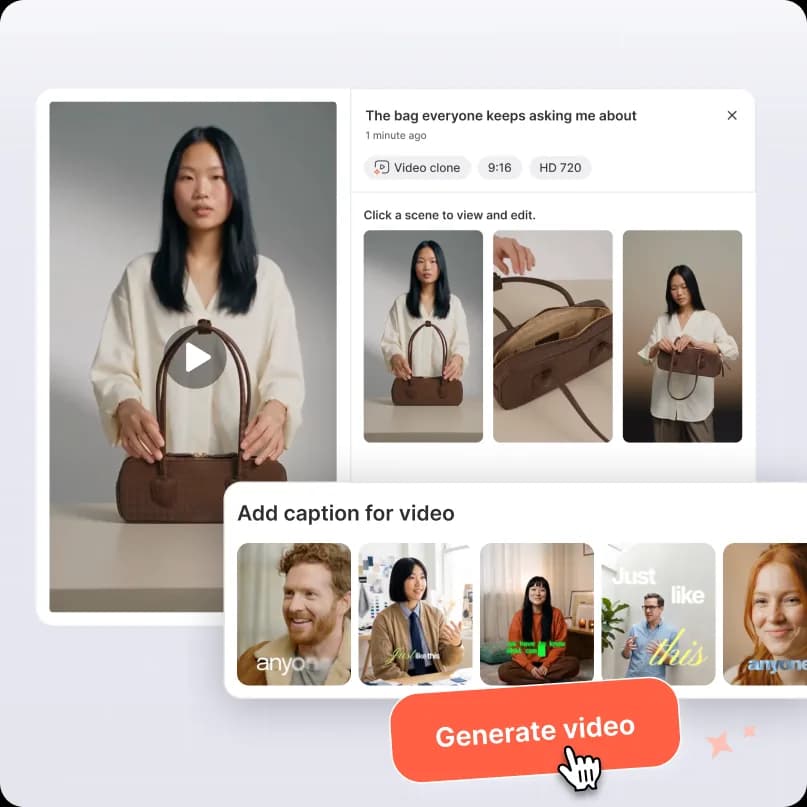
Paste a product URL or upload your photos, pick a winning video ad to clone, and Promer AI recreates its structure - script, scenes, and pacing - with your own product, ready to test.
1Product image

 Use multiple angles for better video quality.
2Reference video ad

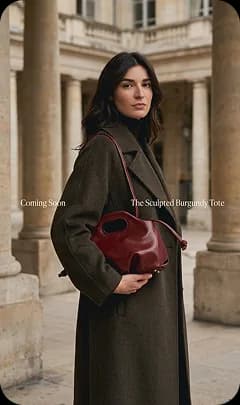
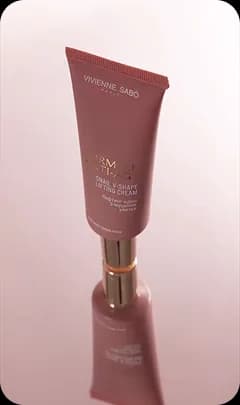

Select a product to see matching ads to clone


See what's winning
in your market
From product page to ads-ready AI videoin 4 simple steps

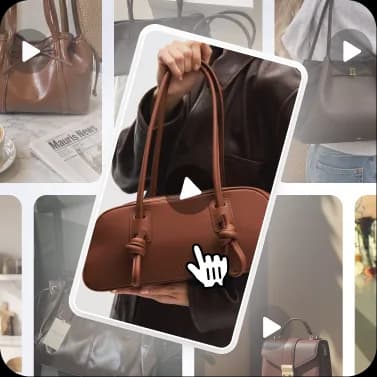


See how a product becomes anAI product video
Every step is done for you - and every step is yours to tweak.
Select your product
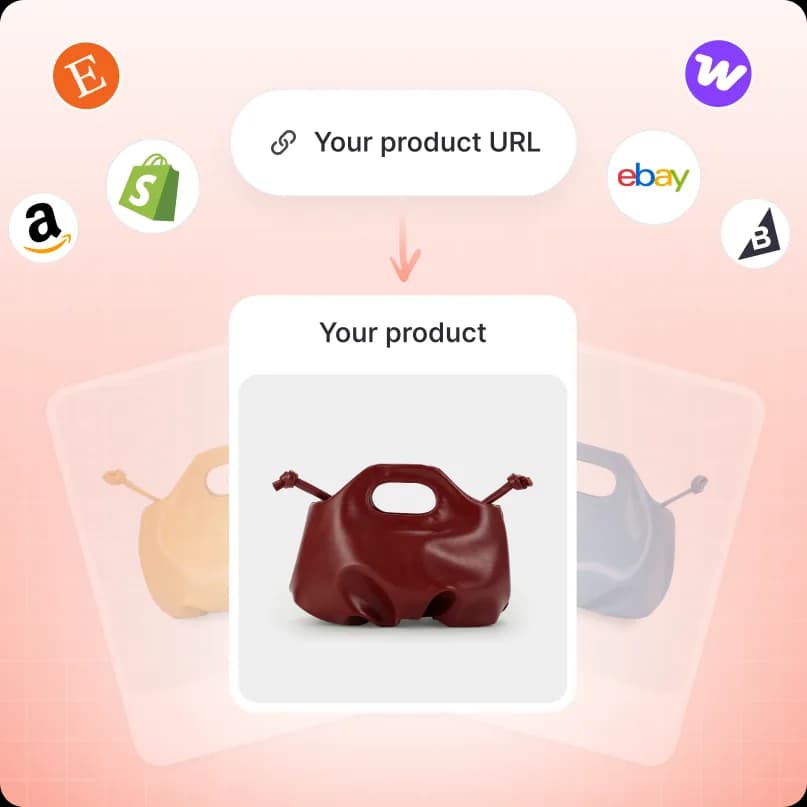
Start from what you already have, or pull everything straight from your store. Every AI product video generator run on Promer AI starts here - three ways in:
- Choose from your libraryReuse product images you've already saved in Promer AI.
- Upload your ownDrop in JPG, PNG, or WEBP - up to 20 MB.
- Clone from a product URLPaste a link and Promer AI pulls images, copy, and details for you - no manual upload needed to start your video.
Pick a reference video ad
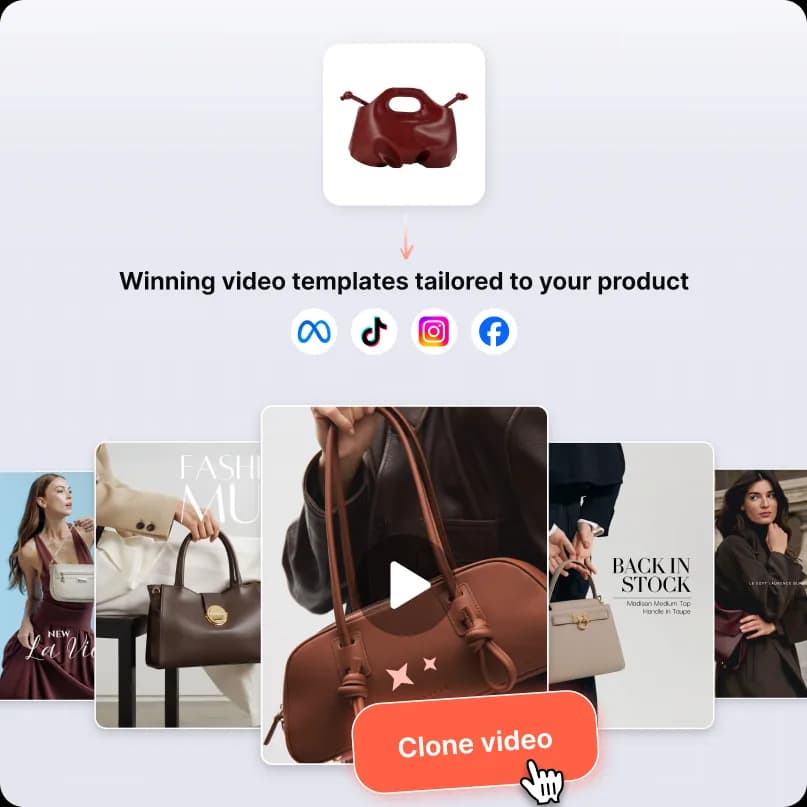
Choose the winning video you want your AI product video to feel like. Promer AI suggests 1,300+ proven video ads matched to your product - or bring your own.
- Choose from the Video Ad LibraryHundreds of proven video ads, matched to your product.
- Upload your own videoBring a reference clip you already love.
- Clone from a video URLPaste a link to a video ad you want to recreate.
Generate your script
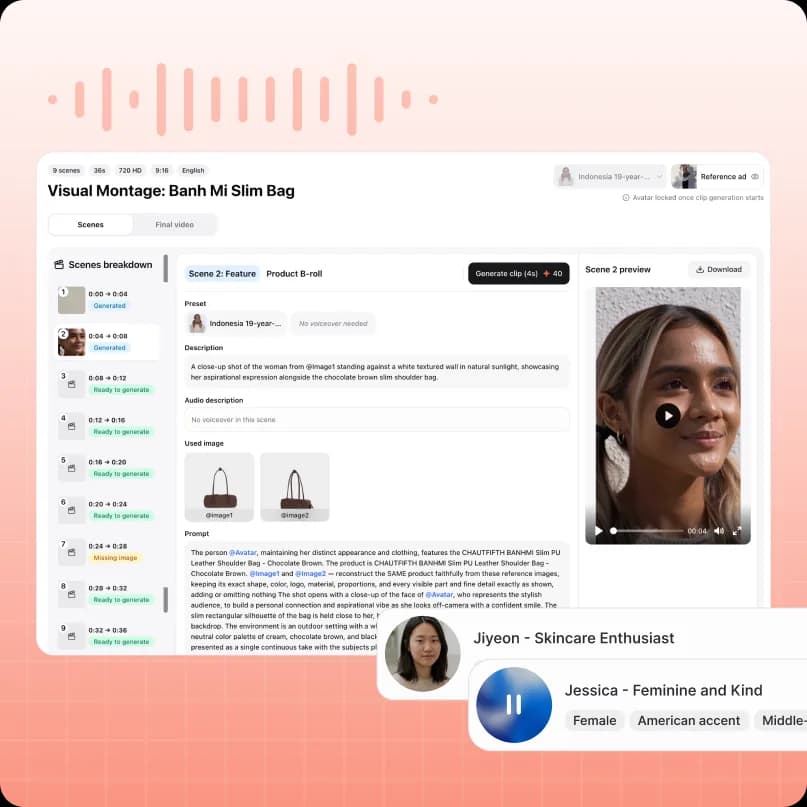
Promer AI studies your product and the reference video, suggests ad ideas, then writes the scene-by-scene script for your AI product video - before you touch a thing.
- AI suggests ad ideas built from your product and the reference video.
- Splits the ad into scenes - Hook, Solution, Feature, CTA - with precise timing.
- Writes a description and voiceover for every beat, ready to tweak.
Generate video
Turn the script into a finished AI product video in one click. Short on product shots? Promer AI fills the gaps for you.
- Generates each scene from your script and product images.
- Renders the full video, then download or push to your channels.
- Spin up multiple variations to find the one that wins.
Start from awinning ad style
Pick the format that fits your product, and Promer AI scripts and generates the whole AI product video around it.
Product demo
Show the product in action, feature by feature, with a presenter walking through the details.
Use this styleUGC testimonial
Authentic, hand-held creator style - the format that blends into the feed and stops the scroll.
Use this styleUnboxing
Build anticipation with a first-look reveal that shows scale, packaging, and the "wow" moment.
Use this styleBefore & after
Contrast the problem with the result - the classic transformation that converts.
Use this styleDay in the life
Show the product woven into a real routine, natural, relatable, and easy to picture using yourself.
Use this styleThe old way vs.the Promer AI way
Video ads used to mean a crew, a studio, and weeks of editing. Promer AI generates the whole AI product video from your product link.
| With Promer AI | Without Promer |
|---|---|
| A finished video ad from a product link. | Hire a videographer, model, and editor. |
| Presenter, script, and music done for you. | Weeks of filming and editing per video. |
| No editor to learn - review and export. | Learn complex video-editing software. |
| Spin up variations fast to find the winner. | Too slow to test enough angles to win. |
The old way vs.the Promer AI way
Video ads used to mean a crew, a studio, and weeks of editing. Promer AI generates the whole AI product video from your product link.
| With Promer AI | Without Promer |
|---|---|
| A finished video ad from a product link. | Hire a videographer, model, and editor. |
| Presenter, script, and music done for you. | Weeks of filming and editing per video. |
| No editor to learn - review and export. | Learn complex video-editing software. |
| Spin up variations fast to find the winner. | Too slow to test enough angles to win. |
FAQ
An AI product video generator turns your product into a finished, test-ready video ad - script, AI presenter or voiceover, and pacing included.
Promer AI reads your product (from a URL or your uploaded photos), matches it to a winning reference video ad, then generates:
- A scene-by-scene script
- Matching voiceover
- A finished video built around your product
You review and can regenerate before downloading.
Paste a product URL and Promer AI pulls your product images and details automatically - no manual upload needed.
From there it suggests a matching winning video ad to clone, writes the scene-by-scene script, and generates the finished video around your product.
No - it's optional.
Promer AI suggests 1,300+ proven video ads matched to your product so you can clone a structure you already know performs, or skip it and let Promer AI write a script from your product details alone.
Promer AI supports 5 ad styles: Direct Testimonial, Voiceover Product Review, POV Product Demo, Problem and Solution, and Routine or Day in the Life.
Each style ships with its own script structure, so you can match the format to your product and hook - or clone the structure of any reference video ad you pick.
No - the entire video is generated from your product images and the reference ad you choose.
You can still bring your own footage if you have it, but filming is never required to get a finished video.
No editor to learn - review the generated scenes and export.
You can regenerate any scene, swap the reference ad, or fill in a missing product angle, all without touching editing software.
You get a finished video ready to preview, tweak, and export.
Regenerate any scene that needs work, then download it or push it straight to your ad channels.
Yes - voiceover and background music are generated automatically with the video.
You can pick the voice and language, then fine-tune or regenerate the audio before exporting.
Promer AI adapts the structure - script, scenes, and pacing - to your product rather than forcing a literal copy.
If a shot still doesn't fit, you can pick a different reference ad or let Promer AI fill the missing angle with AI instead of reshooting.
Free credits to generate your first AI product videos, no credit card required.
Upgrade any time for more credits and generations as you scale up testing.





Your next winning adis already out there.
Promer helps you find the pattern, adapt it to your product, and create your own version in minutes.
