
AIAd Generator
Turn any Shopify product into ads for every social platform. Use Promer AI right inside your Shopify Admin, or paste your product link here - no rebuilding from scratch.
1Product image

 Use multiple angles for better video quality.
2Reference video ad



Select a product to see matching ads to clone


Every ToolPointed at Your Catalog
Paste a Shopify product link and Promer AI's ad generator builds static ads, video ads, AI UGC Ads, and AI Photoshoot images from it - pulled from 60,000+ static and 1,300+ video ad templates, ready to publish to Facebook, Instagram, and TikTok.
Clone a winning ad structure for your Shopify product
Pick a proven ad, drop in your Shopify product, and Promer AI's ad generator rebuilds the structure with your images and copy - no design editor, no starting from a blank canvas.
- Generate proven ad structures automatically.
- Static creatives across every major ratio - 1:1, 4:5, 16:9, 4:6, and more.
- Generate more variations to test per product.
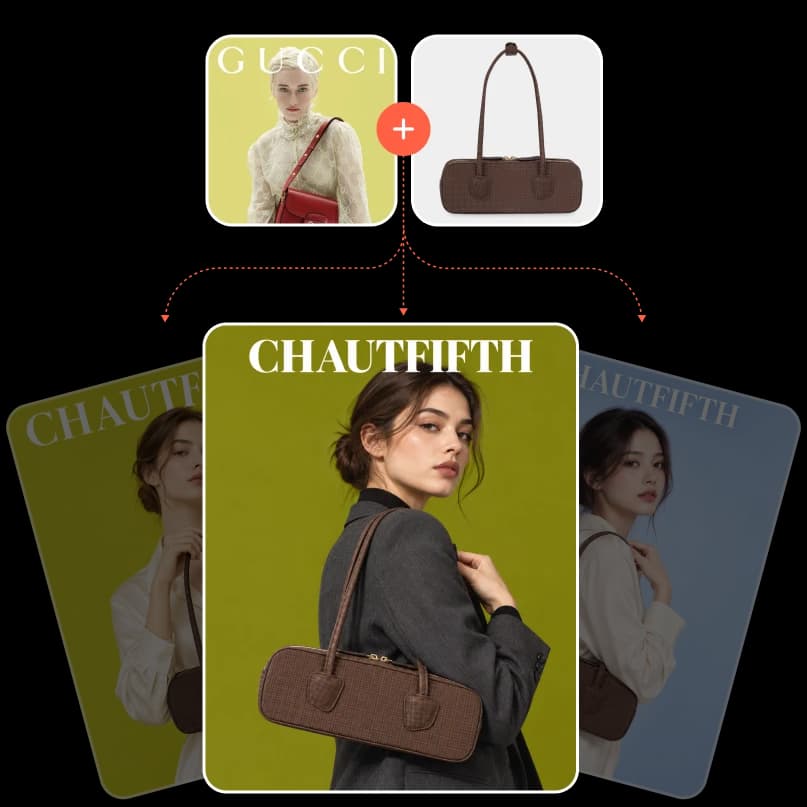
Start from 60,000+ ads already winning
Browse a living library of real, high-performing ads organized by niche, then clone the ones that fit your Shopify catalog.
- 60,000+ ad templates across niches.
- See what is working in your niche.
- Clone a winning structure in a click.

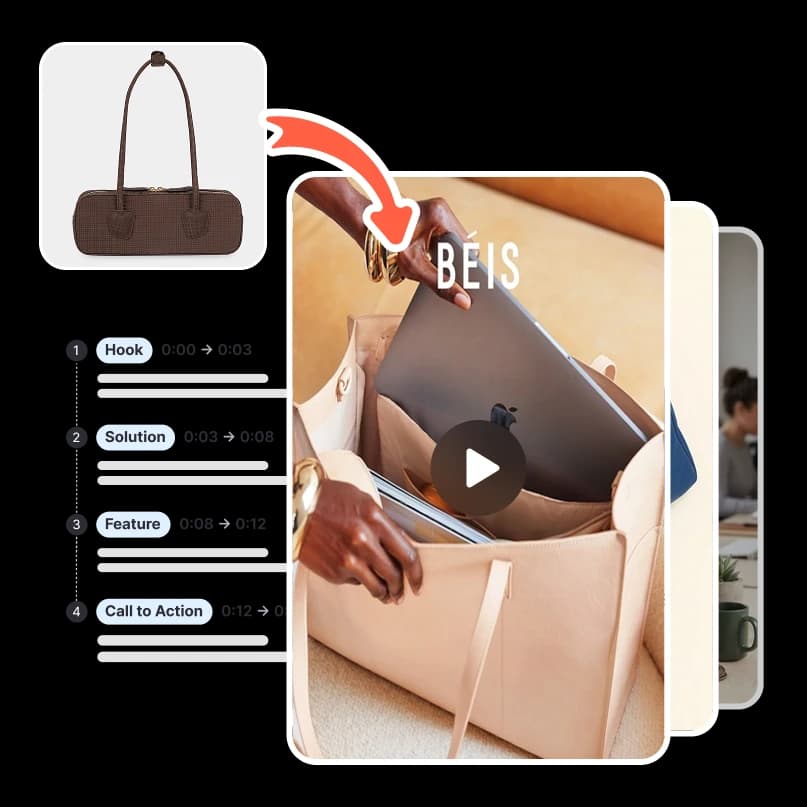
Turn a product into a scripted AI video ad
Promer AI breaks a reference video into scenes and rebuilds it around your Shopify product, scene by scene, ready to render and publish.
- Multi-scene video from a product link.
- 9:16 for Reels, Stories, and TikTok.
- Push straight to your ad accounts.
Creator-style AI UGC, no creator needed
Generate AI UGC-style video ads with an AI avatar and voiceover talking about your Shopify product, captions included.
- Thousands of AI avatars and voices.
- Auto-written hook, message, and CTA script.
- Add on-screen captions in a click.
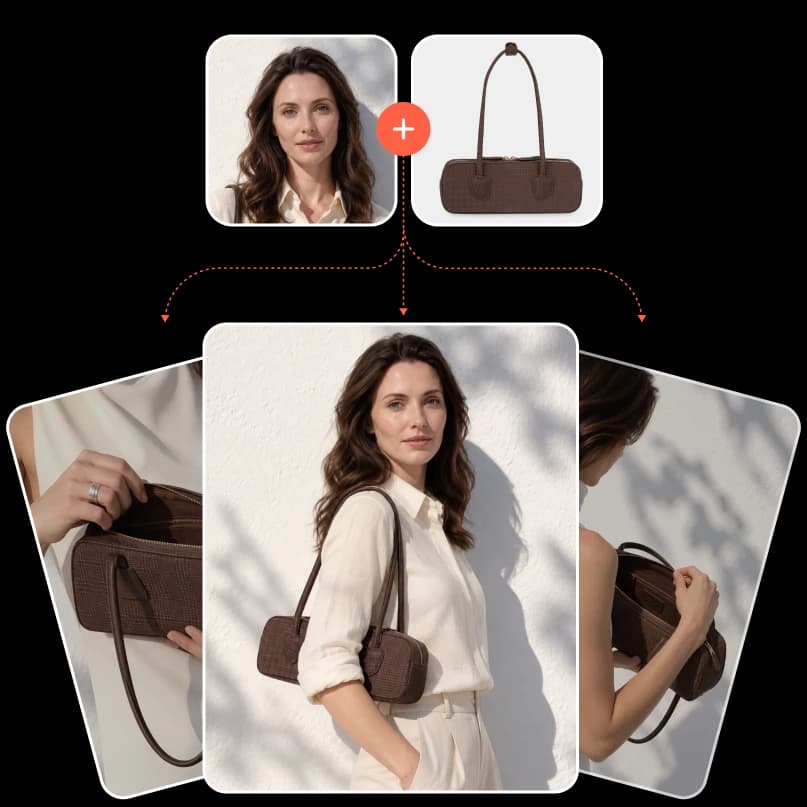
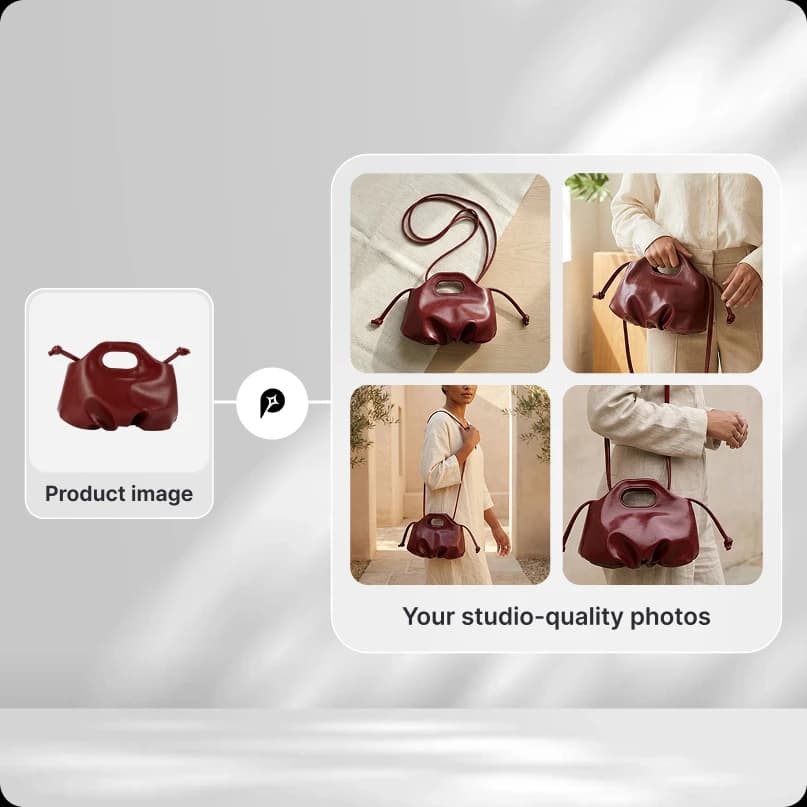
Studio product photos from a single shot
Turn one Shopify product photo into a full set of lifestyle and studio images you can drop straight into ads.
- Editorial, lifestyle, and studio styles.
- Multiple compositions per product.
- Ready to use as ad creative.
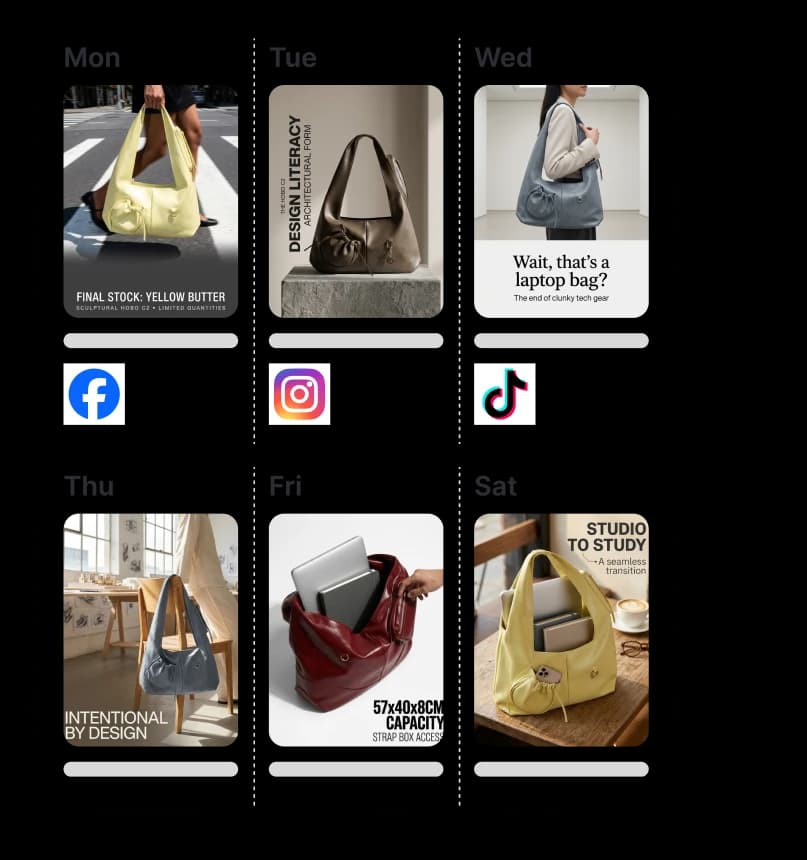
Plan a week of content and publish it for you
Let Promer AI generate a weekly content plan from your Shopify catalog, and auto-publish it to your connected social accounts.
- Auto-generated weekly content calendar.
- Auto-publish to Facebook, Instagram, and TikTok.
- Reuse creatives straight from your ad library.

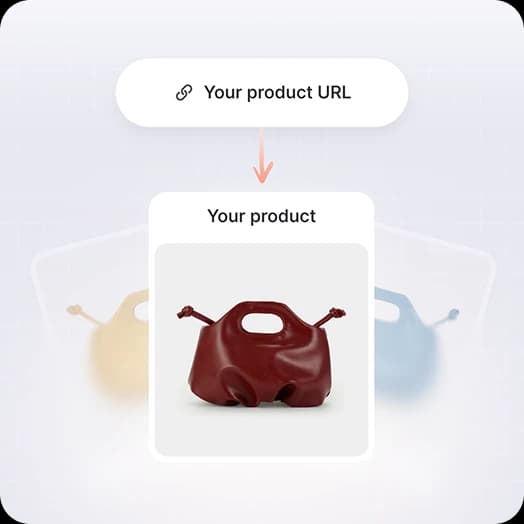
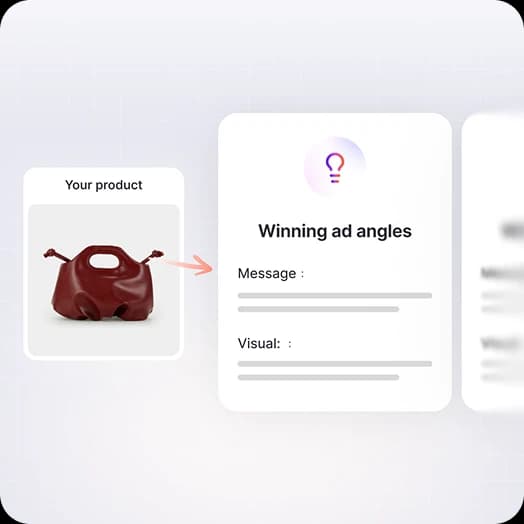
From product linkto published ad in three steps

The same product,two very different workflows.
| With Promer AI | Without Promer |
|---|---|
| Paste a product URL - Promer AI pulls the images, name, and price | Export product photos and write every line of copy by hand |
| Match your product to 60,000+ ads already winning in your market | Hunt for ad inspiration across platforms with no clear pattern |
| Generate static and video creative with no editor required | Hire editors or wrestle with design tools for every variation |
| Auto-plan a week of content and publish to Facebook, Instagram, and TikTok | Post to each platform manually, one at a time |
| Start from ad structures grounded in real performance data | Guess what might perform and hope for the best |
The same product,two very different workflows.
| With Promer AI | Without Promer |
|---|---|
| Paste a product URL - Promer AI pulls the images, name, and price | Export product photos and write every line of copy by hand |
| Match your product to 60,000+ ads already winning in your market | Hunt for ad inspiration across platforms with no clear pattern |
| Generate static and video creative with no editor required | Hire editors or wrestle with design tools for every variation |
| Auto-plan a week of content and publish to Facebook, Instagram, and TikTok | Post to each platform manually, one at a time |
| Start from ad structures grounded in real performance data | Guess what might perform and hope for the best |
Prefer to work inside Shopify?
Promer AI is also a native Shopify app. Install it in your Shopify Admin to generate ads next to your products - the web app stays available either way.


 Available onShopify App Store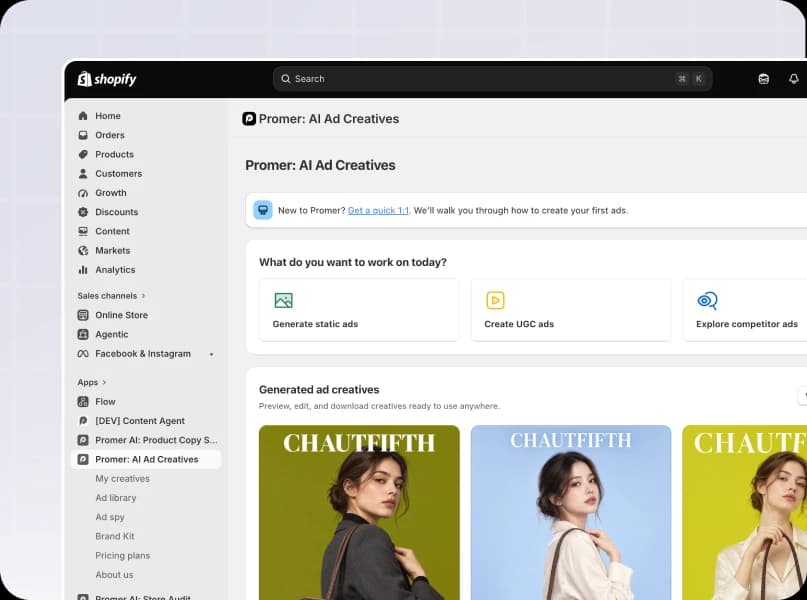
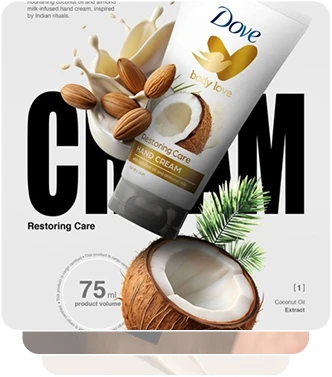
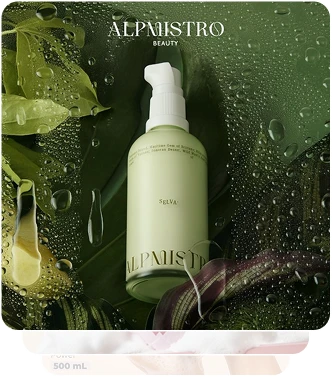
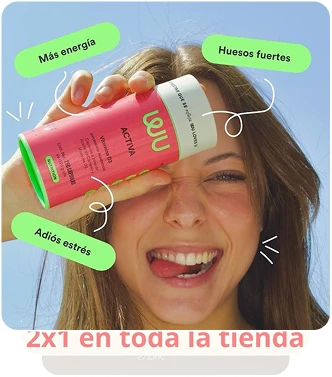
Start with what's already winning on Shopify
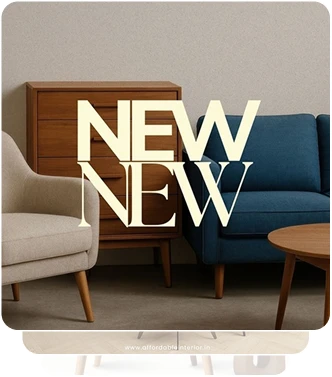
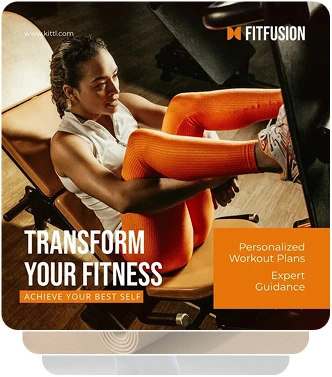
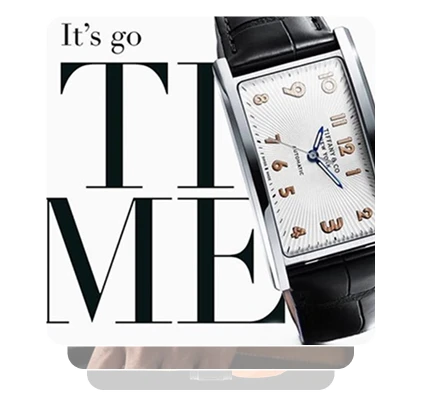
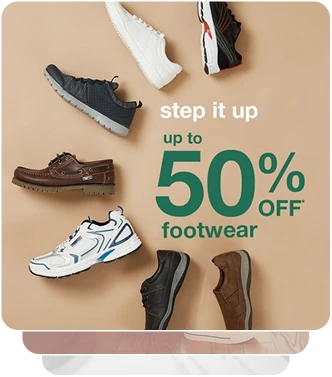
Browse 60,000+ top-performing ads across niches, organized by creative theme - then clone the structure for your Shopify product.

FAQ
An AI ad generator for Shopify turns a product already in your store into ready-to-use ad creatives, without a separate export or upload step.
Connect your store or paste a product link, and Promer AI generates:
- Headline
- Body text
- Visual
- Placement-ready aspect ratio
You still publish the final creative to your ad accounts yourself.
Yes - paste a product URL from your Shopify store, or upload a product photo directly if you'd rather skip the URL step.
Promer AI auto-extracts the product image, name, and price from the link, so you don't need to re-upload assets you already have in your catalog.
Install the Promer AI app from the Shopify App Store to generate ads directly inside your Shopify Admin, next to your product catalog.
You can also use the web app on its own - paste a product link there and skip the install if you'd rather not add another app.
Yes - Promer AI's Social content suite lets you plan a content calendar and publish to connected accounts.
Inside Promer AI, you can:
- Build a content plan from a product
- Manage posts on a calendar
- Publish to Facebook, Instagram, and TikTok from Integrations
Support for additional platforms remains an active area of development.
No - Promer AI is built for non-designers. The AI handles layout, copy, and visual direction from your product page.
You choose a creative theme or reference ad, and AI generates editable suggestions for headline, body text, CTA, and layout. A Brand Kit can also apply your logo, colors, and fonts automatically.
Yes - pick a reference ad from the winning ad library or a competitor ad, and Promer AI rebuilds its structure using your own Shopify product, not a copy of the original.
This works for both static ads (Ad Clone) and video ads (Video Ad Clone), so you can start from a proven layout instead of a blank canvas.
Yes - Promer AI works with any Shopify plan and any product type, since it reads the standard product data every Shopify store exposes (images, title, description, and price).
Results vary with how complete your product listing is - products with several angle photos typically generate stronger video and UGC-style ads.
The generated creative is ready to download and upload to your ad accounts (Facebook, Instagram, TikTok) - Shopify itself doesn't host ad placements, so publishing happens on the ad platform, not the storefront.
If you're using the Shopify app, you can review and download the creative from inside your Shopify Admin before publishing it.





Your next winning adis already out there.
Promer helps you find the pattern, adapt it to your product, and create your own version in minutes.
