
AIAd Generator
Turn your product URL or product image into AI Facebook Static Ads or AI Facebook Video Ads. Upload a product photo or paste a URL. Promer AI turns your product into AI Facebook Ads built from proven ad structures.
1Product image

 Use multiple angles for better video quality.
2Reference video ad


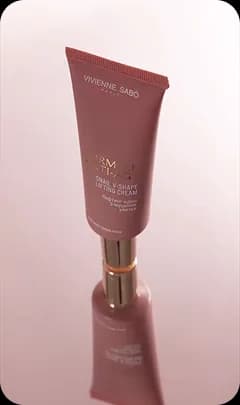

Select a product to see matching ads to clone


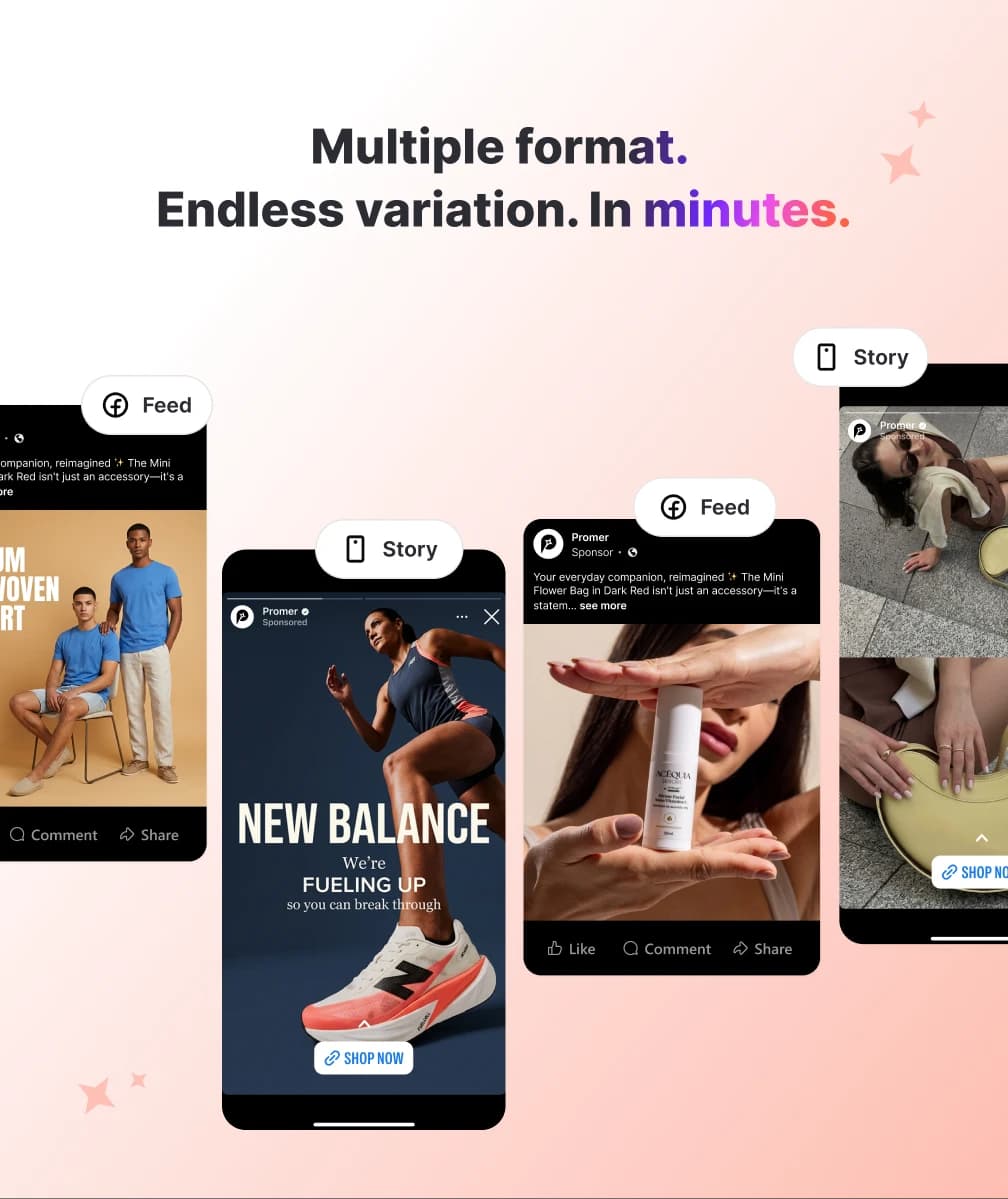
Create AI Facebook Ads That Convert
Promer AI turns your product into Facebook-ready ad creatives - in minutes.
- Feed-ready 1:1 and 4:5 formats out of the box.
- AI reads your product for highlights and pain points.
- Built on proven structures - offer, testimonial.
- Generate both static and video ads in one workflow.
- Generate variations and scale the best ads.
Create Your FirstFacebook Ad with AI
Direct Testimonial
Share an authentic product story directly to camera.
Voiceover Product Review
Highlight product benefits with a clear AI voiceover.
POV Product Demo
Show your product in action with a clear demonstration.
Problem and Solution
Show how your product solves a relatable customer pain.
Routine or Day in the Life
Show how your product fits naturally into daily life.
From Product URL to AI Facebook Adsin 3 simple steps
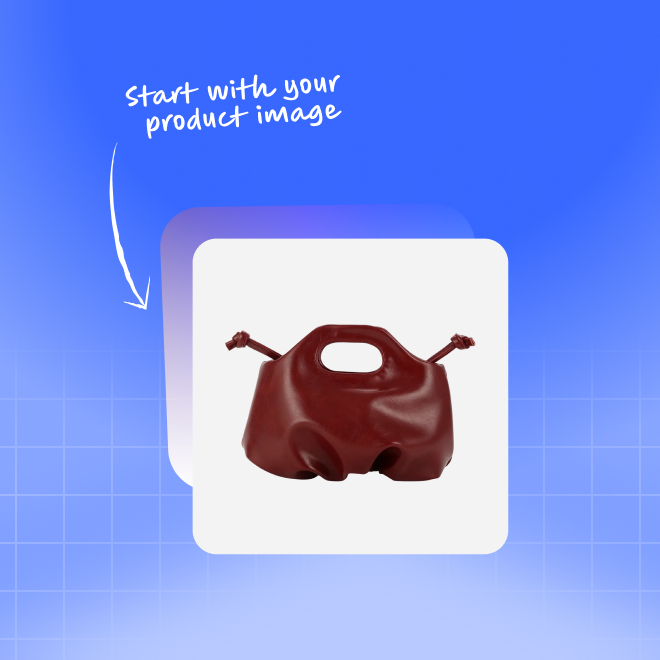
Paste your product URL
Upload product images or paste a URL from Amazon, Shopify, or your store.
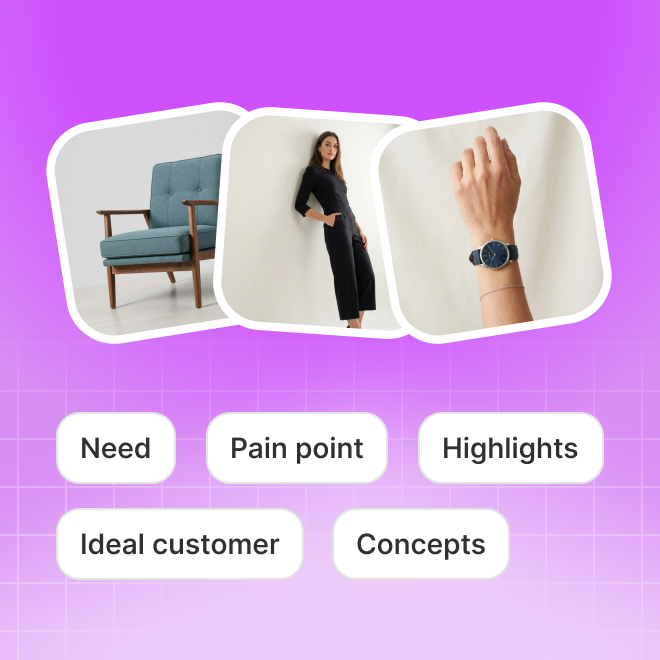
AI reads your product
Promer AI finds key benefits, audiences, and proven creative angles.

Generate & download
Create AI Facebook-ready ads, fine-tune them, then download or publish straight to Facebook.
Everything You Needto make an AI Facebook Ad
Different ways to create - one goal: Facebook ad creatives built to perform, not blank templates.
Create Static AI Facebook Ads
AI static ads designed to stop scrolls and drive sales.
- Create ads with AI Clone, AI Concept, or AI Prompt.
- Clone winning ads or start with a fresh angle.
- Turn product photos into 150+ studio-quality styles.
- Auto-size ads and apply your Brand Kit instantly.
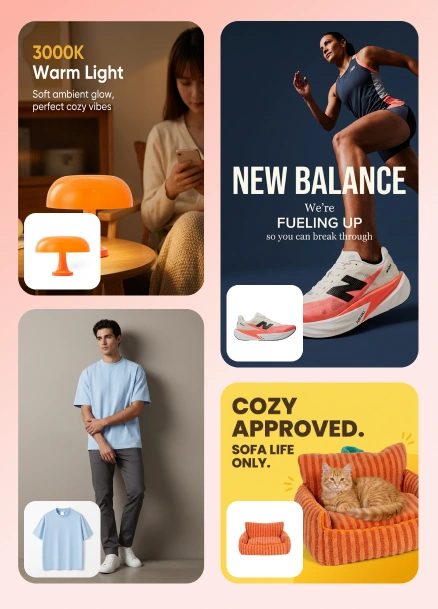
Create Facebook Video Ads with AI
AI-generated video ads built to engage and convert.
- Transform product assets into engaging video ads.
- Use proven creative structures that hold attention.
- AI-suggested animation scripts, fully editable.
- Create videos ready for Reels, Stories, and TikTok.
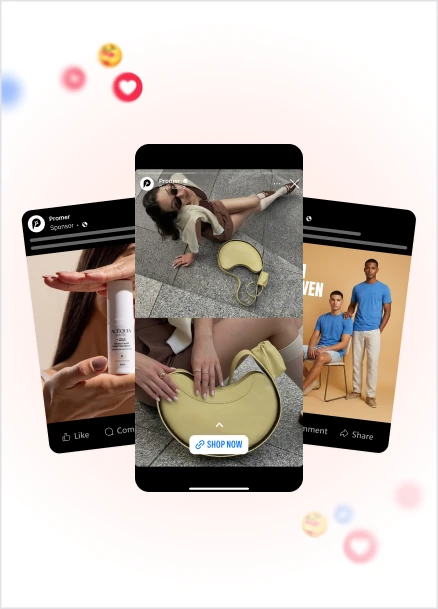
Know What's Already Winning on Facebook
AI-generated static & video ads that stop the scroll.
- Find live Meta ads by brand or keyword with AI.
- Browse 6,000+ winning Facebook ads by theme.
- Clone proven ad structures for your own product.
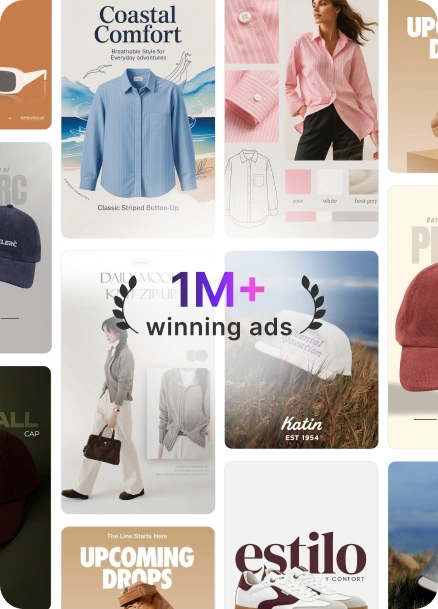
Start With What's Already Winning on Facebook
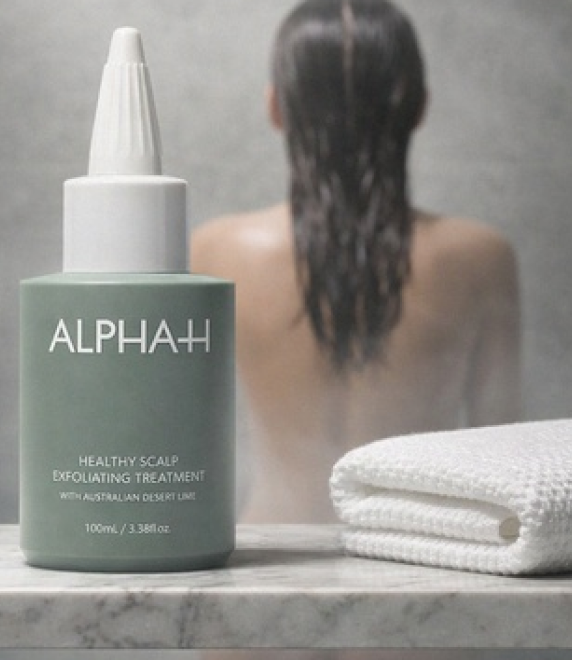
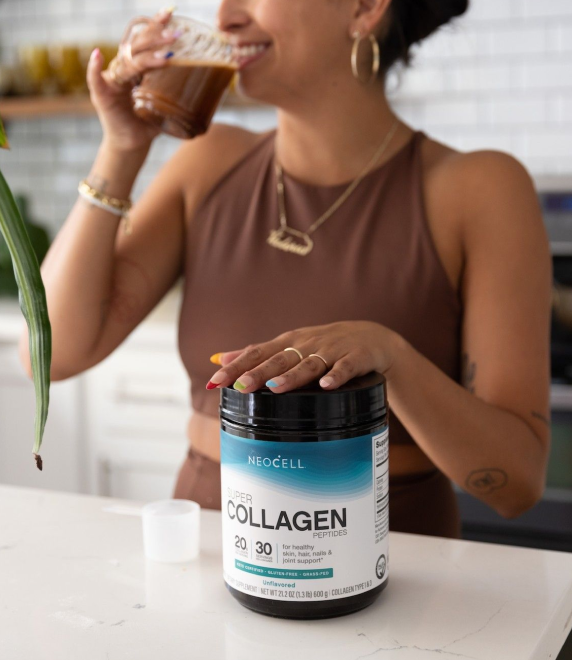
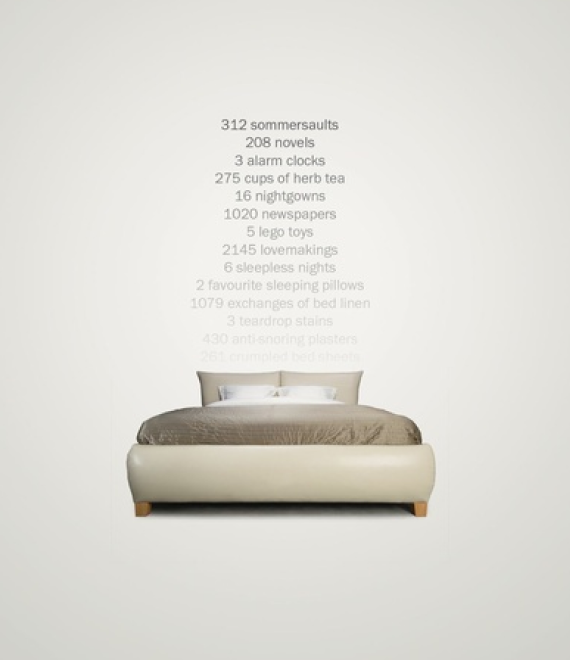
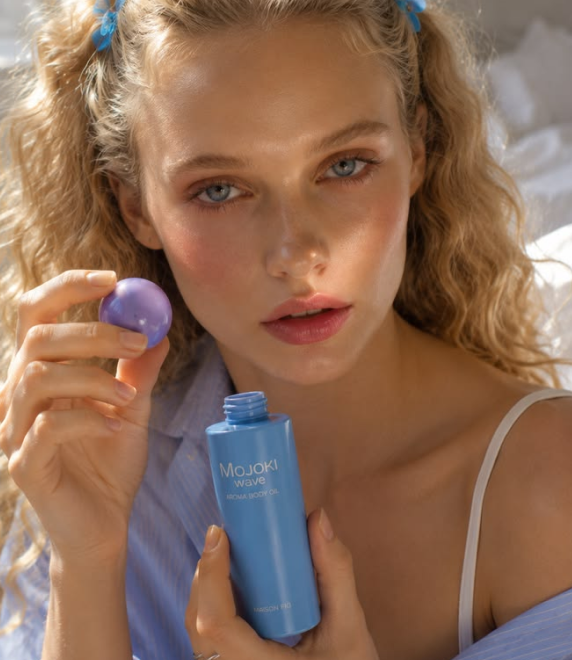
Browse 6,000+ top-performing ads across niches, organized by creative theme - then clone the structure for your AI Facebook ad.

FAQ
A Facebook ad generator uses AI to turn your product into ready-to-use ad creatives sized for the Facebook feed, Stories, or Reels.
Promer AI reads your product URL or uploaded photo, then generates:
- Headline
- Body text
- Visual
- Placement-ready aspect ratio
Common formats include:
- 1:1 for feed
- 4:5 for feed
- 9:16 for Stories and Reels
You still upload the final creative to Facebook yourself and set up the campaign there.
Promer AI generates creatives in 1:1 and 4:5 for the Facebook feed, and 9:16 for Stories and Reels.
These match Facebook's standard placements, so you don't need to manually resize or crop after generation.
Always preview the creative in-platform before publishing, since safe zones can vary by placement.
Yes - Promer AI offers two ways to get video ads for Reels: Ad Animation and Video Ad Clone.
Ad Animation turns a static creative you've already made into a video using AI-suggested motion scripts, making it ideal for:
- 9:16 Reels
- Facebook Stories
- Animated versions of existing static ads
Video Ad Clone goes further. You select your product and a reference video ad, and AI applies that video's winning structure to your own product.
Both are reviewable and regeneratable before you download.
Promer AI's Social content suite lets you plan and schedule posts, with Facebook publishing available today from Integrations.
Inside Promer AI, you can:
- Build a Content plan from a product
- Manage posts on a Calendar
- Handle Comments
- Manage social content from one place
You can connect a Facebook Page from Integrations to publish directly, while support for other platforms remains an active area of development.
Paste your product URL from Shopify, Amazon, or any store page - Promer AI auto-extracts the product image, name, and price to build the ad around.
You can also upload a product photo directly if you'd rather skip the URL step.
From there, AI suggests:
- Creative concept
- Advertising angle
- Headline
- Overlay text
- CTA
- Visual direction
The suggestions are generated around your specific product rather than starting from a blank creative.
Yes - Promer AI's Ad Clone for static ads and Video Ad Clone for video ads rebuild the structure of a reference ad using your own product, not a copy of the original.
You can pull references from:
- Ad Spy with live competitor ads
- Winning ads library
- Your own saved creatives
- An uploaded reference video
This helps you use a proven creative structure without starting from a blank prompt.
It depends on your product and goal - Promer AI offers creative themes like Before & After, Offer & Sale, Testimonial, and Feature & Benefit to match different Facebook ad goals.
For the Facebook Feed, useful styles include:
- Feature & Benefit
- Testimonial
- Product-focused creatives
- Offer & Sale
For Stories and Reels, useful styles include:
- Eye-catching
- Urgency
- Strong hooks
- Motion-driven creatives
Testing more than one theme is typically the fastest way to find what fits your audience.
No - Promer AI is built for non-designers, since the AI handles layout, copy, and visual direction from your product context.
You choose a creative theme or reference ad, and AI generates editable suggestions for:
- Headline
- Body text
- CTA
- Layout
- Visual direction
A Brand Kit can also apply your logo, colors, and fonts automatically to help keep creatives on-brand.
Yes - Promer AI generates creatives in 10 languages, including Spanish, Portuguese, French, German, and Vietnamese.
This is useful if you're running Facebook ads for multiple markets from the same product.
Always have a native speaker review the final output, since AI-generated copy can contain mistakes or phrasing that doesn't sound natural in the target market.
Yes - you can create your first ad free, with no credit card required.
This lets you test how Promer AI turns a product into a Facebook-ready creative before deciding on a paid plan.
For current usage limits and pricing tiers, check inside the app since these can change.





Your next winning adis already out there.
Promer helps you find the pattern, adapt it to your product, and create your own version in minutes.
