
Product Link to Video AI
Drop in a product page from Amazon, Shopify, or any store. Promer AI pulls the images, name, and price, writes a UGC script, and casts an AI creator to present your product.


 + More


 Works with Shopify, Meta, Google, TikTok, X
From one product link to video ads
Watch Promer AI take a single store link for a Christmas projector, read the product page, and turn it into UGC video ads ready to post. No brief, no filming.
How to turn a product URL into a video ad in 4 simple steps
Paste one link and Promer AI reads the product page, suggests a video idea, writes the script, and generates a UGC video with an AI creator. You can change any part before the video is made.
Paste your
product link.
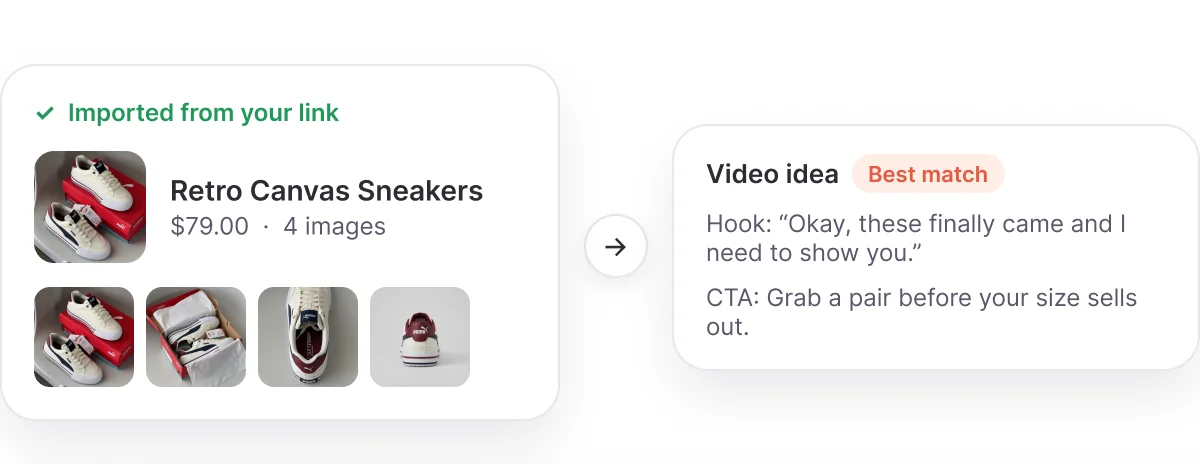
Copy a product page URL and paste it in. Promer AI pulls the product details for you, so there is nothing to upload or retype.
- Works with Amazon, Shopify, or your own store
- Pulls the name, images, description, and price
- Pick up to 8 product angles for the video
Get a video idea
that fits the product.
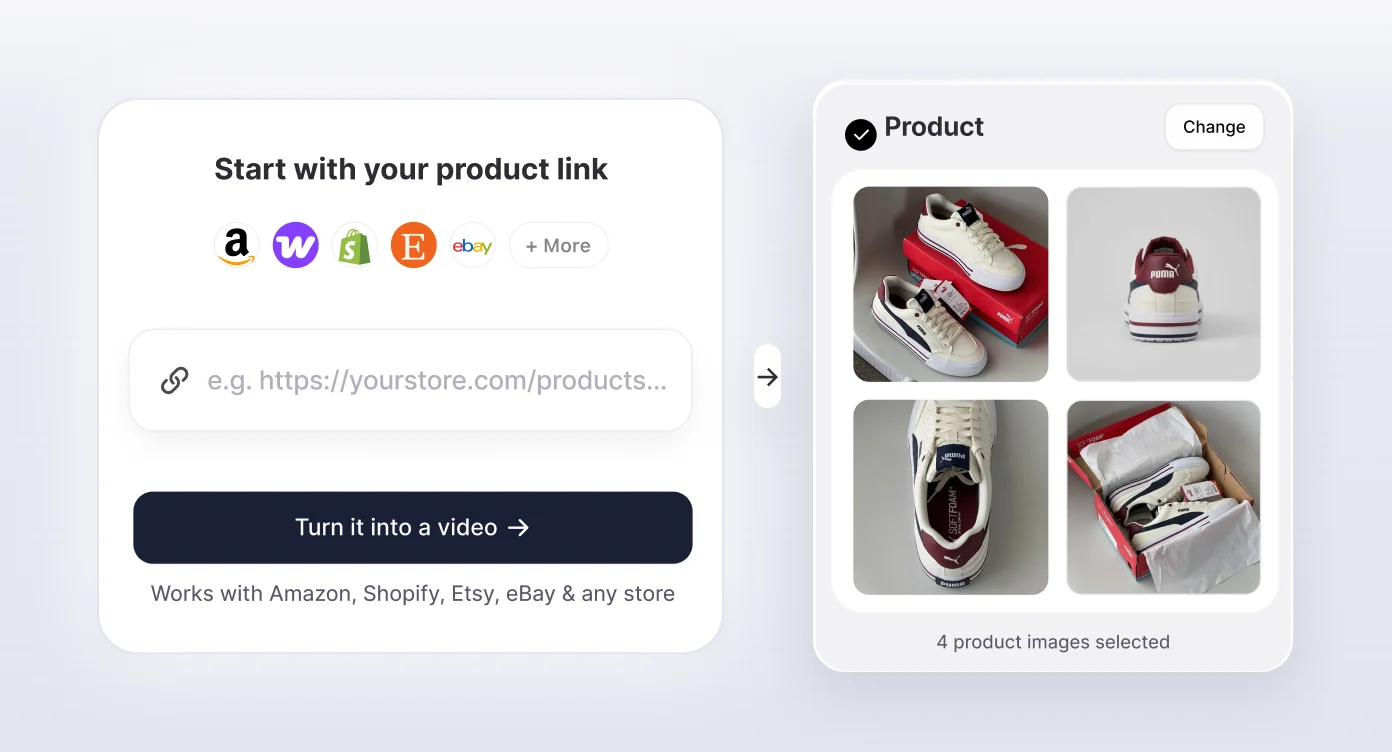
AI suggests a video idea built around your product and marks the UGC format that suits it best.
- Every idea has an angle, hook, visuals, and CTA
- The best-match UGC format is marked for you
- Flip through 3 ideas or add your own
Pick a creator, then
review the script.
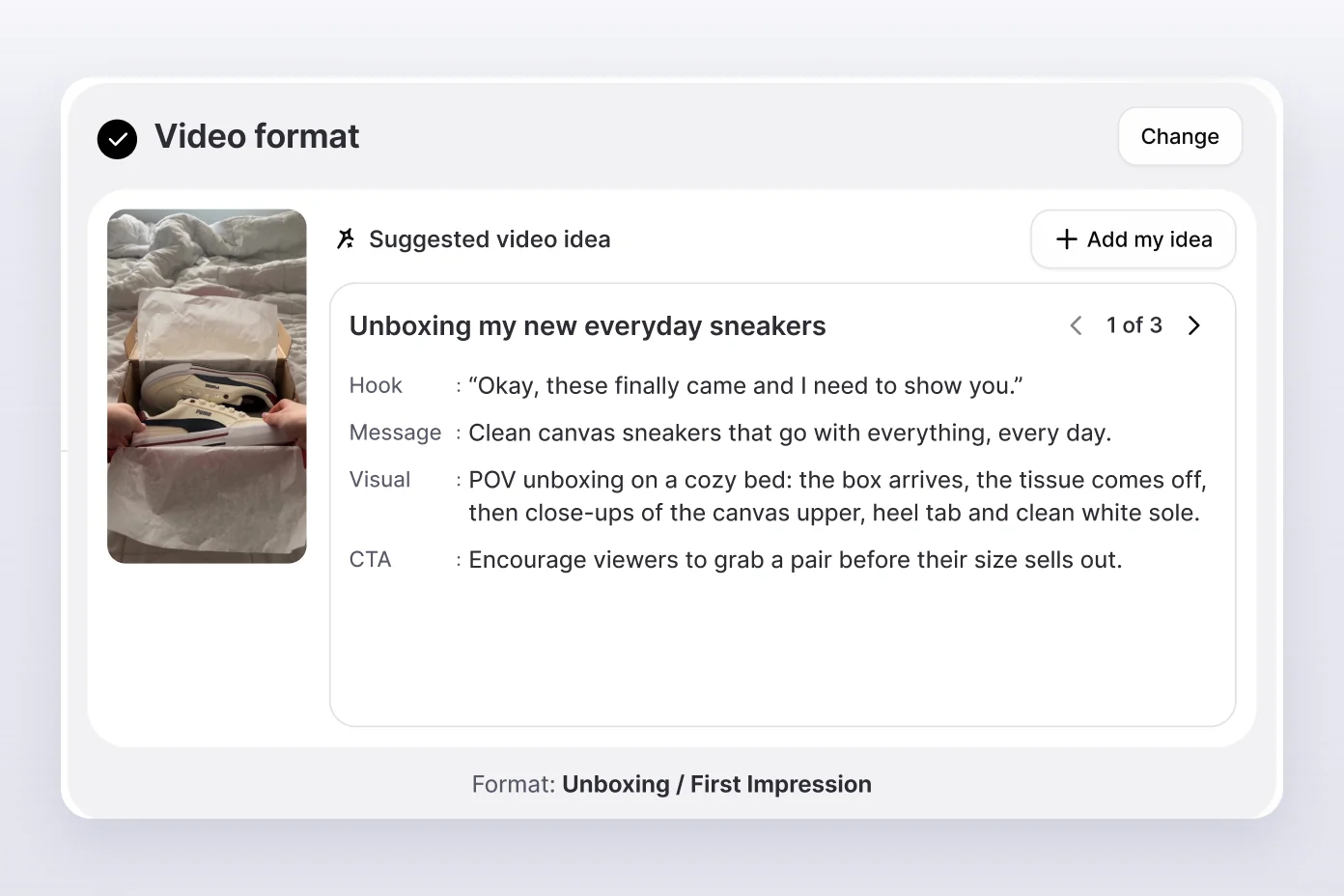
Choose an AI creator and a voice, then generate a scene-by-scene script with the full voiceover. Edit any line before you generate.
- 5,000+ AI creators and 15,000+ AI voices
- Scene cards from the hook to the call to action
- Edit the voiceover and turn music on or off
Generate the video
and publish it.
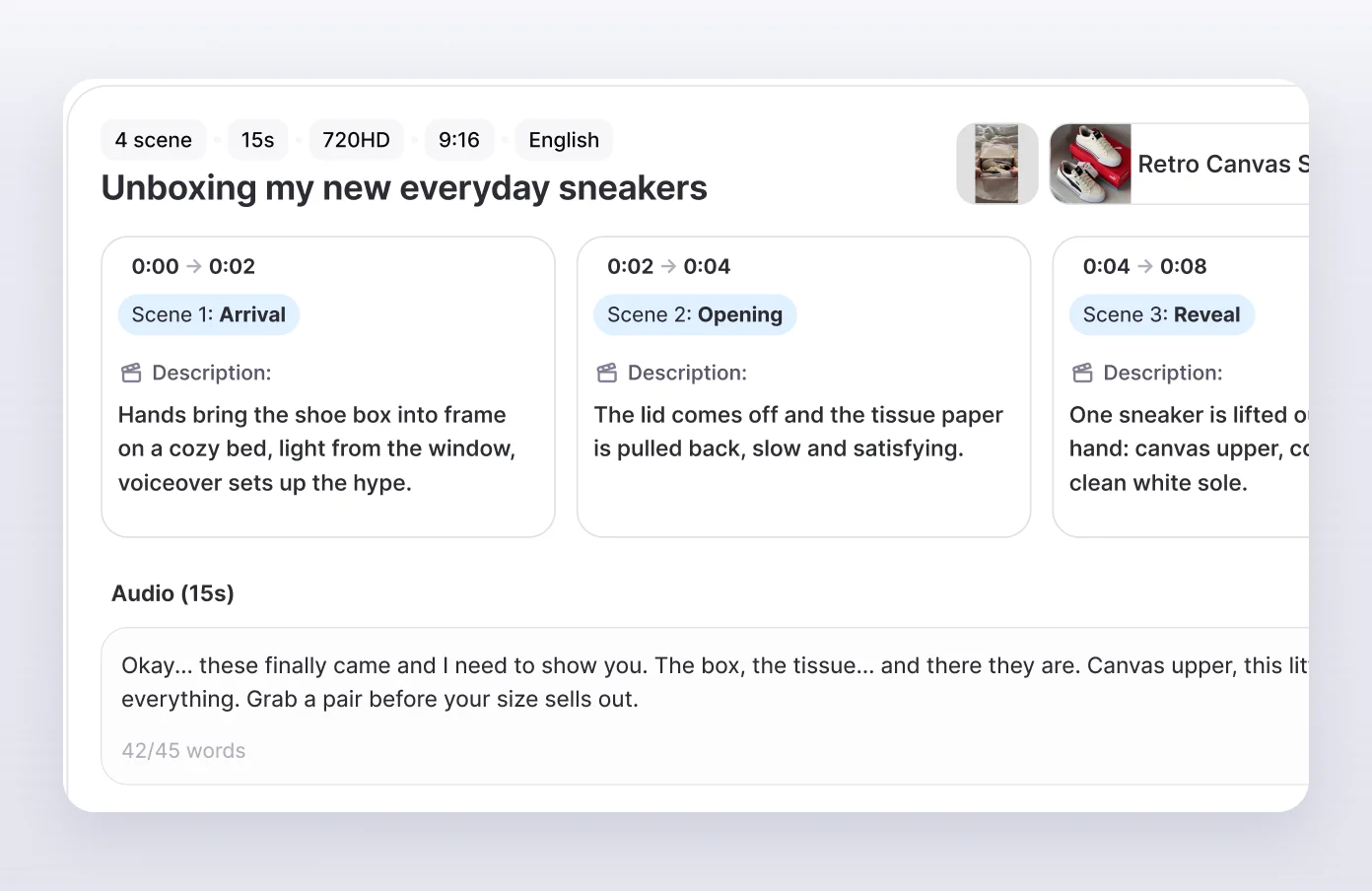
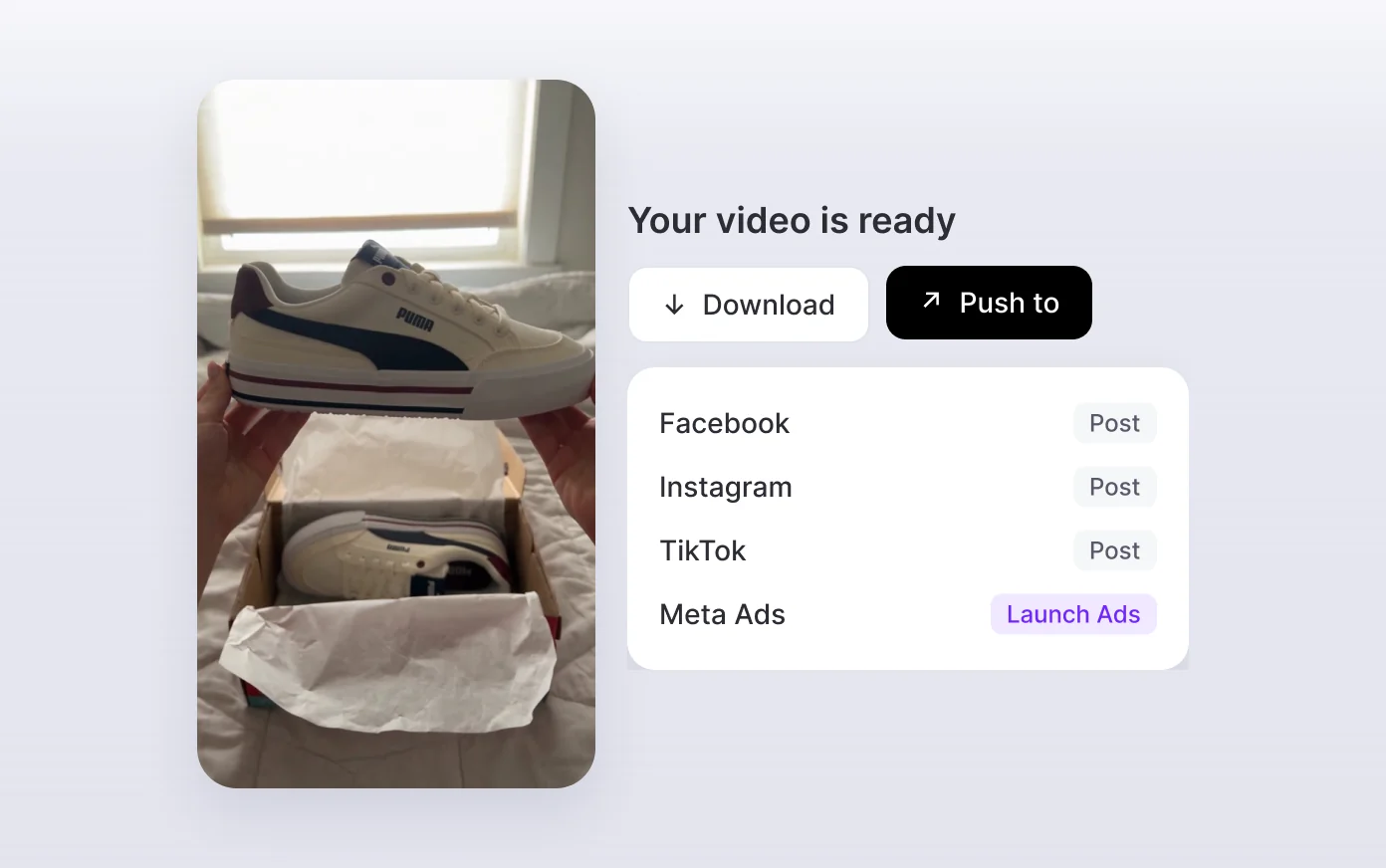
Promer AI generates the UGC video. Download it, publish it to social, or launch it as an ad without leaving Promer AI.
- Export in 9:16 or 16:9
- Push to Facebook, Instagram, or TikTok
- Launch it as a Meta Ads campaign with Launch Ads
Product link to UGC video, in 5 formats
Promer AI suggests the format that fits your product and marks it Best match. Switch the format anytime and you get a new video idea and script written for it.
Direct Testimonial
A creator tells the camera why they love it.
Voiceover Product Review
Product shots with a creator's voice talking it through.
POV Product Demo
First-person hands show the product in use.
Problem and Solution
Start with the pain, end with your product.
Routine or Day in the Life
Your product inside a real daily routine.
Only one or two photos on the page? AI fills in the missing views
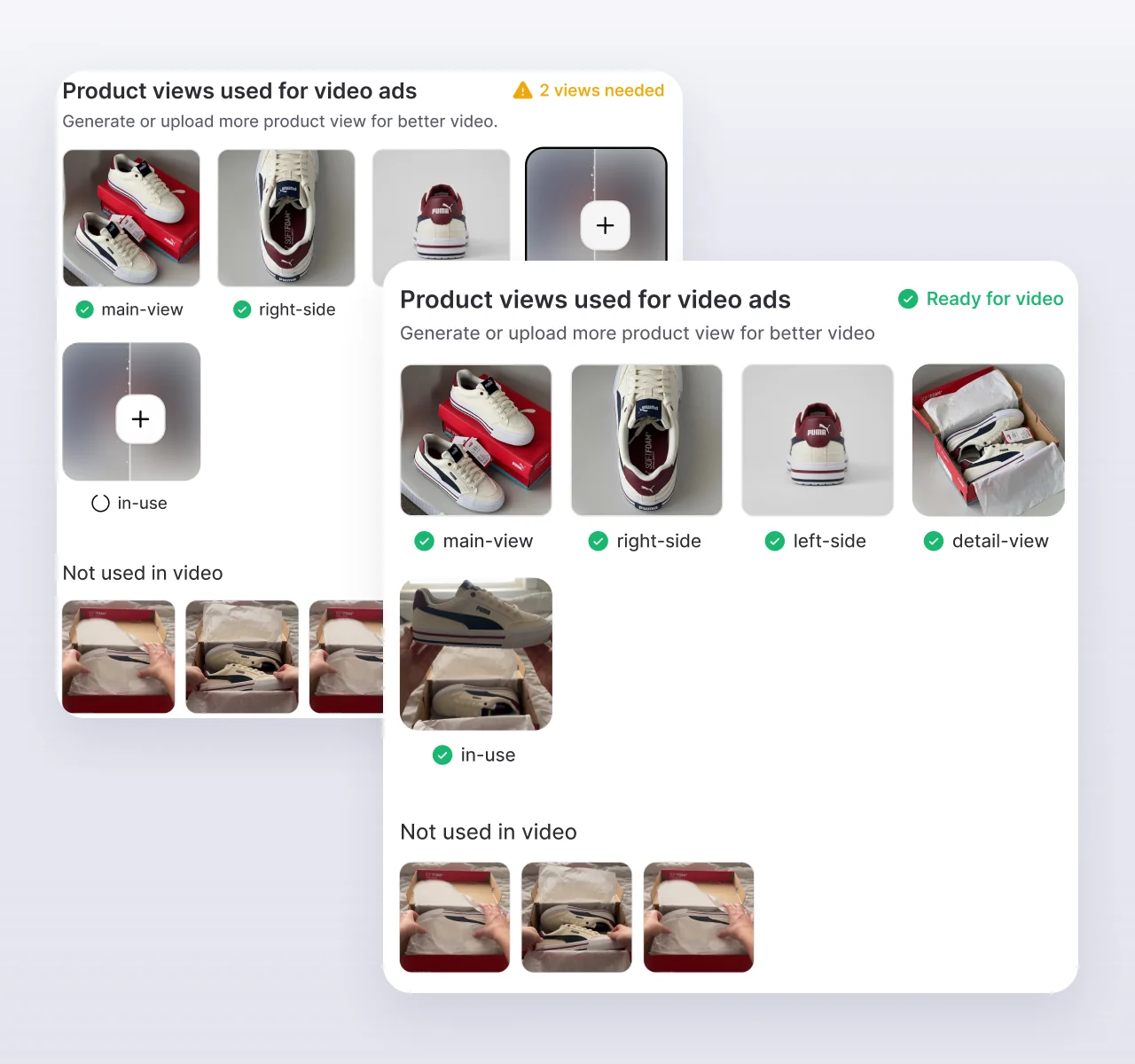
A good UGC video needs more than a front shot. Promer AI checks which views your video needs, flags the ones your page is missing, and generates them with AI. You can also pick images from your assets or upload your own.
See what is missing
before you generate.
Promer AI compares your product images with the views the video needs, then marks each one as ready or missing.
- Flags missing product views before the video is made
- Generate a missing view with AI
- Pick from your assets or upload your own
- Still generate with fewer images if you need to
Works with Amazon, Shopify, Etsy, eBay, and your own store
If a shopper can open your product page without logging in, Promer AI can usually read it. Clear photos and a real product description give the AI more to work with.
Amazon
Paste the product page link. The title, gallery images, and price come in with it.
Shopify
Paste any product URL, or connect your store and pick products from the Shopify products tab.
Etsy
Handmade and vintage listings work too. Your listing photos become the product views.
eBay
Paste an active listing URL and the photos and price are pulled in.
Your own store
WooCommerce, Wix, or a custom site. If the product page is public, paste the link.
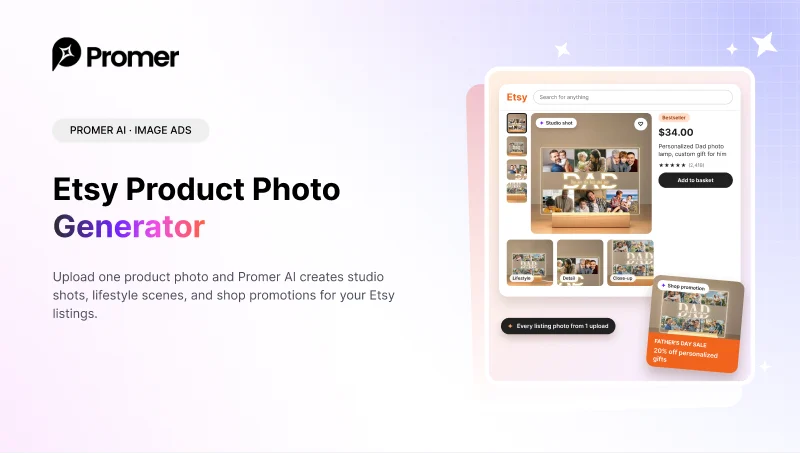
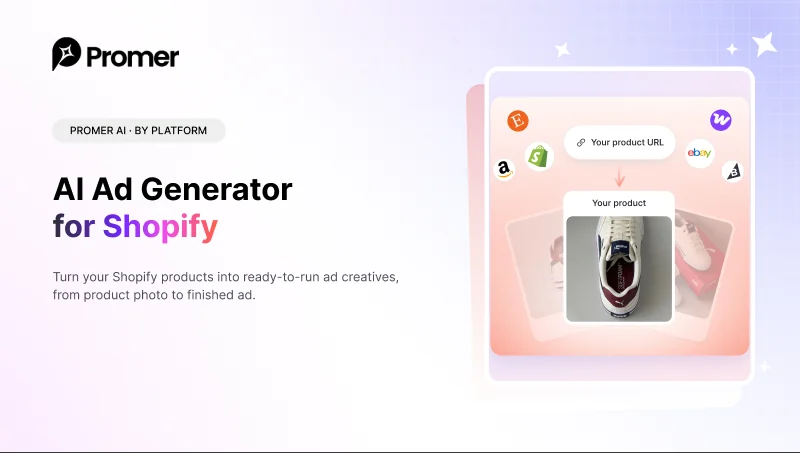
Selling on Etsy or Shopify? Make the photos and ads too
Pair your video ads with listing photos and static ads built for your store.
AI does the work. You make the calls.
Every step is editable before the video is generated: the creator, the voice, the language, and each line of the script.

Choose your AI creator
Pick from 5,000+ AI actors, filtered by gender, age, region, shooting style, and industry.
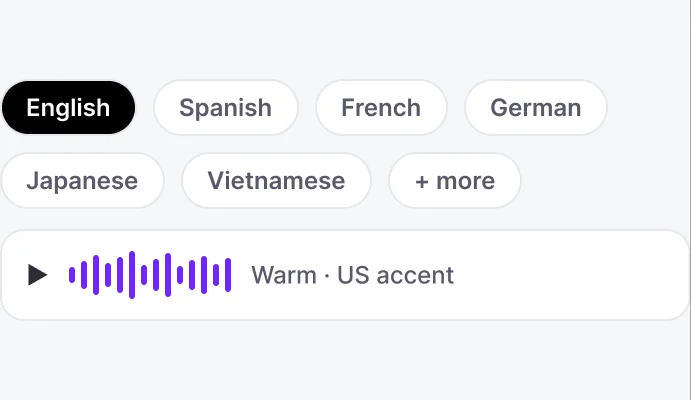
Pick the voice and language
Choose from 15,000+ AI voices by language, accent, gender, and age. The script is written in the language you pick.
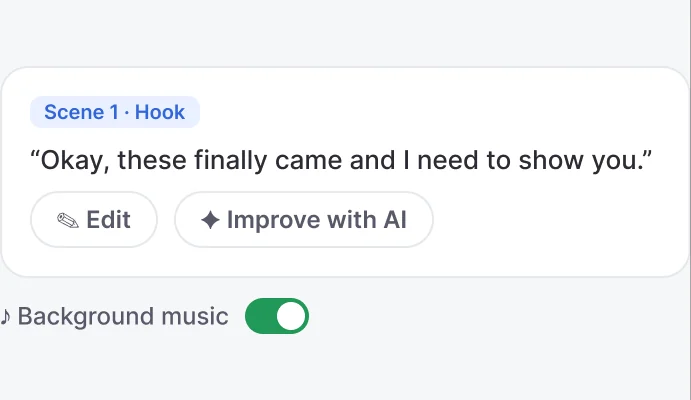
Edit before you render
Rewrite any scene, change the voiceover line by line, add background music, then generate the video.
More than a URL to video converter
Most URL to video tools turn your page into scenes. Promer AI plans the ad first - the angle, the hook, the format, and who presents it - then makes the video.
| Capacity | Promer AI | Typical URL to video tool |
|---|---|---|
| Suggests the video idea first | Yes - 3 ideas with angle, hook, visuals, and CTA | Pick a template or a style |
| Matches a UGC format to the product | Yes - best match out of 5 UGC formats | One look for every product |
| Writes a scene-by-scene ad script | Yes - hook, solution, feature, call to action | Scenes follow your page content |
| Fills missing product views | Yes - flags missing views and generates them with AI | Asks you to upload more images |
| Casts an AI creator and voice | Yes - 5,000+ AI actors and 15,000+ voices | Varies by tool |
| Lets you edit before generating | Yes - idea, creator, voice, and every script line | Varies by tool |
| Publishes after export | Yes - push to social or launch on Meta Ads | Download the file |
- Suggests the video idea firstPromer AI: Yes - 3 ideas with angle, hook, visuals, and CTATypical tool: Pick a template or a style
- Matches a UGC format to the productPromer AI: Yes - best match out of 5 UGC formatsTypical tool: One look for every product
- Writes a scene-by-scene ad scriptPromer AI: Yes - hook, solution, feature, call to actionTypical tool: Scenes follow your page content
- Fills missing product viewsPromer AI: Yes - flags missing views and generates them with AITypical tool: Asks you to upload more images
- Casts an AI creator and voicePromer AI: Yes - 5,000+ AI actors and 15,000+ voicesTypical tool: Varies by tool
- Lets you edit before generatingPromer AI: Yes - idea, creator, voice, and every script lineTypical tool: Varies by tool
- Publishes after exportPromer AI: Yes - push to social or launch on Meta AdsTypical tool: Download the file
FAQ
It is a tool that turns a product page URL into a video ad. You paste the link, AI reads the product details and images, and generates the video. Promer AI makes UGC-style video ads, where an AI creator presents your product with a script written from your product page.
Paste the link, choose the product images to use, and pick a video idea. Then choose an AI creator and a voice, review the scene-by-scene script, and edit anything you want. Click Generate video, and when it is ready, download it or publish it.
Public product pages from Amazon, Shopify, Etsy, eBay, and most other online stores. Pages behind a login or a paywall can't be read. In that case, upload your product images instead (JPG, PNG, or WEBP, up to 20 MB each).
The product name, images, description, and price, including the sale price if there is one. AI uses those details to suggest the angle, the hook, and the UGC format for your video.
Promer AI shows which product views the video needs and which ones are missing. Generate the missing views with AI, pick images from your assets, or upload your own. You can still generate with fewer images, but more angles usually make a better video.
Yes. Switch the video idea or the format, write your own idea, change the AI creator and the voice, and edit the voiceover script line by line. Nothing is generated until you click Generate video.
More than 5,000 AI actors, filtered by gender, age group, region, shooting style, and industry, and more than 15,000 voices, filtered by language, accent, gender, age, and use case.
Yes. Pick the video language in the settings bar, then filter voices by language and accent so the creator sounds natural to your audience.
9:16 for TikTok, Reels, and Stories, or 16:9 for YouTube and other landscape placements. Videos export in HD.
Yes, they are made for ads. Push a video to Facebook, Instagram, or TikTok, or launch it as a Meta Ads campaign with Launch Ads. Watch every video before it goes live, since AI-generated content can have mistakes.
No. Video generation uses credits, which come with a paid plan. At the time of writing, plans start at $9/month. See the pricing page for what each plan includes.
A slideshow animates the photos on your page and adds text. Promer AI makes a UGC-style ad: an AI creator presents the product and follows a script with a hook, the product's benefits, and a call to action.

Got a product link? That’s your next video ad.
Paste it into Promer AI and get a UGC video ad with an AI creator, a voice, and a script written for your product.