
Prompt to Video AI Generator for Ecommerce Ads
Type what you want, tag your product, avatar and voice, and Promer AI turns your text prompt into a video ad - or a storyboard you can review first.


Two ways to generate video from a text prompt
Go straight to the video, or check every scene in a storyboard before you spend a credit on rendering.
Generate video
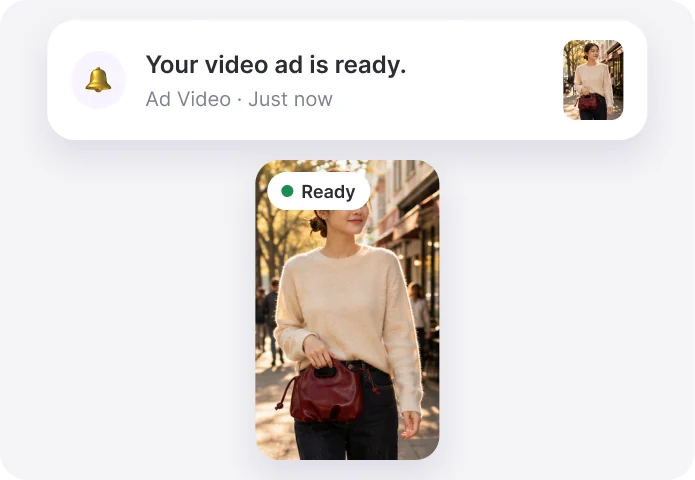
Write the prompt and hit Generate video. Promer AI renders the ad and notifies you when it is ready.
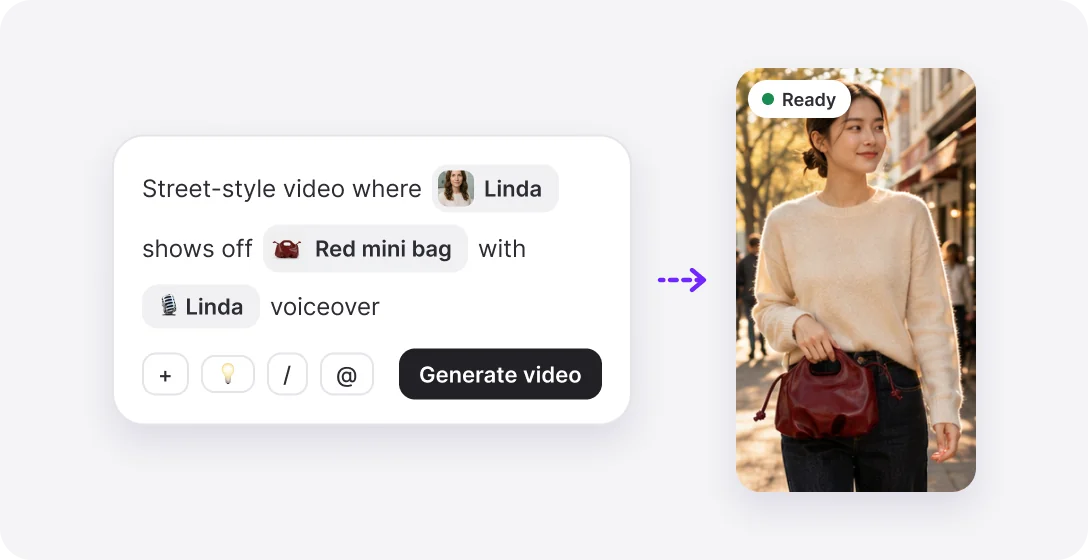
- One prompt, one video ad
- Keep working - a notification tells you when it is done
- 9:16 and 16:9
Generate storyboard
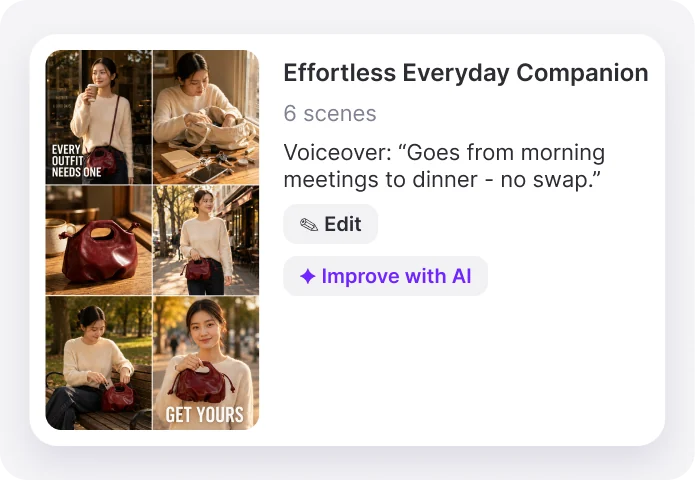
Get the scenes, description and voiceover first. Edit them or improve with AI, then generate the video.
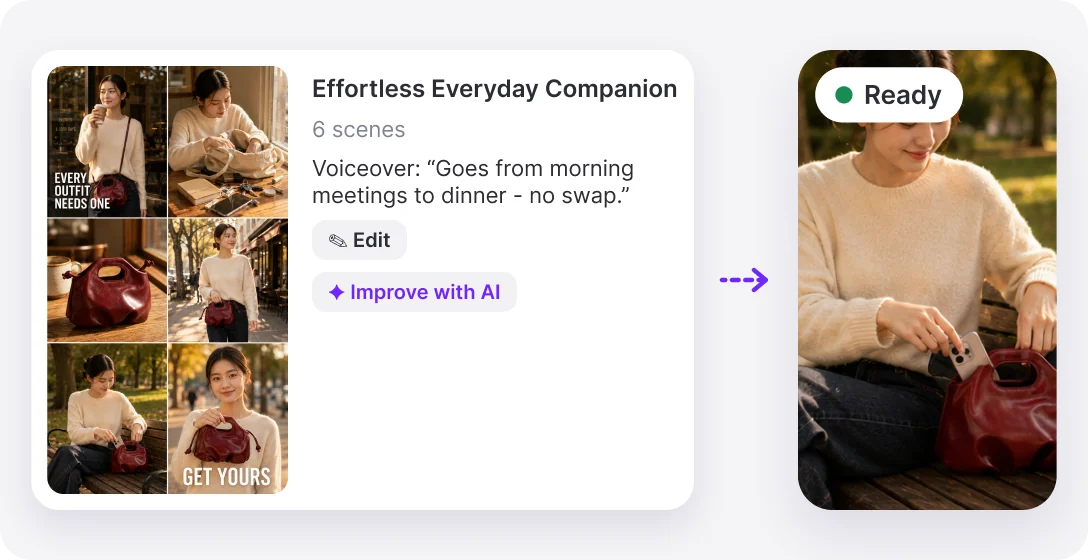
- See every scene before rendering
- Edit or “Improve with AI”
- Auto-caption and music toggles
How to turn a text prompt into a video ad
Three steps, all in one prompt box.
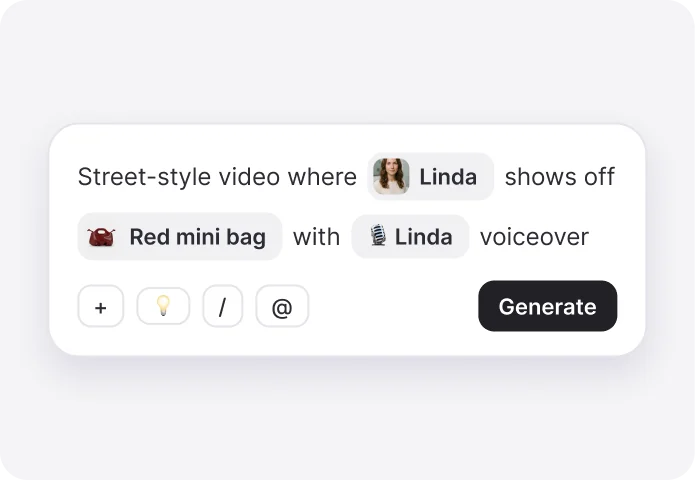
1Write your prompt
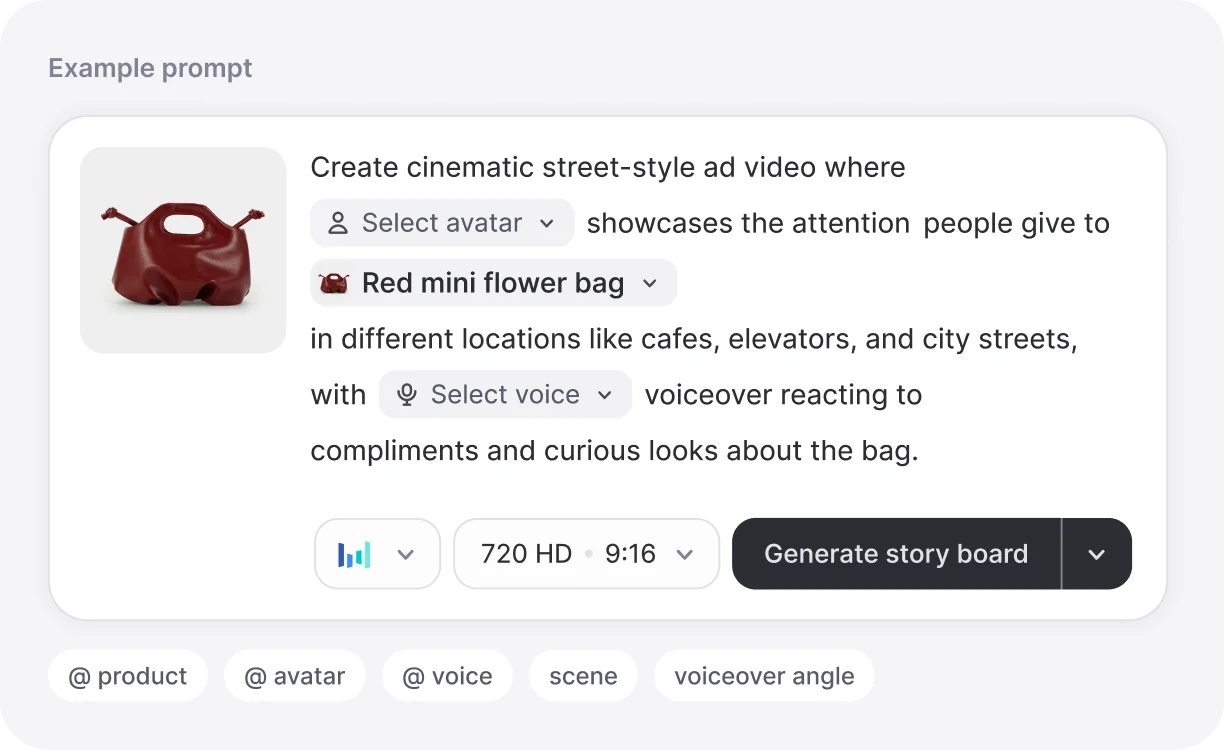
Describe the video. Type @ to tag your product, avatar and voice, or tap 💡 for prompt ideas.
2Review the storyboard
Want control? Generate a storyboard first - scenes, description and voiceover you can edit or improve with AI.
3Generate and get notified
Promer AI renders the video ad. Keep working - a notification tells you the moment it is ready.
What you can put in a video prompt
A text prompt in Promer AI is more than words. Tag real assets so the video shows your actual product.
- Your product
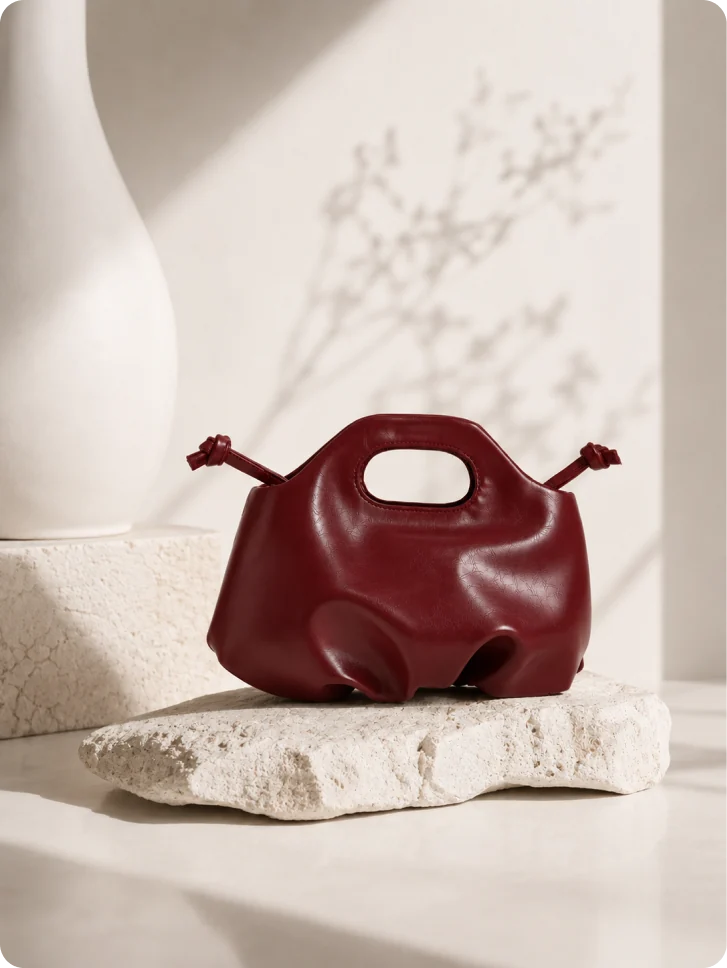
- Tag a product from your library. The video uses its real photos, not a lookalike.
- Avatar
- Pick the AI avatar who presents the product on camera.
- Voice
- Choose the voiceover from the voice library.
- SkillsComing soon
- Call a ready-made video style from inside the prompt.
- Ideas
- Stuck? Get prompt ideas based on your product.
- Format
- Set ratio and quality before you generate - 9:16 or 16:9, HD.
Text prompt to video examples
Copy a prompt, replace the [brackets] with your own product, and generate it in Promer AI.
 Lifestyle
 video prompt
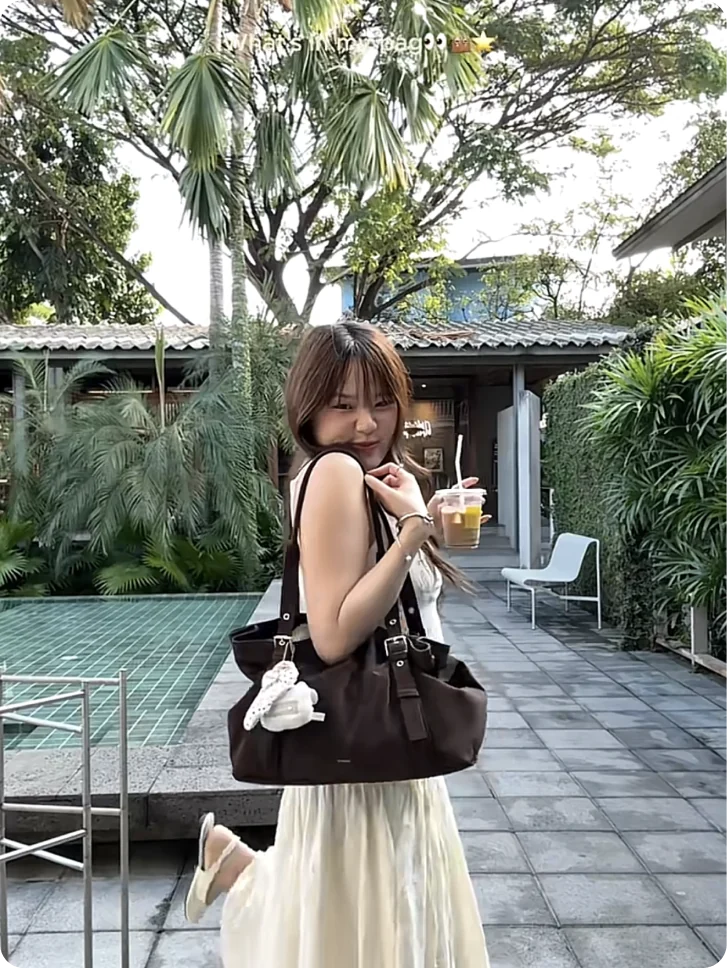
Create a cinematic street-style video where a stylish woman shows off [your product] on a sunny city walk, with a voiceover about getting compliments everywhere.
 Product reveal
 video prompt
Slow reveal of [your product] on a marble table in soft morning light, close-ups of the details, ending on a full product shot.
 Day in the life
 video prompt
A creator takes [your product] from morning coffee to a dinner date. Voiceover: “Goes from morning meetings to dinner - no swap.”
Why ecommerce teams use Promer AI for text prompt to video
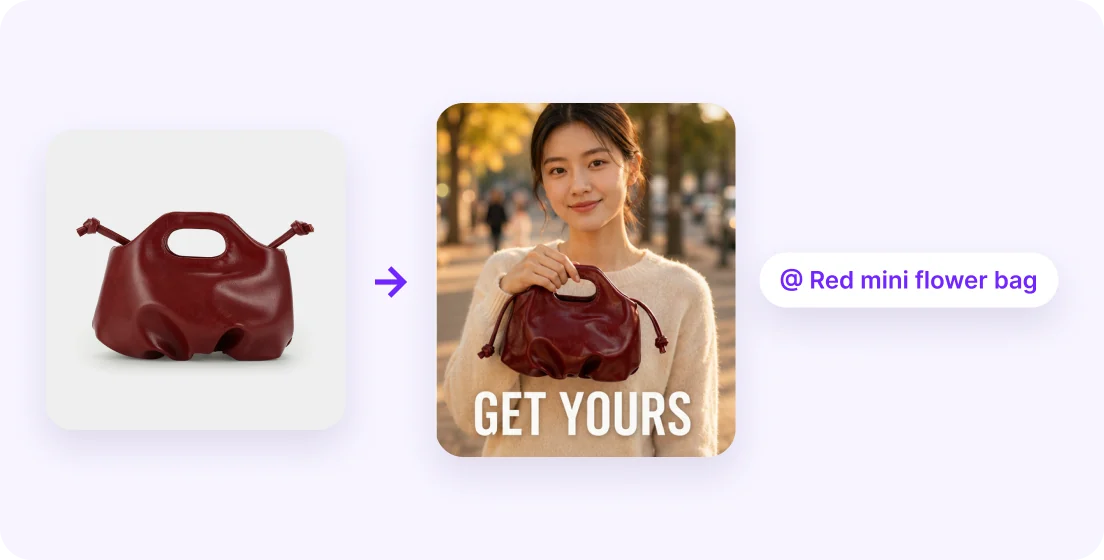
Your real product, not a lookalike
Tag a product from your library and the video uses its real photos. Generic text-to-video tools have to invent the product from words.
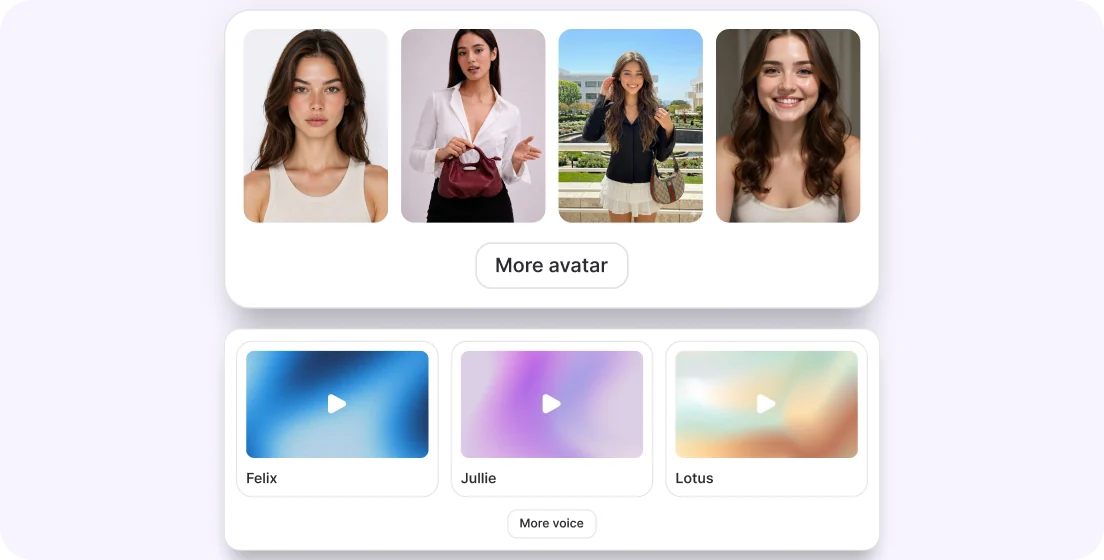
Avatar and voice live in the prompt
Pick the presenter and the voiceover right inside the text - no separate setup screens.
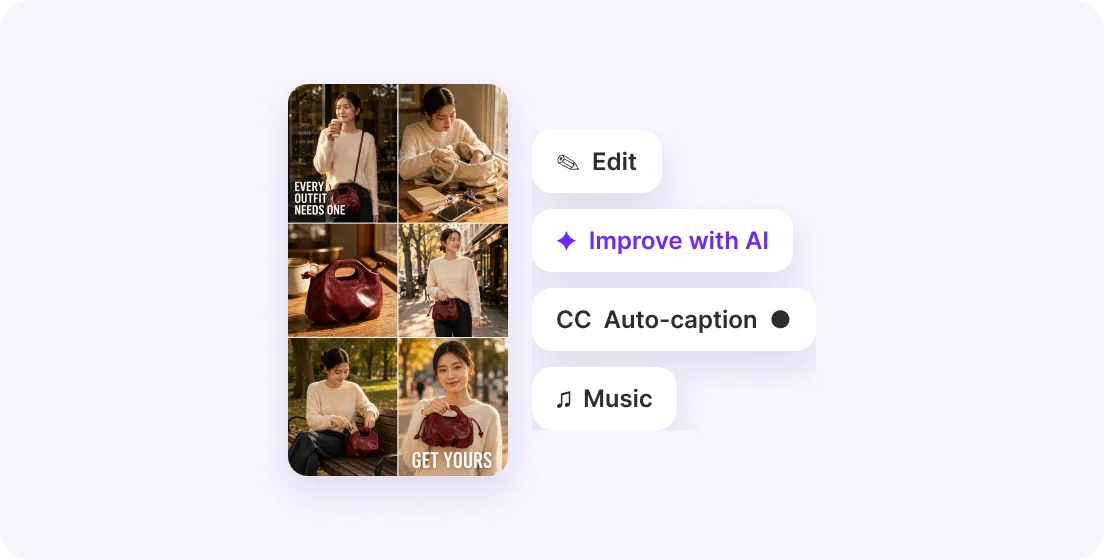
Check every scene before you render
Storyboard mode lays out the scenes, description and voiceover. Edit or improve them with AI, then generate.
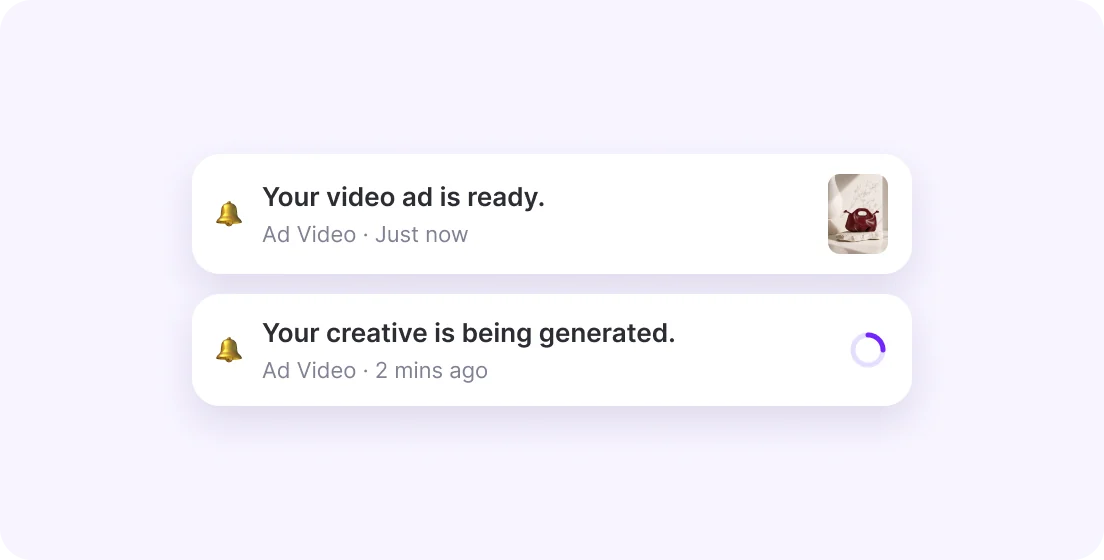
Keep working while it renders
Generation runs in the background. A notification tells you when your video ad is ready - in 9:16 or 16:9.
More AI video generators for ecommerce
Prefer a guided flow? These tools start from your product photo instead of a prompt.
 Video ads
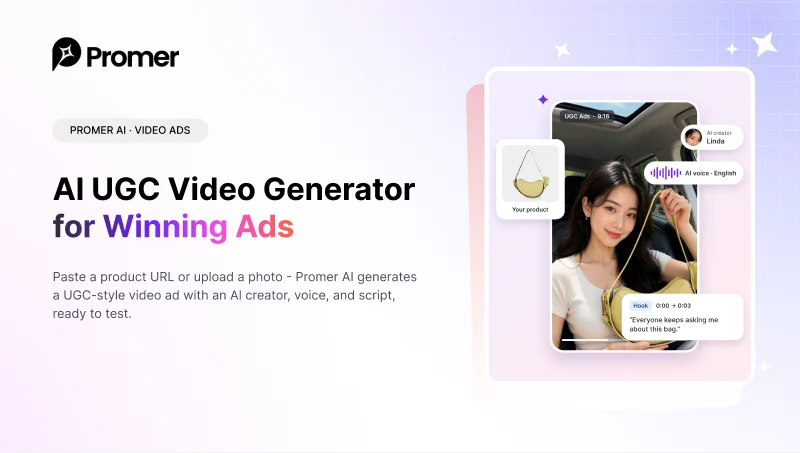
AI UGC Video Generator
Paste a product URL and get a UGC-style video ad with an AI creator, voice, and script.Open tool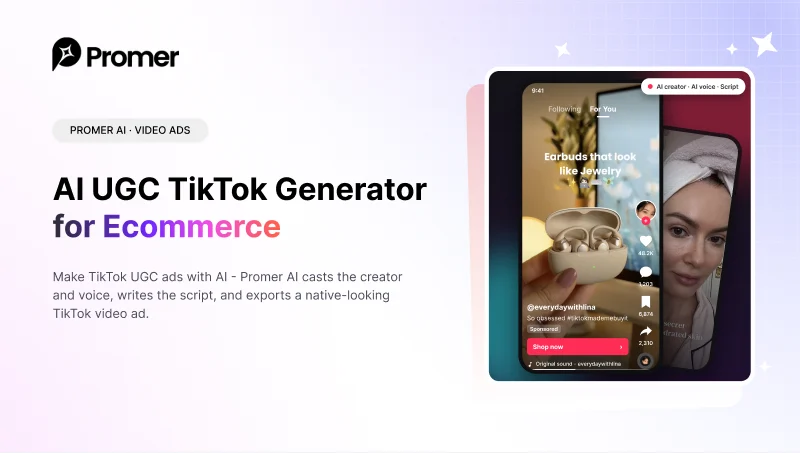 Video ads
AI UGC TikTok Generator
Native TikTok UGC ads - AI casts the creator and voice, then writes the script.Open tool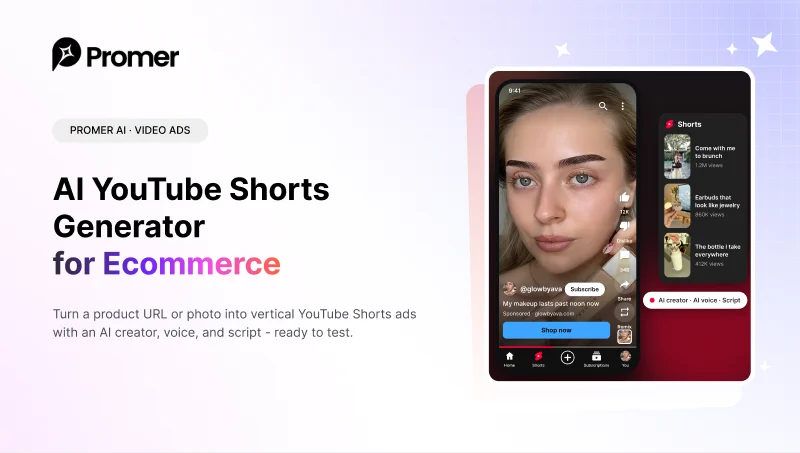 Video ads
AI YouTube Shorts Generator
Vertical 9:16 Shorts ads from a product URL or photo, ready to test.Open tool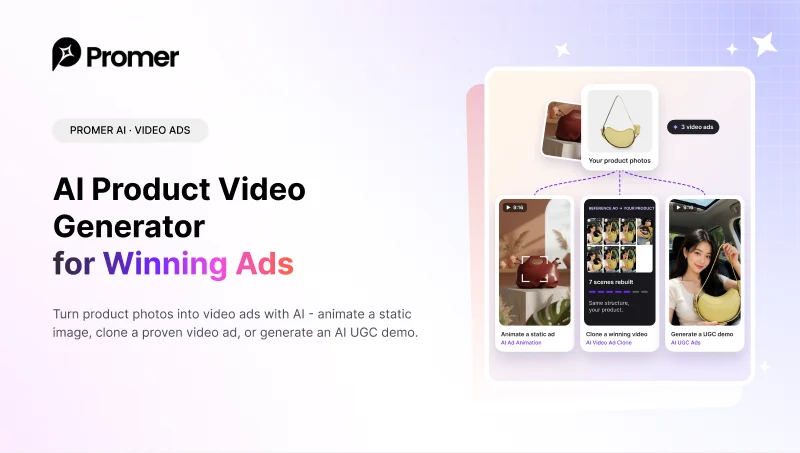 Video ads
AI Product Video Generator
Animate a static image, clone a winning video, or generate an AI UGC demo.Open tool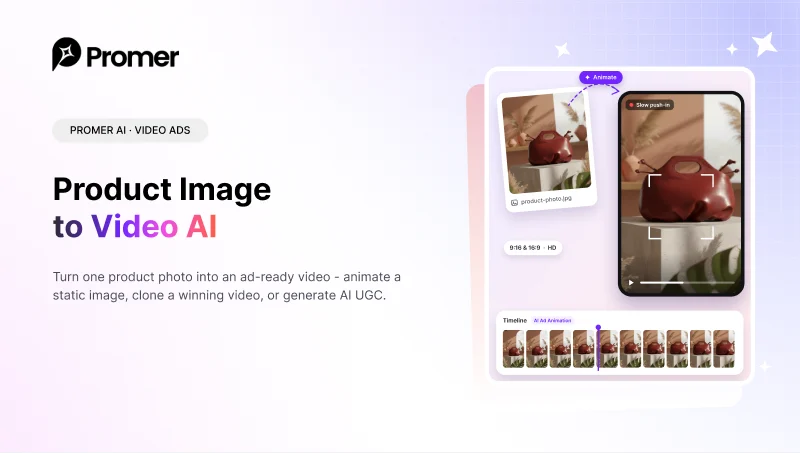 Video ads
Product Image to Video AI
Turn one product photo into an ad-ready video in a few steps.Open tool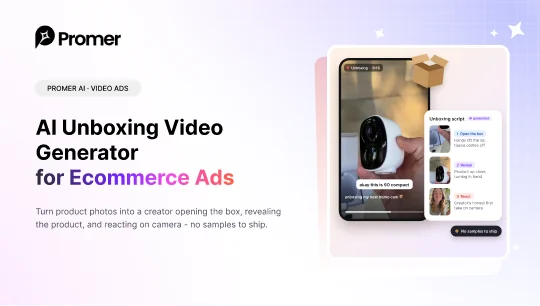 Video adsNew
AI Unboxing Video Generator
A creator opens the box, reveals your product, and reacts on camera.Open toolFAQ
A prompt to video AI generator turns a written description into a video. Promer AI's version is built for ecommerce ads: you write the prompt, tag your product, avatar and voice, and get a video ad ready to test.
You describe the video in plain words - who is in it, what happens, where, and what the voiceover says. The AI plans the scenes and renders them. In Promer AI you can render directly or review a storyboard first.
Yes, that is what it is built for. It uses your real product photos, adds an avatar and voiceover, and exports 9:16 or 16:9 for TikTok, Reels, Shorts and feeds.
Yes. Type @ to tag a product from your library. Promer AI uses its photos, so the video shows your actual product instead of an AI lookalike.
Generate video goes straight from your text prompt to the finished video. Generate storyboard shows every scene, the description and the voiceover first, so you can edit or improve them with AI before rendering.
Name the subject, the action with your product, the setting and the voiceover line. Tag your product, avatar and voice with @. If you are stuck, tap the idea button to get prompt ideas from your product.
In Promer AI, yes. Tag them with @ in the prompt or pick them from the avatar and voice libraries.
HD video in 9:16 for TikTok, Reels and Shorts, or 16:9 for feeds and YouTube. Auto-caption and music are available in storyboard mode.
It depends on the video. Generation runs in the background, and a notification tells you when your video ad is ready, so you can keep working.
Yes. Each video uses credits from your Promer AI plan. The prompt box shows the cost before you click generate.

Your next video ad starts with one prompt.
Write it, tag your product, and let Promer AI turn the text into a video ad ready to test.