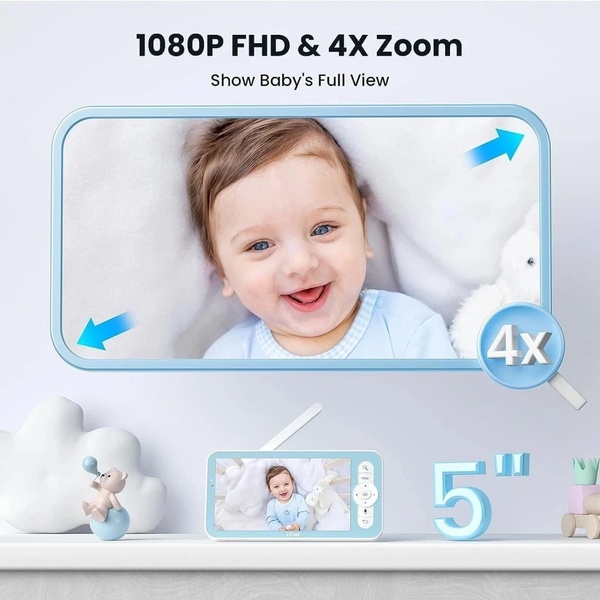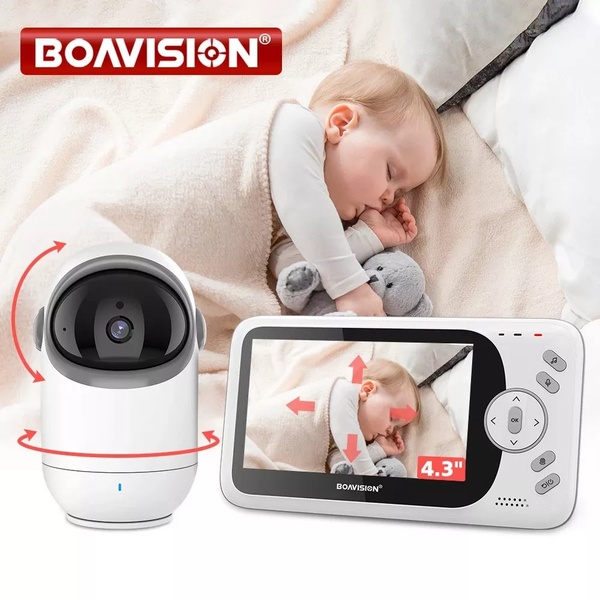
This creative displays a side-by-side comparison of a baby monitor camera and its handheld screen, showing the camera panning over a sleeping infant.

Split View Baby Monitor Feature Showcase

This creative displays a side-by-side comparison of a baby monitor camera and its handheld screen, showing the camera panning over a sleeping infant.

Ad Details
Style
Feature & Benefit
Format
1:1
Industry
Electronics
Platforms
Facebook · Instagram
Language
English
Clone this ad with AI

Free credits included. No card required

Why this ad works

This creative utilizes a high-contrast visual comparison to communicate the value of a baby monitor instantly. By placing the hardware directly next to the real-world application of a sleeping infant, the viewer immediately understands the benefit of remote monitoring without reading a single word of copy.

The core strength of this visual hook lies in its ability to bridge the gap between product hardware and user peace of mind. When building your own creative library with Promer AI, focus on this type of contextual framing where the product serves as the primary visual guide to the benefit it provides, ensuring your audience grasps the value proposition in under a second.

The winning ingredients

  • Side-by-Side Framing The 1:1 image displays both the camera hardware and the active handheld display, providing a complete feature overview.
  • Soothing Color Palette The use of soft whites, light greys, and warm beiges creates a calming aesthetic that aligns with the context of monitoring a sleeping baby.
  • Dynamic Visual Cues Red arrows overlaid on the image clearly indicate the pan, tilt, and zoom capabilities of the monitor hardware.
Great ads start from a clear structure that shows the product in action rather than relying on abstract benefits.

How to make it yours

  1. Begin by initializing an AI Ad Clone to mirror the side-by-side structural layout used here.
  2. Upload your product URL to let the platform automatically swap the image assets, logo, and brand colors while maintaining the winning layout.
  3. Refine the messaging to highlight your specific product benefits, select the square aspect ratio, and generate variations for testing.

Pro tip

When showcasing hardware with moving parts, use simple graphical overlays like arrows or path indicators to visualize the motion. This helps users mentally simulate the product experience, which often leads to higher engagement rates for technical goods.
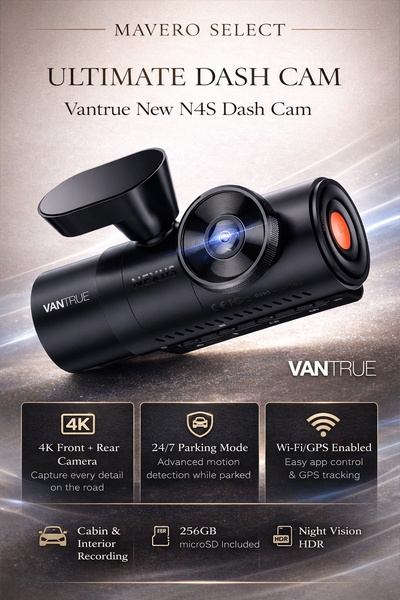
Vantrue N4S Feature Showcase
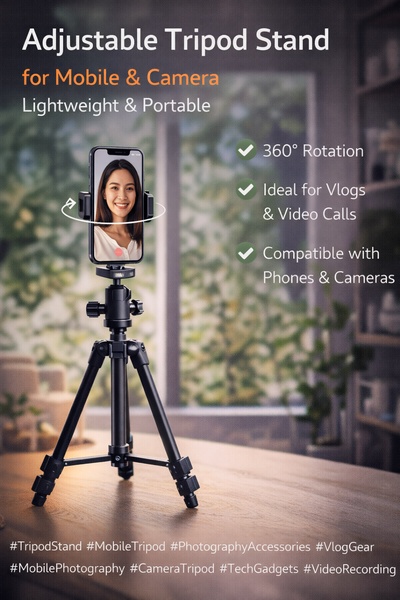
Adjustable Tripod Stand Feature Highlight
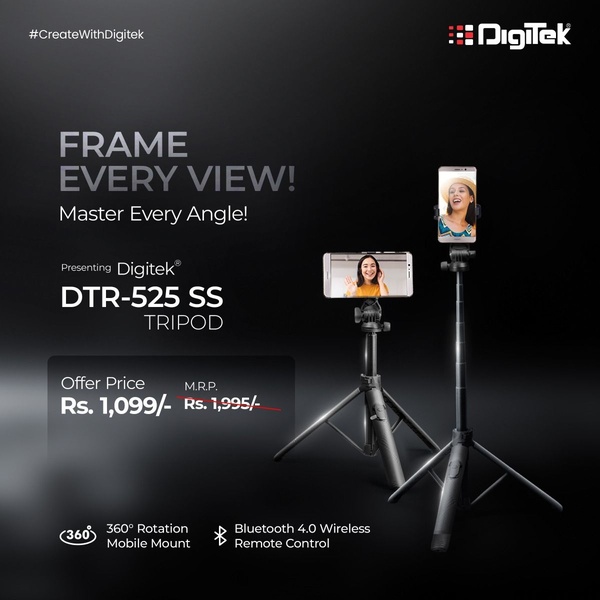
Digitek DTR-525 SS Tripod Offer
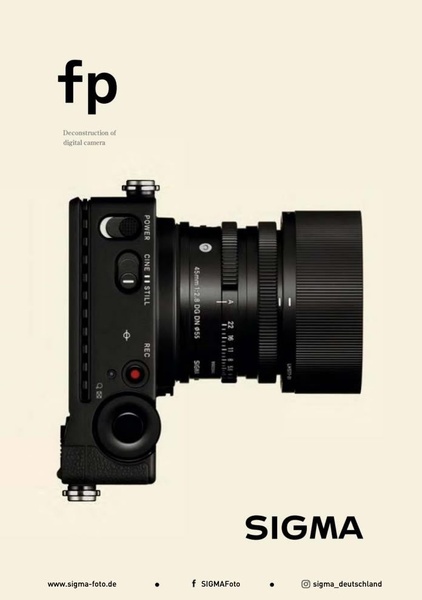
Sigma fp Deconstruction
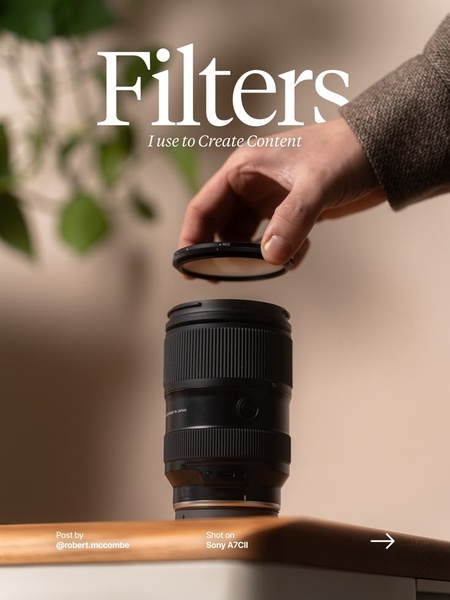
Minimalist Camera Filter Reveal
Capture Every Moment Phone Tripod Ad
Capture Every Moment Phone Tripod Creative
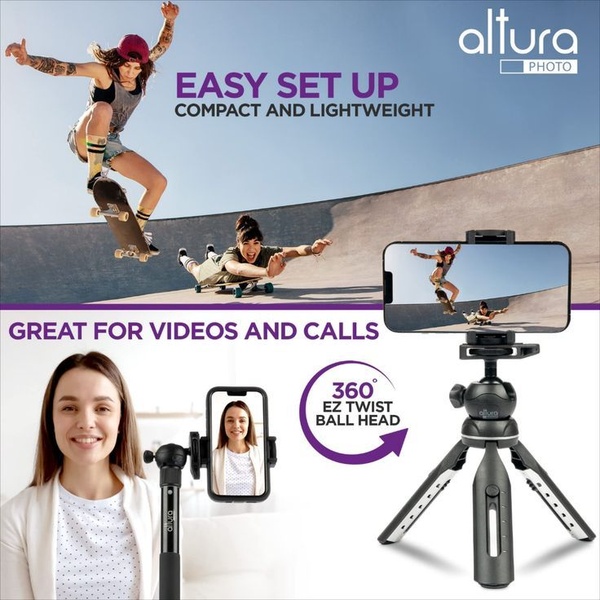
Compact Tripod Feature Breakdown
High-Definition Baby Monitor Close-Up
K&F Concept Lens Filter Product Display
EOS R6 V Product Hero Shot
Camera Spotlight Hero
Enhance Your Travel Photography
Digitek Tripod Offer Creative
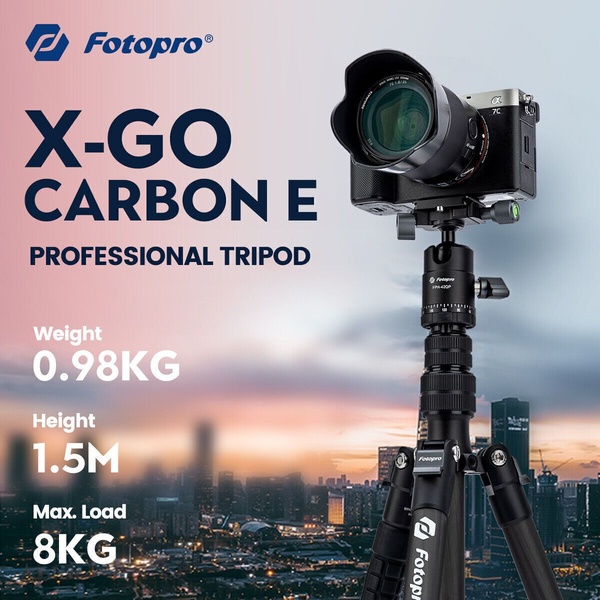
X-GO Carbon E Professional Tripod Spec Sheet
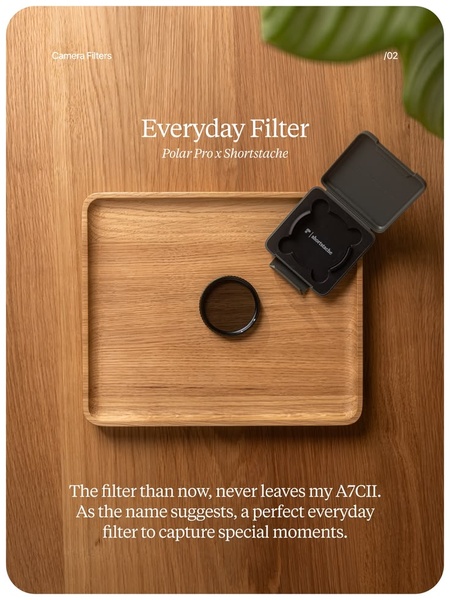
Everyday Filter Product Showcase
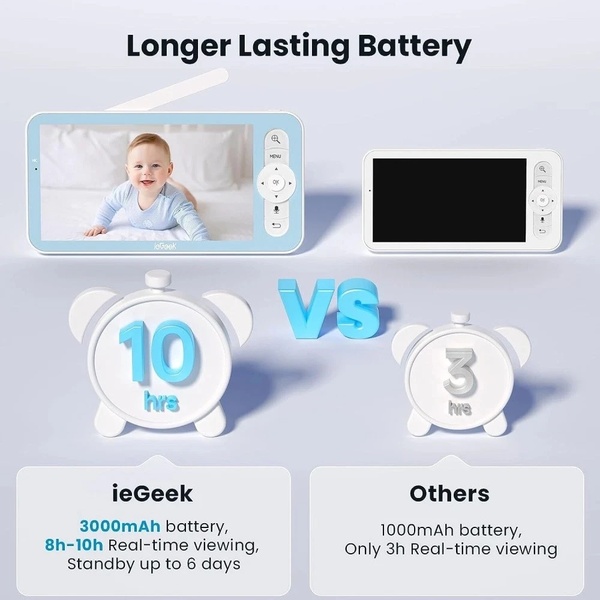
Baby Monitor Battery Comparison
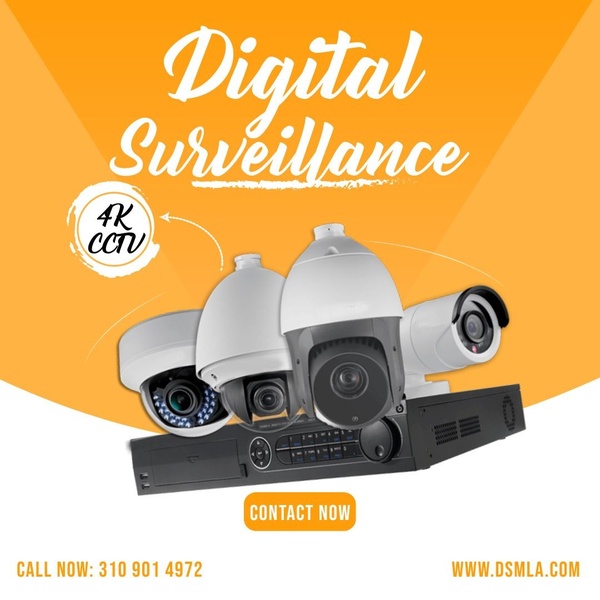
CCTV Surveillance Direct Benefit Ad
Sleep Peacefully with Nanit
Baby Monitor Feature Highlight

Your next winning adis already out there.

Promer helps you find the pattern, adapt it to your product, and create your own version in minutes.


Free credits included
No credit card required
Ship in minutes.