A close-up, high-fidelity shot of a person's finger pressing the button of a sleek, modern video doorbell mounted on a textured wall.

Finger-on-Button Interaction

A close-up, high-fidelity shot of a person's finger pressing the button of a sleek, modern video doorbell mounted on a textured wall.

Ad Details
Style
Product Hero
Format
3:4
Industry
Electronics
Platforms
Facebook · Instagram
Language
English
Clone this ad with AI

Free credits included. No card required

Why this ad works

This visual strategy highlights the simple, intuitive interaction of a video doorbell by focusing on the tactile moment of engagement. By using a macro-lens style perspective and a neutral, textured background, the creative removes environmental distractions to draw the user eye directly to the product function. This approach is effective because it mirrors the ease of use the consumer expects from modern smart home devices.

For most ecommerce teams, stripping away complex lifestyle scenes in favor of a clean, interaction-focused hero shot can help improve stop-rate during initial ad delivery. We suggest using Promer AI to maintain this level of product focus while testing variations in lighting or wall textures to find which aesthetic best aligns with your target home-owner demographic.

The winning ingredients

  • Macro Interaction Focus The close-up framing makes the product interaction feel personal and immediate, emphasizing the ease of use.
  • Textured Minimalist Backdrop The grey, layered wall creates a high-end, architectural feel that positions the product as a premium home upgrade.
  • Direct Action Framing Positioning the finger about to press the button creates a sense of pending action that prompts the viewer to visualize owning the device.
Great creative is built on the intersection of human touch and product utility, not just high-resolution visuals.

How to make it yours

  1. Begin by selecting the AI Ad Clone tool to mirror the professional interaction framing shown in this creative.
  2. Input your product URL to allow the system to intelligently swap the hardware, brand colors, and logo onto the existing high-performing layout.
  3. Refine the accompanying copy to emphasize your key user benefit, select the 4:3 ratio for mobile-first feeds, and generate your custom variations.

Pro tip

When focusing on a hardware interaction, ensure the lighting reflects a natural, high-end environment to avoid a sterile look. Subtle shadows, as seen here, add depth to the device and prevent it from appearing flat or like a digital render.
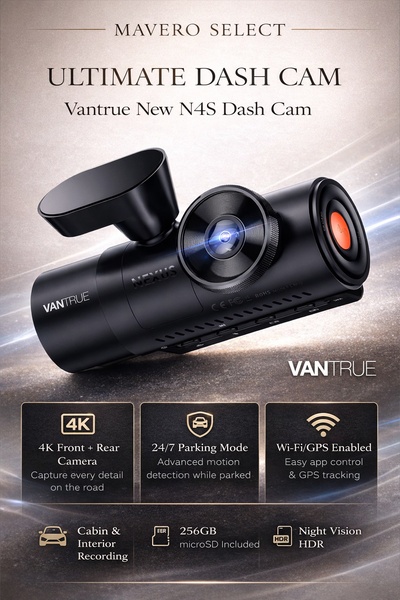
Vantrue N4S Feature Showcase
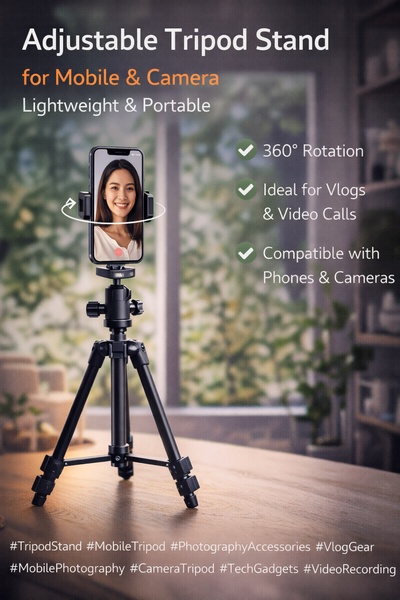
Adjustable Tripod Stand Feature Highlight
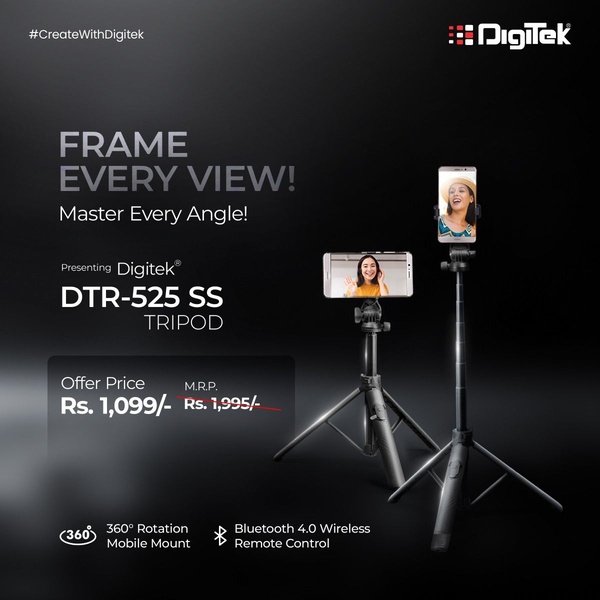
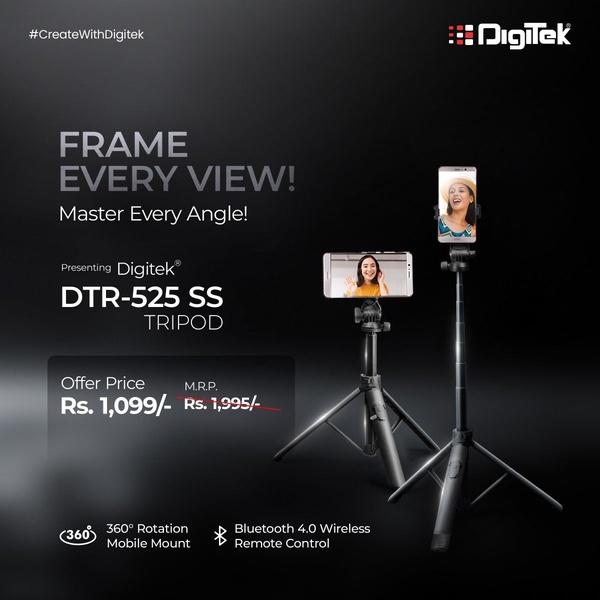
Digitek DTR-525 SS Tripod Offer
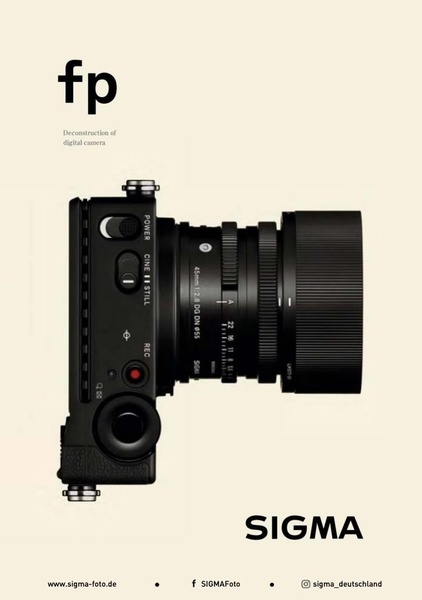
Sigma fp Deconstruction
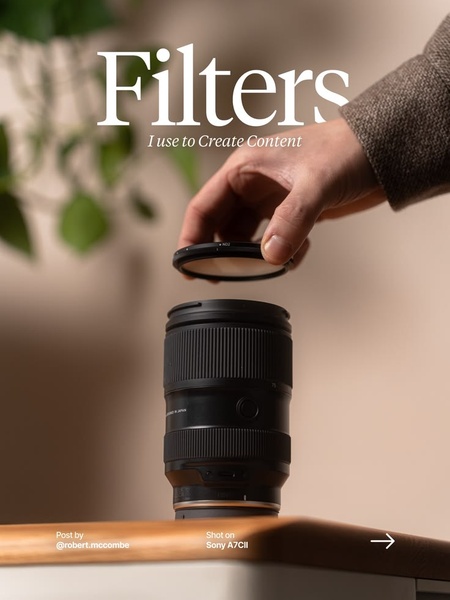
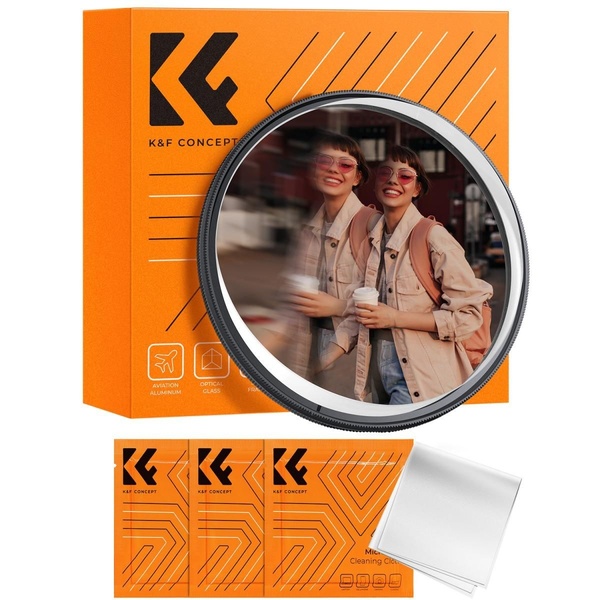
Minimalist Camera Filter Reveal
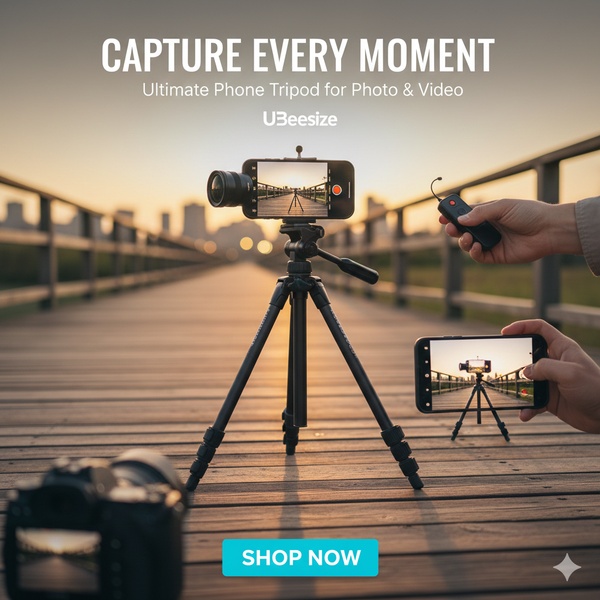
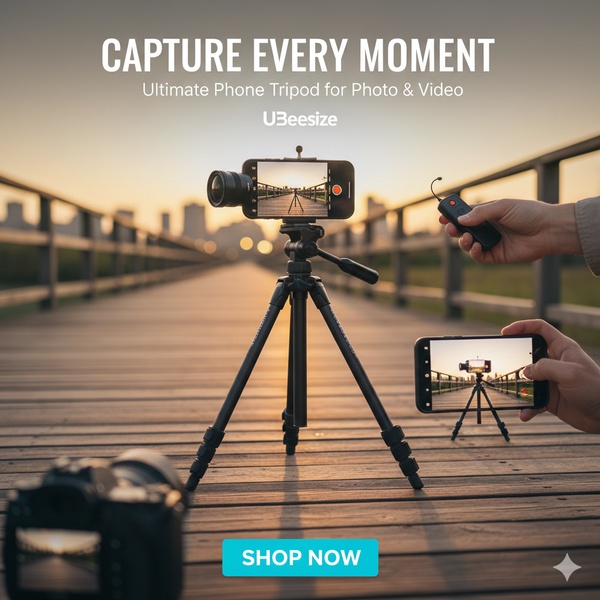
Capture Every Moment Phone Tripod Ad
Capture Every Moment Phone Tripod Creative
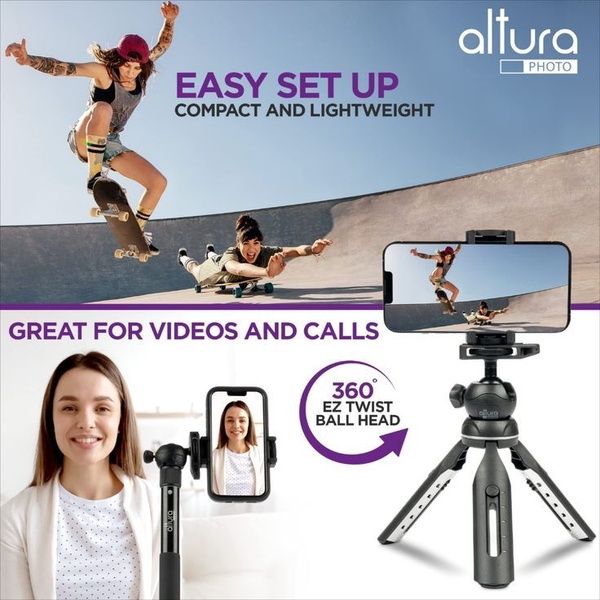
Compact Tripod Feature Breakdown
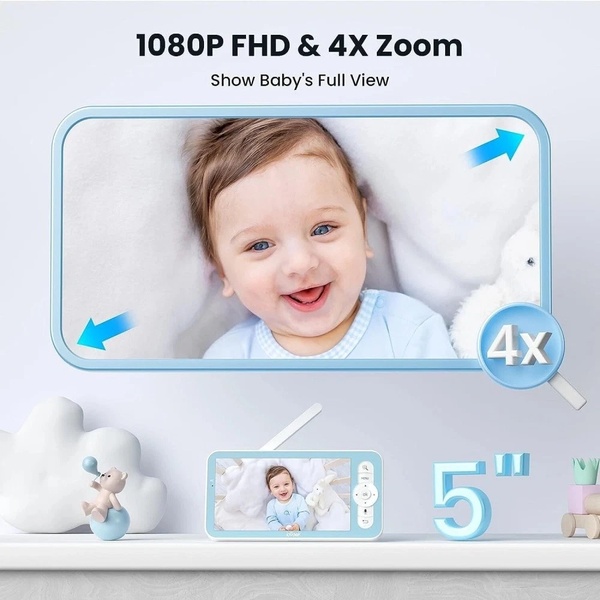
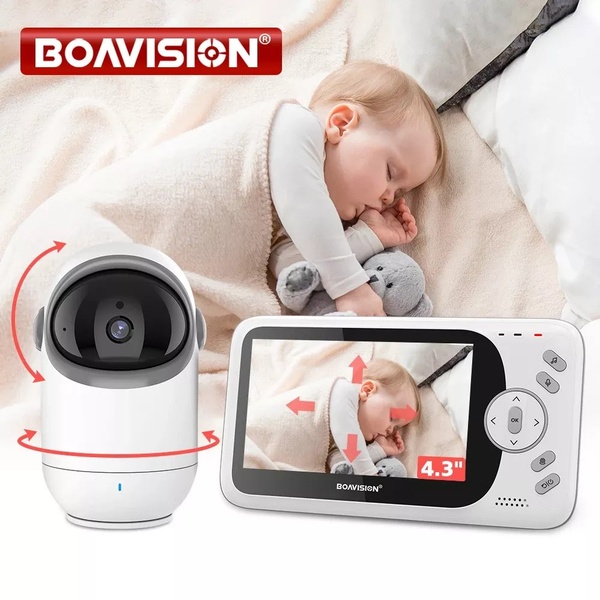
High-Definition Baby Monitor Close-Up
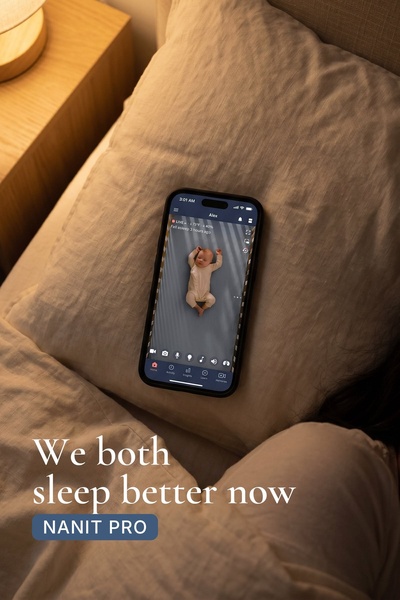
Sleep Peacefully with Nanit
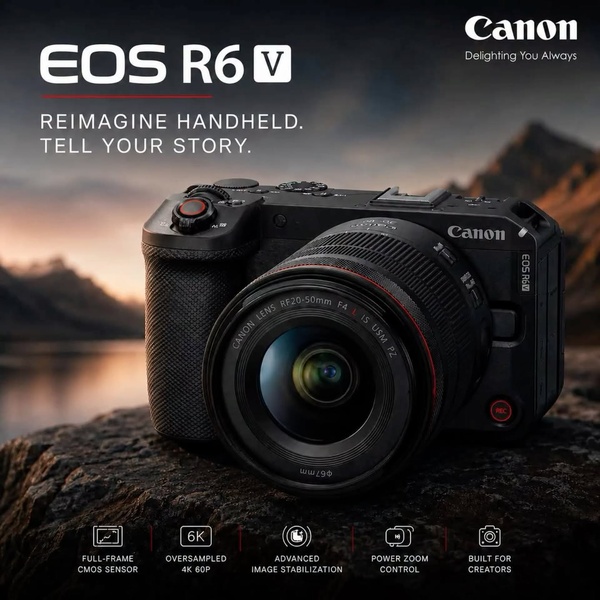
EOS R6 V Product Hero Shot
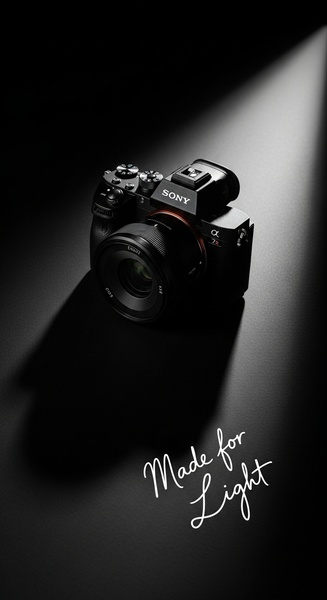
Camera Spotlight Hero
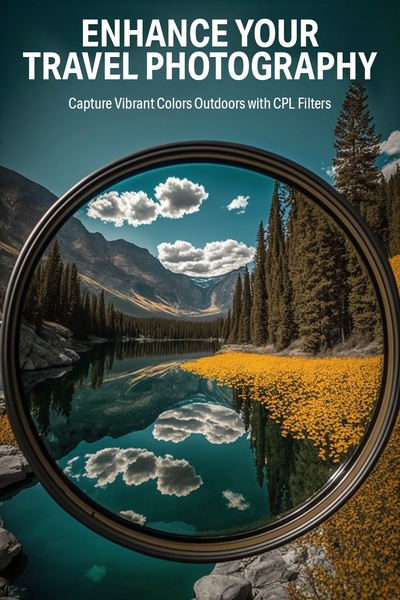
Enhance Your Travel Photography
Digitek Tripod Offer Creative
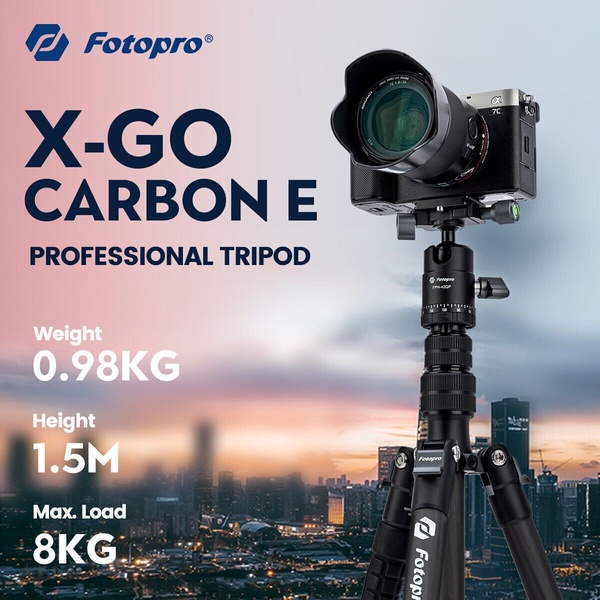
X-GO Carbon E Professional Tripod Spec Sheet
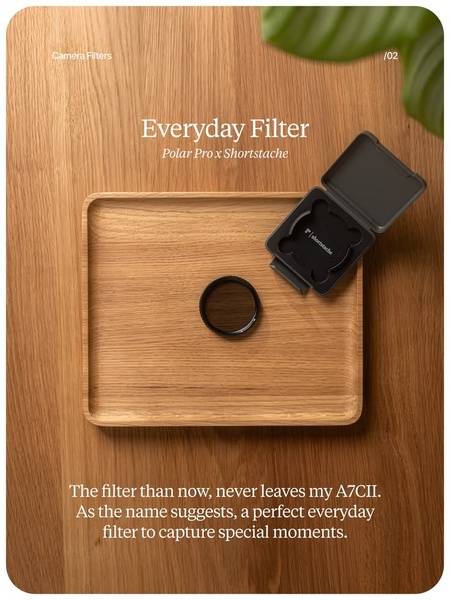
Everyday Filter Product Showcase
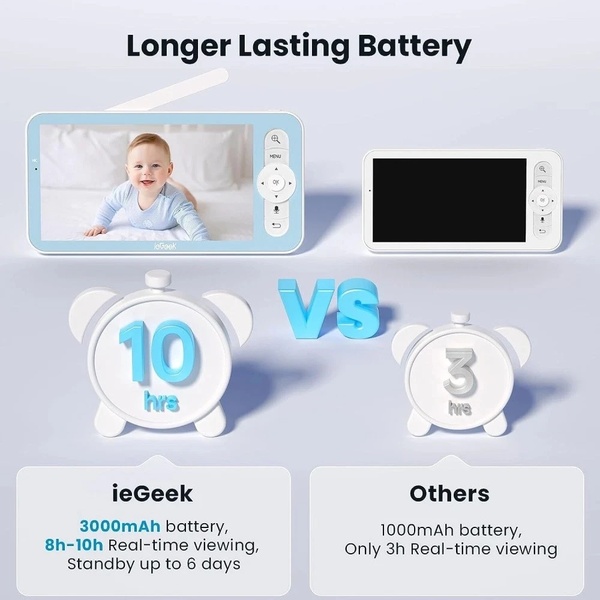
Baby Monitor Battery Comparison
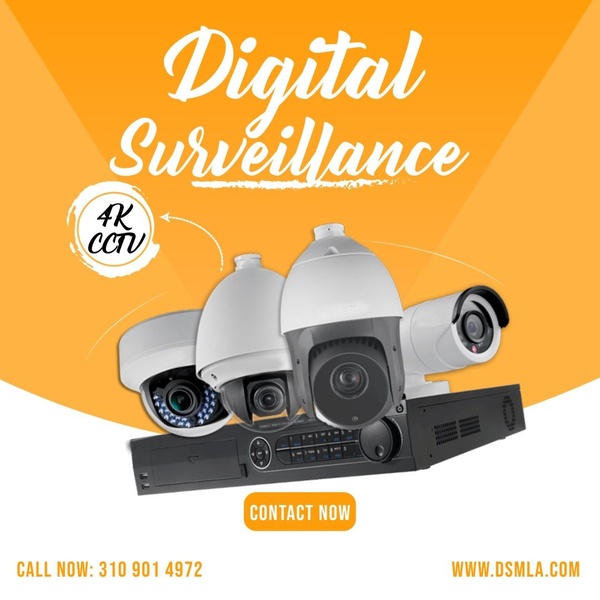
CCTV Surveillance Direct Benefit Ad
Split View Baby Monitor Feature Showcase
K&F Concept Lens Filter Product Display

Your next winning adis already out there.

Promer helps you find the pattern, adapt it to your product, and create your own version in minutes.

Free credits included
No credit card required
Ship in minutes.