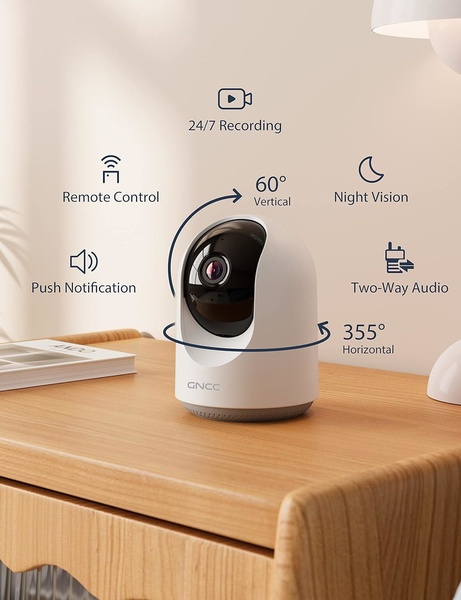
A clean, minimalist product shot of a security camera with graphical annotations highlighting key technical features like night vision, audio, and rotation range.

Gncc Security Camera Feature Overview

A clean, minimalist product shot of a security camera with graphical annotations highlighting key technical features like night vision, audio, and rotation range.

Ad Details
Style
Feature & Benefit
Format
3:4
Industry
Electronics
Platforms
social_feed
Language
English
Clone this ad with AI

Free credits included. No card required

Why this ad works

This ad works by prioritizing clarity and instant information retrieval, placing the security camera at the center of a clean, annotated layout that minimizes cognitive load. By using floating icons and clear text labels to connect features like night vision and rotation ranges directly to the hardware, the viewer understands the core value proposition in seconds without needing to read a paragraph of text.

In most cases, this structured approach is highly effective for technical hardware, as it builds trust through transparency. You can leverage Promer AI to replicate this visual organization for your own hardware by ensuring your product photography maintains a consistent, neutral background that makes your annotations pop for the end user.

The winning ingredients

  • Direct Feature Callouts Every primary technical spec, such as the 355 degree horizontal range and 60 degree vertical tilt, is directly labeled with a distinct icon.
  • Neutral Background Palette The use of beige and white tones creates a non-intrusive aesthetic that keeps the focus entirely on the dark product silhouette.
  • Visual Flow Indicators Curved arrow indicators clearly map out the camera's rotational capabilities, turning static text into an intuitive motion guide.
Great ads translate technical complexity into immediate visual intuition.

How to make it yours

  1. Start by initiating an AI Ad Clone to import the structure and layout logic of this high-performing annotation style.
  2. Upload your product photography so the platform can intelligently swap your hardware while keeping the minimalist aesthetic and logical icon placement intact.
  3. Refine your copy to match your specific technical features, select your desired aspect ratio, and generate high-fidelity variations for your next campaign.

Pro tip

When creating feature-heavy ads, ensure your annotations are strategically placed to avoid covering essential physical buttons or lenses on your device. For a security camera, always emphasize the features that solve user anxiety, such as night vision or push notifications, over generic technical specs.
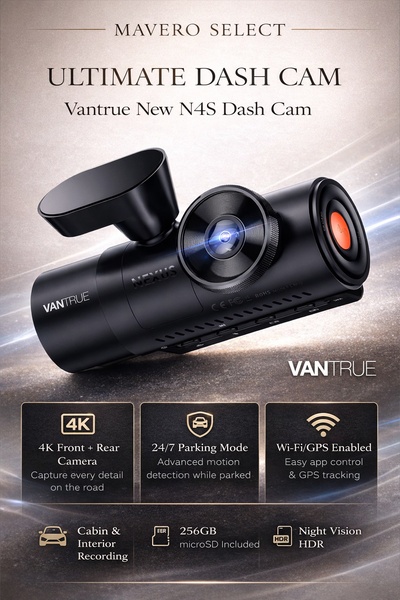
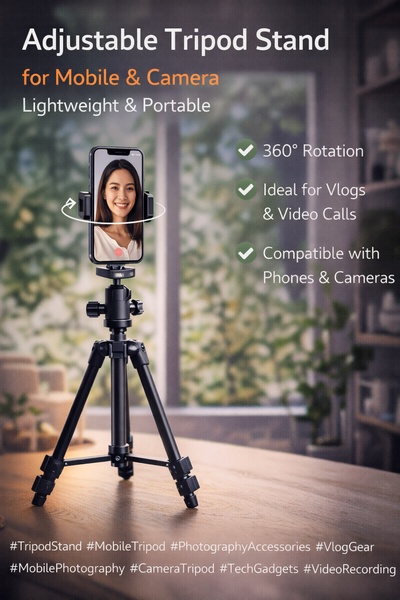
Vantrue N4S Feature Showcase
Adjustable Tripod Stand Feature Highlight
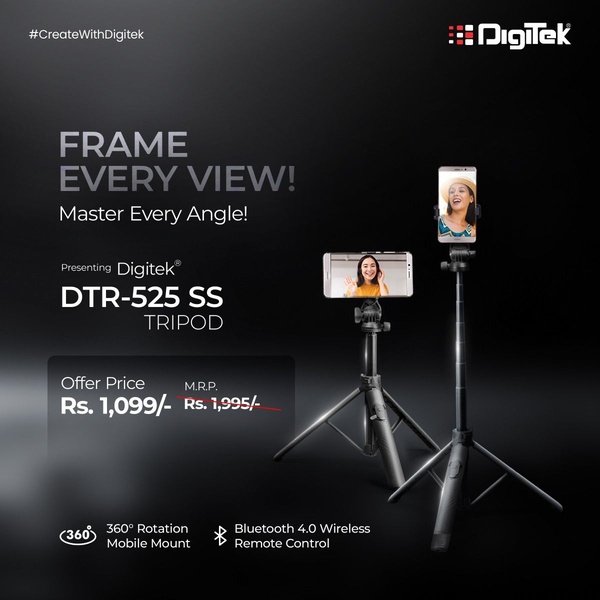
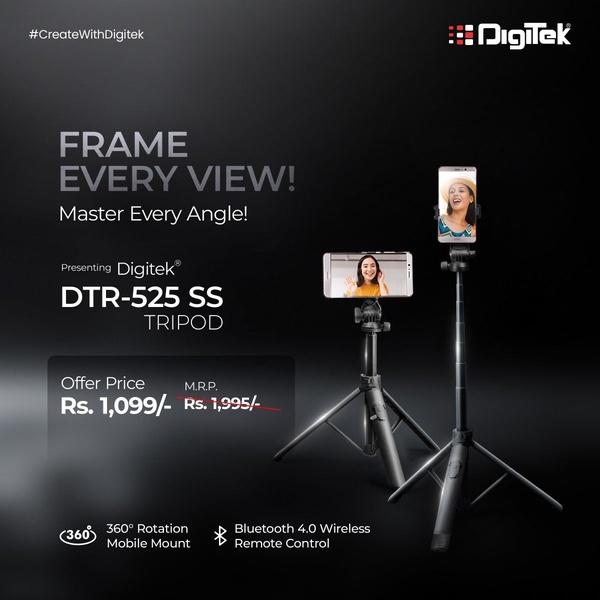
Digitek DTR-525 SS Tripod Offer
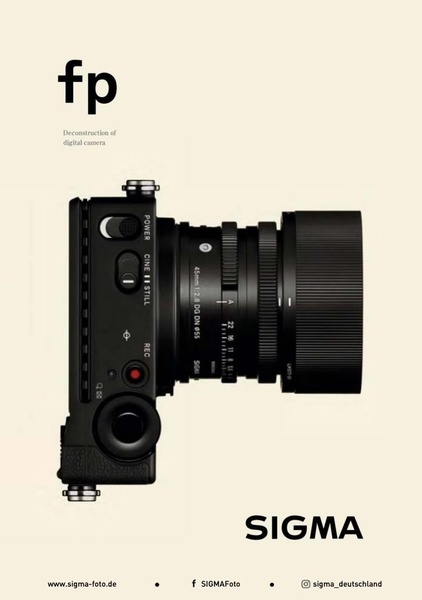
Sigma fp Deconstruction
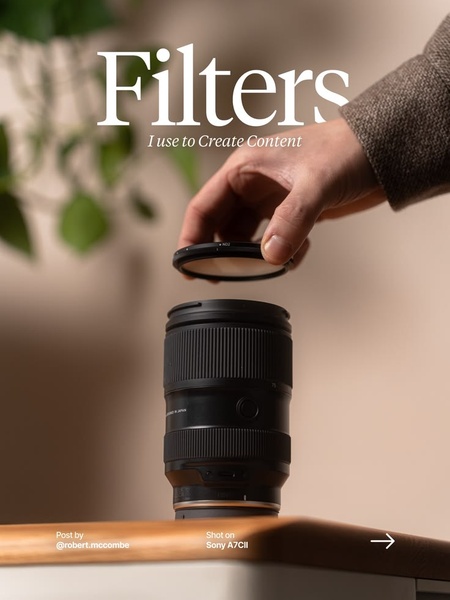
Minimalist Camera Filter Reveal
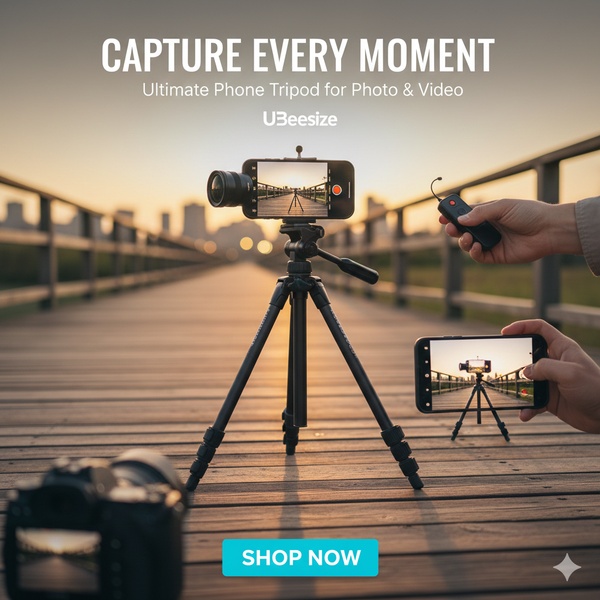
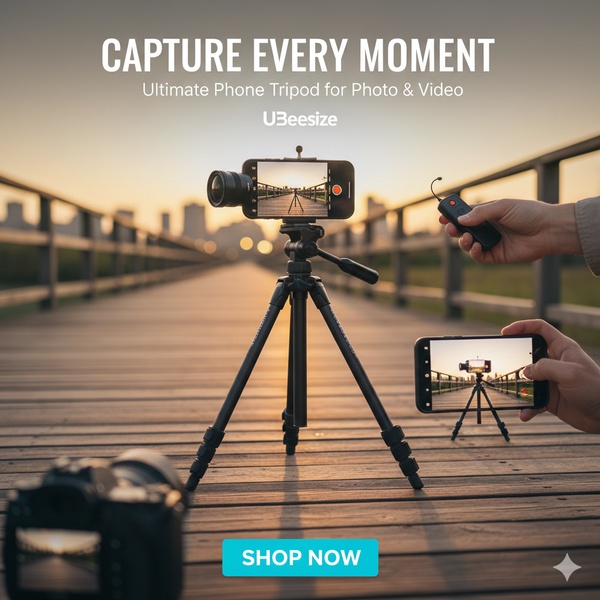
Capture Every Moment Phone Tripod Ad
Capture Every Moment Phone Tripod Creative
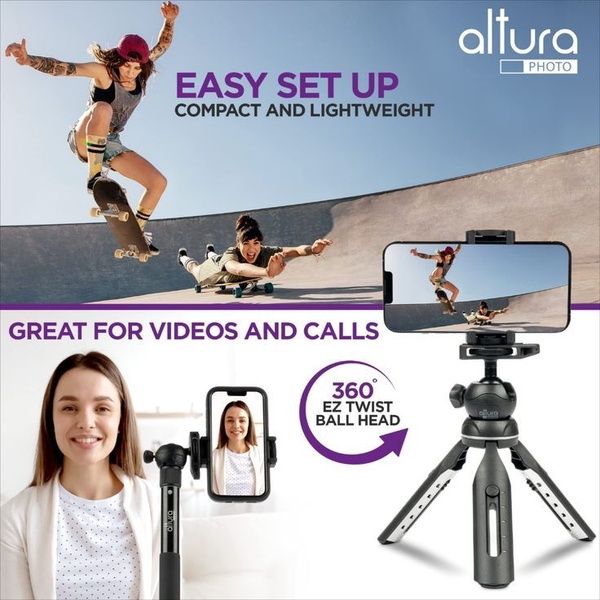
Compact Tripod Feature Breakdown
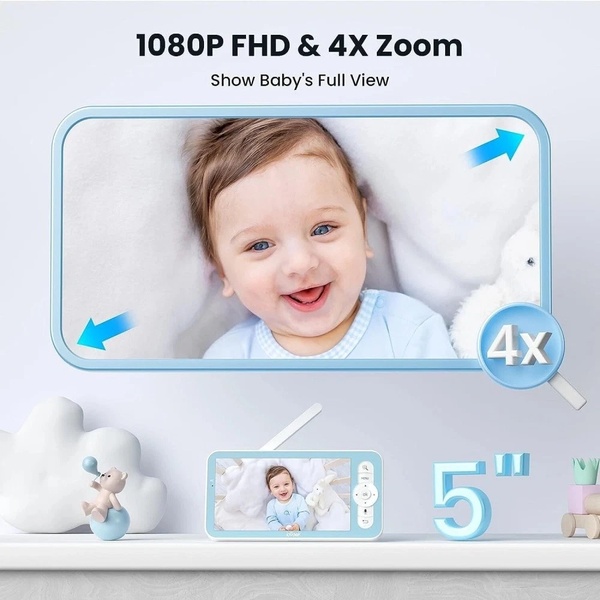
High-Definition Baby Monitor Close-Up
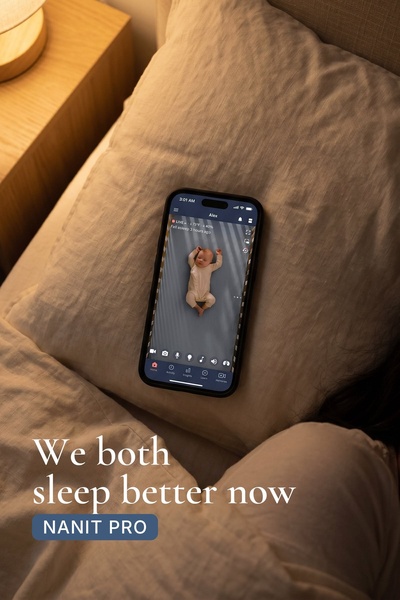
Sleep Peacefully with Nanit
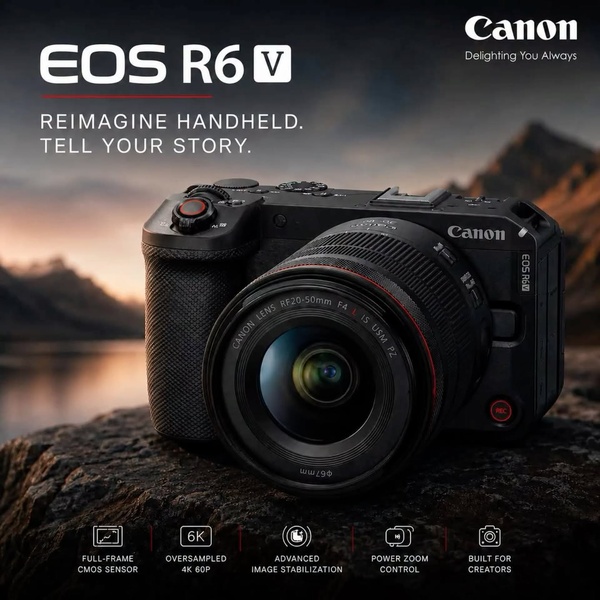
EOS R6 V Product Hero Shot
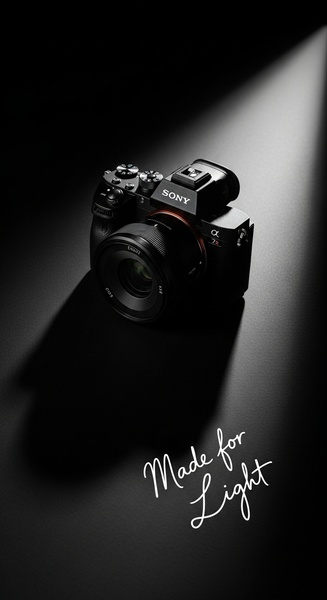
Camera Spotlight Hero
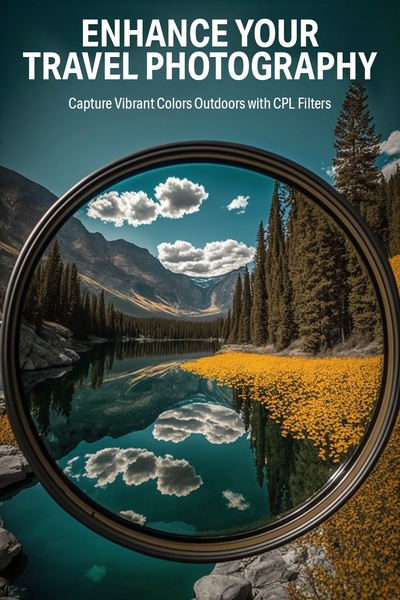
Enhance Your Travel Photography
Digitek Tripod Offer Creative
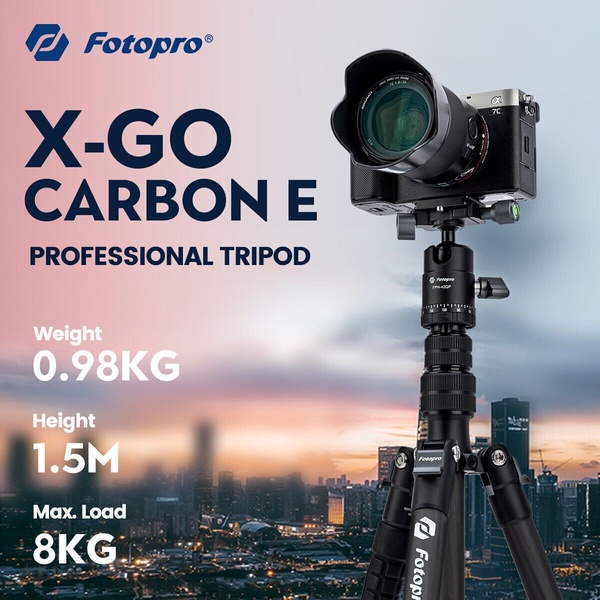
X-GO Carbon E Professional Tripod Spec Sheet
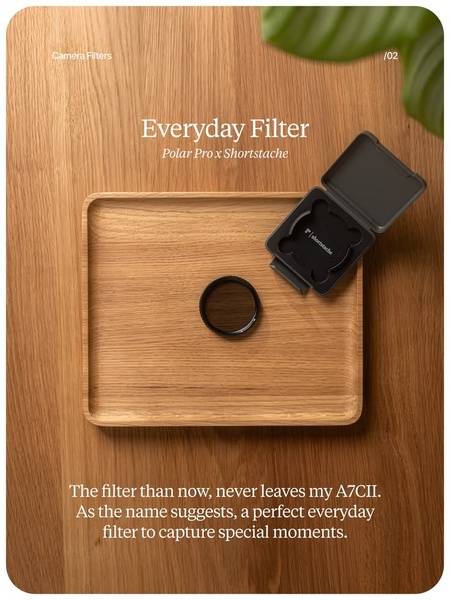
Everyday Filter Product Showcase
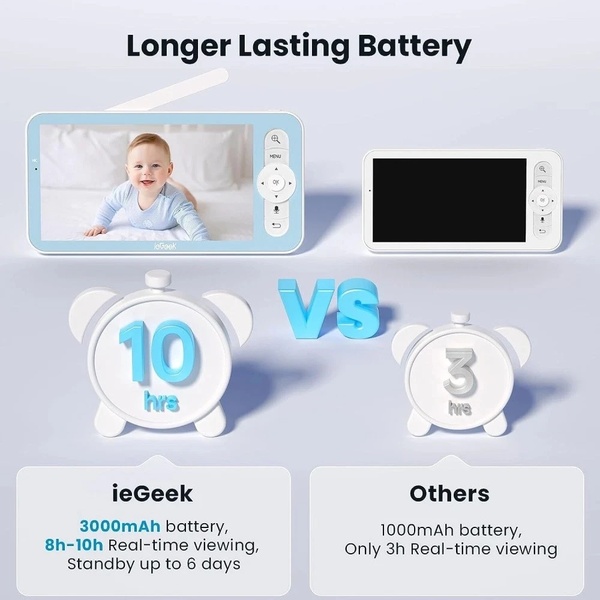
Baby Monitor Battery Comparison
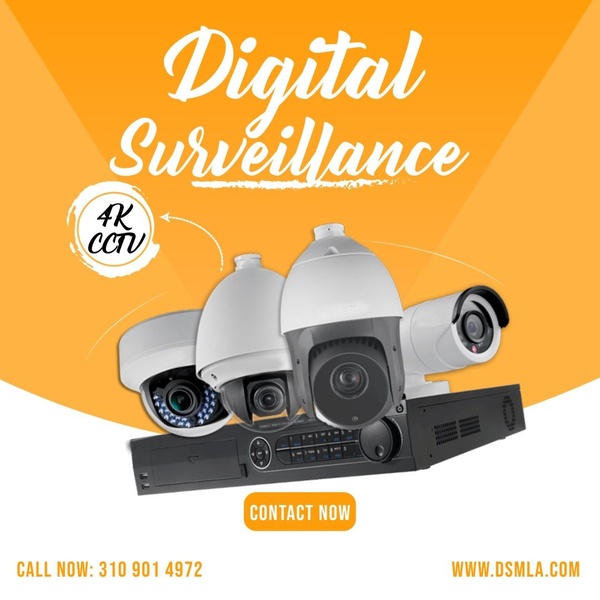
CCTV Surveillance Direct Benefit Ad
Split View Baby Monitor Feature Showcase
K&F Concept Lens Filter Product Display

Your next winning adis already out there.

Promer helps you find the pattern, adapt it to your product, and create your own version in minutes.

Free credits included
No credit card required
Ship in minutes.