A clean, instructional product ad for a home security camera highlighting its 360-degree pan-tilt coverage and motion tracking capabilities.

Tenda CP7 Security Pan/Tilt Camera Feature Showcase

A clean, instructional product ad for a home security camera highlighting its 360-degree pan-tilt coverage and motion tracking capabilities.

Ad Details
Style
Feature & Benefit
Format
9:16
Industry
Electronics
Platforms
Instagram Stories · TikTok
Language
English
  • Electronics
  • Camera
  • Security Camera
  • Minimalist Product Render
  • Clean Typographic Layout
  • 9:16
Clone this ad with AI

Free credits included. No card required

Why this ad works

This ad works because it prioritizes immediate clarity for the security camera, using a clean, uncluttered visual layout to communicate technical specifications without overwhelming the viewer. By combining a clear central hero image with icon-based feature callouts, the ad establishes instant trust and product utility through a professional, minimalist aesthetic.

For most ecommerce brands selling technical hardware, this direct approach is highly effective because it removes ambiguity. Using Promer AI, you can systematically apply this same structure of hero-led visualization and icon-based benefits to ensure your product highlights are understood at a glance, regardless of the complexity of the feature set.

The winning ingredients

  • Hero Product Triad Displaying multiple angles of the unit immediately communicates the 360-degree capability without needing long-form descriptive text.
  • Icon-Driven Features The use of simple, consistent line-art icons makes dense technical specifications like motion tracking and audio control accessible and readable.
  • Clear Callout Hierarchy The ad creates a logical flow from top-level benefit to specific rotation angles, anchored by a light, professional color palette.
Great ads start from an idea, a feeling, or a structure, not a blank design.

How to make it yours

  1. Begin your campaign strategy by starting an AI Ad Clone to import your product image and define your core feature set.
  2. Upload your product imagery and allow the tool to automatically swap the brand colors and logo while mapping out the new feature callouts.
  3. Rewrite the instructional text to align with your brand angle, select your desired vertical ratio for mobile placements, and generate your final variations.

Pro tip

When promoting technical hardware, always simplify your feature list into three or four primary pillars as seen here. Use high-contrast icons to break up text, which keeps the viewer focused on the device rather than the descriptive copy.
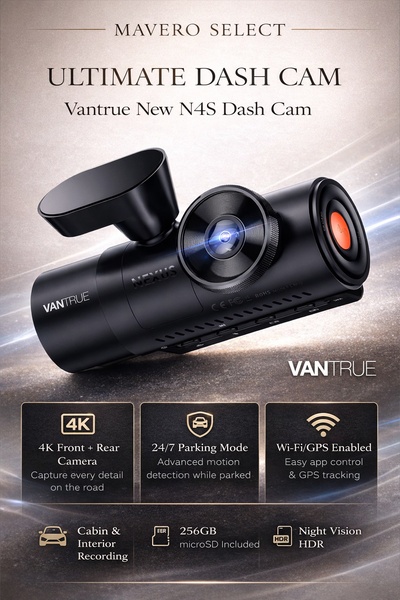
Vantrue N4S Feature Showcase
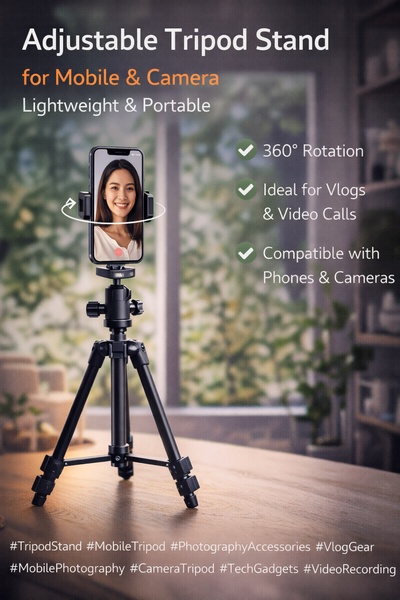
Adjustable Tripod Stand Feature Highlight
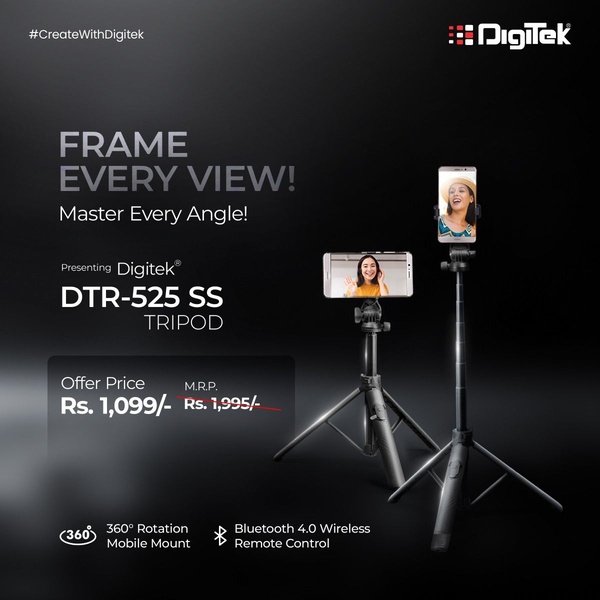
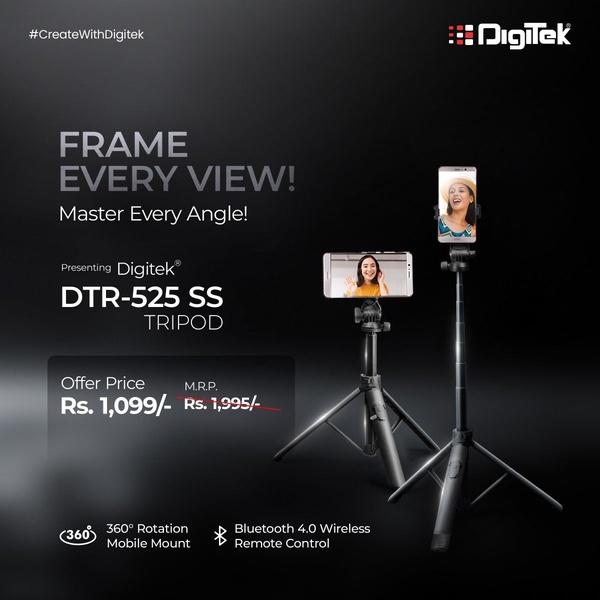
Digitek DTR-525 SS Tripod Offer
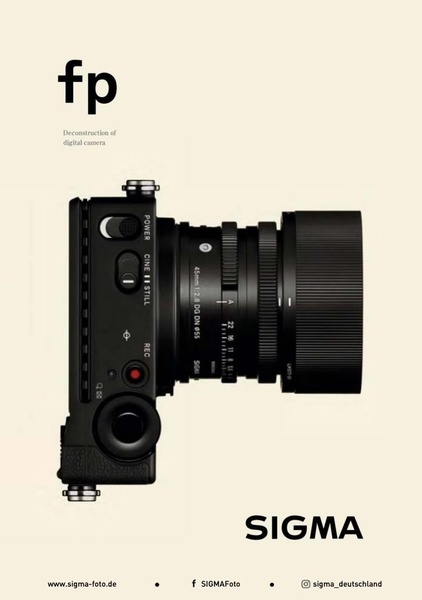
Sigma fp Deconstruction
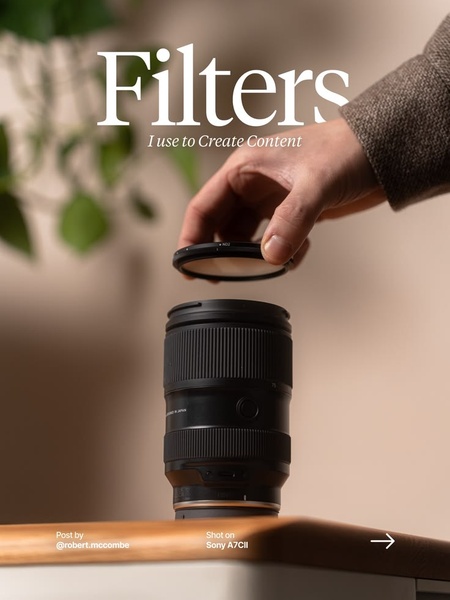
Minimalist Camera Filter Reveal
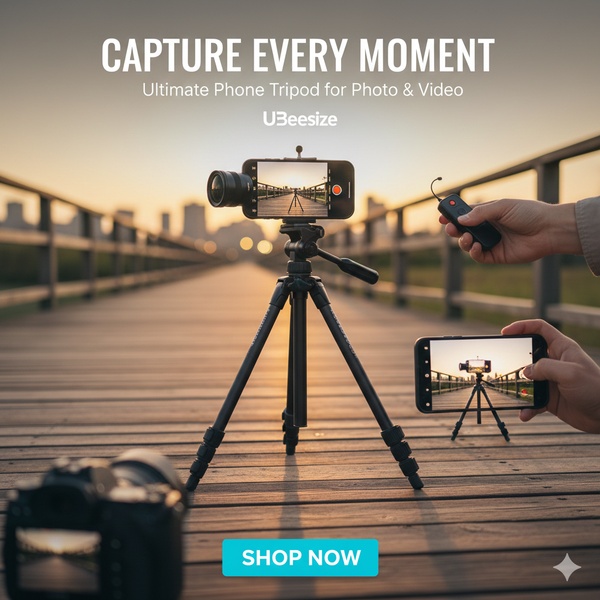
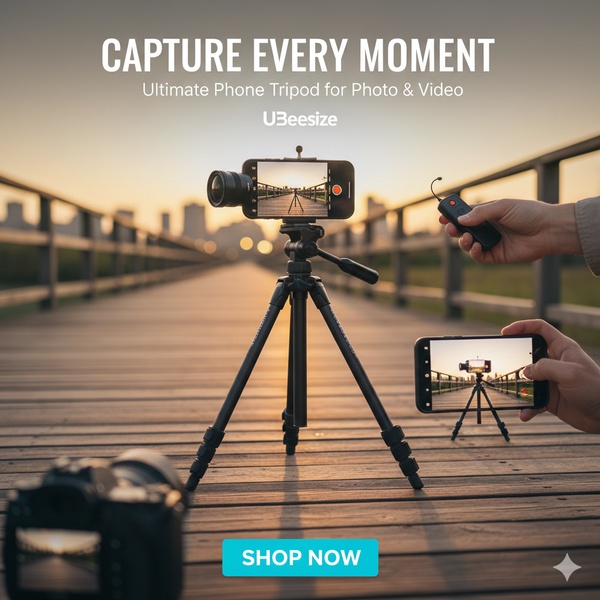
Capture Every Moment Phone Tripod Ad
Capture Every Moment Phone Tripod Creative
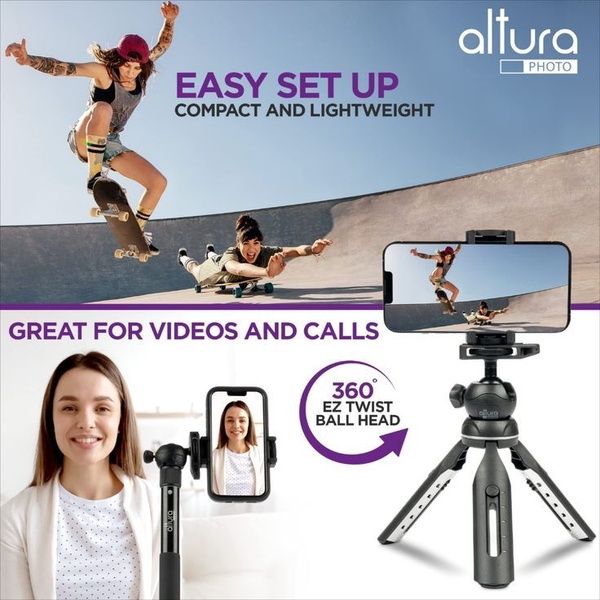
Compact Tripod Feature Breakdown
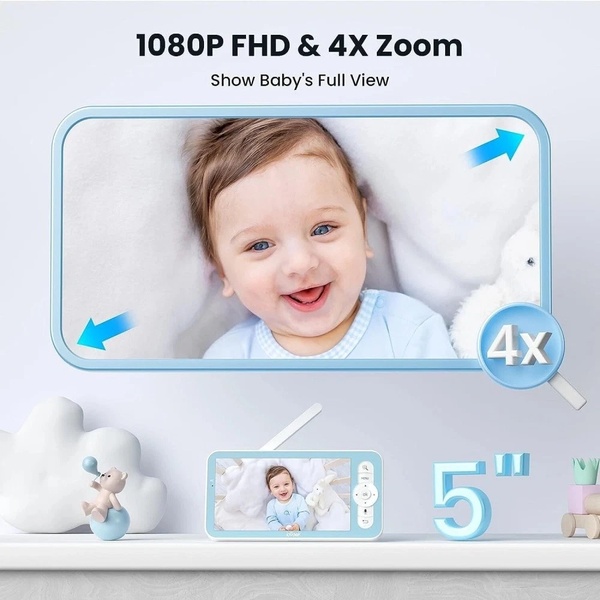
High-Definition Baby Monitor Close-Up
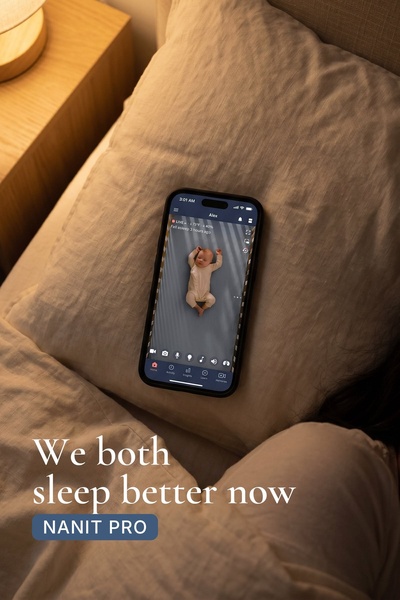
Sleep Peacefully with Nanit
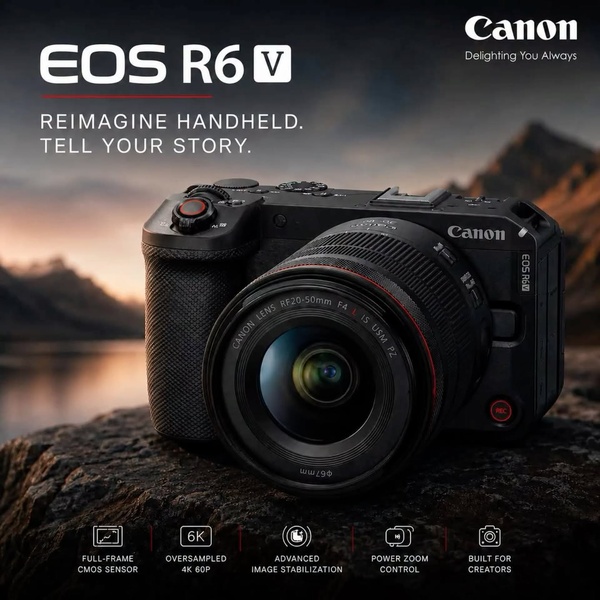
EOS R6 V Product Hero Shot
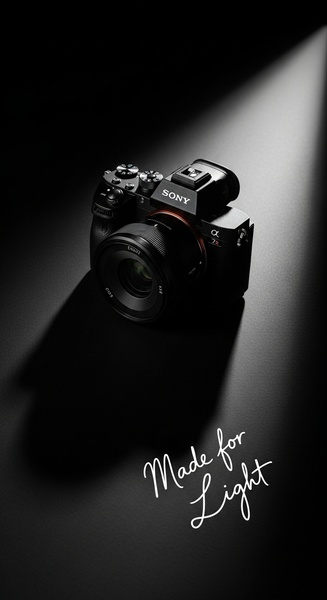
Camera Spotlight Hero
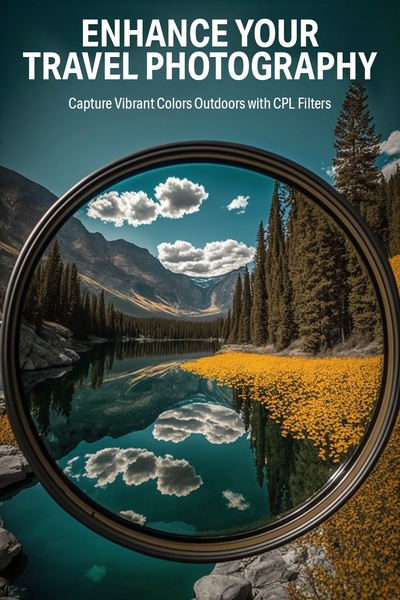
Enhance Your Travel Photography
Digitek Tripod Offer Creative
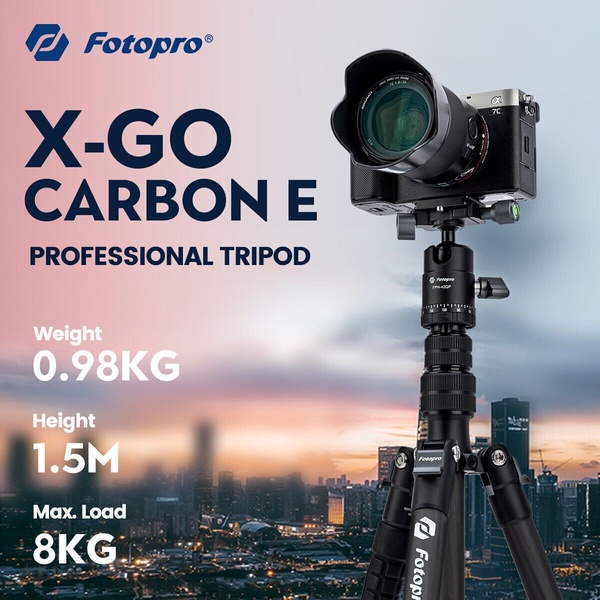
X-GO Carbon E Professional Tripod Spec Sheet
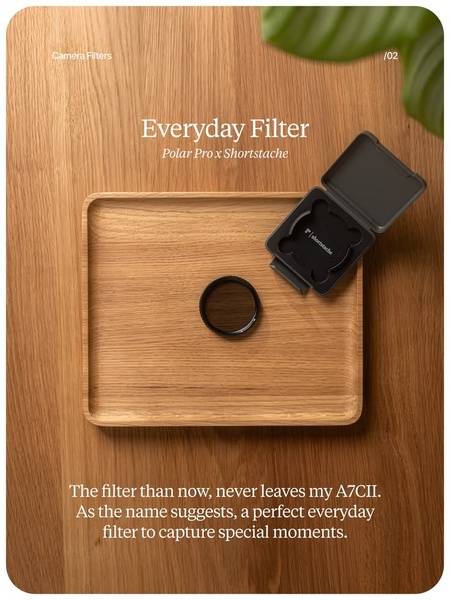
Everyday Filter Product Showcase
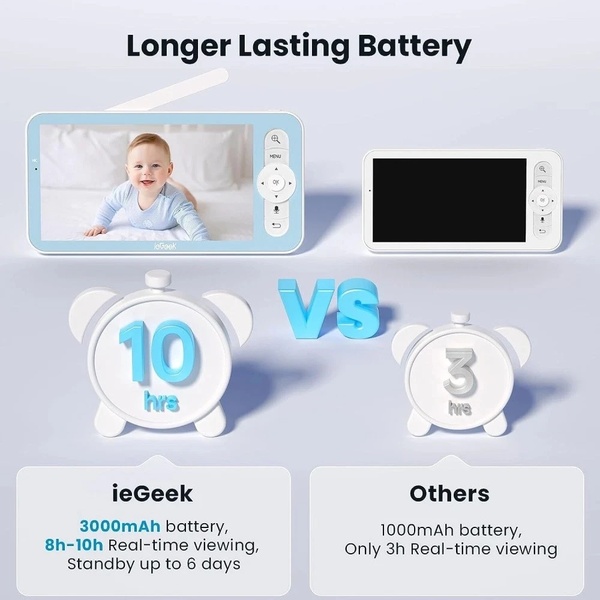
Baby Monitor Battery Comparison
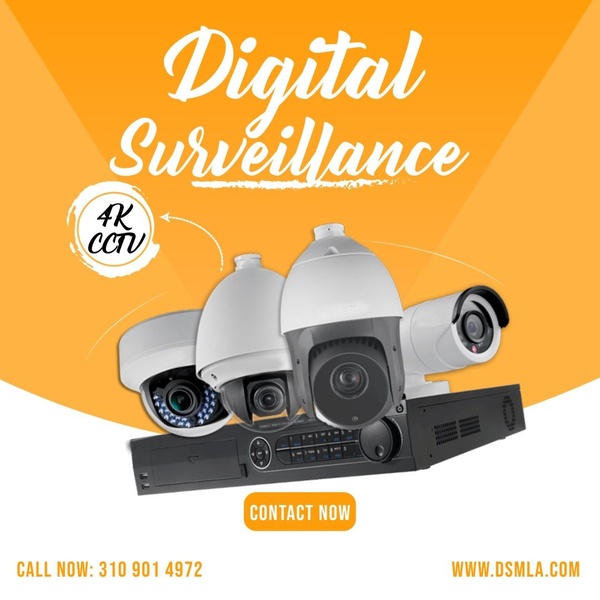
CCTV Surveillance Direct Benefit Ad
Split View Baby Monitor Feature Showcase
K&F Concept Lens Filter Product Display

Your next winning adis already out there.

Promer helps you find the pattern, adapt it to your product, and create your own version in minutes.

Free credits included
No credit card required
Ship in minutes.