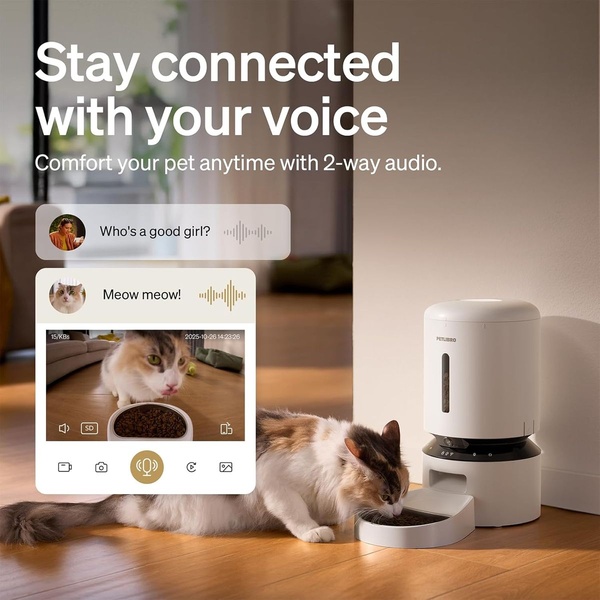
A split-screen interface demonstrating real-time 2-way audio communication between a pet owner and their cat during mealtime.

Stay Connected with Your Voice

A split-screen interface demonstrating real-time 2-way audio communication between a pet owner and their cat during mealtime.

Ad Details
Style
Feature & Benefit
Format
1:1
Industry
Electronics
Platforms
Facebook · Instagram
Language
English
Clone this ad with AI

Free credits included. No card required

Why this ad works

This pet feeder ad succeeds by using a split-screen interface to visualize the primary benefit of remote interaction. By showing the user interface overlaying a high-quality product photo, the ad creates an immediate bridge between the software experience and the physical comfort of the pet. Visualizing the 2-way audio feature in practice validates the product's value proposition without requiring complex technical copy.

For most ecommerce teams, this pattern works because it demystifies a smart-home product's core utility through clear, relatable UI elements. Using Promer AI to structure your creative assets ensures that your product benefits are front-and-center, keeping the viewer's focus on the solution rather than just the hardware.

The winning ingredients

  • Split-screen interface The creative uses a clear UI overlay to show the user's voice message alongside the pet's live feed, making the software feel tangible.
  • Soft, neutral palette The use of cream and white tones keeps the ad looking modern and premium, which is effective for high-end home electronic goods.
  • Relatable messaging Using a conversational hook like 'Who's a good girl?' instantly frames the product as an emotional comfort tool rather than a mere appliance.
The most effective feature-benefit ads do not just explain how a product works; they show the emotional connection it enables for the user.

How to make it yours

  1. Start by initializing an AI Ad Clone to import the layout structure, allowing you to map your product's UI to a high-converting format.
  2. Paste your product URL into the system, which will automatically extract your brand colors, logo, and core product imagery.
  3. Rewrite your copy to highlight a specific, emotional feature and generate several variations in a 1:1 ratio to test different UI overlays.

Pro tip

When advertising products with app-connected features, always prioritize showing the UI overlay in action. If you do not have an app, use a similar visual cue, such as a phone screen or a remote control, to represent the user's control over the product.
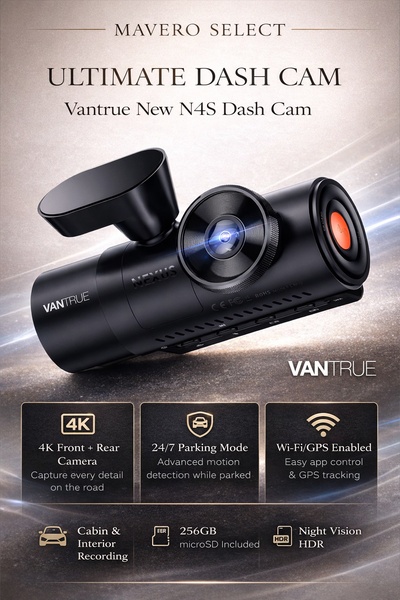
Vantrue N4S Feature Showcase
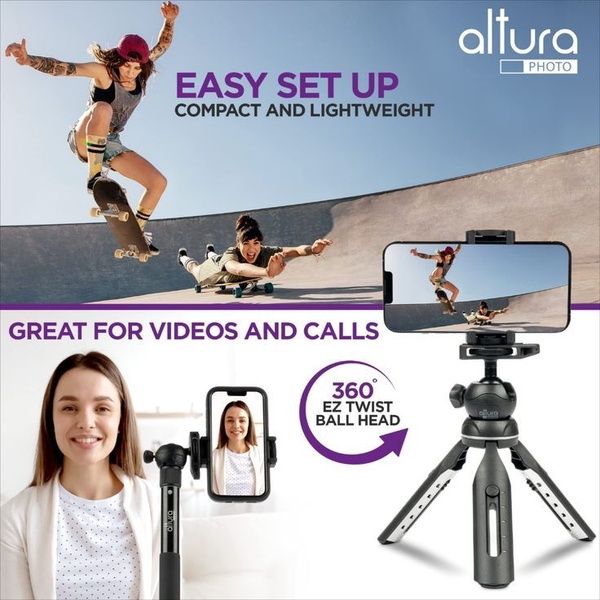
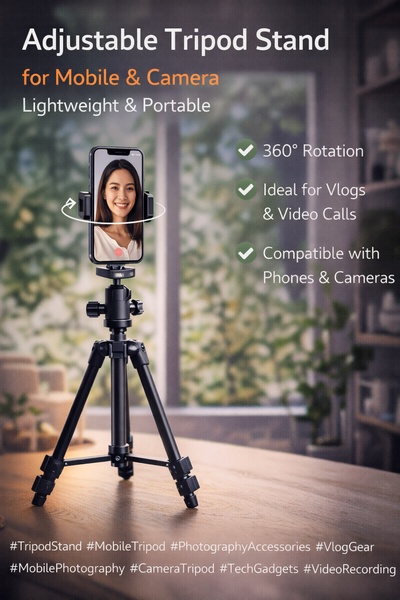
Adjustable Tripod Stand Feature Highlight
Digitek DTR-525 SS Tripod Offer
Sigma fp Deconstruction
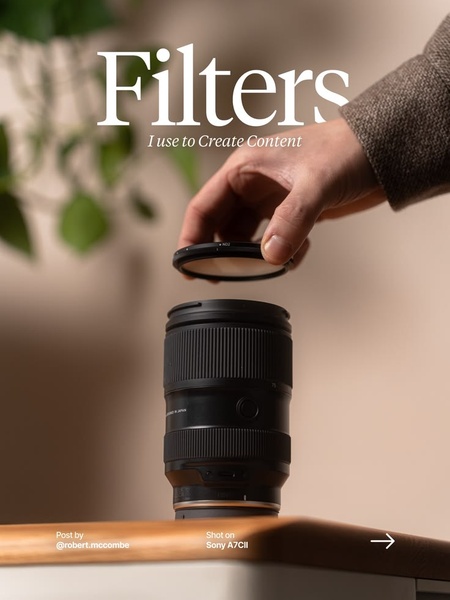
Minimalist Camera Filter Reveal
Capture Every Moment Phone Tripod Ad
Capture Every Moment Phone Tripod Creative
Compact Tripod Feature Breakdown
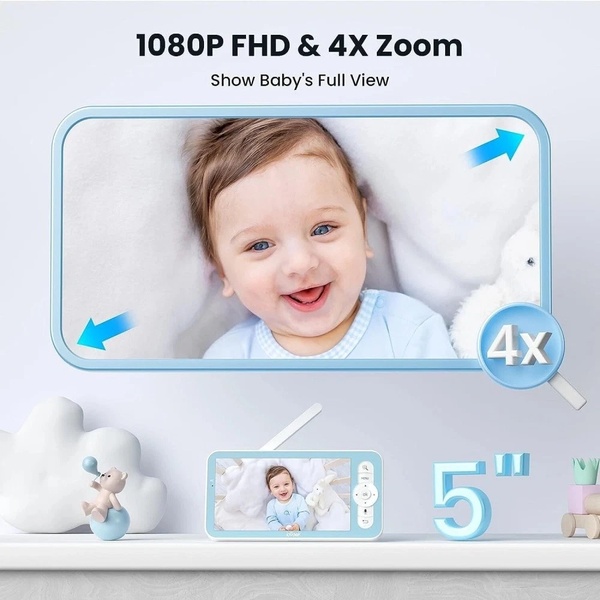
High-Definition Baby Monitor Close-Up
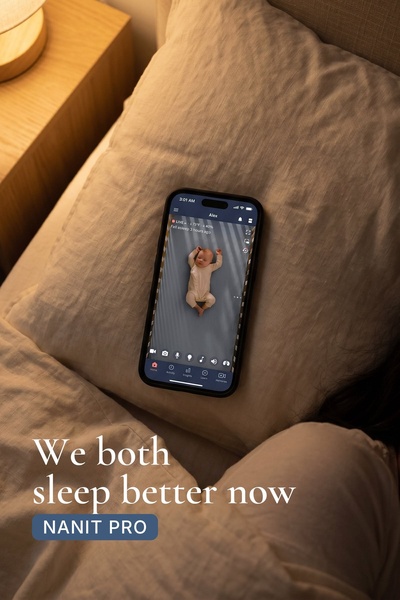
Sleep Peacefully with Nanit
EOS R6 V Product Hero Shot
Camera Spotlight Hero
Enhance Your Travel Photography
Digitek Tripod Offer Creative
X-GO Carbon E Professional Tripod Spec Sheet
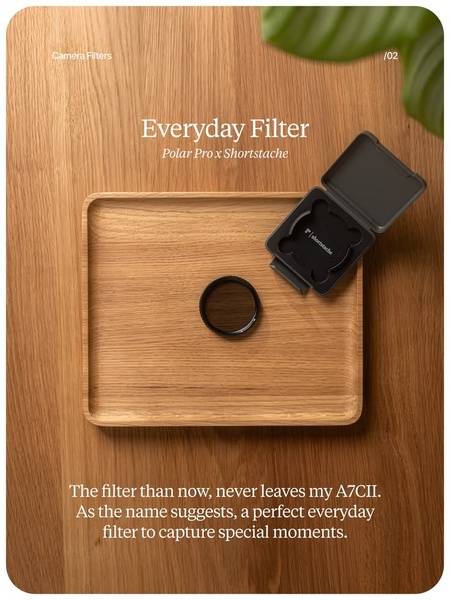
Everyday Filter Product Showcase
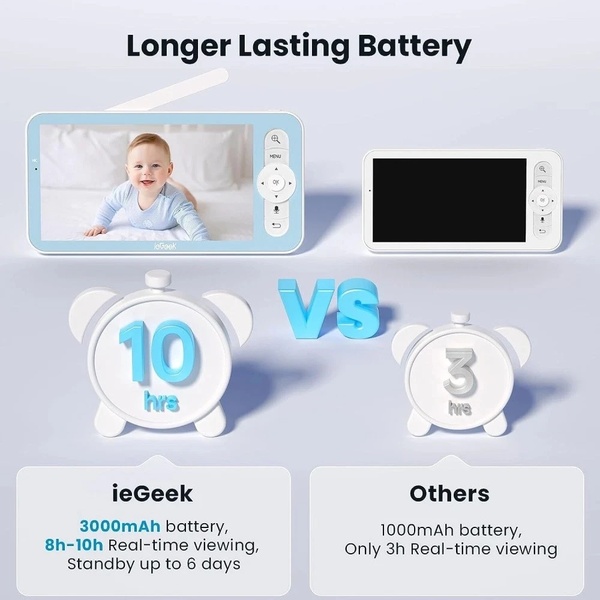
Baby Monitor Battery Comparison
CCTV Surveillance Direct Benefit Ad
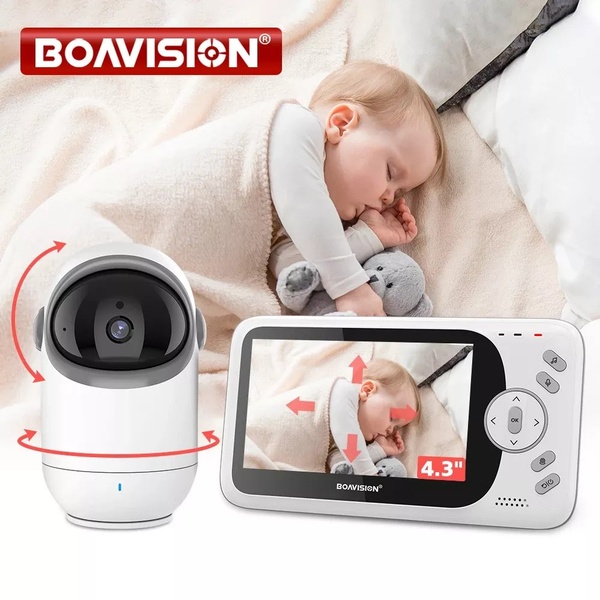
Split View Baby Monitor Feature Showcase
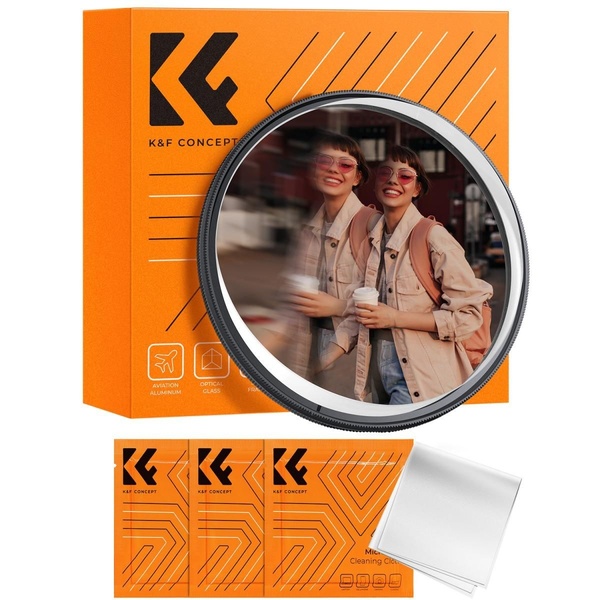
K&F Concept Lens Filter Product Display

Your next winning adis already out there.

Promer helps you find the pattern, adapt it to your product, and create your own version in minutes.

Free credits included
No credit card required
Ship in minutes.