A split-view image showing a happy user at the door next to a close-up demonstration of the one-touch locking feature for a smart door lock.

Smart Door Lock One-Touch Locking

A split-view image showing a happy user at the door next to a close-up demonstration of the one-touch locking feature for a smart door lock.

Ad Details
Style
Feature & Benefit
Format
1:1
Industry
Electronics
Platforms
Facebook · Instagram · Pinterest
Language
English
  • Electronics
  • Smart Door Lock
  • High-Key
  • Clean
  • Instructional
  • 1:1
Clone this ad with AI

Free credits included. No card required

Why this ad works

This smart door lock ad succeeds because it bridges the gap between lifestyle convenience and product functionality by using a split-screen layout. By showing a relaxed user alongside the specific one-touch locking mechanism, the creative immediately contextualizes the benefit of the technology in a real-world scenario. The combination of clear product instructional imagery and a relatable user experience creates an effective bridge for potential buyers.

For most ecommerce teams, presenting a complex feature through a simple, high-contrast visual is key to stopping the scroll. You can leverage Promer AI to replicate this structured approach for your own inventory, ensuring your product benefits are just as visually accessible to your target audience.

The winning ingredients

  • Split-Screen Framing The 1:1 ratio uses a clean split to pair a lifestyle shot with a zoomed-in product feature demonstration.
  • Direct Feature Hook The ad leads with a clear 'Auto lock' label and a visual icon, reducing cognitive load for the viewer.
  • Brand Authority The placement of the brand logo in the upper corner maintains professional trust throughout the product demonstration.
Great ads start from an idea, a feeling, or a structure, rather than just filling blank space with product imagery.

How to make it yours

  1. Start an AI Ad Clone project to analyze the structural components of this feature-focused layout.
  2. Paste your product URL so the platform can automatically map your specific product imagery, colors, and brand logo into the template.
  3. Rewrite the instructional copy to match your unique value proposition, select your preferred social aspect ratio, and generate high-performing variations.

Pro tip

When focusing on feature demonstrations, ensure the close-up shot is bright and highlights only the specific button or mechanism you are explaining. Avoid cluttering the zoomed-in portion with unnecessary secondary details, as this will compete with your primary feature-driven hook.
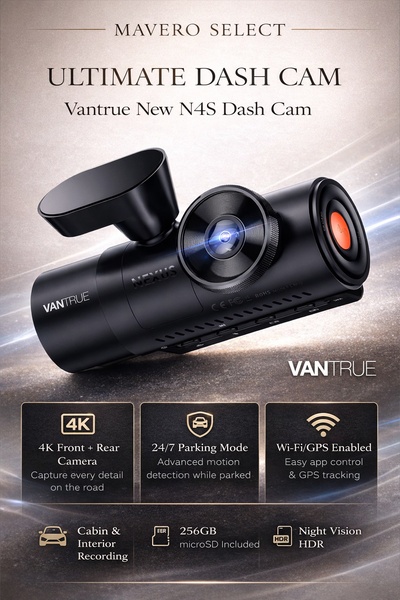
Vantrue N4S Feature Showcase
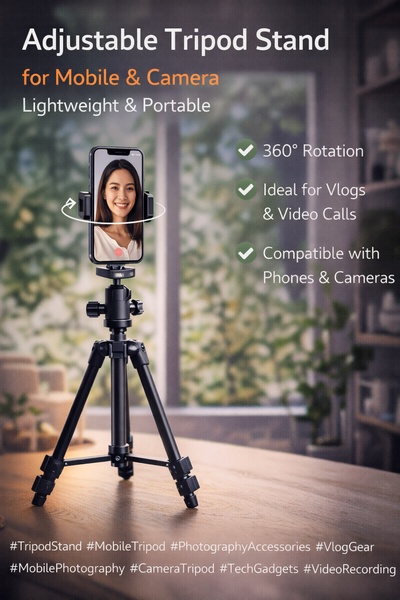
Adjustable Tripod Stand Feature Highlight
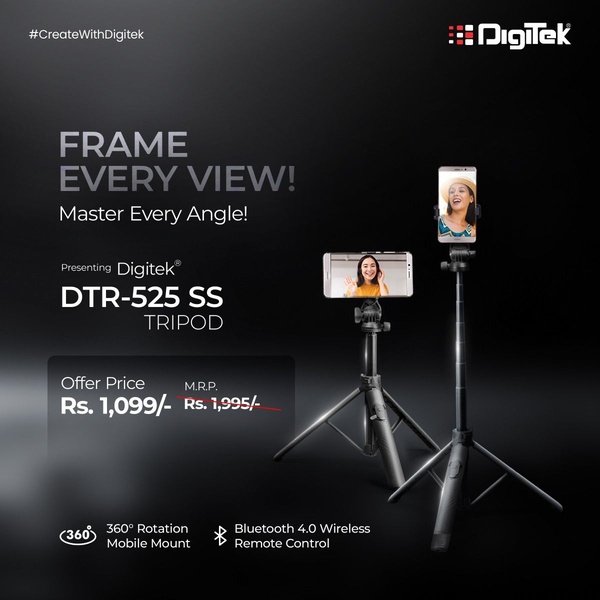
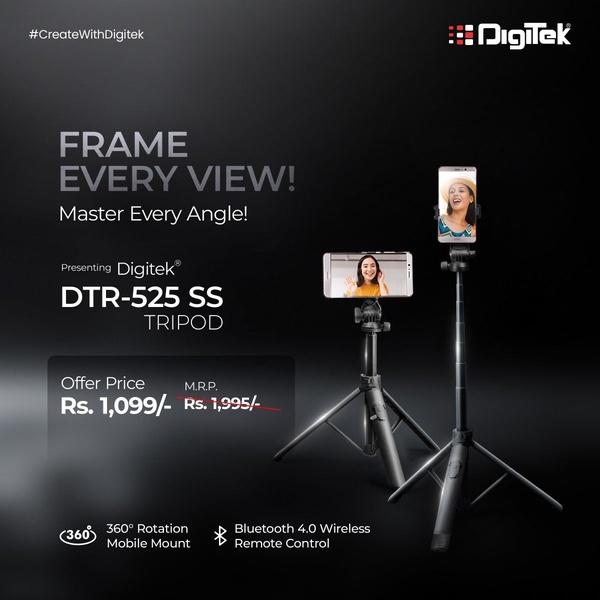
Digitek DTR-525 SS Tripod Offer
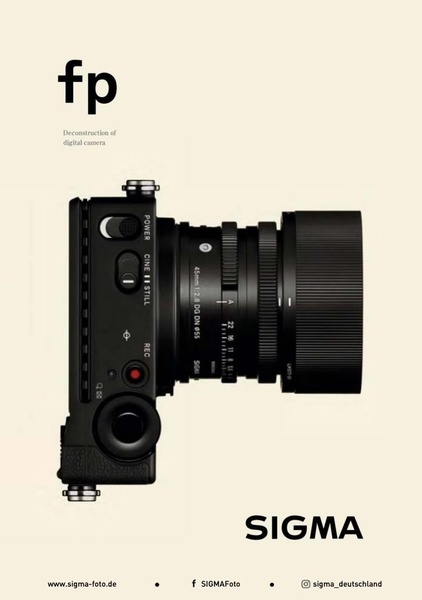
Sigma fp Deconstruction
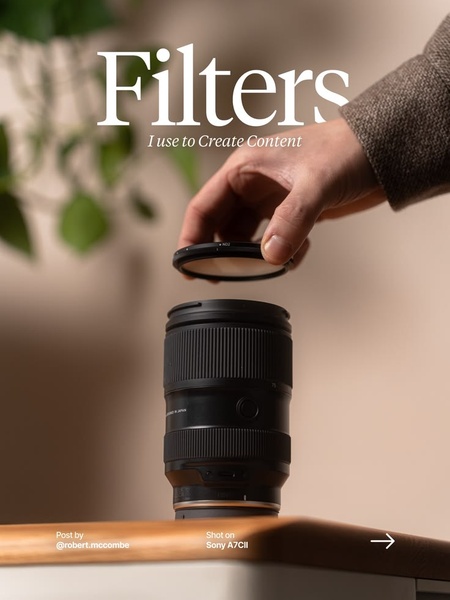
Minimalist Camera Filter Reveal
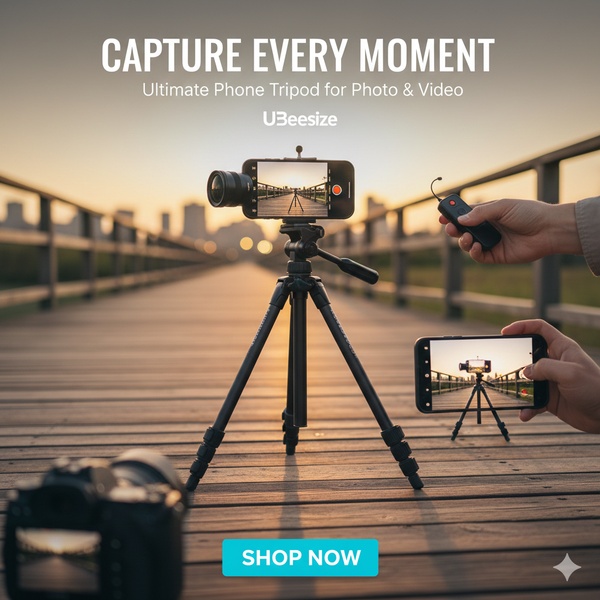
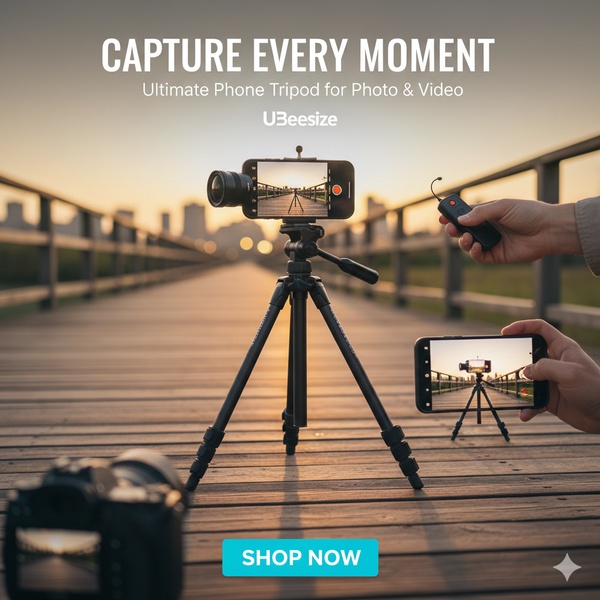
Capture Every Moment Phone Tripod Ad
Capture Every Moment Phone Tripod Creative
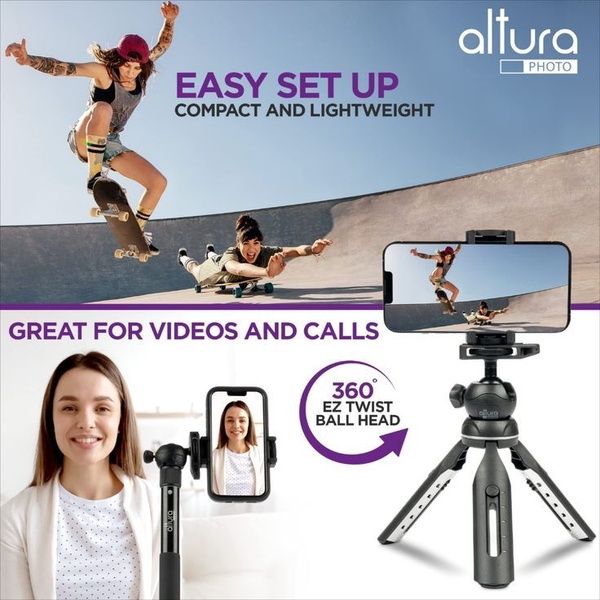
Compact Tripod Feature Breakdown
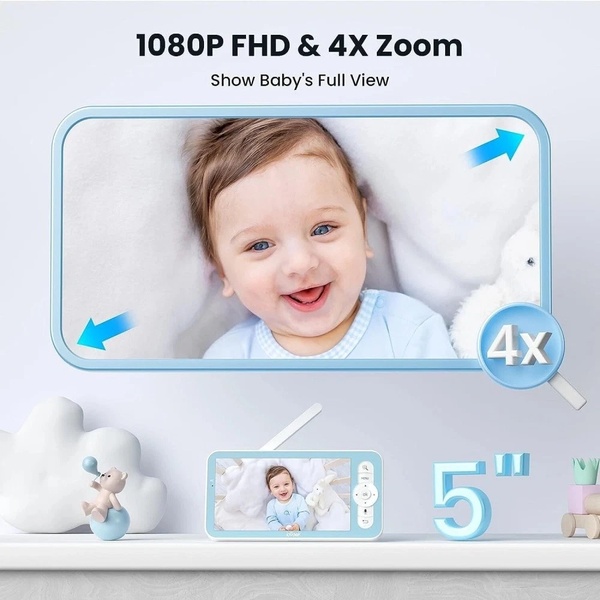
High-Definition Baby Monitor Close-Up
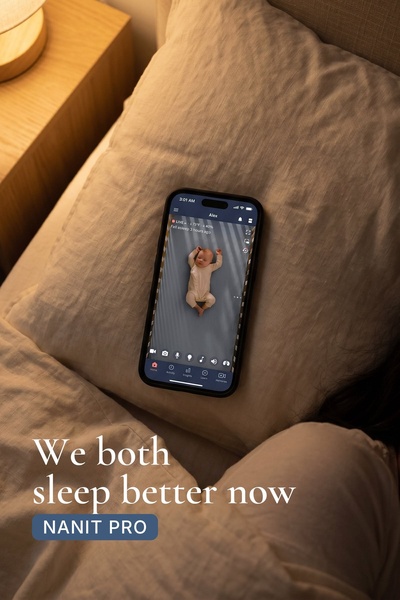
Sleep Peacefully with Nanit
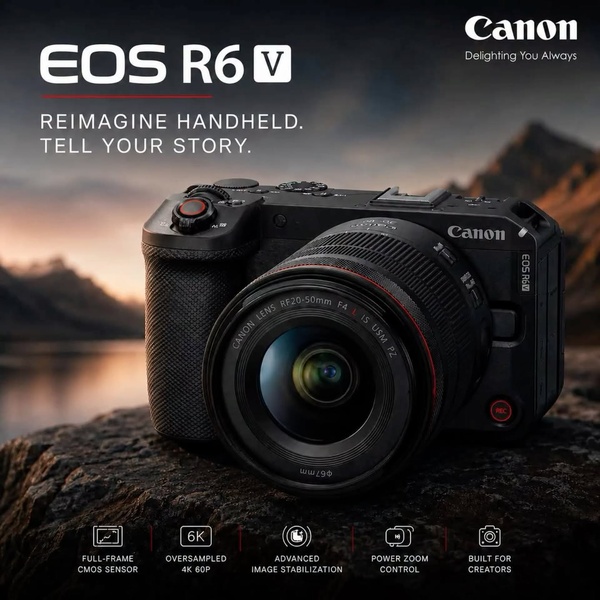
EOS R6 V Product Hero Shot
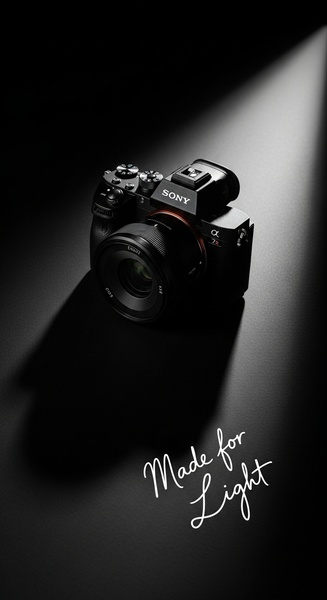
Camera Spotlight Hero
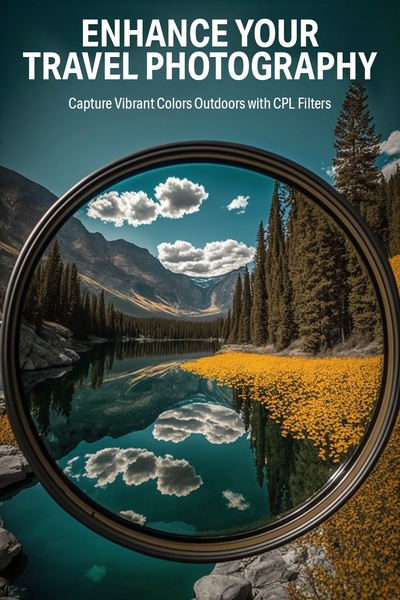
Enhance Your Travel Photography
Digitek Tripod Offer Creative
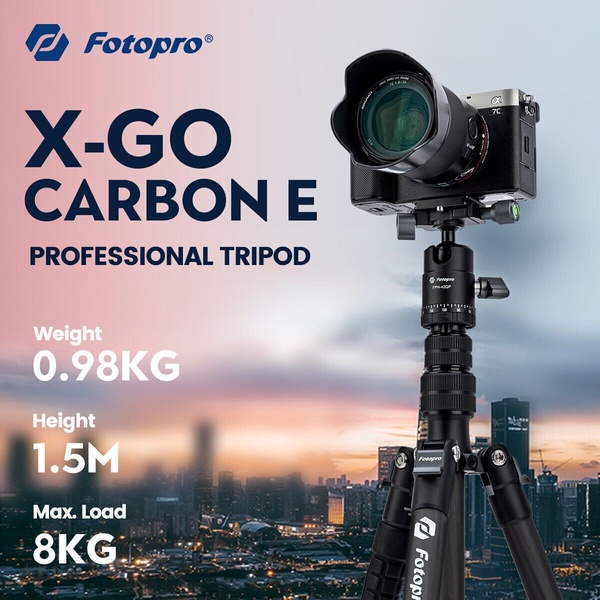
X-GO Carbon E Professional Tripod Spec Sheet
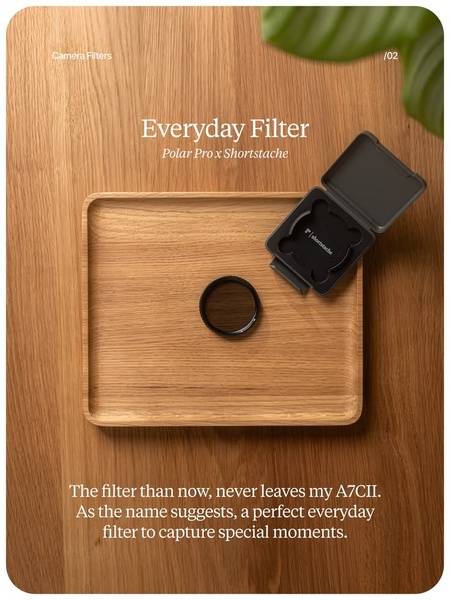
Everyday Filter Product Showcase
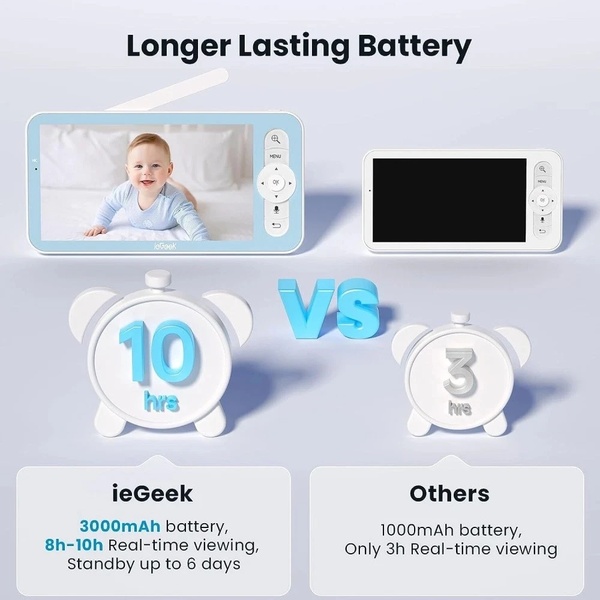
Baby Monitor Battery Comparison
CCTV Surveillance Direct Benefit Ad
Split View Baby Monitor Feature Showcase
K&F Concept Lens Filter Product Display

Your next winning adis already out there.

Promer helps you find the pattern, adapt it to your product, and create your own version in minutes.

Free credits included
No credit card required
Ship in minutes.