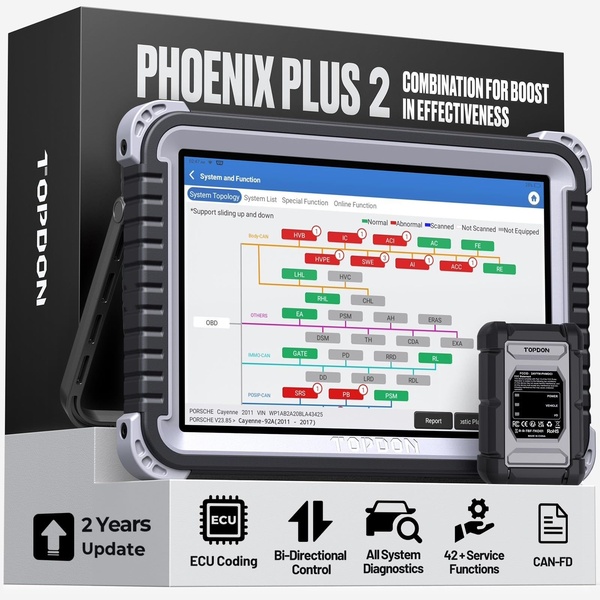
A high-clarity product shot of the Phoenix Plus 2 diagnostic tablet showing its system topology interface, paired with its core technical feature set.

Phoenix Plus 2 Product Overview

A high-clarity product shot of the Phoenix Plus 2 diagnostic tablet showing its system topology interface, paired with its core technical feature set.

Ad Details
Style
Feature & Benefit
Format
1:1
Industry
Automotive
Platforms
Facebook · LinkedIn
Language
English
  • Automotive
  • Diagnostic Tool
  • Clean Product Photography
  • Digital Interface Mockup
  • 1:1
Clone this ad with AI

Free credits included. No card required

Why this ad works

This diagnostic tool ad utilizes a high-contrast layout that balances professional studio photography with a clear, readable UI screenshot. By anchoring the visual on the device's actual software capabilities, the brand builds instant credibility with professional technicians. This approach treats the interface as the primary product feature rather than secondary collateral.

Such technical transparency is effective for any B2B or prosumer-focused product that needs to prove its utility before a sale. Using Promer AI allows teams to replicate this structure by swapping static product shots for their own, while maintaining the clean, authoritative design language that drives conversions in technical markets.

The winning ingredients

  • Topline Value Proposition The text clearly communicates a massive value boost using concise, non-cluttered typography at the top of the frame.
  • Interface Focus The central tablet display provides a detailed look at the diagnostic software, giving users immediate proof of the system's depth.
  • Iconic Feature Grid The lower section uses clean, minimalist icons to summarize complex capabilities like ECU coding and bi-directional control at a glance.
Great technical ads turn invisible product complexity into a clear, compelling visual story that invites the user to explore further.

How to make it yours

  1. Start a new project in the AI Ad Clone interface to begin mapping out your product's core features.
  2. Upload your high-resolution product photography so the engine can automatically swap the original elements while retaining the professional color palette.
  3. Refine the icon set and copy to highlight your specific USP, ensuring the layout remains balanced for your intended social media ratio.

Pro tip

When presenting technical interfaces, ensure the font size in the software screenshot is legible on a mobile screen. If it is too small, use a callout box to zoom into the most critical part of the UI.


Make Every Trip a Summer Story
Don't Abuse, Re-Use
Screenshot Your Next Car
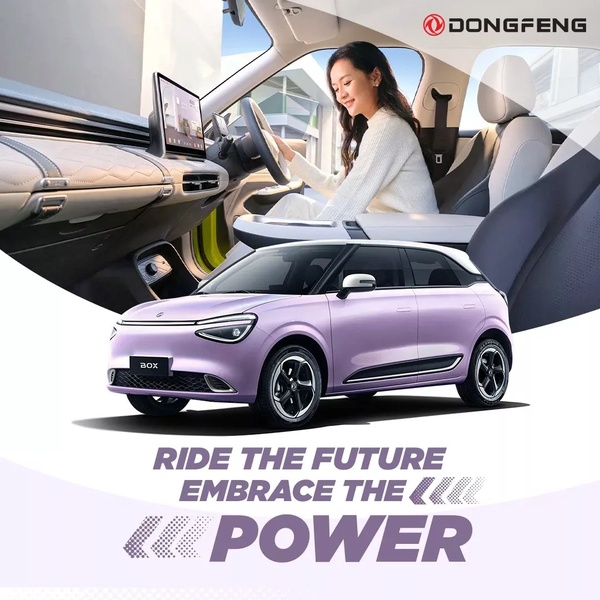
Ride The Future Electric Vehicle Lifestyle
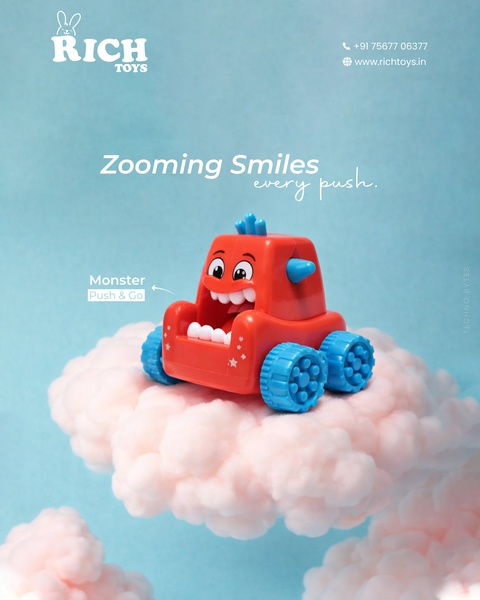
Zooming Smiles Monster Push & Go
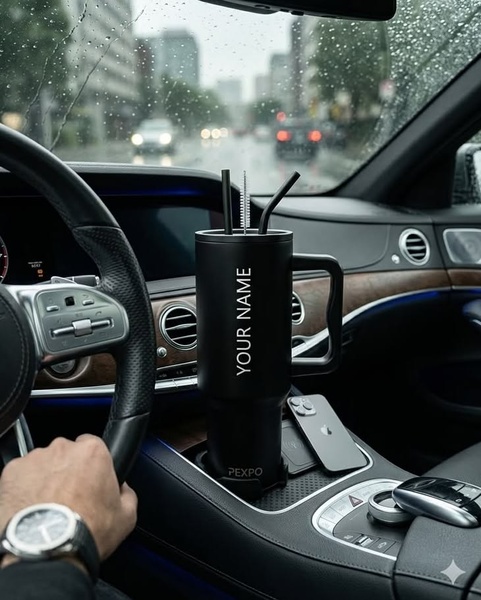
Commuter Lifestyle Tumbler Shot
Yipai 007 Price Anchor Ad
Luxury Car Sale Showcase
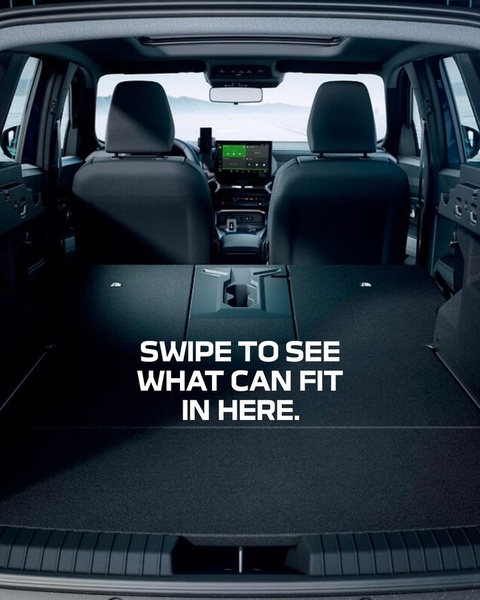
Interactive Trunk Space Hook
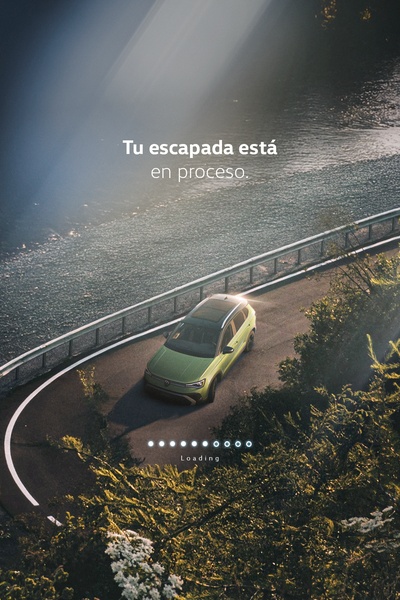
Escapade in Process
Earth Day Mitsubishi Xpander Campaign
Mountain Road Sports Car Showcase
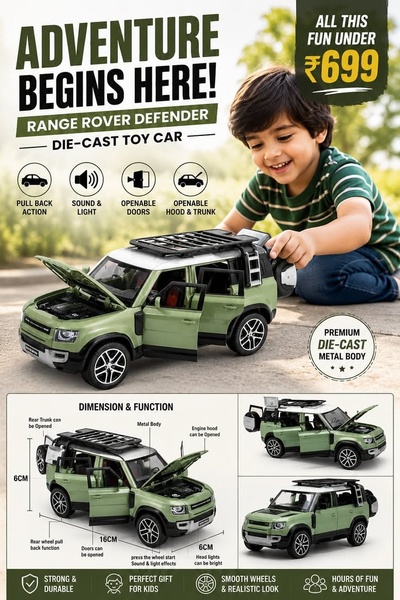
Range Rover Defender Die-cast Toy Car
Performance-Oriented EV Range Ad
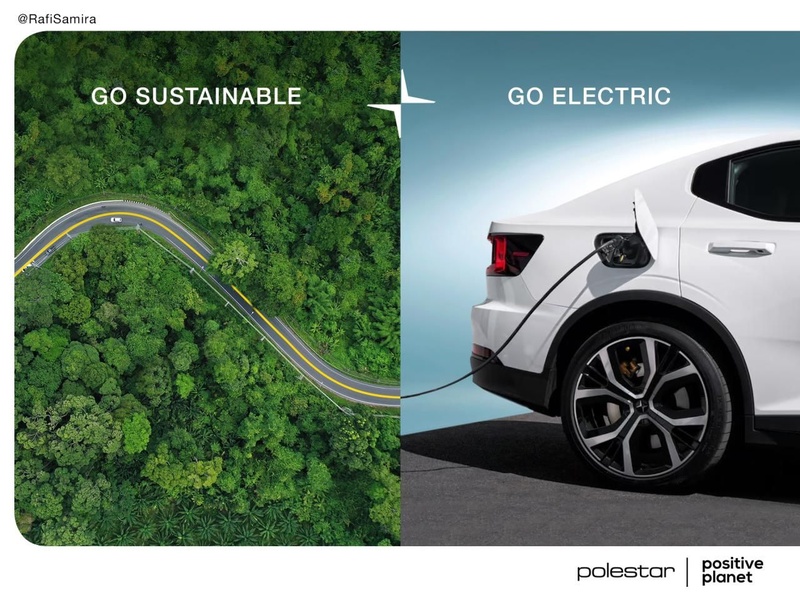
Split-Screen Sustainability Contrast
Spring Season RC Car Launch
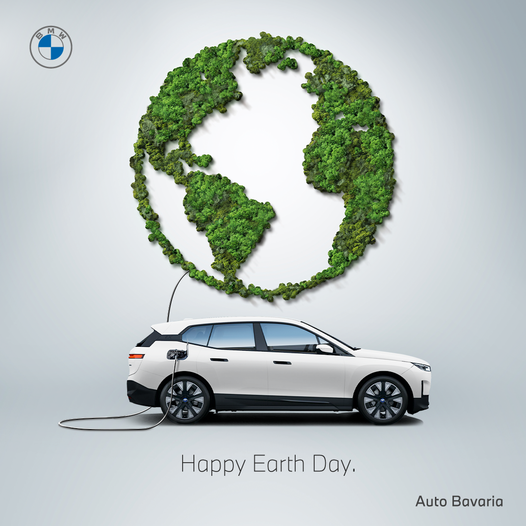
Earth Day Sustainable Concept
Super Hard Shell Finish Ad
Empow Frontal Perspective
Tiger-Inspired Power

Your next winning adis already out there.

Promer helps you find the pattern, adapt it to your product, and create your own version in minutes.


Free credits included
No credit card required
Ship in minutes.
Create your first ad free
Diagnostic Tool: Technical Feature Visualization