
Animated Ad Generator & Maker
AI animated ads from the static ads you already run. Promer AI turns a static ad into an animated video ad with motion scripts for TikTok, Reels, Facebook, and Pinterest - your product, angle, and brand stay the same.


 Works with Shopify, Meta, Google, TikTok, X
How to make an animated ad from a static ad in 4 steps
Start from an ad you already have. Promer AI reads what’s in the frame, suggests how to animate it, and keeps your product, angle, and brand.
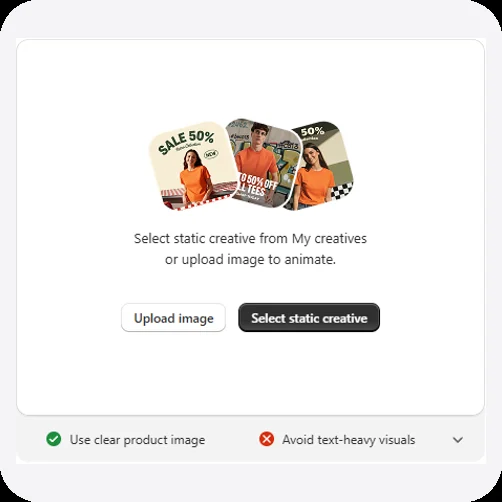 1
Pick a static ad
Upload an image or select a static creative from My ads.
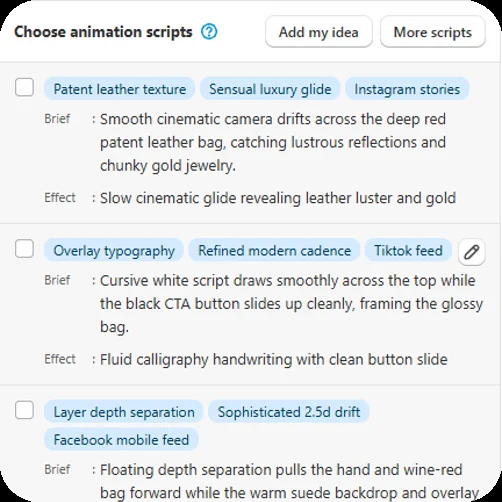 2
Choose an animation script
AI suggests scripts with a motion focus, mood, and placement. Pick one, ask for more, or add your own idea.
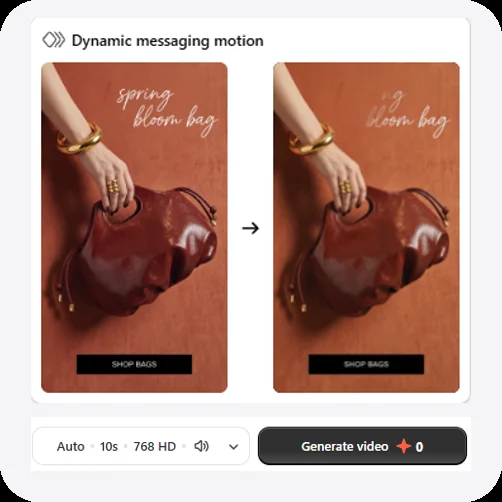 3
Preview and set format
Preview the motion, check the aspect ratio (it defaults to your image’s), and turn sound on or off.
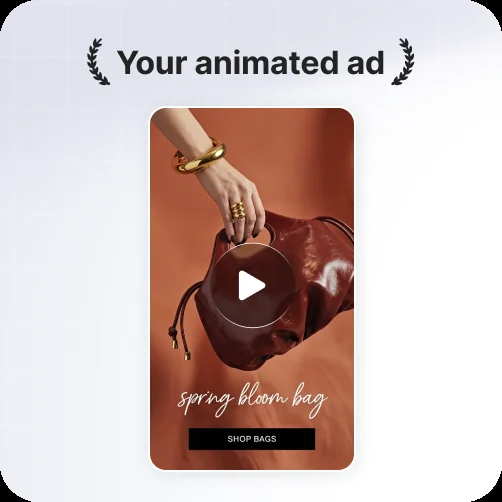 4
Generate your animated ad
Render the video, then download it or save it to your library.
Animated ad examples: one static ad, one video ad
Three real runs of AI Ad Animation. Left: the static ad that went in. Right: the animated video ad that came out, in the same ratio.
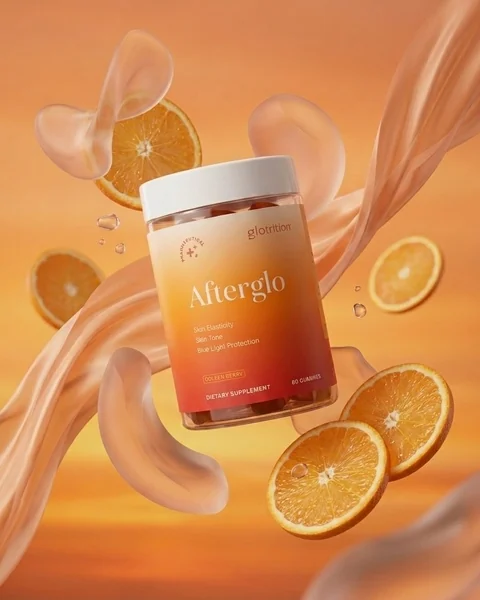
Your supplement ad,
now with motion.
This gummy supplement ad went in as a 4:5 still. The video came back in 4:5, with orange slices, gummies, and silky swirls drifting around the jar while the jar and its label stay sharp.
- Starts from a finished 4:5 static ad
- The fruit and backdrop move, the jar stays clear
- The label stays readable
- Same 4:5 ratio out, ready for feeds
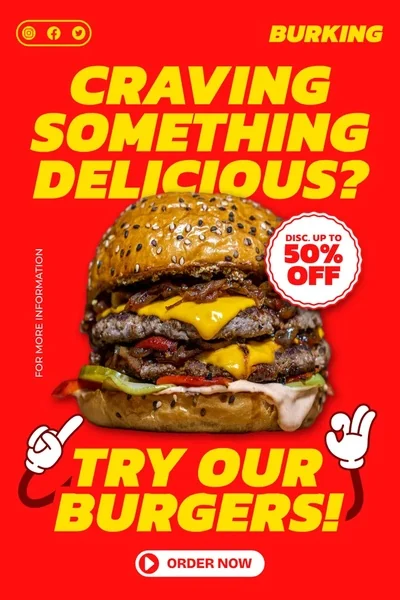
From a burger poster
to a close-up that sells.
This burger promo opens on the original 2:3 poster, then pushes in on melting cheese and stacked patties before pulling back to the whole burger.
- Opens on your original ad
- Pushes in on the product detail
- Ends on a clean shot of the burger
- Same 2:3 ratio out
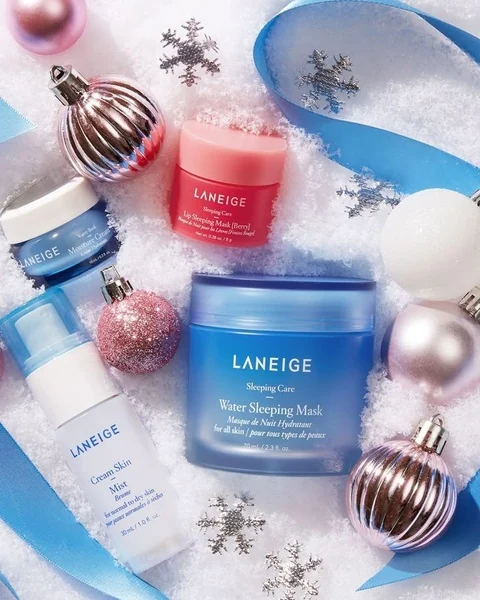
Holiday skincare,
five AI scripts.
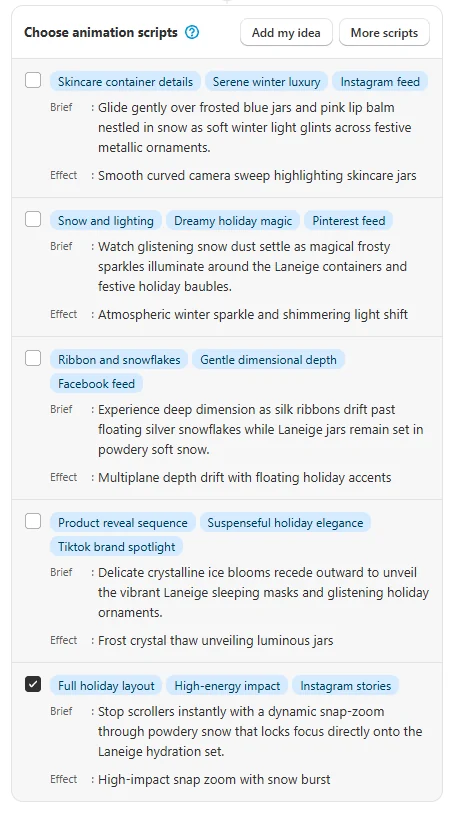
Promer AI suggested five scripts for this 4:5 holiday flat lay. The one picked, tagged Full holiday layout, High-energy impact, and Instagram stories, snaps in through a burst of powdery snow, then settles on the jars.
- Starts from a 4:5 holiday flat lay
- Snap zoom with a snow burst
- Jars and labels stay in place
- Tagged for Instagram stories
AI animation ads in 5 motion styles
One static ad, five animated versions. Every video below started from the same spring bloom bag ad - Promer AI suggests scripts like these for your own ad, each tagged with a motion focus, mood, and placement.
- Instagram stories1
Product showcase
Slow cinematic glide that reveals leather luster and gold.
- TikTok feed2
Dynamic messaging
The headline writes itself on and the CTA button slides up.
- Facebook mobile feed3
Layered 2.5D motion
Multiplane depth drift separates product and backdrop.
- Pinterest video pins4
Dramatic reveal
A sweeping warm spotlight unveils the product.
- Reels explore page5
Scroll stopper
Punchy snap-zoom pulse, then a quick settle.
Before and after: same ad, now it moves
Left: the static ad. Right: one of its animated versions. Same angle, same copy, same CTA - with motion that stops the scroll.
Your static ad in,
a video ad out.
Drop a finished static ad or a product image. Promer AI suggests animation scripts - each with tags for motion focus, mood, and placement, a brief, and an effect - then renders the motion version of the ad you already trust.
- Start from My ads or upload an image
- Choose from AI-suggested animation scripts
- Ask for more scripts or add your own idea
- Download or save to your library
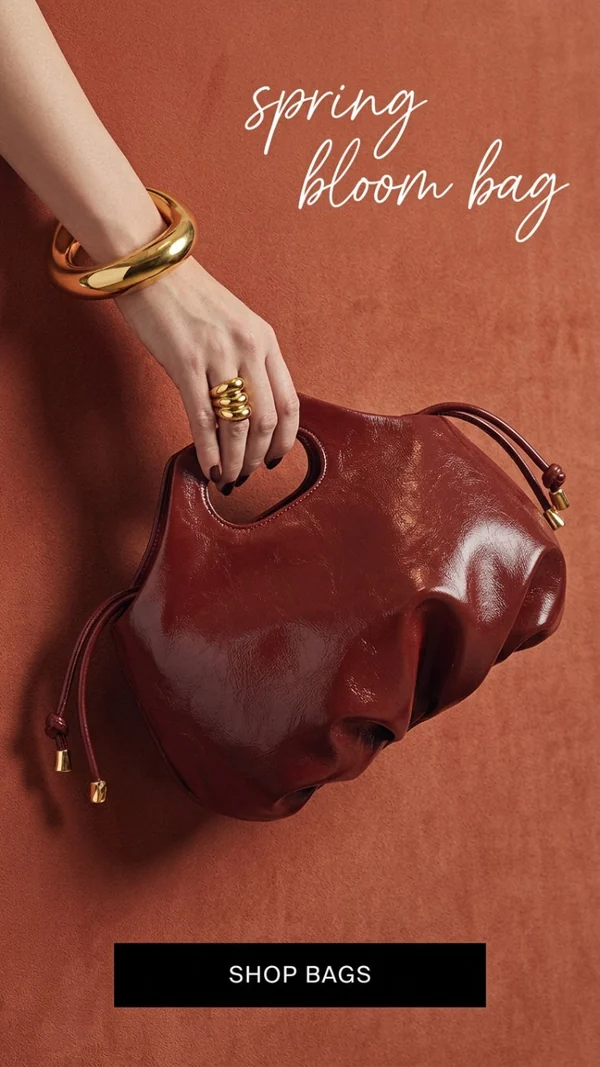
Animated video ads for every product
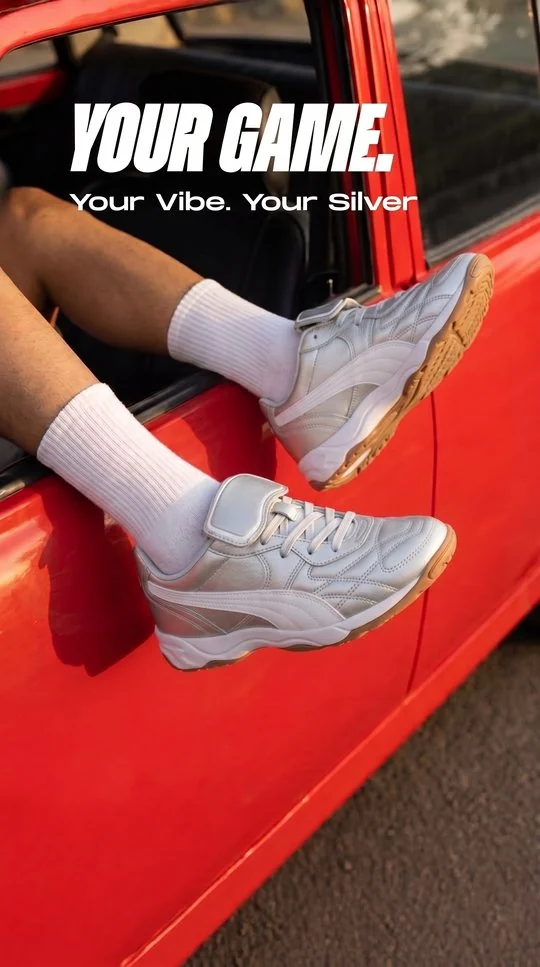
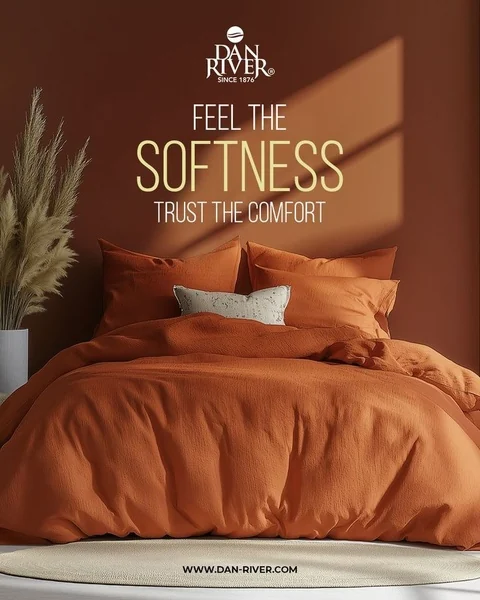
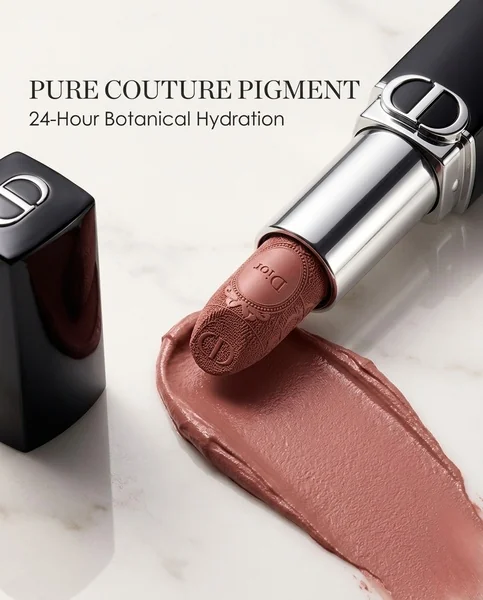
Bags, gift sets, sneakers, bedding, lipstick, phones - the same AI Ad Animation flow works across ecommerce categories. The small image in each corner is the static ad that went in; the poster is the animated video ad that came out, in the same ratio.
- Accessories1
Handbag ad
A slow glide picks up the leather texture and gold hardware.
- Gift sets
 2
Gift box ad
Candles flicker and tea steam rises around the open gift box.
- Footwear
 3
Sneaker ad
The camera pushes in on the shoes while the headline stays put.
- Home & bedding
 4
Bedding ad
Sunlight drifts across the duvet; logo and copy stay locked.
- Makeup
 5
Lipstick ad
Starts on the bullet’s texture, then pulls back to the full ad and headline.
- Electronics
 6
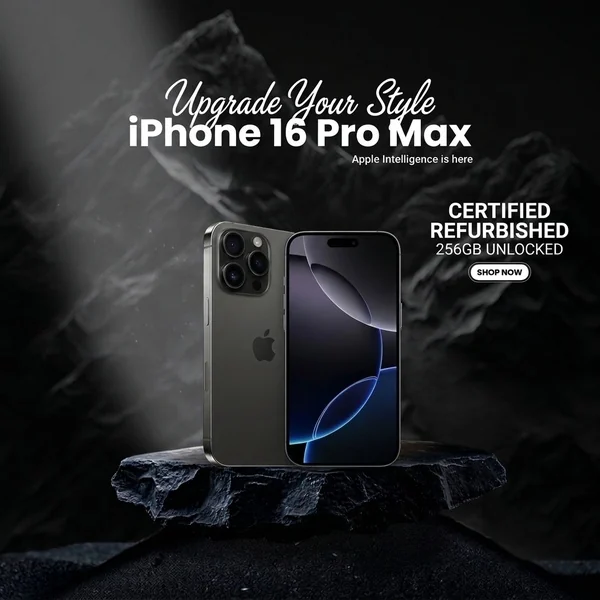
Phone ad
A beam of light sweeps across the phone and its stand as the camera moves in.
What static ads animate best?
Animation keeps the angle already in your ad - it doesn’t invent a new one. Start from an ad like this and the motion has something to work with.
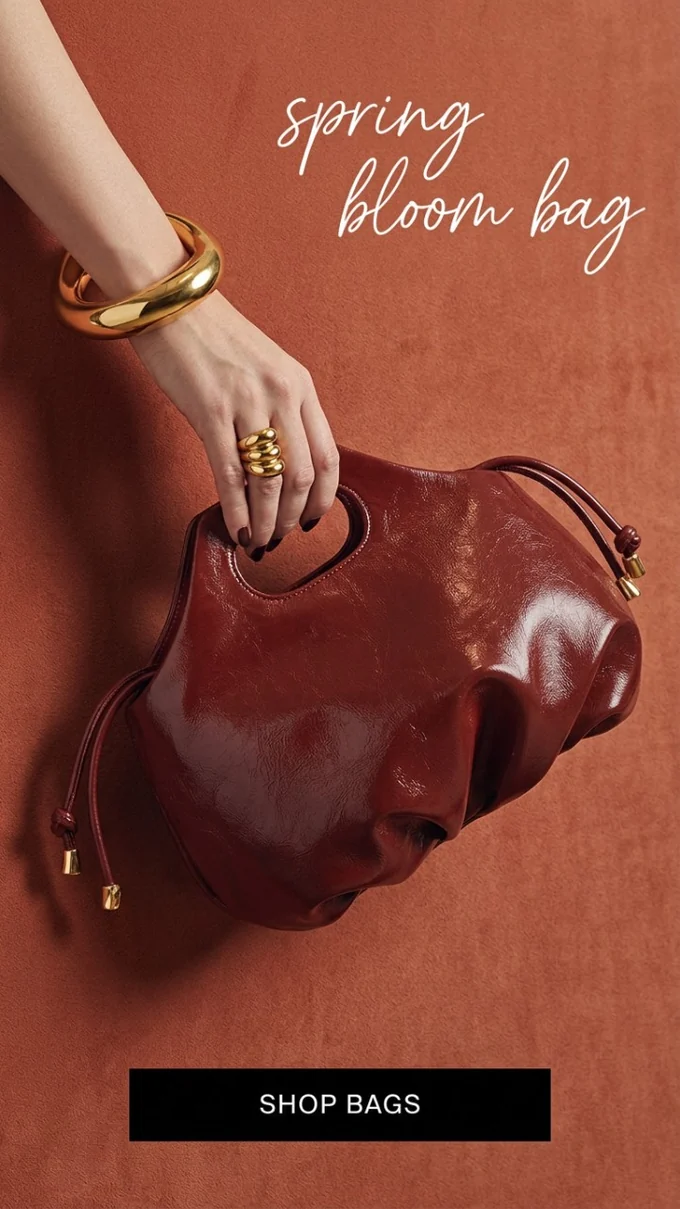
Clear product, short headline, one CTA - the ad behind every bag video on this page.
- 01
Use a clear product image
The app’s own tip: a sharp, well-lit product gives the motion an obvious subject to move or reveal.
- 02
Avoid text-heavy visuals
Keep copy to a short headline and a CTA. Dense text is harder to animate cleanly.
- 03
Any aspect ratio works
The video defaults to your image’s ratio: 9:16, 4:5, 1:1, or 2:3 in, the same ratio out.
- 04
Pick the script that fits
Each AI-suggested script comes tagged with its focus, mood, and placement, plus a brief and an effect, so you know how the ad will move before you generate.
- 05
Built on a winning angle
Create the static with AI Ad Concept or AI Ad Clone first, then animate the one that works.
- 06
Sharp, high resolution
A crisp source image keeps product details, colors, and logos clean in the video.
Animated social ads for every placement
Scripts come tagged for placements like Instagram stories, TikTok feed, Facebook mobile feed, Pinterest video pins, and the Reels explore page, so each animated ad fits where it runs.
No static ad yet? Create one with AI Ad Concept or AI Ad Clone, then animate it.
An animated ad creative platform that starts from your winning ads
Most animated ad makers start from a blank template or a prompt. Promer AI starts from the static ad you already run - and keeps its angle.
| Capacity | Promer AI | Other animated ad maker |
|---|---|---|
| Starts from your existing static ad | Yes - pick from My ads or upload an image | Usually a blank template or prompt |
| Keeps your ad's angle | Yes - motion is added to the ad you already trust | Often rebuilds the ad from scratch |
| AI-suggested animation scripts | Yes - each with tags, a brief, and an effect | Manual keyframes or fixed presets |
| Scripts tagged by placement | Yes - Instagram stories, TikTok, Facebook mobile feed, Pinterest, Reels | Varies by tool |
| Add your own motion idea | Yes - "Add my idea" next to the AI scripts | Varies by tool |
| Create the static ad in the same place | Yes - AI Ad Concept and AI Ad Clone | Separate design tool needed |
| Sound on or off | Yes - toggle sound before you render | Varies by tool |
- Starts from your existing static adPromer AI: Yes - pick from My ads or upload an imageOther tools: Usually a blank template or prompt
- Keeps your ad's anglePromer AI: Yes - motion is added to the ad you already trustOther tools: Often rebuilds the ad from scratch
- AI-suggested animation scriptsPromer AI: Yes - each with tags, a brief, and an effectOther tools: Manual keyframes or fixed presets
- Scripts tagged by placementPromer AI: Yes - Instagram stories, TikTok, Facebook mobile feed, Pinterest, ReelsOther tools: Varies by tool
- Add your own motion ideaPromer AI: Yes - "Add my idea" next to the AI scriptsOther tools: Varies by tool
- Create the static ad in the same placePromer AI: Yes - AI Ad Concept and AI Ad CloneOther tools: Separate design tool needed
- Sound on or offPromer AI: Yes - toggle sound before you renderOther tools: Varies by tool
FAQ
An animated ad generator turns a still ad into a short video ad with motion. Promer AI does this with AI Ad Animation: you pick a static ad or upload an image, choose an AI-suggested animation script, and render a video ready for social placements.
Promer AI’s AI Ad Animation. Upload the static ad or pick it from My ads, choose one of the AI-suggested animation scripts, and generate a short animated video ad in the same aspect ratio as your image - no video editor, timeline, or keyframes.
Open AI Ad Animation, pick a creative from My ads or upload an image, choose one of the suggested animation scripts (or add your own idea), set the aspect ratio, quality, and sound, then generate. Download the video or save it to your library.
An animated ad starts from a finished ad - headline, product, and CTA already in place - and adds motion. Product image to video starts from a plain product photo and builds a full video ad around it. Use the Product Image to Video AI tool for that.
No. AI Ad Animation animates the angle already in your static ad - it doesn’t write a new one. To test new angles, create new statics with AI Ad Concept or AI Ad Clone first, then animate them.
Yes. Next to the AI-suggested scripts there’s "Add my idea" to describe the motion you want, and "More scripts" to see more options.
AI Ad Animation makes short video ads for feed, Stories, and Reels placements. The app shows the available length before you generate.
By default, the video keeps the aspect ratio of the image you start from, so a 9:16, 4:5, 1:1, or 2:3 static ad comes back as a video in the same ratio. Start from 9:16 for Reels, Stories, and TikTok, and 4:5 or 1:1 for feeds.
Scripts vary with your ad. From one bag ad, Promer AI suggested a product showcase glide, dynamic messaging (headline writes on, CTA slides up), layered 2.5D motion, a dramatic spotlight reveal, and a scroll-stopping zoom pulse.
You choose. Turn Sound on or off in the settings before you generate.
Scripts come tagged for placements such as Instagram stories, TikTok feed, Facebook mobile feed, Pinterest video pins, and the Reels explore page. Download the video and upload it to your ad account, or use it on your store.
Create one first. AI Ad Concept builds new ad concepts from your product, and AI Ad Clone adapts a proven ad structure from the library. Then animate the winner.
You can sign up with free credits and no credit card. Rendering animated videos uses credits, and paid plans include a monthly allowance of ad animation videos - see Pricing for the current numbers.
Yes. Use "More scripts" to get new animation options, then render a few scripts from the same static ad and test them against each other.
Neither wins every time. Motion helps stop the scroll in video-first placements like Reels, Stories, and TikTok, while statics stay strong in feeds. The fastest answer is to test both: animate your best static and run the two side by side.
Yes. AI Ad Animation works from an ad you already have, so there is no filming, editing, or motion design. You pick a script, set the format and sound, and generate.
AI Ad Animation starts from the ad you already made, so your product, colors, and look come from it. Some scripts zoom in or reframe the shot, so watch the video before you run it. Set up Brand Kit once and Promer AI applies your logo, colors, and fonts when you create new static ads to animate.
Yes, for social and online ad placements. AI Ad Animation turns a static ad into a short animated commercial. For a longer, scene-by-scene video, use AI Video Ad Clone or AI UGC Ads.
More AI tools to turn your product into ads
Same product, more formats. Pick the tool that fits your next campaign.
 Video ads
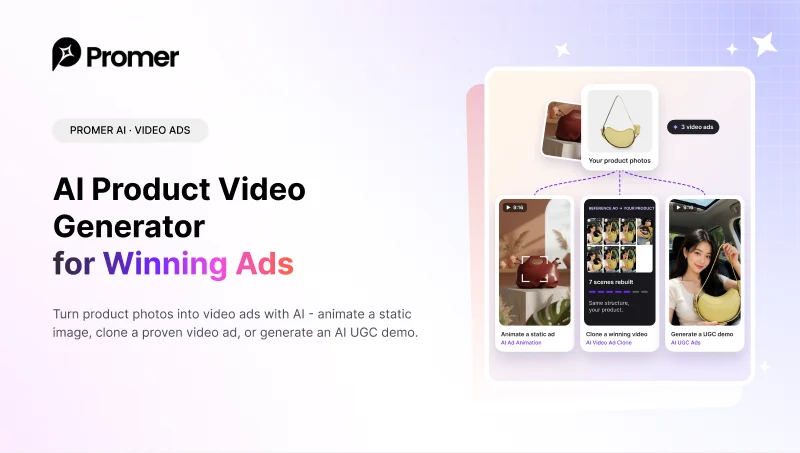
AI Product Video Generator
Animate a static image, clone a winning video, or generate an AI UGC demo.Open tool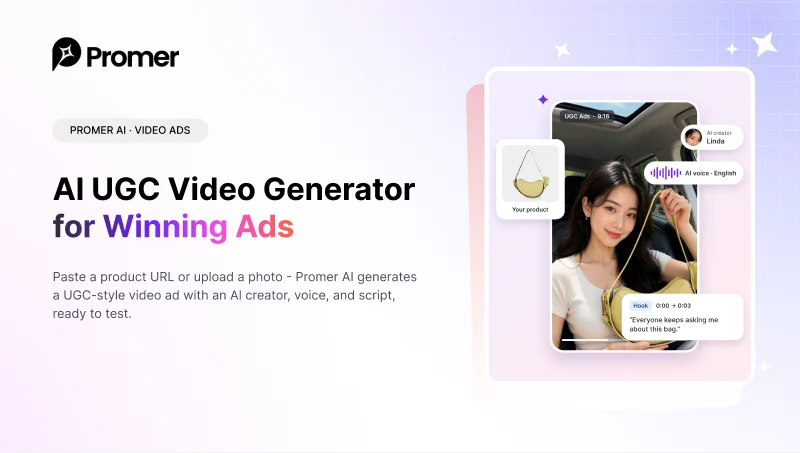 Video ads
AI UGC Video Generator
Paste a product URL and get a UGC-style video ad with an AI creator, voice, and script.Open tool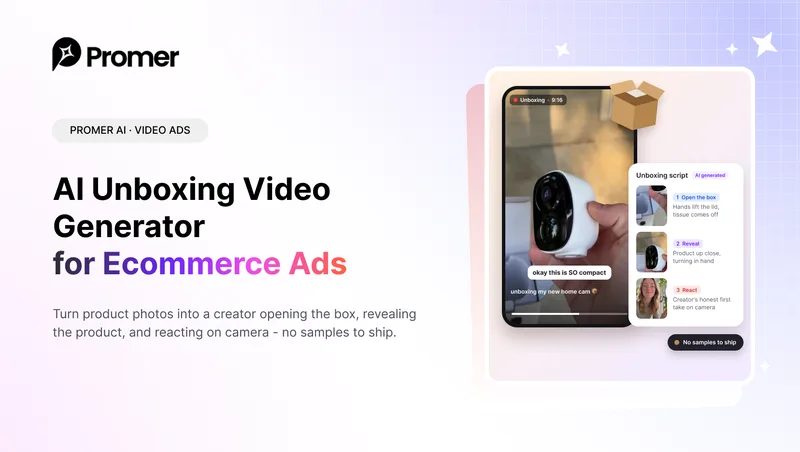 Video ads
AI Unboxing Video Generator
A creator opens the box, reveals your product, and reacts on camera.Open tool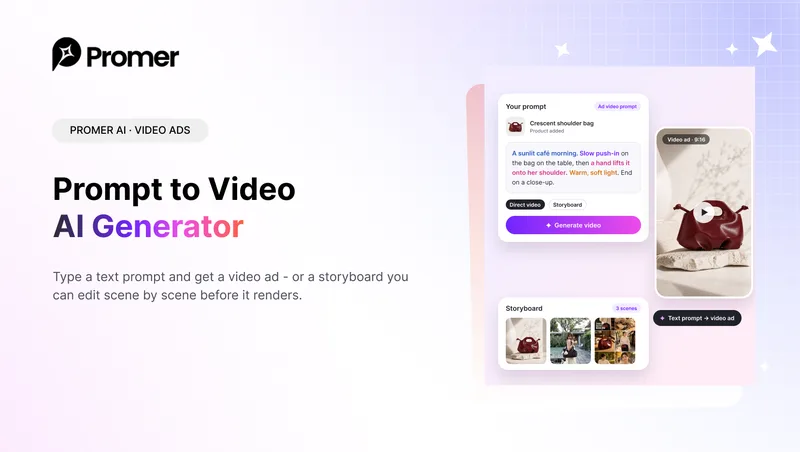 Video ads
Prompt to Video AI Generator
Type a text prompt and get a video ad, or a storyboard to edit scene by scene.Open tool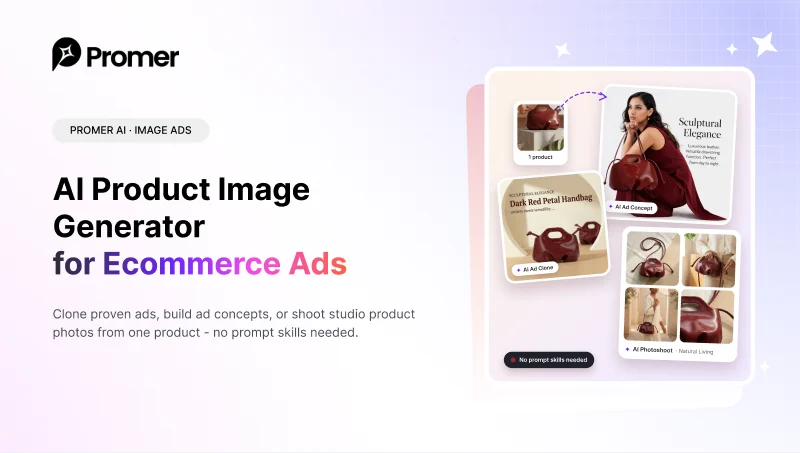 Image ads
AI Product Image Generator
Clone proven ads, build concepts, or shoot studio photos - no prompt skills needed.Open tool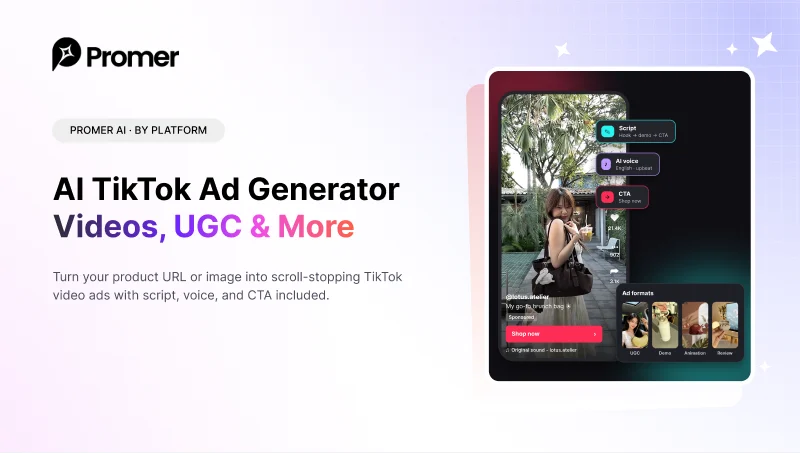 By platform
AI TikTok Ad Generator
Scroll-stopping TikTok video ads with script, voice, and CTA.Open tool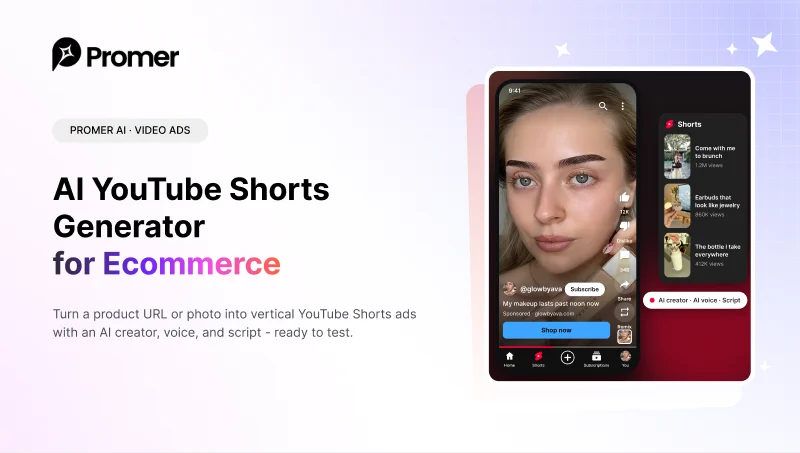 Video ads
AI YouTube Shorts Generator
Vertical 9:16 Shorts ads from a product URL or photo, ready to test.Open tool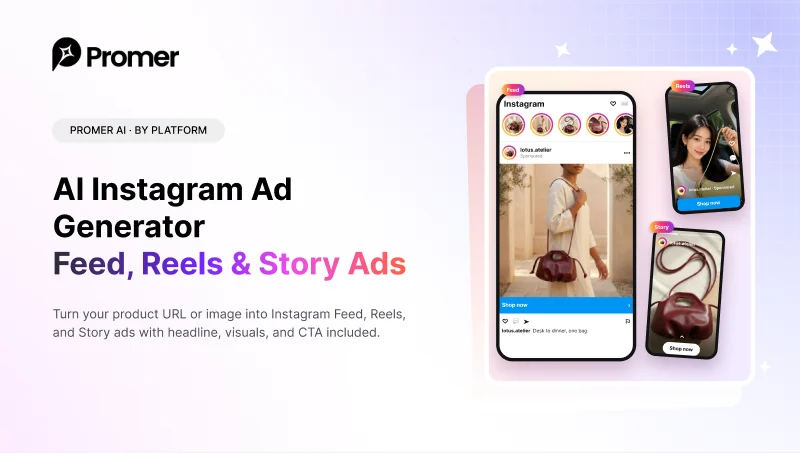 By platform
AI Instagram Ad Generator
Feed, Reels, and Story ads for Instagram with copy and CTA included.Open tool
Your next winning ad is already out there.
Promer AI helps you find the pattern, adapt it to your product, and create your own version in minutes.