22 AI Product Photography Prompts That Keep Your Product Looking Real
Upload a product photo to an AI image tool, ask for a "clean white background shot," and the result often comes back close but not quite right - the label text is slightly blurred, the color has shifted a shade warmer, or the shape looks subtly off from what actually ships. This isn't a tool failure. It's a prompt problem.
Product photography prompts need one instruction that fashion or portrait prompts don't: an explicit command to preserve the exact shape, color, and label of the real product, because buyers and marketplaces are comparing the image directly against what arrives at their door.
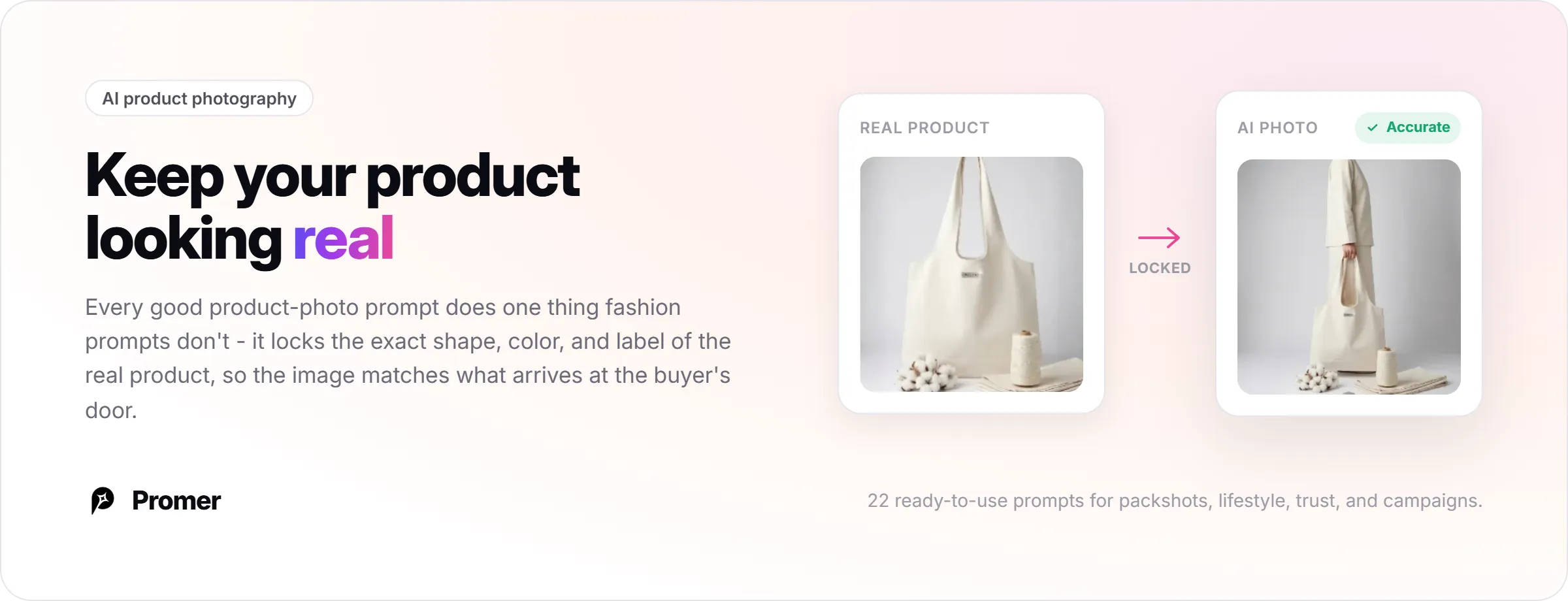
Below are 22 ready-to-use prompts covering what ecommerce sellers actually need to generate: clean marketplace packshots, lifestyle context shots, images that build buyer trust around scale and material, hands-on usage shots, and seasonal campaign variations.
They're built for packaged goods, electronics, beauty, and home products - for apparel or accessories shown on a model, AI generated fashion prompts covers that separately, since fashion has different framing and pose requirements. Two ways to skip writing these prompts by hand follow at the end.
Before You Copy Any Prompt Below
Three things separate a usable AI product photo from one that quietly misrepresents what you sell:
- Name the product lock first. Every prompt below opens by telling the AI to preserve the product's exact shape, branding, and label text. This single instruction prevents most of the drift - warped logos, shifted colors, subtly wrong proportions - that makes an AI product photo unusable.
- Attach a real reference photo whenever the tool allows it. Replace [YOUR PRODUCT PHOTO] in any prompt with an actual upload. Without a reference image, the AI has never seen your product and fills in the gaps from its training data instead of your real listing.
- Keep a reusable negative prompt on hand. Most tools accept a separate negative prompt field or an inline "avoid:" clause. One that works across the prompts below: "avoid: distorted label text, warped logo, mismatched product color, extra reflections, floating shadows, low resolution, watermark or text overlay." Add it once per session instead of retyping it each time.
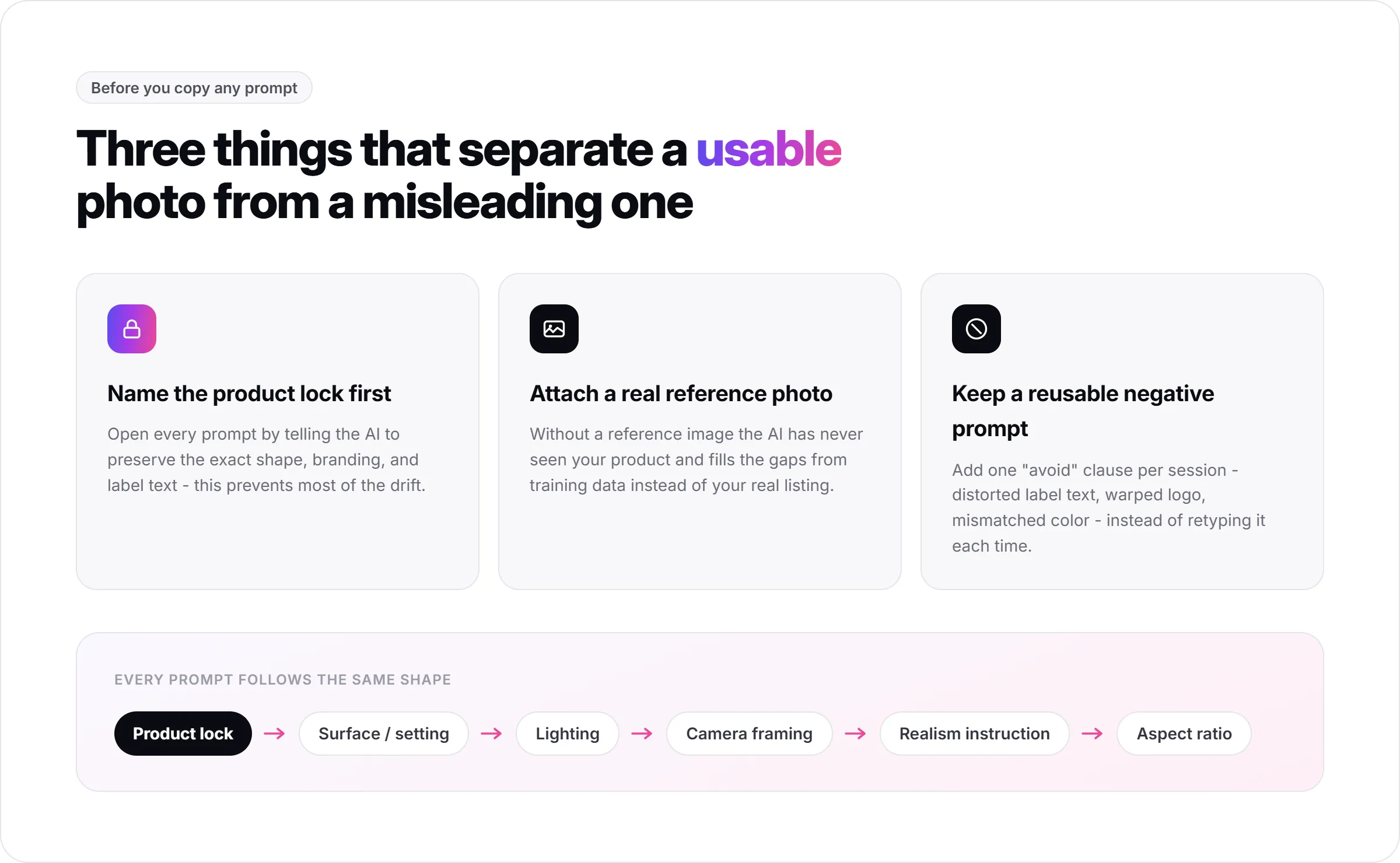
Every prompt follows the same shape once you strip away the specifics: product lock, then surface or setting, then lighting, then camera framing, then a realism instruction, then an aspect ratio (1:1 for marketplace listings, 4:5 for Meta feed ads, 16:9 for banners with copy space, 9:16 for Stories and Reels). Once that pattern is visible, adapting any prompt below to a product that isn't covered here is mostly a find-and-replace exercise.
Studio and Packshot Prompts
Best for marketplace listings (Amazon, Etsy, Walmart) and the primary image on a product page, where buyers expect a clean, trustworthy shot.
1. Pure White Marketplace Packshot
What it does: the classic clean listing shot most marketplaces expect as the main image.
"[YOUR PRODUCT PHOTO] centered on a seamless pure white background, keep the exact shape, proportions, branding, and label text unchanged, soft diffused studio lighting, realistic soft shadow directly beneath the product, sharp focus throughout, no props, no extra objects, ecommerce packshot style, 1:1."
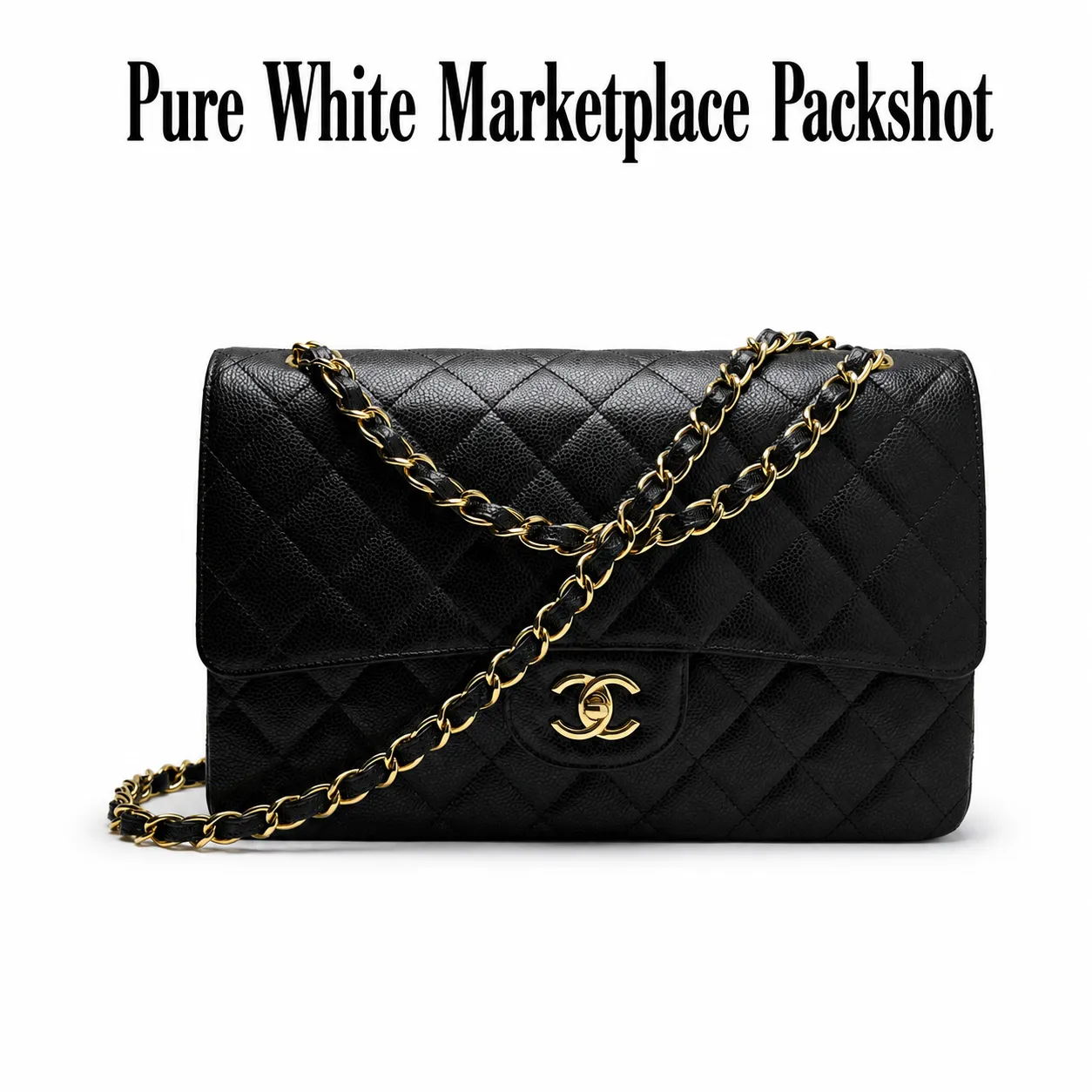
Pro tip: naming "no props, no extra objects" explicitly prevents the AI from adding clutter you didn't ask for.
2. Soft Gray Studio Hero Shot
What it does: a slightly warmer alternative to pure white for a DTC product page.
"[YOUR PRODUCT PHOTO] on a light gray seamless studio background, keep the exact shape, color, and label text unchanged, soft diffused lighting, subtle natural shadow, sharp edges, realistic reflections if the material is glossy, premium ecommerce photography, 1:1."
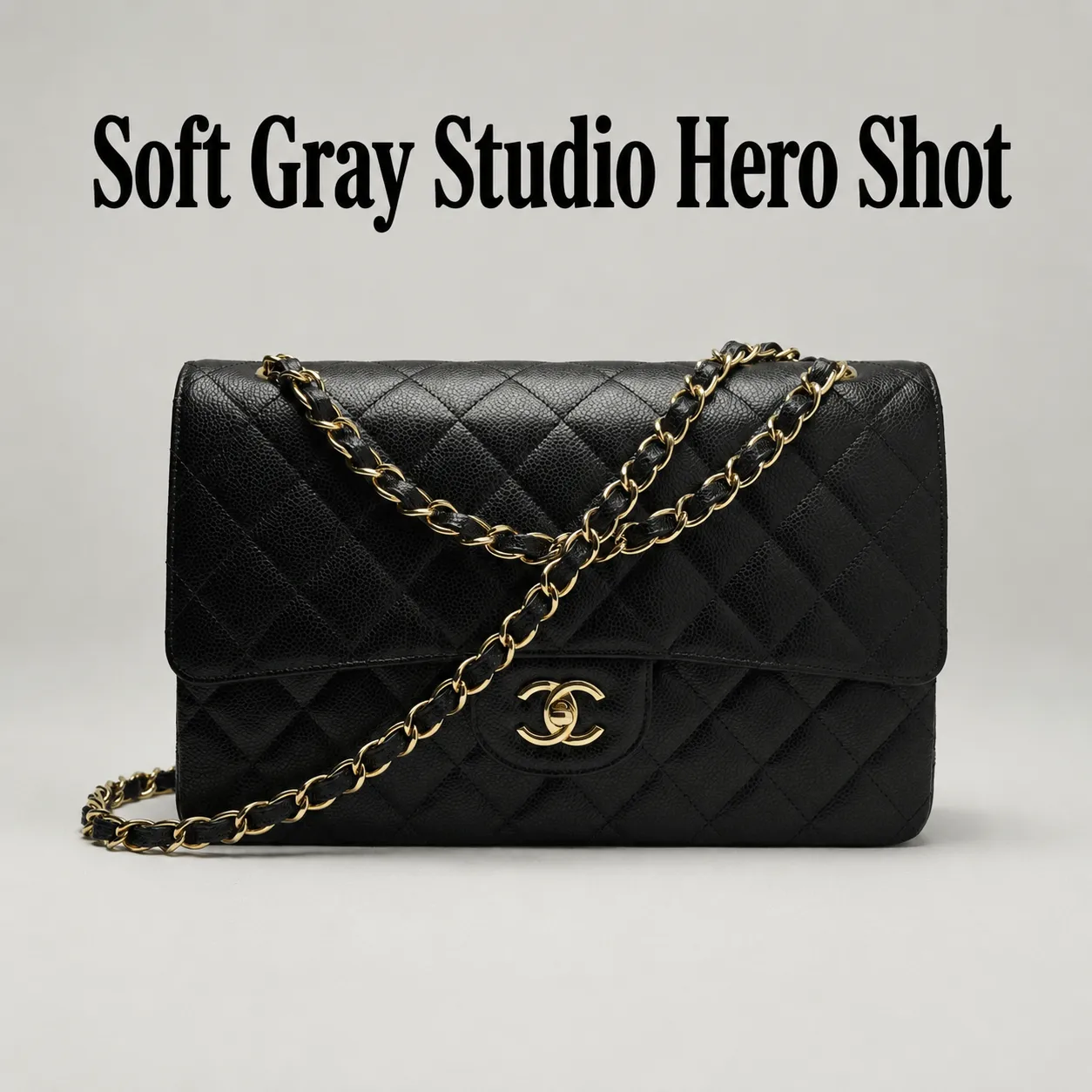
Pro tip: gray reads as less clinical than pure white while still keeping the product as the clear focus.
3. Floating Product Cutout
What it does: a modern hero shot for landing pages and collection banners.
"Turn [YOUR PRODUCT PHOTO] into a floating studio product image on a clean neutral gradient background, preserve exact product geometry, branding, and label text, add a soft shadow directly below to ground it, sharp focus, no distortion, 4:5."
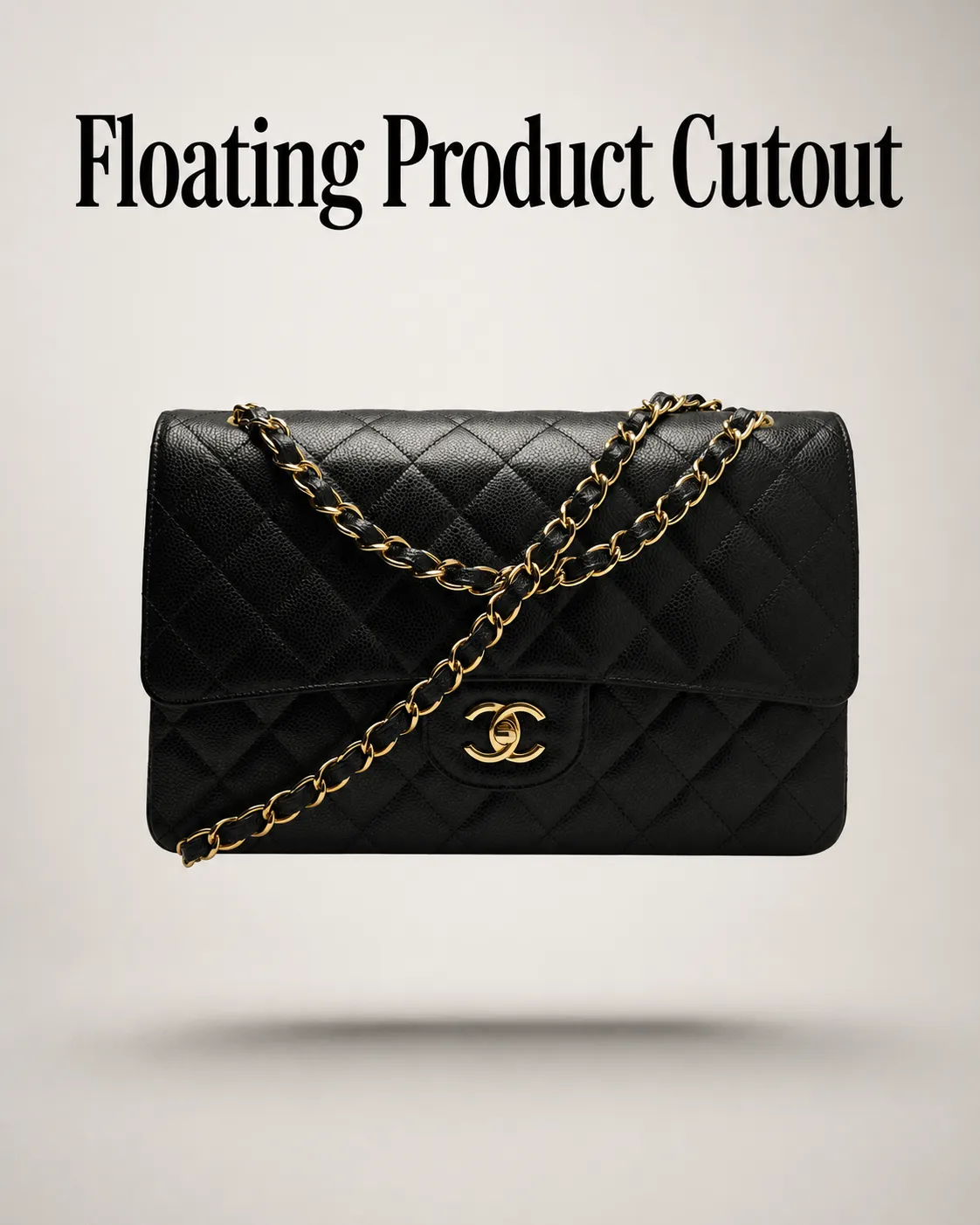
Pro tip: this works best on products with a simple, self-supporting shape - bottles, boxes, cases.
4. Acrylic Pedestal Display
What it does: a premium-feeling elevated shot, popular for supplements and cosmetics.
"[YOUR PRODUCT PHOTO] displayed on a clear acrylic pedestal against a seamless light gray background, keep the exact shape, color, and label text unchanged, bright airy softbox lighting, realistic contact shadow and subtle reflection on the acrylic surface, shot at a slight 45-degree angle, commercial catalog quality, 4:5."
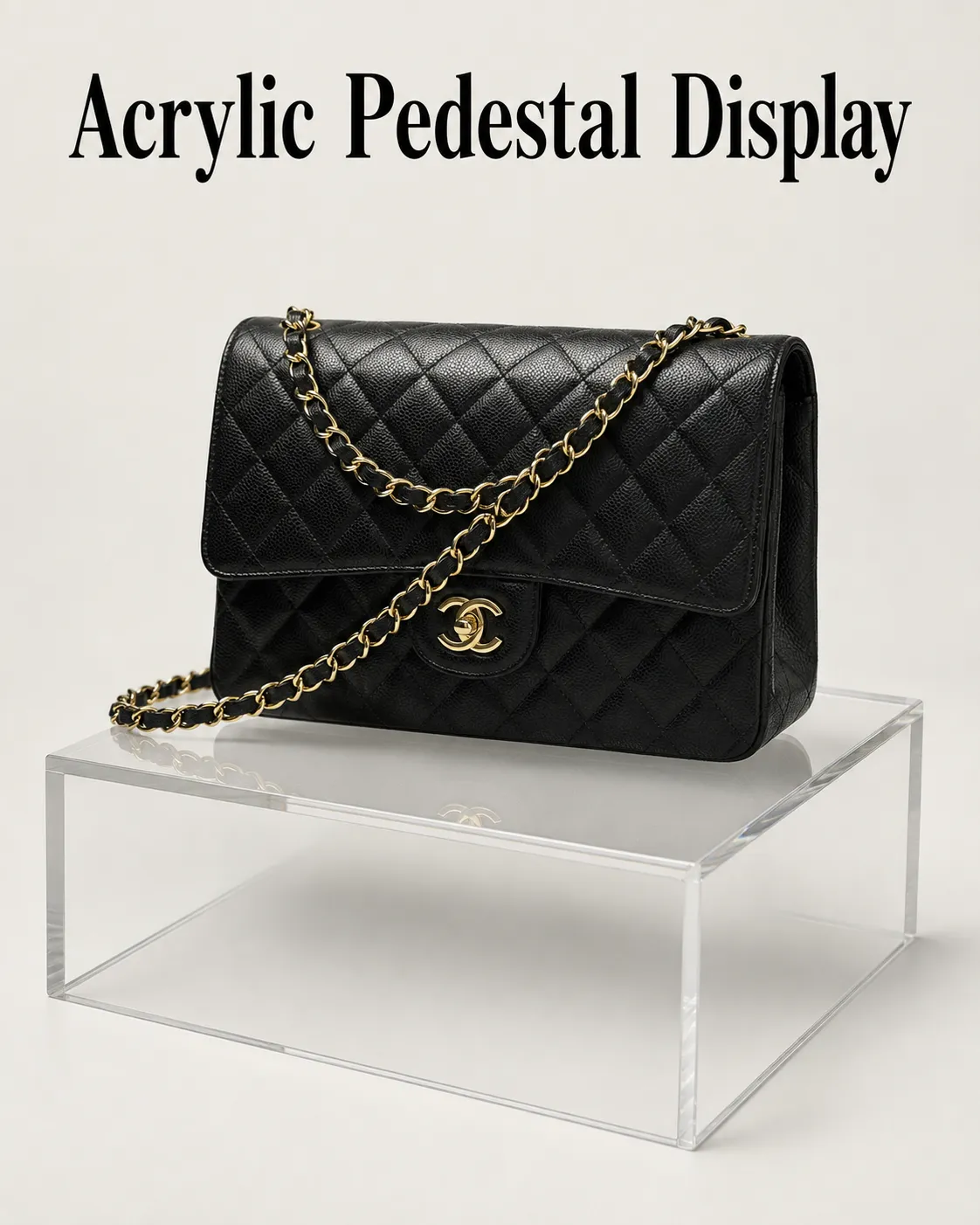
Pro tip: the pedestal adds a sense of premium presentation without needing a full lifestyle scene.
5. High-Key Glassware Clean Shot
What it does: handles transparent or reflective materials that are usually hard to shoot cleanly.
"[YOUR PRODUCT PHOTO] on a seamless white background, high-key studio lighting with controlled specular highlights, crisp glass or acrylic edges, keep the exact shape and any printed branding unchanged, soft shadow beneath, no color cast, catalog accuracy, 1:1."
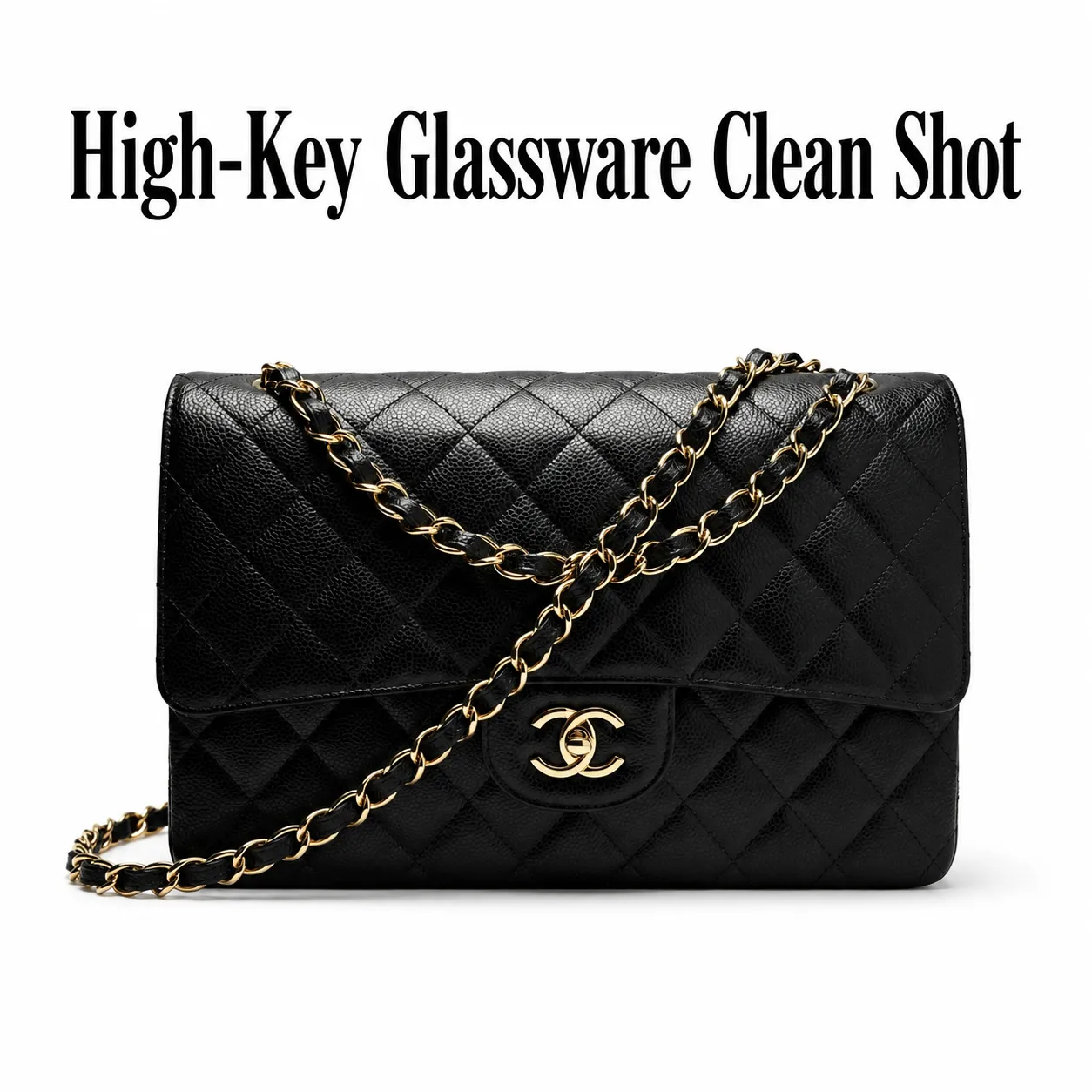
Pro tip: glossy or transparent products need "controlled specular highlights" specifically named, or the AI tends to over-brighten reflections.
Lifestyle and Context Prompts
Best when a clean studio shot doesn't explain what the product is for. These give buyers a sense of when and how they'd use it.
6. Natural Habitat Scene
What it does: places the product in the setting where it's actually used.
"[YOUR PRODUCT PHOTO] placed in its natural real-life setting, styled realistically, keep the exact product design, branding, and proportions unchanged, believable natural lighting and shadows, authentic commercial photography look, 4:5."
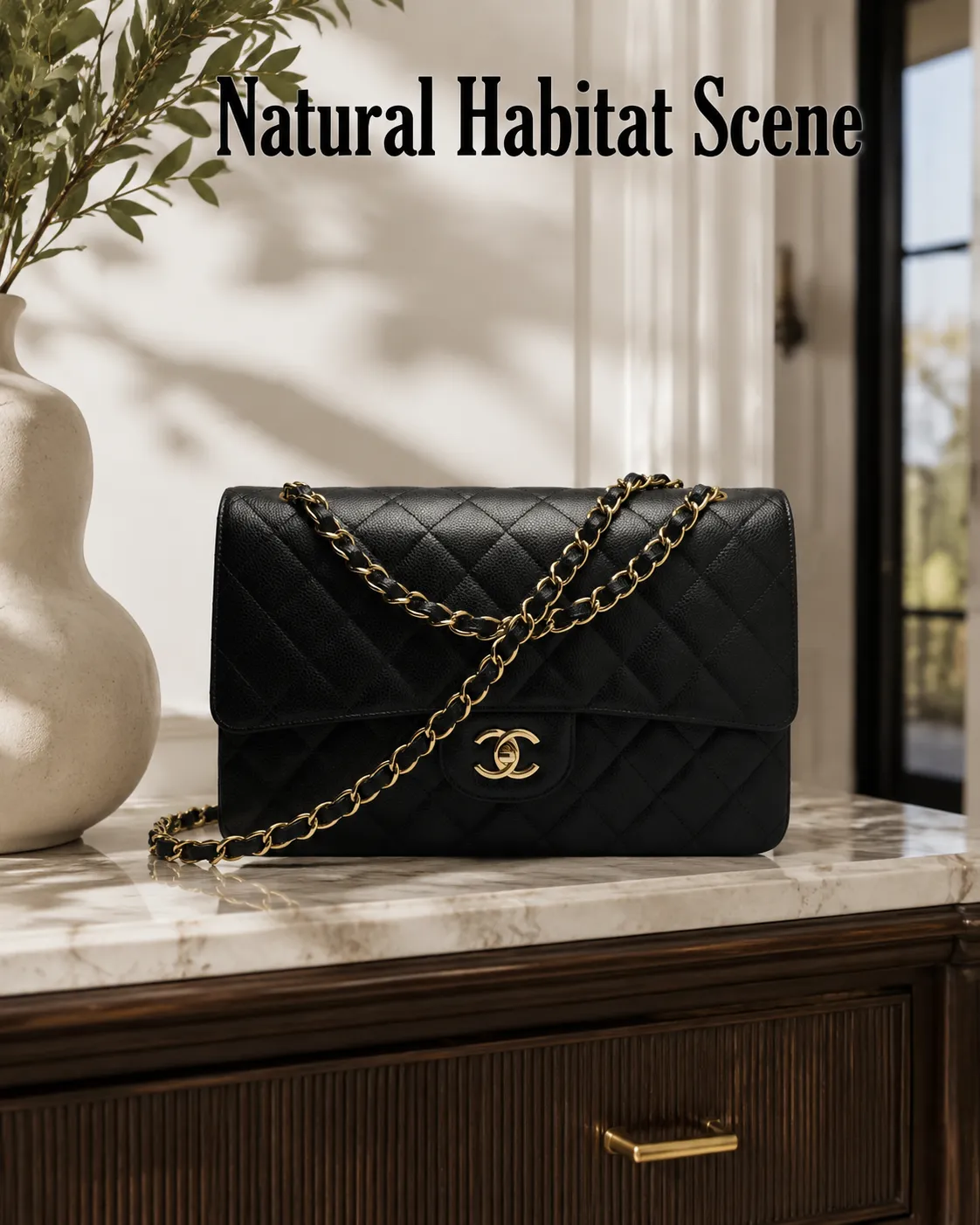
Pro tip: name the specific setting (kitchen counter, bathroom shelf, office desk) rather than leaving "natural setting" vague.
7. Minimal Interior Scene
What it does: a clean, premium lifestyle shot without visual clutter.
"[YOUR PRODUCT PHOTO] placed in a modern minimal interior, clean composition, neutral styling, realistic daylight from a window, the product remains the clear focal point, no clutter, editorial ecommerce photography, 4:5."
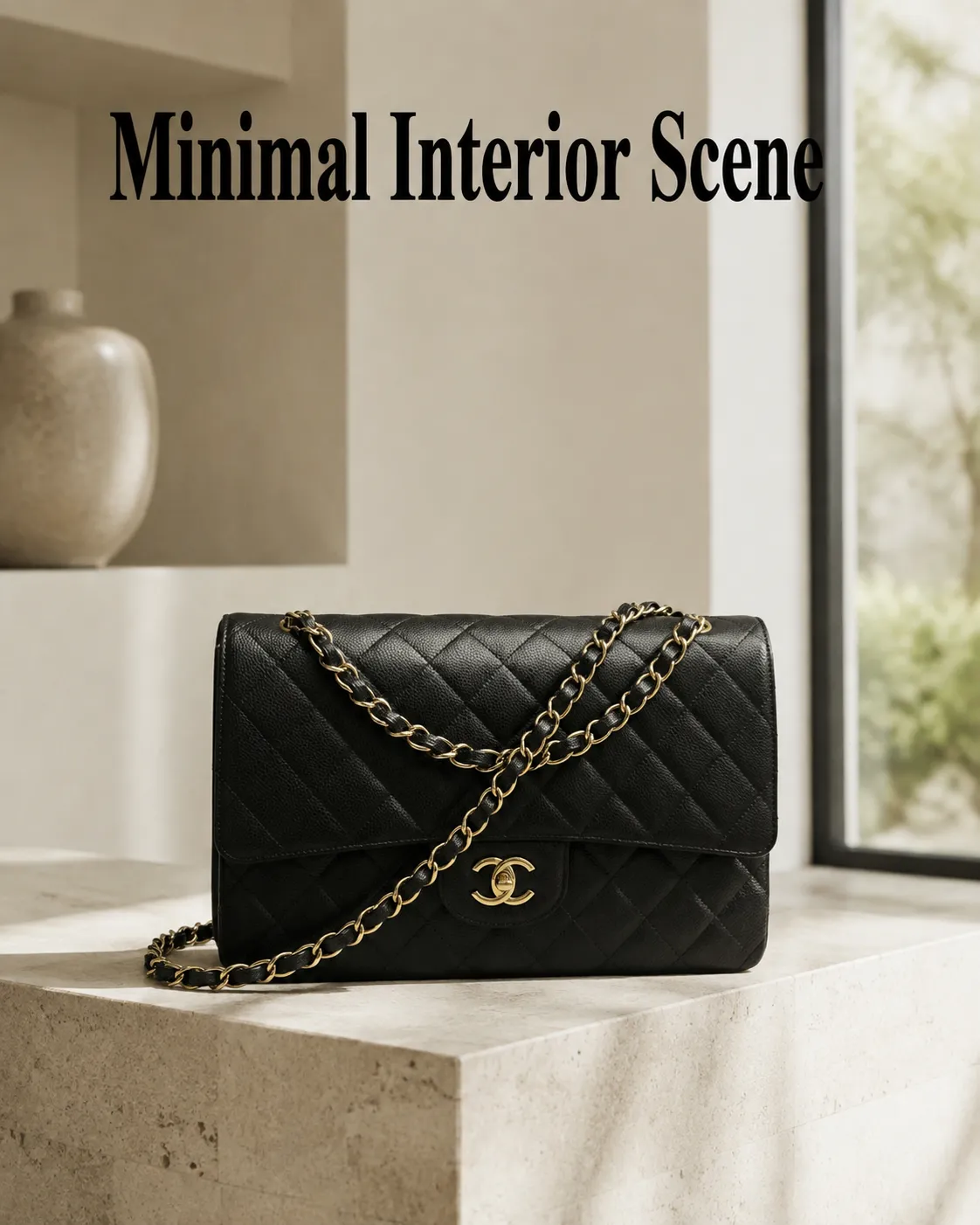
Pro tip: works especially well for home decor, fragrance, and small appliances that benefit from a premium but understated tone.
8. Kitchen Counter Lifestyle
What it does: a warm, believable context shot for food, beverage, and kitchen products.
"[YOUR PRODUCT PHOTO] on a bright kitchen counter, keep the exact label and branding unchanged, 2-3 minimal complementary props relevant to the product, soft natural window light, gentle shadows, warm lifestyle color grade, shot on 50mm lens, 4:5."
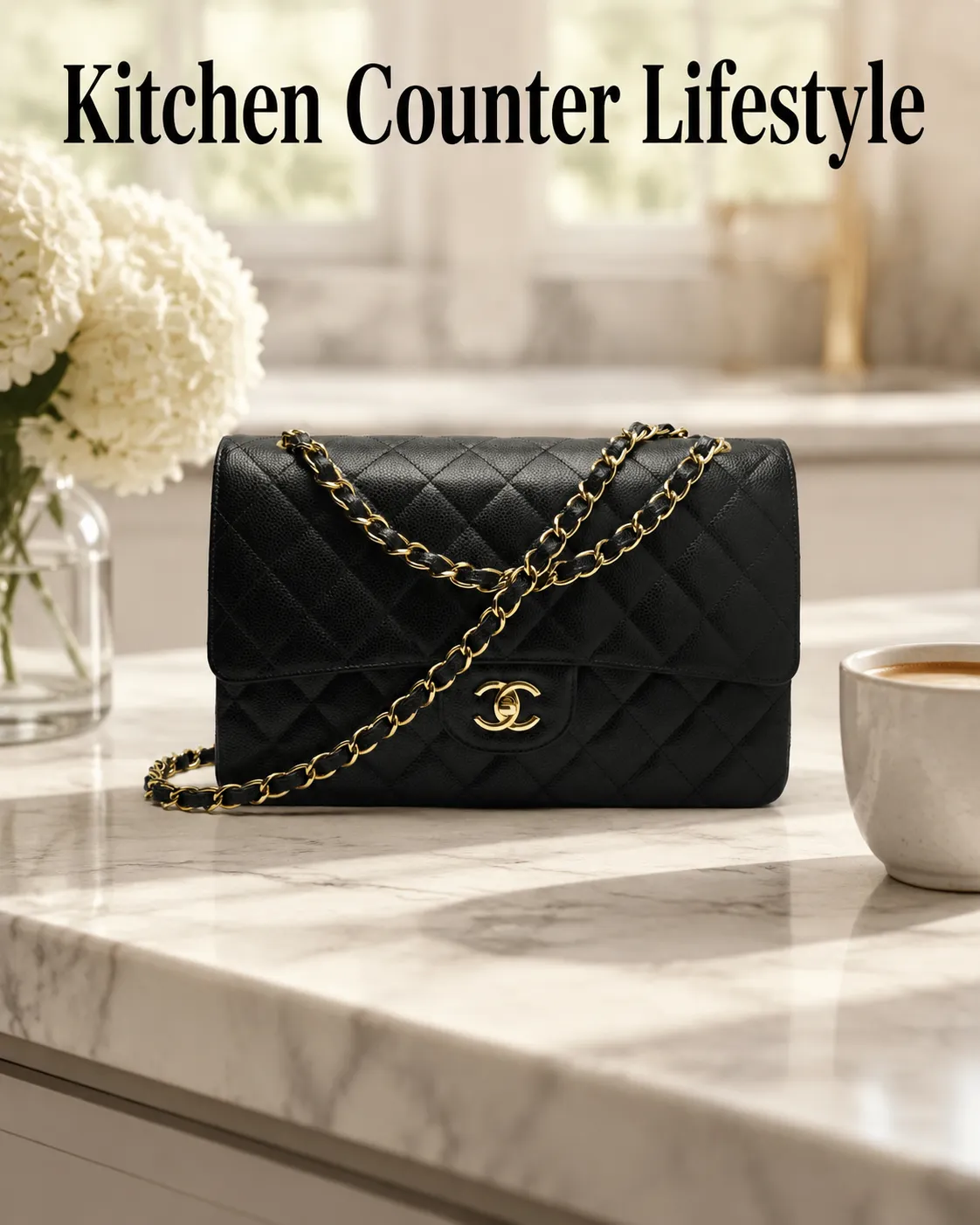
Pro tip: limit props to 2-3 - more than that competes with the product instead of supporting it.
9. Desktop Context Scene
What it does: grounds electronics and work accessories in a realistic use setting.
"[YOUR PRODUCT PHOTO] arranged in a realistic desk setup with complementary objects, clean arrangement, soft window light, keep the product as the clear focal point and preserve its exact design, modern commercial photography, 4:5."
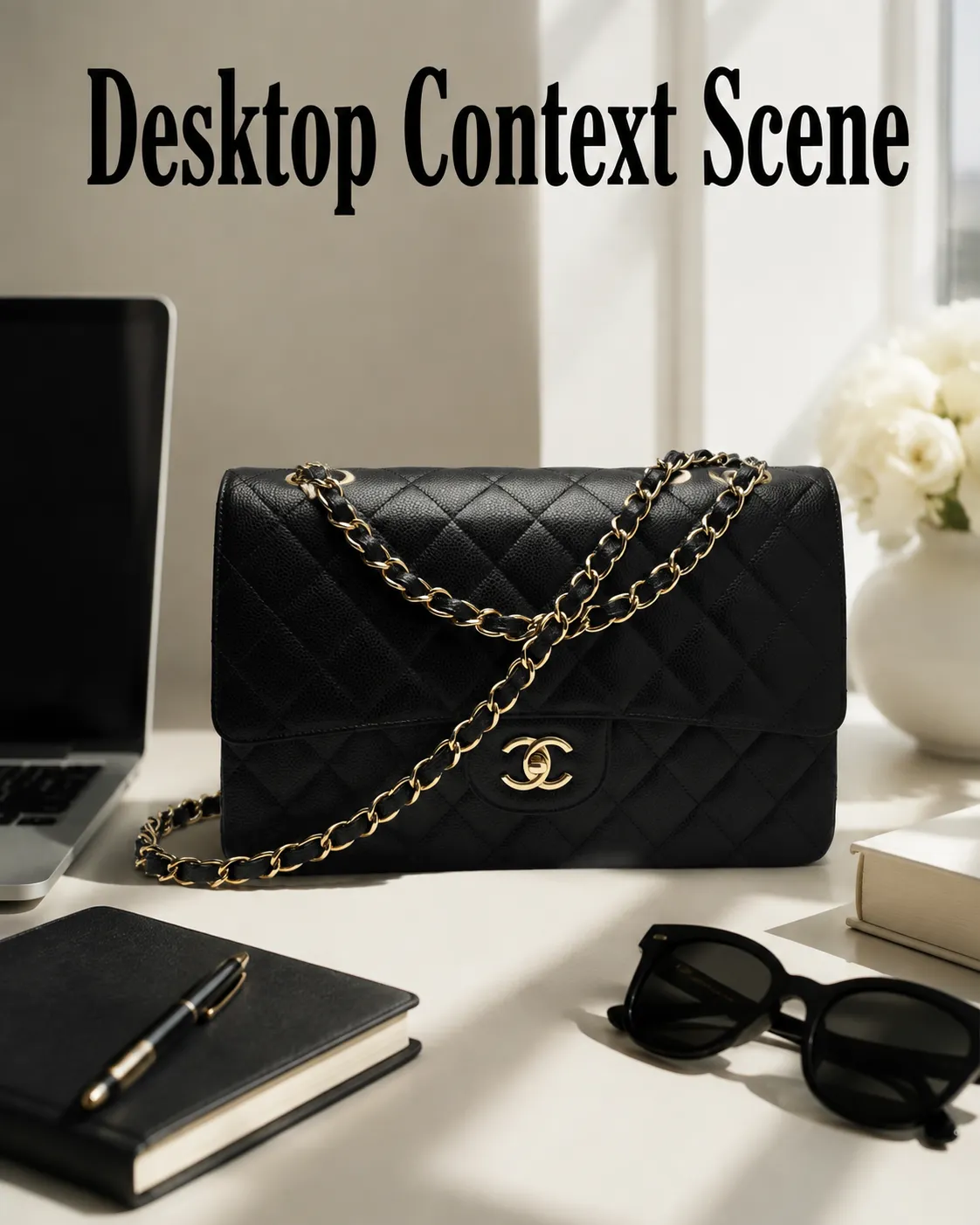
Pro tip: useful for headphones, chargers, planners, and any product where "where would I use this" is the buyer's first question.
10. Outdoor Lifestyle Scene
What it does: an aspirational but still believable outdoor context shot.
"[YOUR PRODUCT PHOTO] placed in an outdoor setting that matches its actual use, natural daylight, realistic environment, accurate color and texture preserved, product clearly visible and in focus, premium lifestyle photography, no fantasy elements, 4:5."
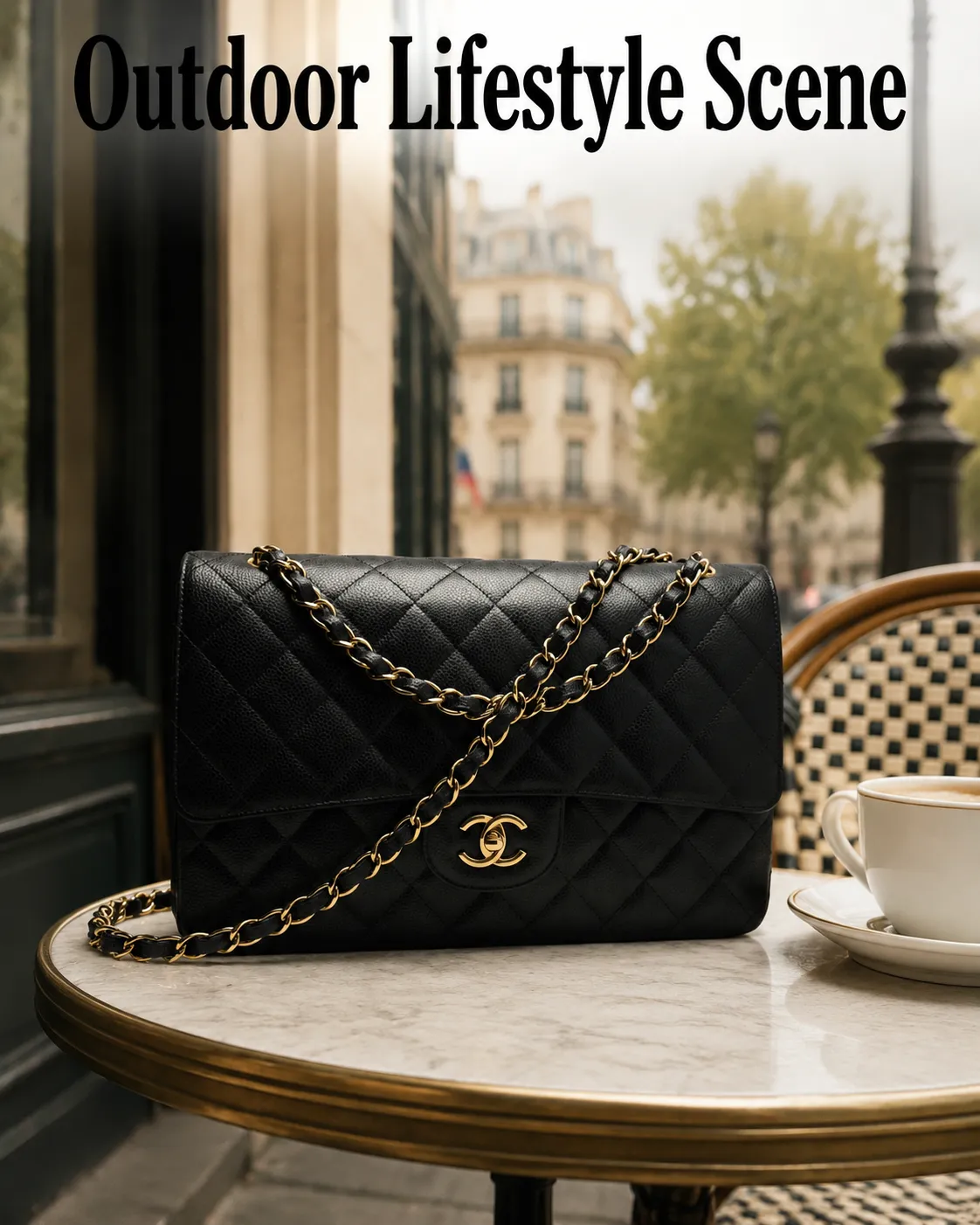
Pro tip: adding "no fantasy elements" keeps the result from drifting into an overly stylized, obviously synthetic scene.
Trust and Scale Prompts
Best for reducing returns and pre-purchase questions. These prompts do explanatory work rather than purely aesthetic work - showing size, structure, and material quality.
11. Multiple Angle Composition
What it does: shows front, side, and angled views together so buyers understand the full shape.
"[YOUR PRODUCT PHOTO] shown from front, side, and a slightly angled view arranged in one clean composition, consistent lighting across all views, neutral background, preserve exact color, shape, and label text, catalog-ready, 1:1."
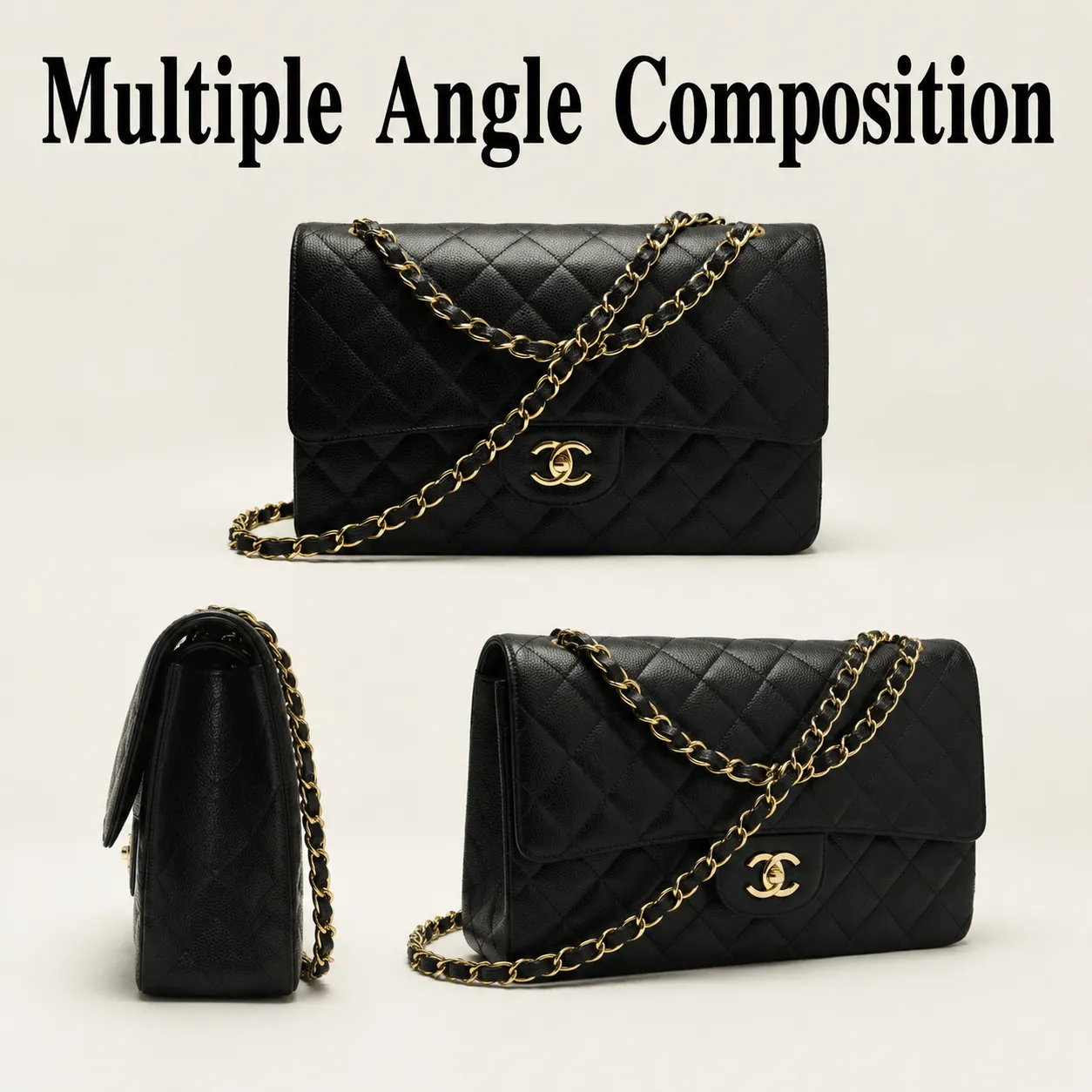
Pro tip: especially useful for bags, containers, and hardware where shoppers often can't judge shape from a single angle.
12. Open-and-Closed Comparison
What it does: clarifies structure and capacity in a single frame.
"[YOUR PRODUCT PHOTO] shown in both closed and open states in one clean composition, preserve accurate design details and branding on both states, simple studio background, realistic shadow, ecommerce comparison layout, 4:5."
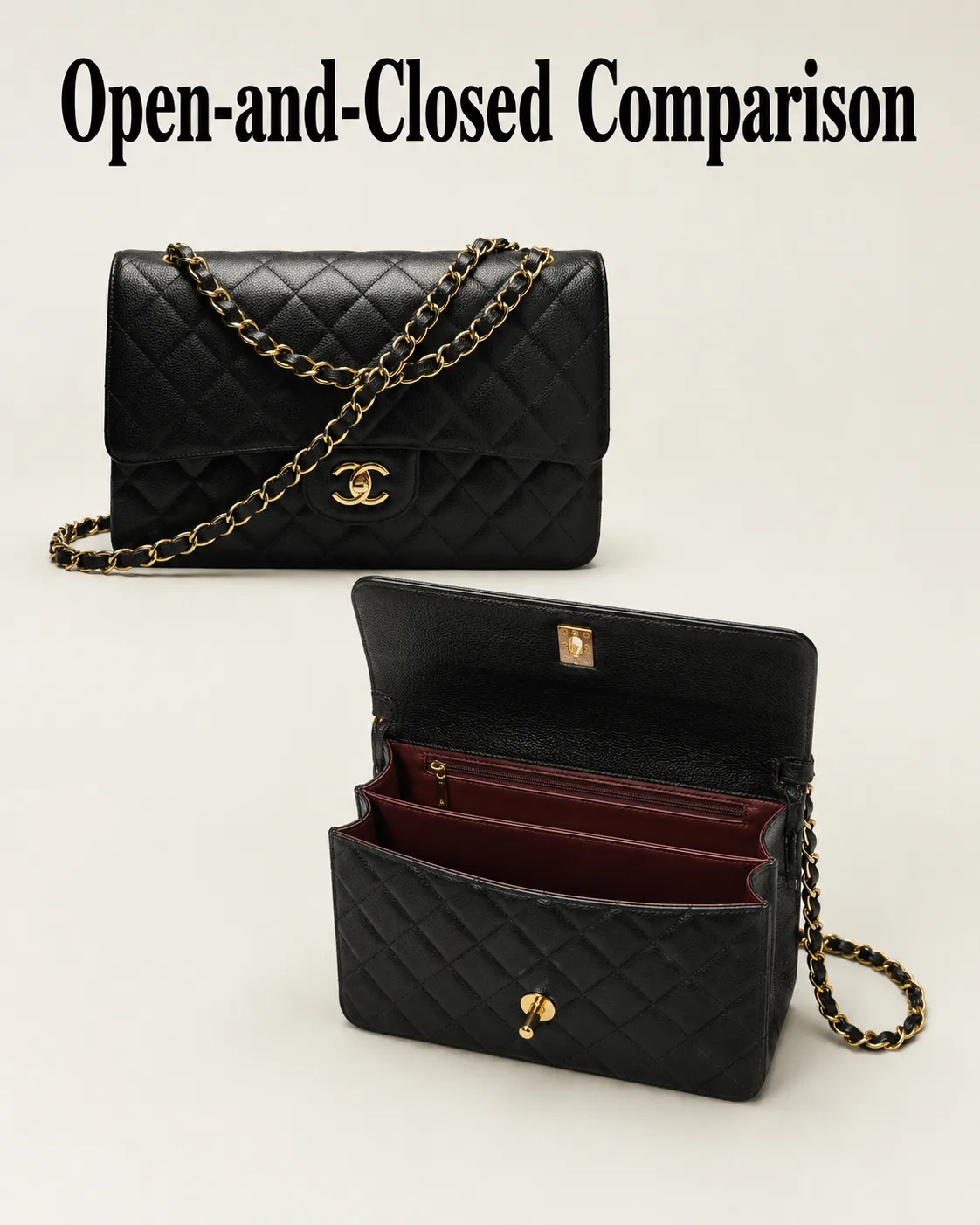
Pro tip: this consistently reduces "how big is the inside" questions for cases, boxes, and foldable products.
13. Material Texture Macro Detail
What it does: an extreme close-up that communicates build quality specs can't.
"Close-up macro shot of [YOUR PRODUCT PHOTO] focused on material texture, stitching, or surface finish, keep the actual material and color accurate, realistic macro-style lighting, shallow depth of field, sharp detail, premium product photography, 1:1."
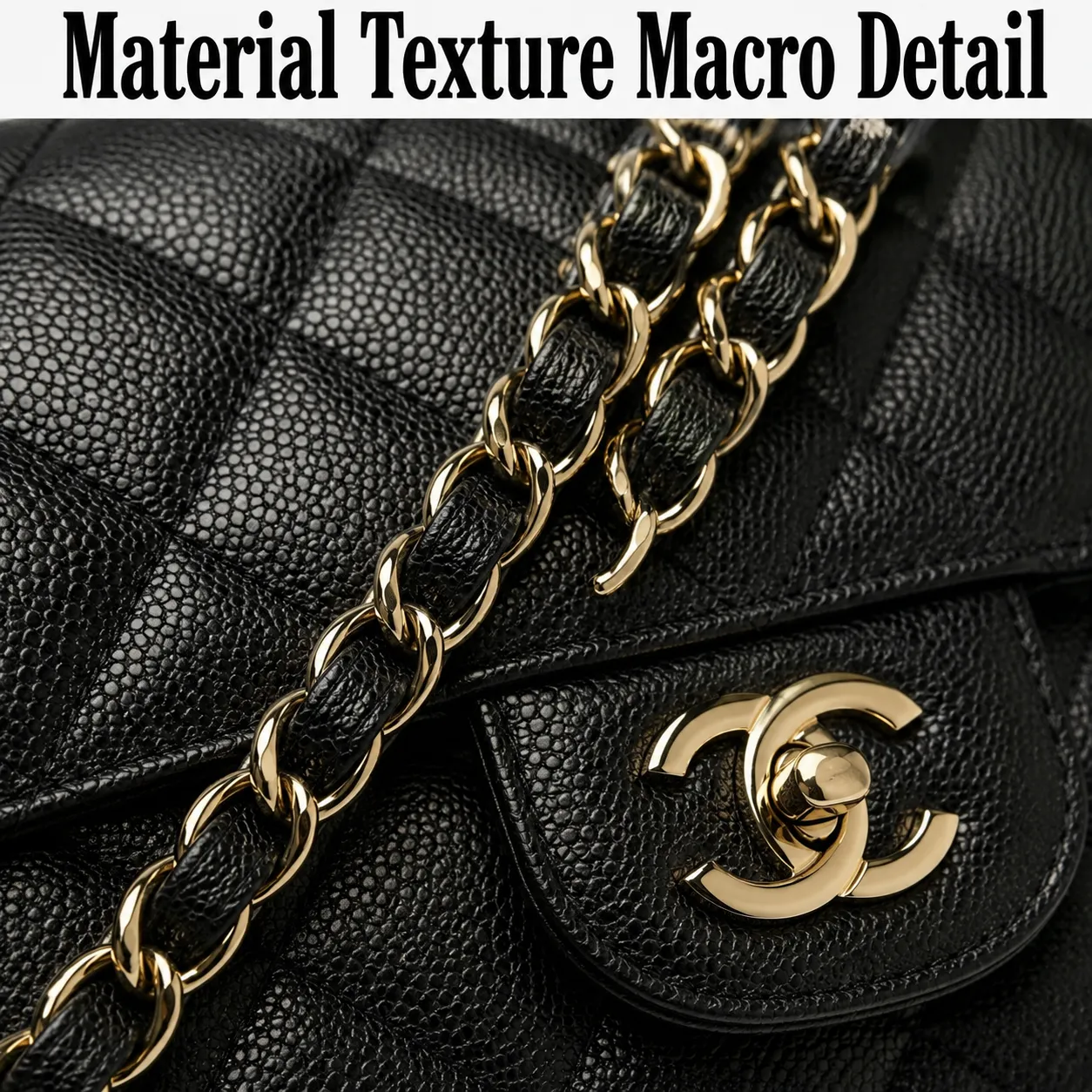
Pro tip: use this as a supporting image next to a full-product shot, not as a standalone listing photo.
14. In-Hand Size Reference
What it does: gives shoppers an instant, accurate sense of scale.
"[YOUR PRODUCT PHOTO] held naturally in one hand to communicate real scale, realistic proportions, keep the product's exact size and branding unchanged, clean neutral background, clear focus on the product, no distortion, ecommerce lifestyle photography, 4:5."
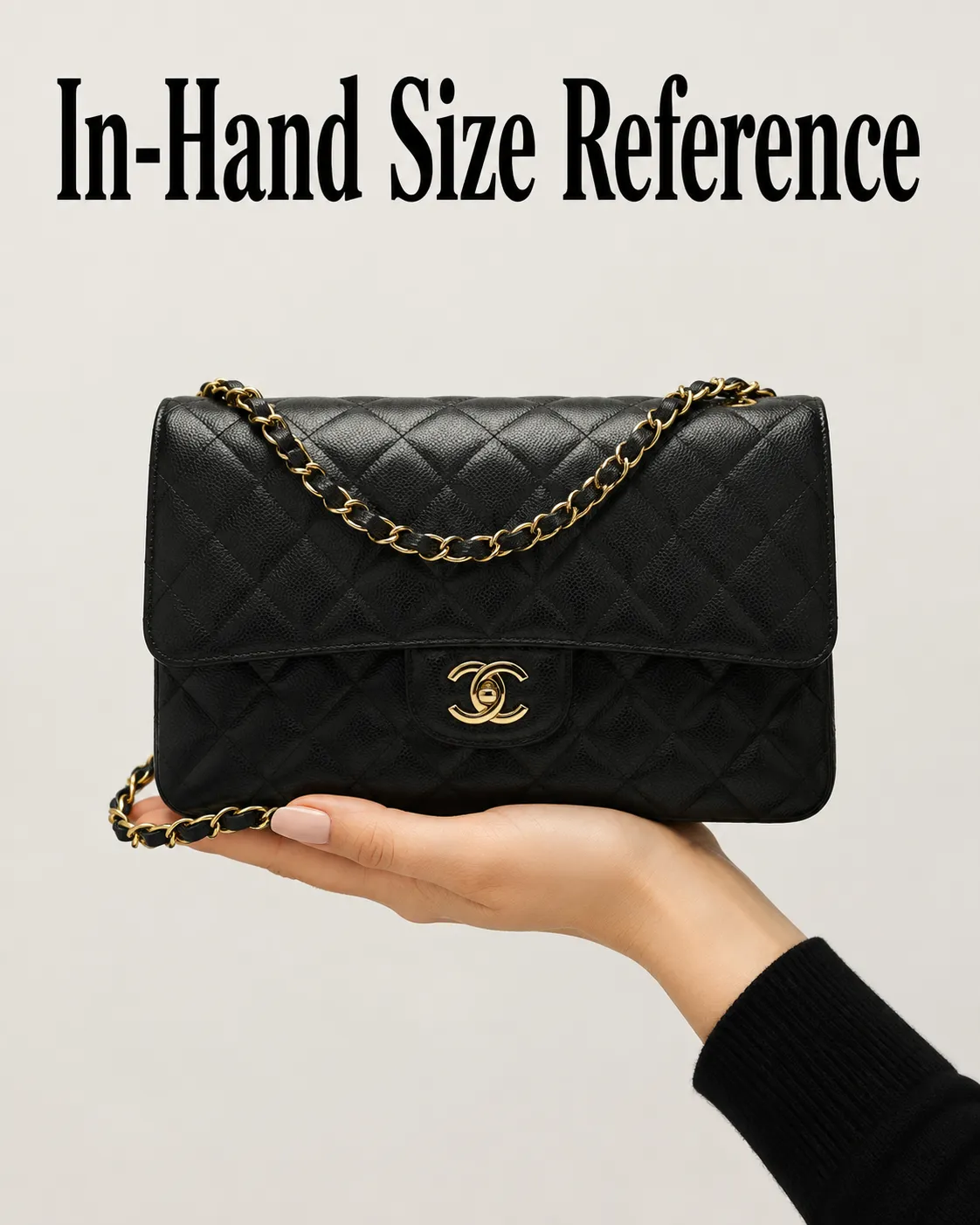
Pro tip: this is one of the highest-impact prompts for small gadgets, jars, and accessories that buyers frequently misjudge in size from photos alone.
15. Reflective Material Precision Shot
What it does: handles chrome, metal, or highly reflective surfaces without distortion.
"[YOUR PRODUCT PHOTO] on a reflective metallic surface, cool neutral gray background, controlled studio highlights, precise reflections without distortion or warping, keep the exact shape and finish accurate, ultra-clean commercial lighting, razor-sharp detail, 1:1."
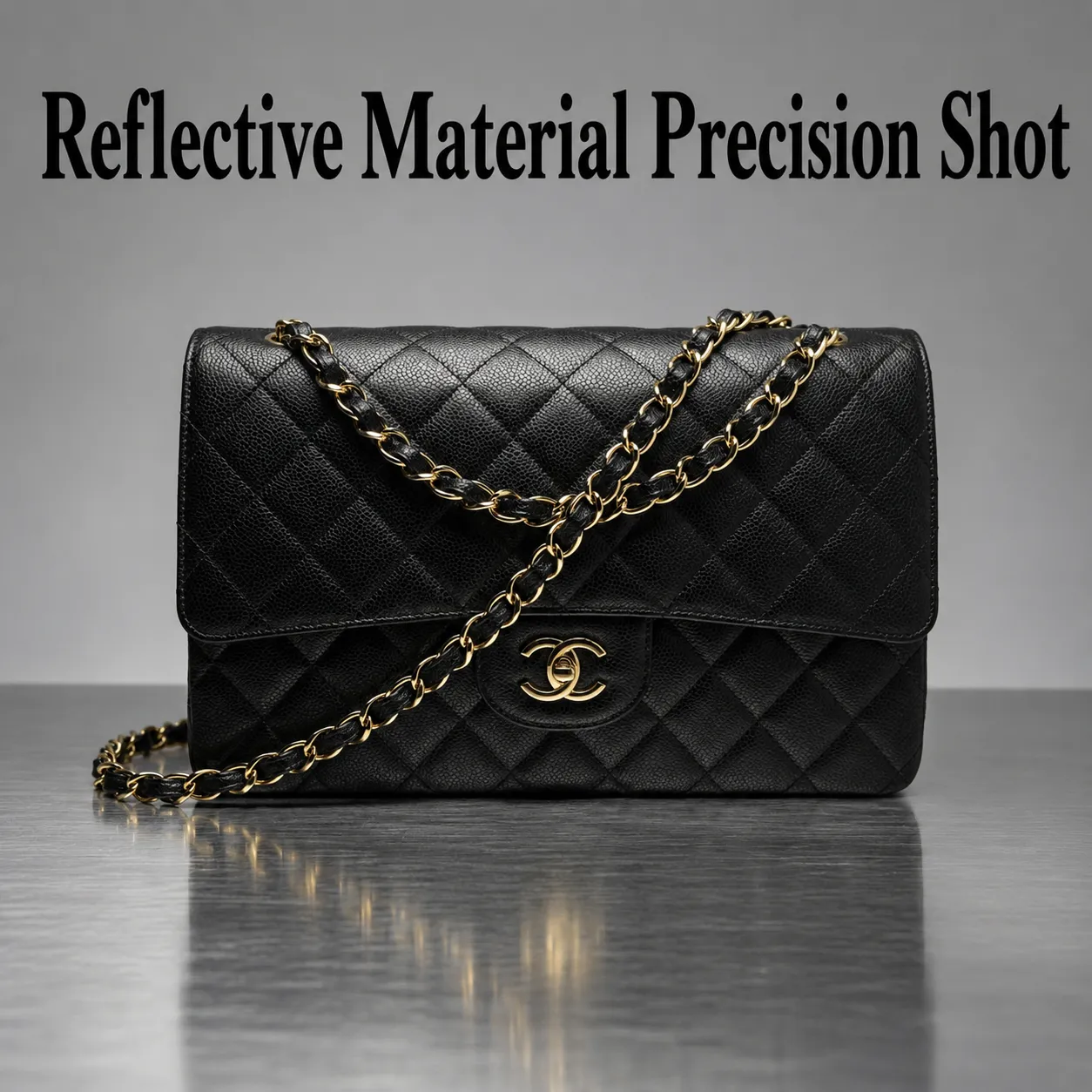
Pro tip: name "without distortion or warping" explicitly - reflective surfaces are one of the most common failure points in AI product generation.
Hands and Usage Prompts
Best when full model photography is too expensive, unnecessary, or risky, but the product still benefits from showing how it's actually used.
16. Hands-Only Usage Shot
What it does: shows function and interaction without needing a full model shoot.
"[YOUR PRODUCT PHOTO] being used by hands only, no full person visible, realistic natural interaction, clean simple background, natural lighting, keep the product details and branding accurate and in focus, commercial photography, 4:5."
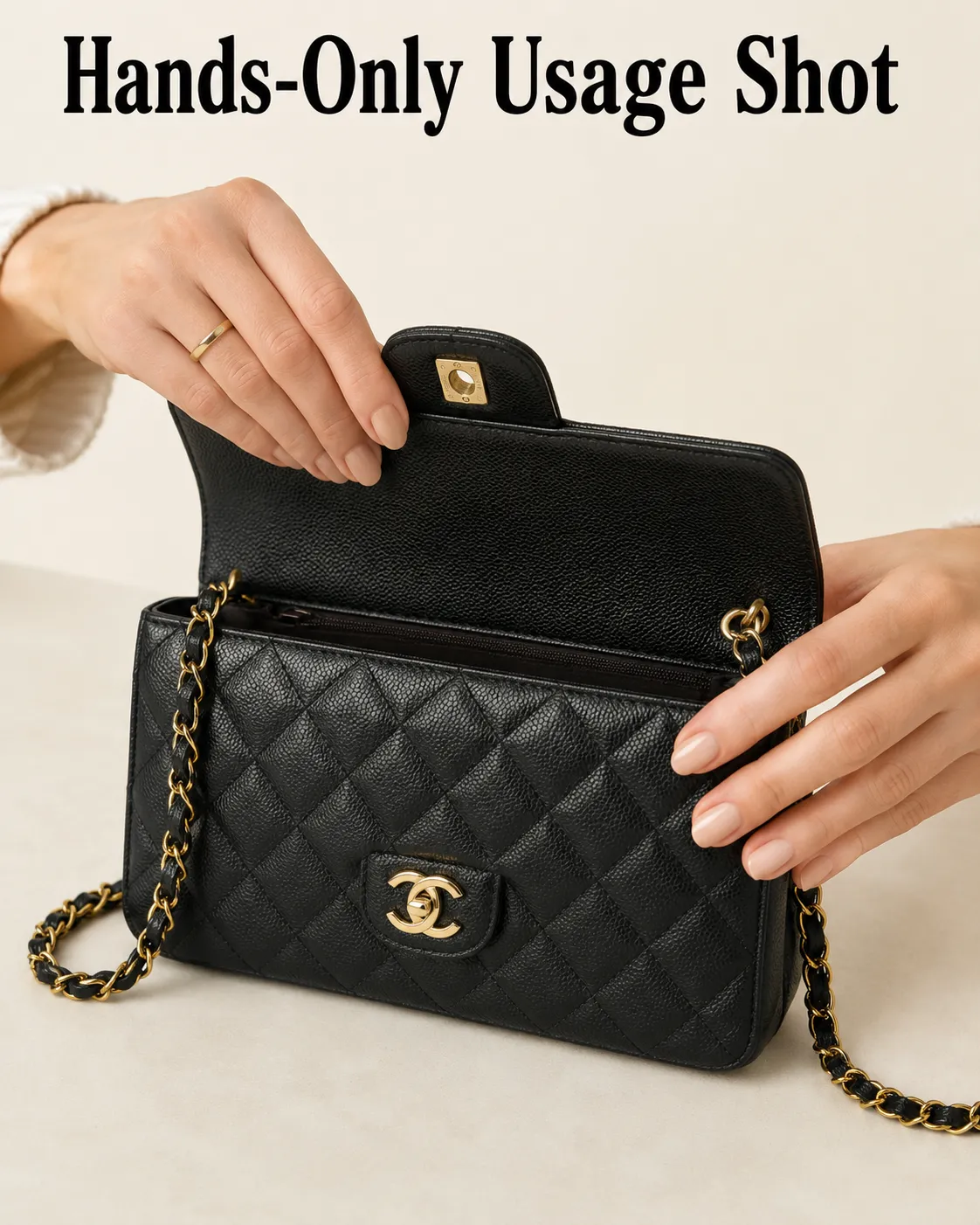
Pro tip: works especially well for kitchen tools, beauty products, stationery, and grooming items.
17. Close-Up Application Shot
What it does: demonstrates how a product is applied or used, building confidence in the experience.
"Close-up of [YOUR PRODUCT PHOTO] being applied or used naturally, with the packaging visible in soft focus in the background, natural daylight, keep the product's label and color accurate, realistic skin or surface texture, editorial product photography, 4:5."
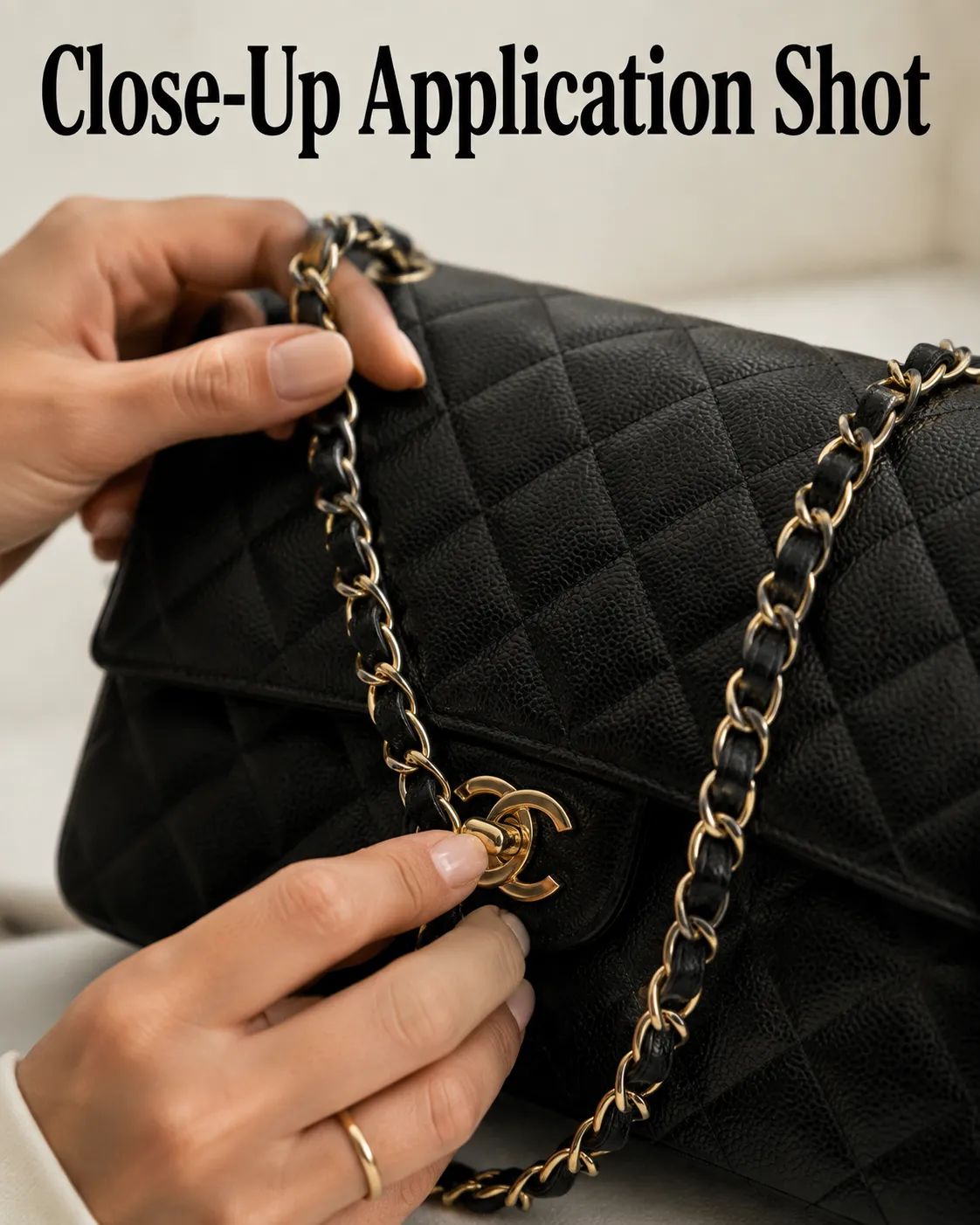
Pro tip: best for creams, serums, cosmetics, and cleaning products where "how does this actually work" is the main hesitation.
18. Model Using the Product Naturally
What it does: a full-body context shot showing believable everyday use.
"A model naturally using [YOUR PRODUCT PHOTO] in a realistic everyday setting, keep the product fully accurate in shape, size, and branding, product clearly visible in the frame, natural unposed expression, commercial lifestyle photography, 4:5."
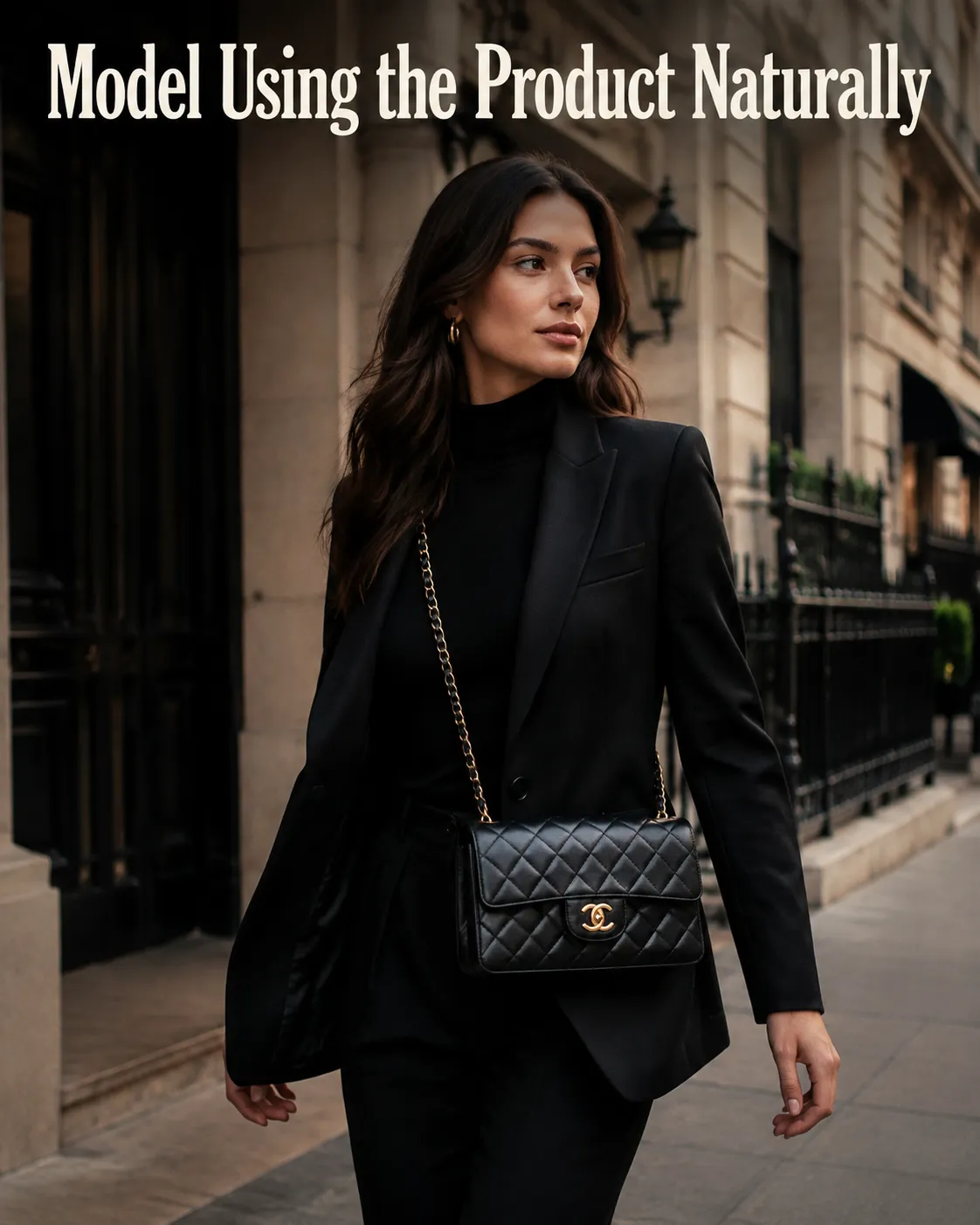
Pro tip: keep the product visible and well-lit even when a person is the visual focus - it should never get lost in the frame.
19. Unboxing Moment
What it does: recreates the anticipation of opening a package, popular for DTC brands.
"Two hands opening [YOUR PRODUCT PHOTO] packaging on a clean table, tissue paper and branded insert visible, bright even studio lighting, top-down angle, keep all branding and label details accurate, crisp detail, modern unboxing aesthetic, 1:1."
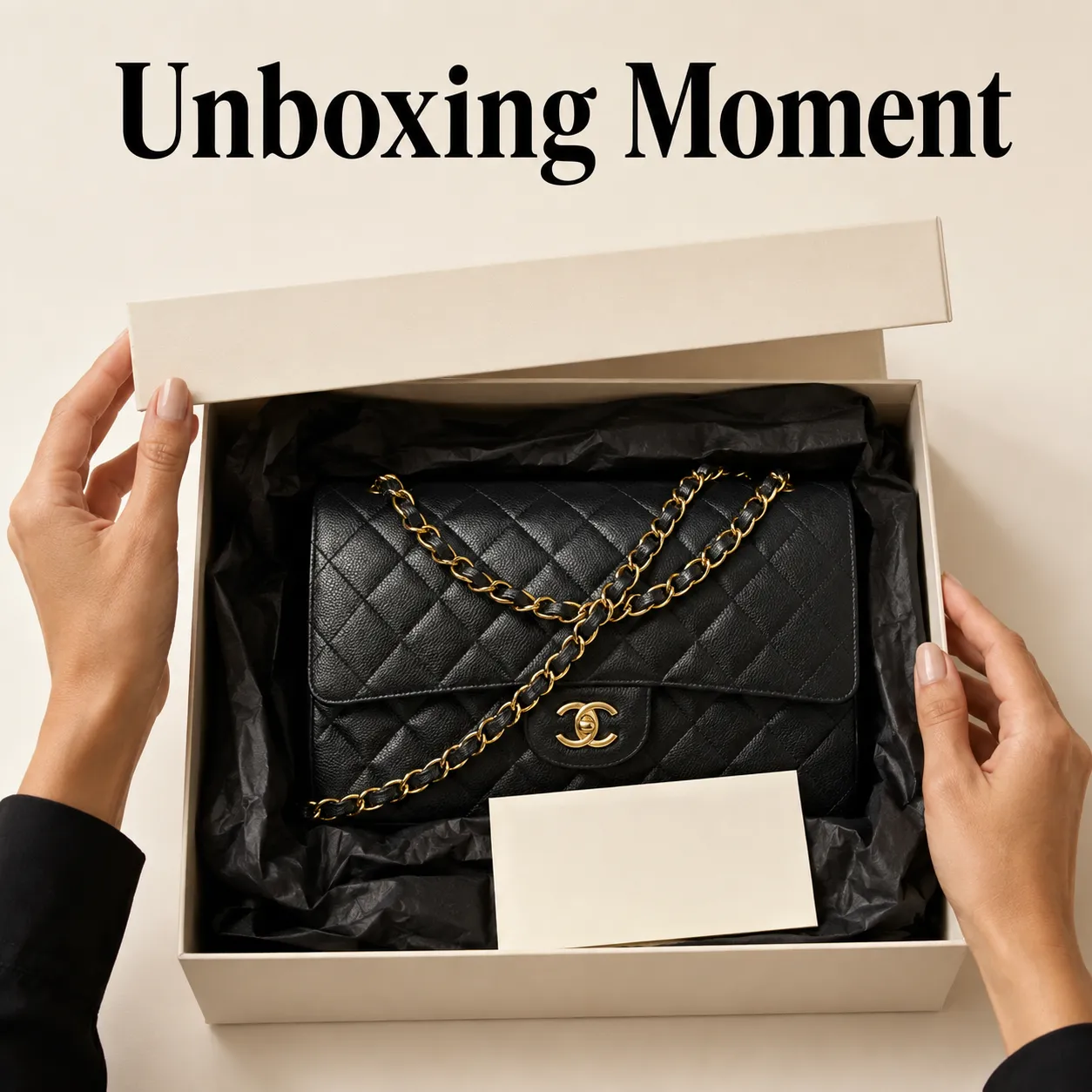
Pro tip: this format performs well as a secondary listing image or social post rather than the primary product photo.
Seasonal and Campaign Prompts
Best for refreshing the same product across a calendar year without a new photoshoot for every season or sale event.
20. Seasonal Refresh (Spring/Summer/Winter)
What it does: a reusable template for adapting one product to any season.
"[YOUR PRODUCT PHOTO] placed in a [spring / summer / winter] themed scene, keep the exact product shape, branding, and label details unchanged, light and airy styling for spring or summer, crisp bright winter light for winter, subtle seasonal props, clean composition, realistic shadows, 4:5."
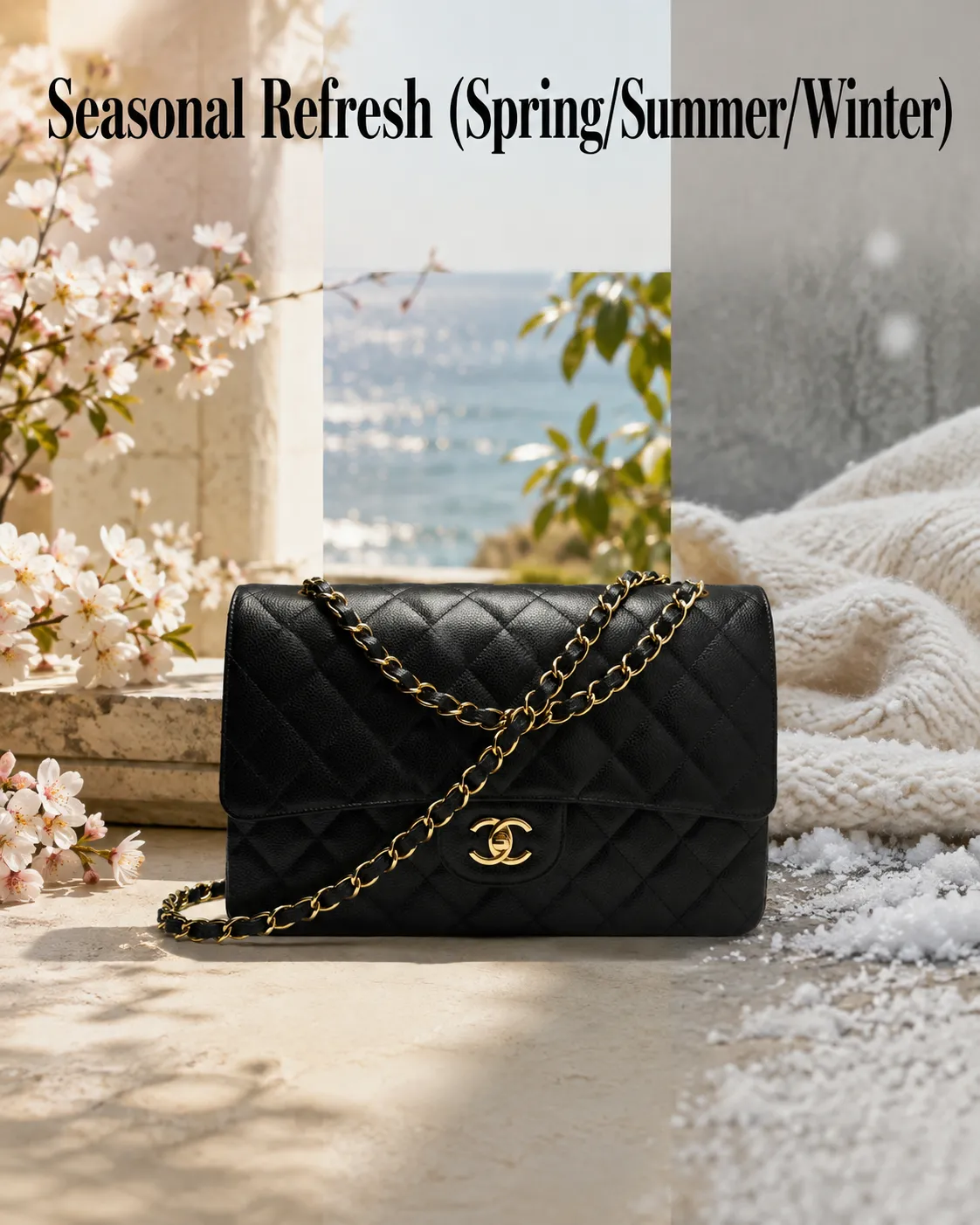
Pro tip: swap only the bracketed season and props between generations to build a consistent seasonal set fast.
21. Holiday Gifting Scene
What it does: positions the product as a gift without a full holiday photoshoot.
"[YOUR PRODUCT PHOTO] styled in a festive holiday gifting scene, elegant celebratory props like pine, ribbon, or warm string lights, keep the product's exact shape and label unchanged, warm tungsten lighting, premium seasonal atmosphere, clean composition, 4:5."
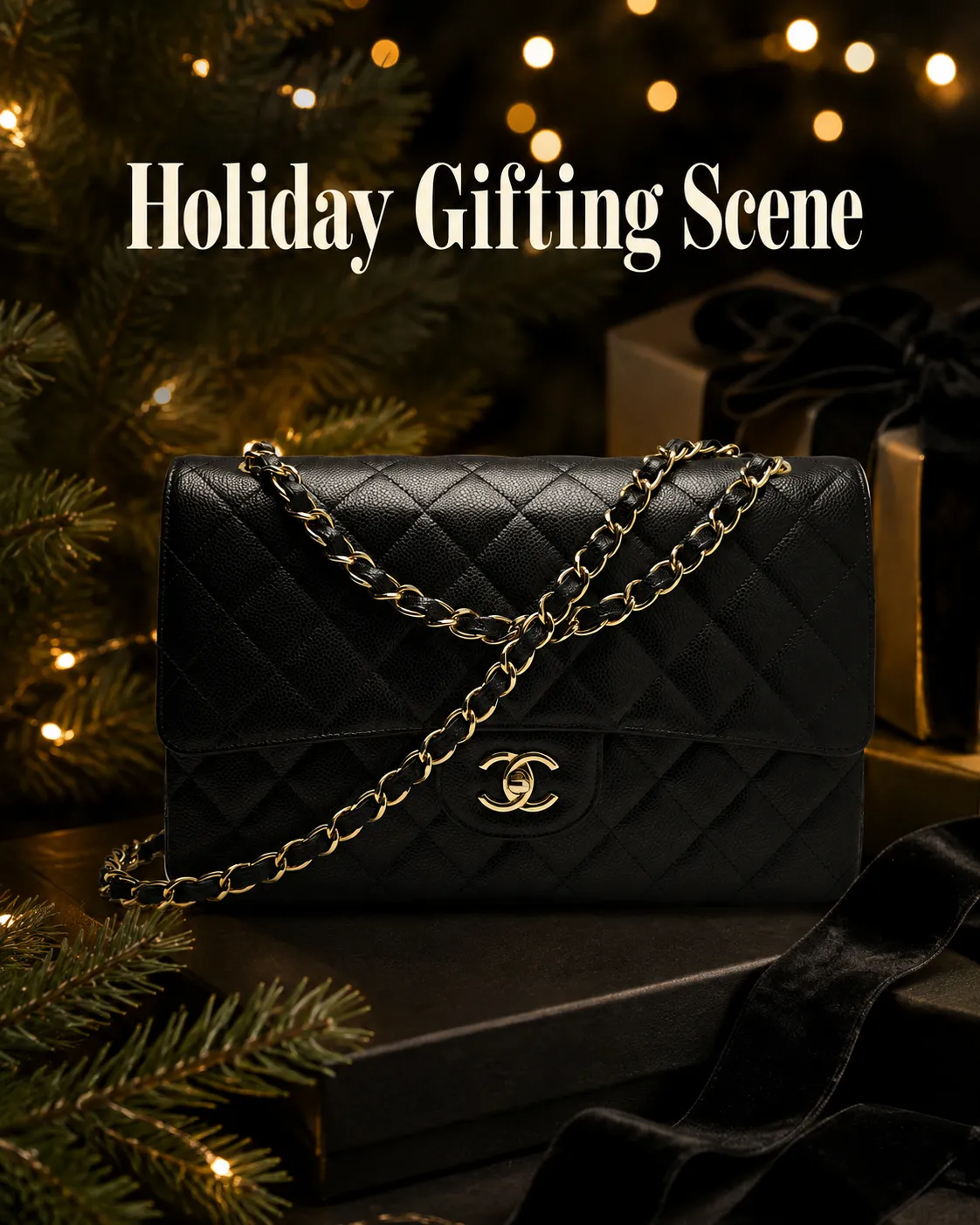
Pro tip: swap holiday props for spring flowers or autumn leaves to reuse this same structure for other seasonal drops.
22. Sale and Promotional Scene
What it does: a high-contrast, promotional-feeling composition for Black Friday and flash sales.
"[YOUR PRODUCT PHOTO] in a bold promotional campaign scene, strong high-contrast lighting, modern sale-ready composition with negative space for a discount callout, keep the product's exact shape, color, and label unchanged, sharp commercial finish, 16:9."
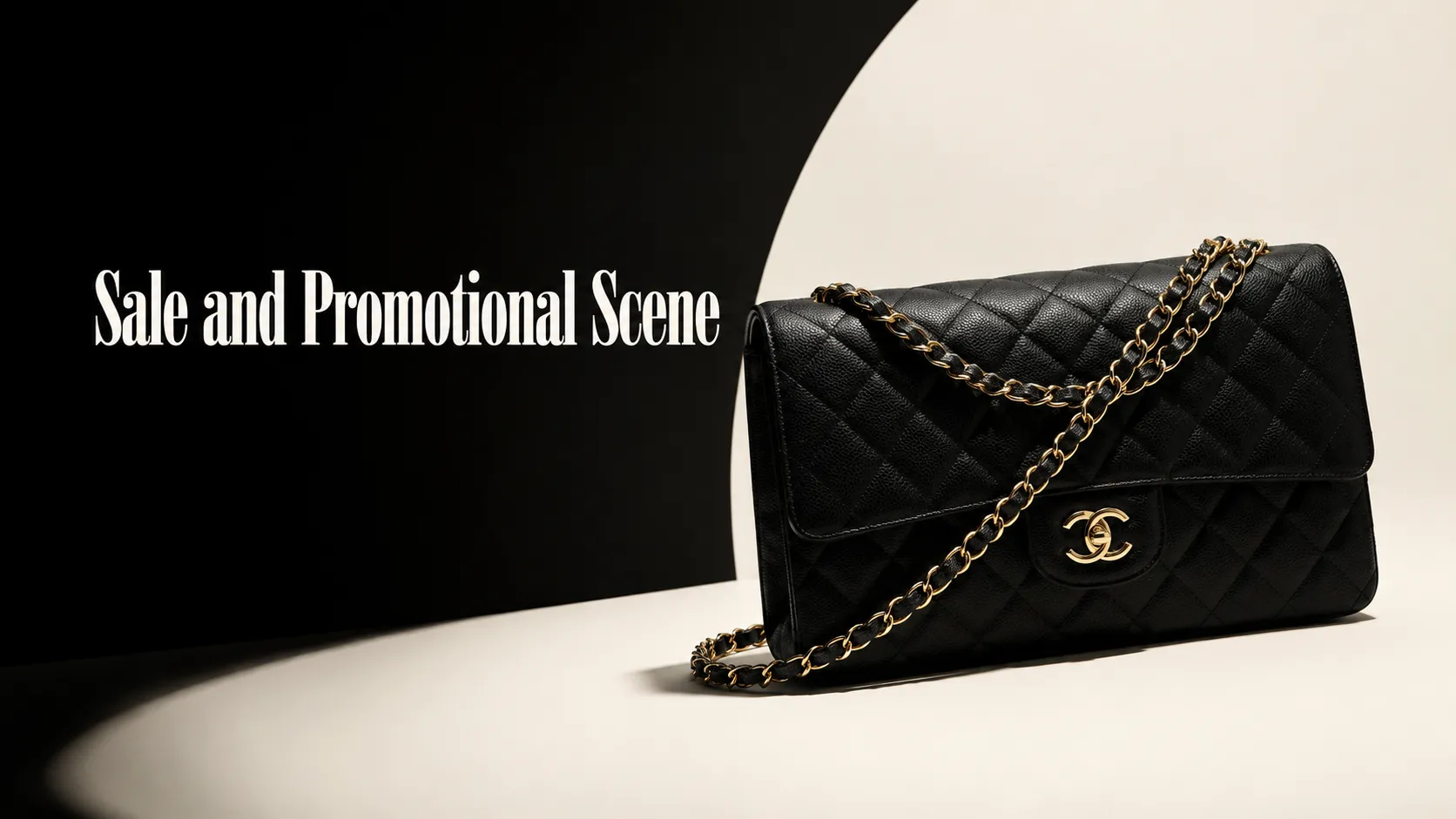
Pro tip: request negative space specifically so the image can hold real ad copy or a discount badge without covering the product.
Turning These Prompts Into Finished Creatives
A prompt is only half the job - the other half is deciding where the output goes: a marketplace listing, a Meta ad, a homepage banner.
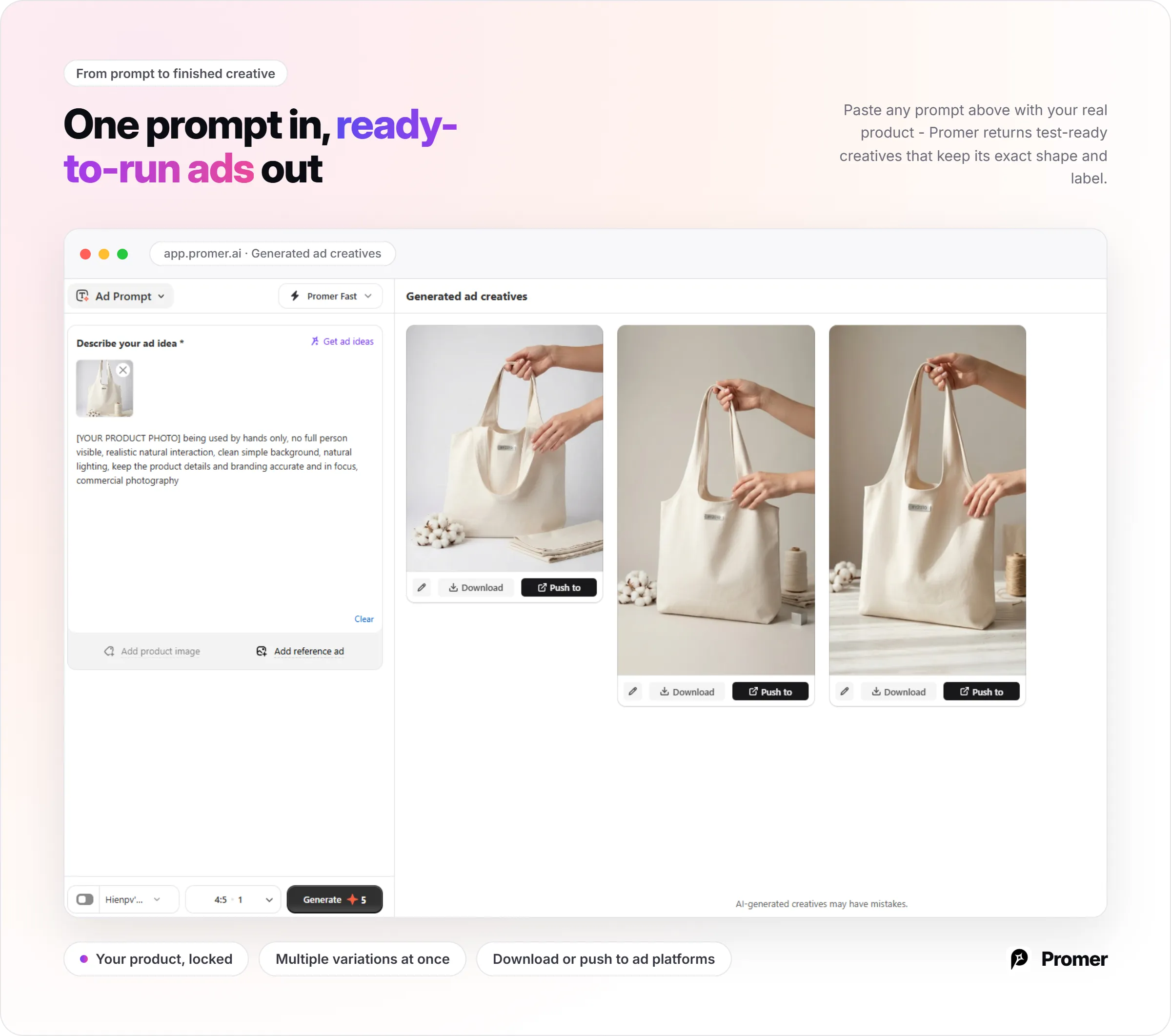
Promer AI is an AI Ad Generator built around a real product image rather than a blank prompt, and it offers two routes into the prompts above, depending on how hands-on you want to be:
| If you want... | Use... | How it works |
|---|---|---|
| Full control over the exact wording | Promer AI's AI Ad Prompt |
Both routes solve the same core problem the 22 prompts above are built around: keeping the output tied to what the product actually looks like, not a generic AI approximation of it.
FAQs about AI Product Photography Prompts
Do I need a reference image for these prompts to work?
Yes, in most cases. Without a reference image, the AI tool has no information about your actual product and will generate a generic substitute that may not match your product's color, shape, or label. Tools that accept image references produce far more accurate results when a real product photo is attached, and this matters more for product photography than almost any other AI image category.
How do I keep my label or logo from getting distorted?
Add an explicit instruction to preserve the exact label text, logo, and branding in every prompt. Phrases like "keep the exact shape, branding, and label text unchanged" give the AI a clear constraint. Reflective, small, or densely printed labels are the most likely to distort, so review those closely before publishing.
What aspect ratio should I use for product photos?
Use 1:1 for marketplace listings and flat-lays, 4:5 for Meta feed ads and most lifestyle shots, 16:9 for banners and wide campaign visuals with copy space, and 9:16 for Stories and Reels. Each prompt above suggests a ratio, but you can change the number at the end to match where the image will actually run.
Are AI-generated product images acceptable for marketplaces like Amazon or Etsy?
They can be, but the final image still needs to accurately represent the product and meet each platform's specific listing requirements. Review backgrounds, proportions, labels, and shadows carefully before publishing - on marketplaces, the listing image is often the main trust signal, and any visible inaccuracy can cost more in returns and disputes than the time saved generating it. For Etsy sellers specifically, see how to take good Etsy product photos with AI for guidance on where AI fits into a listing photo set and where it doesn't.
Do I need a negative prompt for every generation?
Not for every single one, but it helps consistency. A reusable negative prompt - avoiding distorted label text, warped logos, and mismatched color - can be added once per session in most tools rather than retyped for each prompt above. It reduces the number of regenerations needed to get a usable result.
What types of products work best with prompt-based AI photography?
Products with a clear shape, readable label, and stable visual identity usually work best. That includes packaged goods, bottles, boxes, electronics, and most small accessories. Complex reflective surfaces, transparent packaging with fine print, and highly detailed multi-panel labels may need tighter review or a more specialized tool with product-locking built in.
Can I use these prompts to generate video ads, not just photos?
Not directly, but the still image can become a starting point for a video ad. Static product photos generated from these prompts, or from Promer AI's AI product photography generator, can be turned into short video ads using Promer AI's AI Ad Animation, which applies motion to an existing static creative rather than generating video from a text prompt.