To take good Etsy product photos with AI, start with one clear, well-lit photo of your real product, then use an AI photo tool to generate the backgrounds, angles, and lifestyle scenes around it - rather than trying to get every shot right with a camera and props.
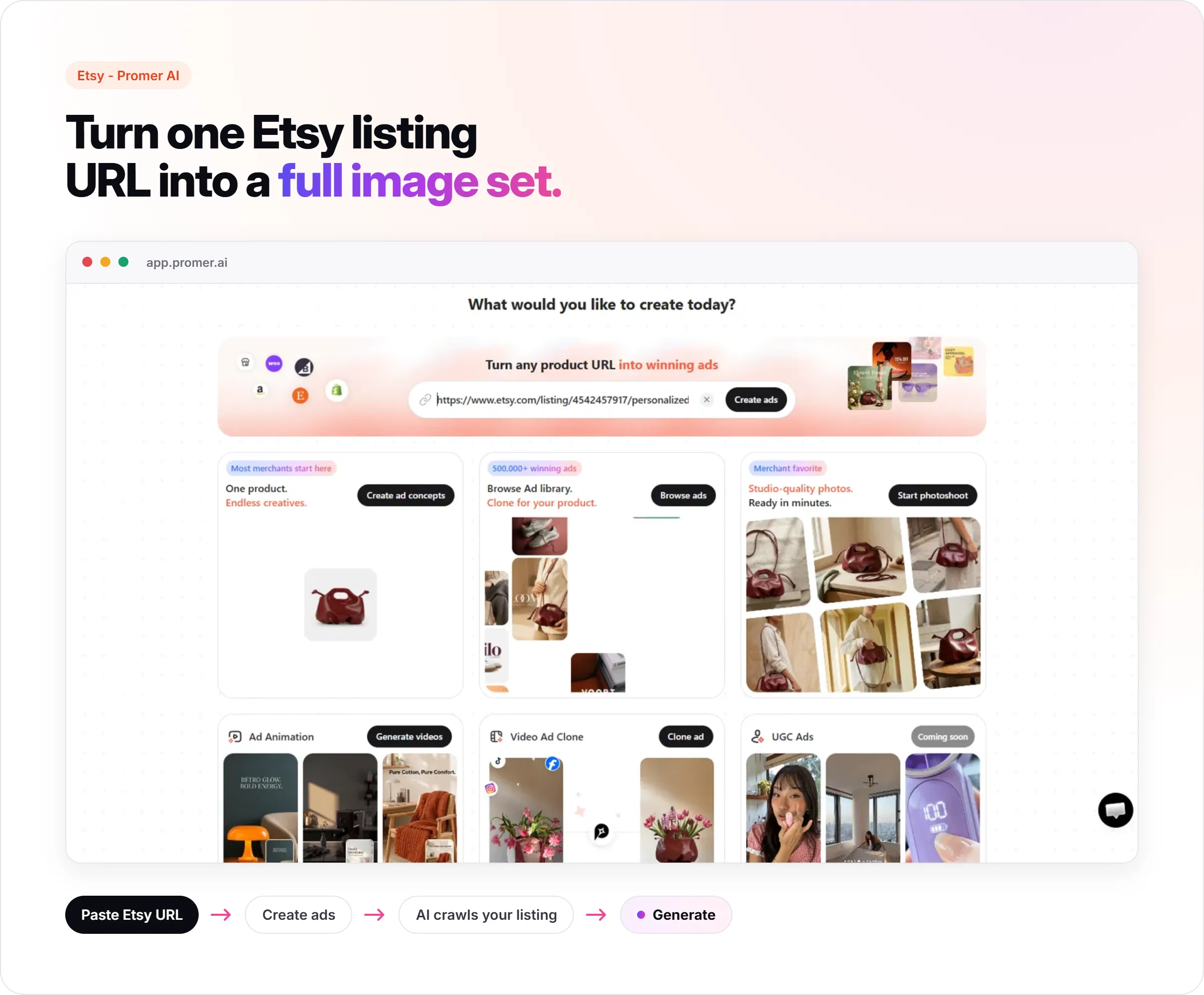
The AI does not replace the product. It replaces the studio setup, the lighting rig, and the days spent reshooting the same item in five different scenes.
Most Etsy sellers either invest hours in a DIY photo setup that still looks inconsistent listing to listing, or they skip lifestyle shots entirely and run with a single flat product photo. Both leave sales on the table. Buyers on Etsy cannot touch the product - the photos are doing all the convincing, and a thin image set reads as a smaller, less established shop even when the product itself is excellent.
This article walks through the one-photo starting point, what a complete Etsy image set actually needs, how to prompt or brief an AI photo tool so results stay true to your product, and what Etsy's rules actually say about AI-generated images.
Key Takeaways

- One clear, well-lit smartphone photo of your real product is the only input you need to start
- A complete Etsy image set needs a clean primary shot, a lifestyle or in-context shot, and a detail/texture close-up
- Keep the background style consistent across your whole shop - switching styles listing to listing reads as inconsistent, not creative
- Etsy separates AI-generated products from AI-enhanced photography of a real product - only the first requires special disclosure
- Etsy recommends images at least 2000px on the shortest side, in a 1:1 or 4:3 ratio for the primary listing photo
Start With One Real Photo of Your Product
Everything else in this process depends on this one photo being right. Shoot near a window in daylight, not under artificial light. Get the full product in frame, centered, with a plain background behind it - a sheet of paper, a table, or a wall all work. Avoid glare, harsh shadows, and motion blur. A sharp, evenly lit smartphone photo works better as AI input than a dim, cluttered one shot on better equipment.
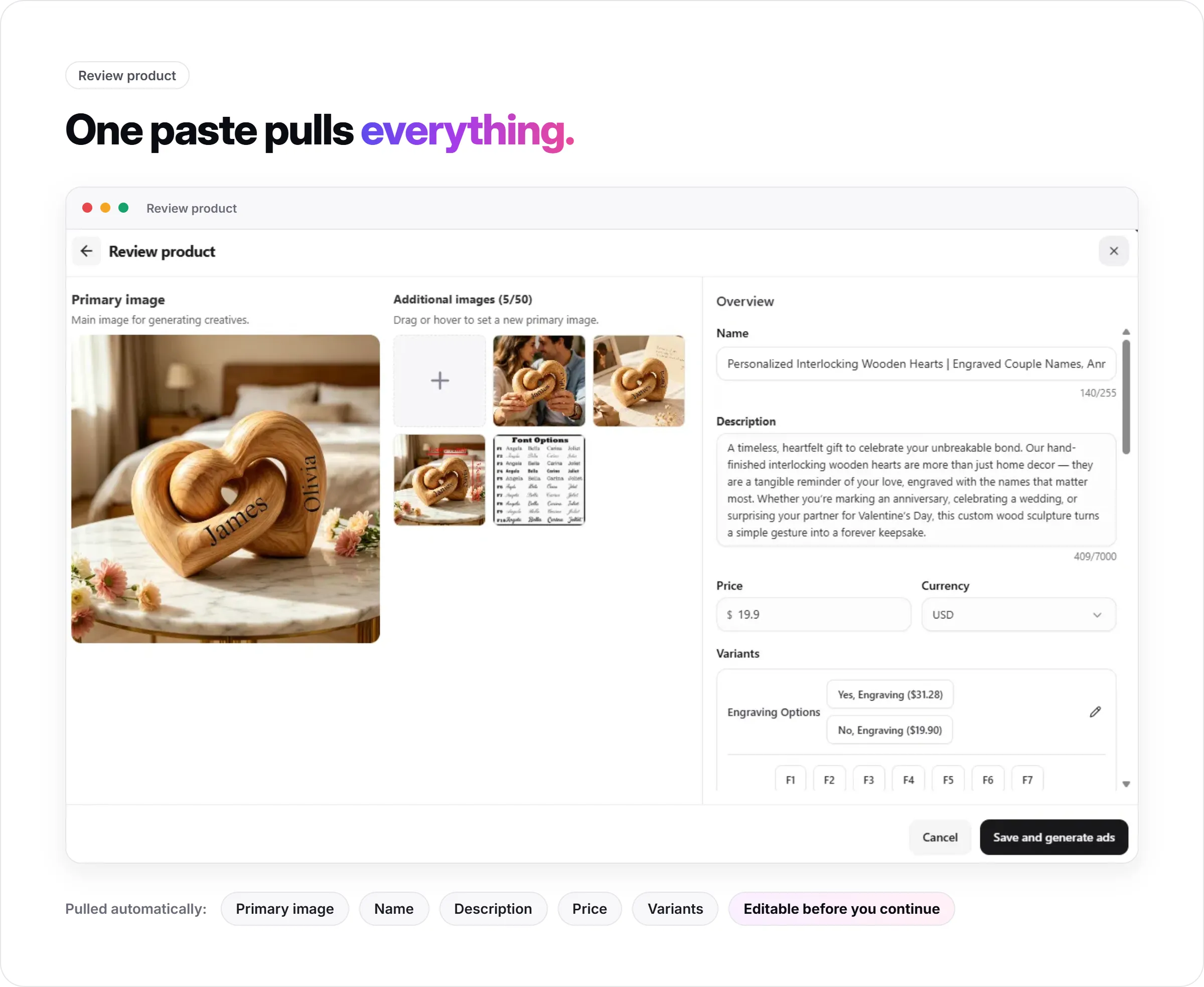
If your product has a label, texture, or color that needs to stay accurate - a candle jar label, a specific wood grain, a fabric pattern - make sure it is clearly visible and in focus in this source photo. AI photo tools work from what is actually in the image, so anything unclear in the source stays unclear or gets guessed at in the output.
Build a Complete Image Set, Not Just One Hero Shot
A single clean product photo is a start, not a finished listing. Etsy buyers scroll through a full image set before deciding, and each image is answering a different question: what is this, how does it fit into a life, and what does the quality actually look like up close.
Three shot types cover most of that: a clean primary shot on a simple background for the search thumbnail, a lifestyle shot showing the product in a real setting so buyers can picture owning it, and a close-up detail shot that shows texture, material, or craftsmanship. Handmade and vintage buyers specifically look for that close-up - it is often what justifies a premium price over a mass-produced alternative.
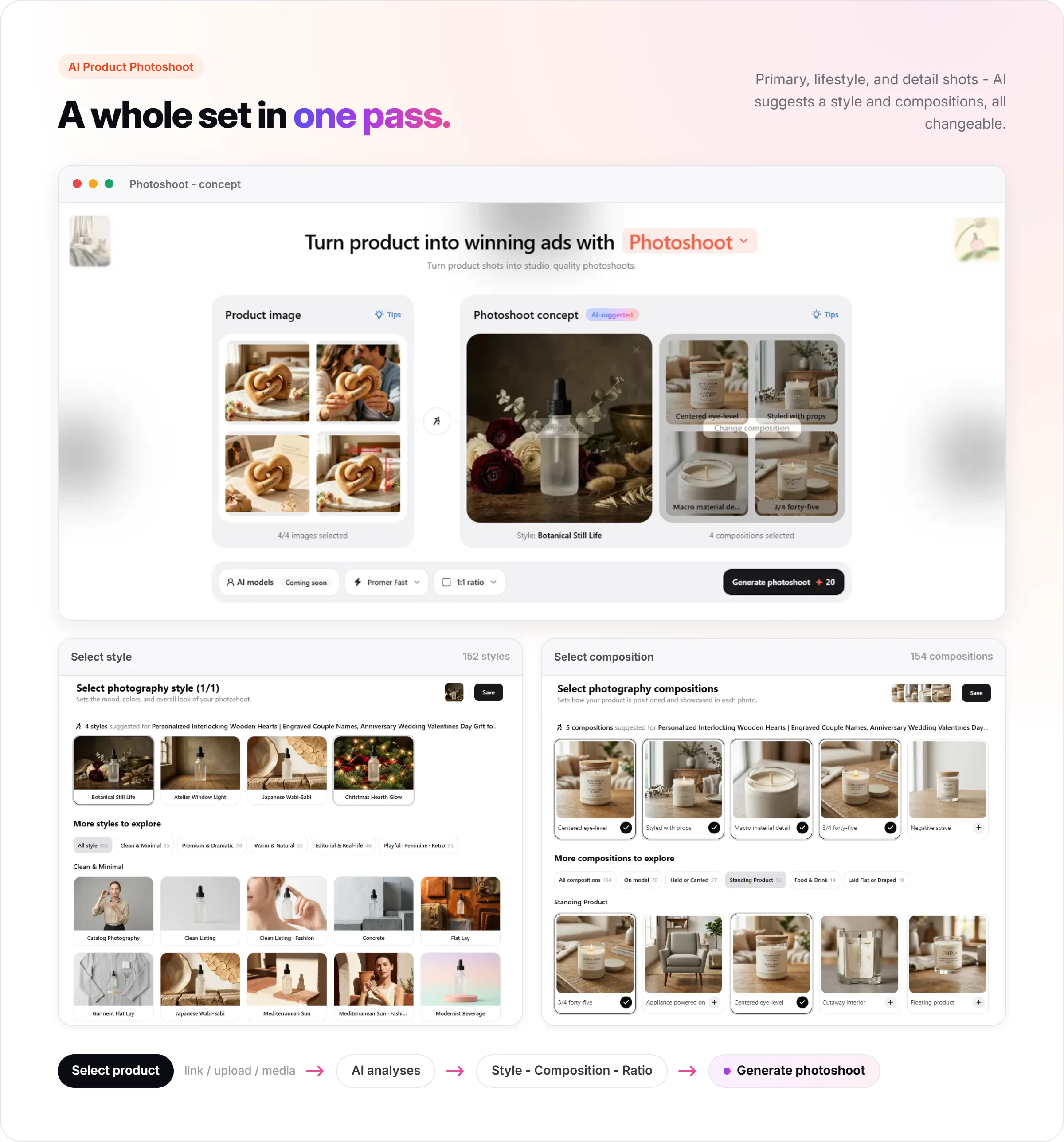
Promer AI's Photoshoot is built for exactly this step: upload your product photo, and it recommends styles and compositions for you to pick from rather than requiring you to write a prompt from scratch. Uploading up to four reference angles - front, three-quarter, back, and detail - helps the output match your actual product rather than a generic approximation of it.
Keep One Consistent Style Across Your Shop
The most common mistake sellers make once they start using AI for product photos is changing style every listing - a rustic background on one product, marble on the next, a moody flat-lay after that. Individually each image might look fine. Across a shop, it reads as inconsistent rather than intentional, and inconsistency undercuts the trust a buyer needs before purchasing from a small shop.
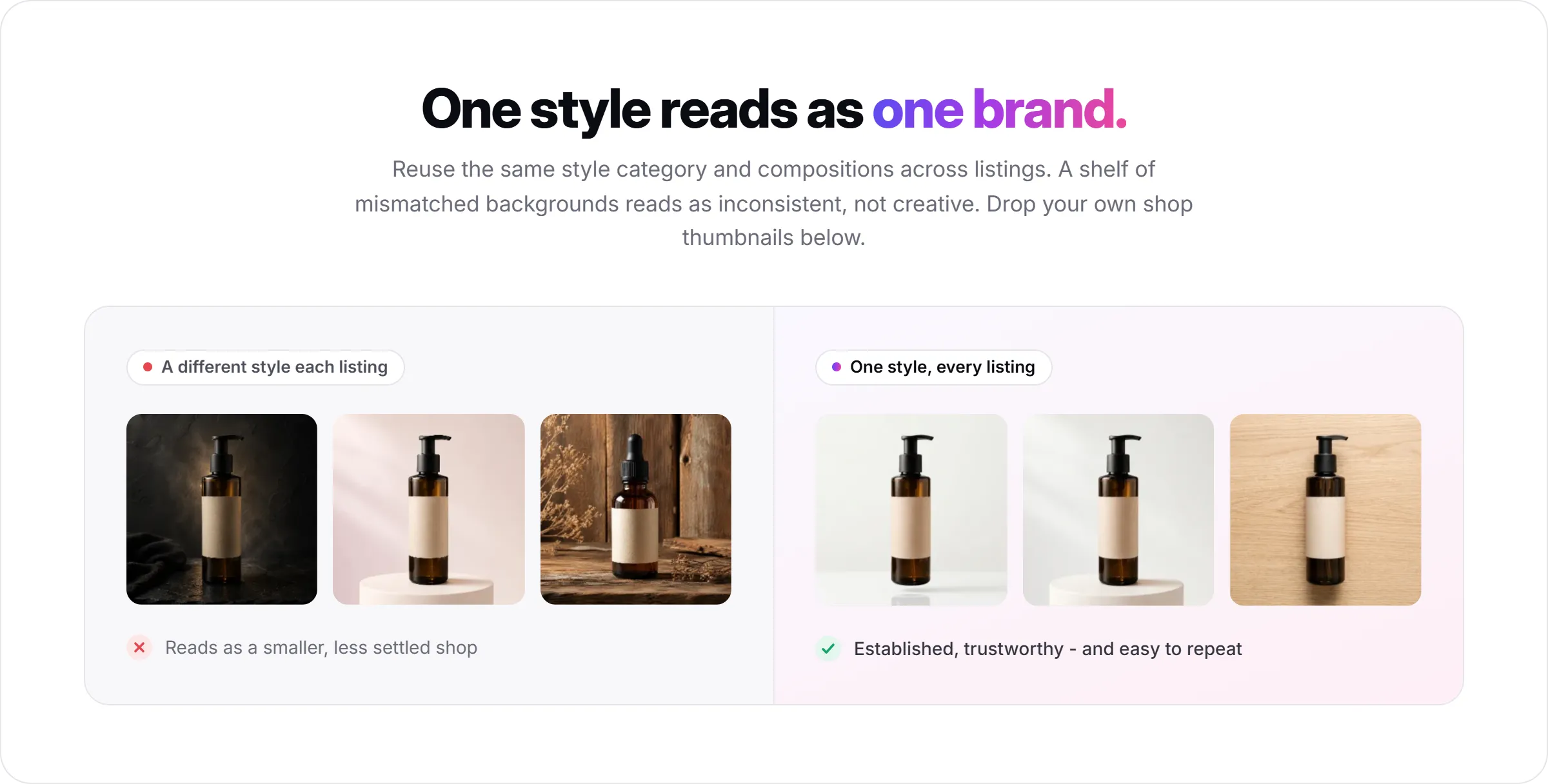
Pick one background style, one lighting direction, and one crop approach that fits your brand, and reuse that same setup across your listings. This is also faster in practice - once you know your preferred style, generating the next listing's image set takes a fraction of the time the first one did.
Write Prompts or Briefs That Protect Product Accuracy
A vague prompt produces a generic-looking result. A prompt that names the product's specific details protects the things that actually matter to a buyer - the exact color, the label, the proportions.
A weak prompt: "candle on a table." A stronger one names what must stay accurate: the jar shape, the label text, the wax color, the setting, and the mood - something closer to "this amber glass jar on a light wood surface in soft window light, keeping the jar shape, label, and wax color exactly as shown."
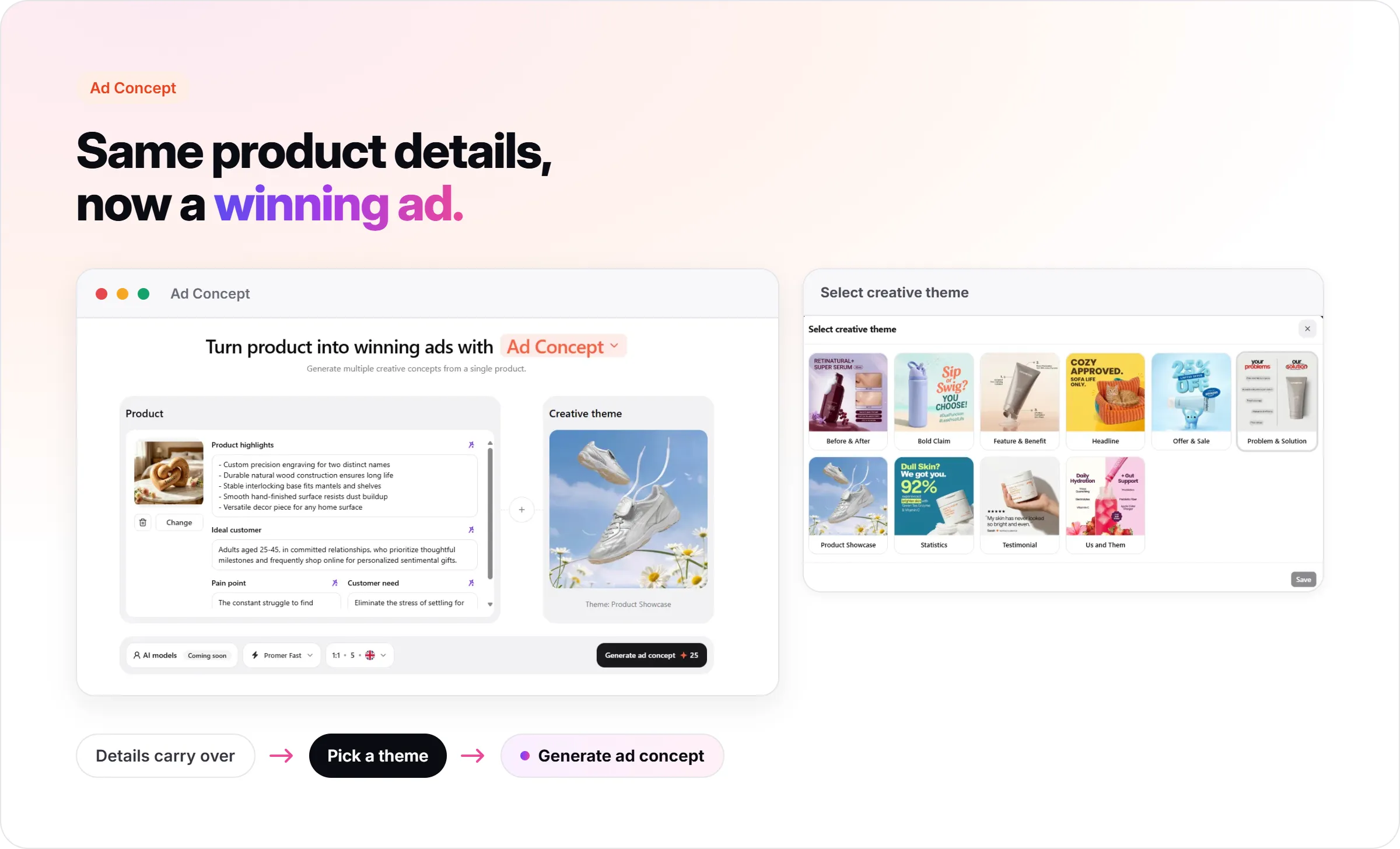
With Promer AI's Photoshoot, this step is guided rather than freeform - you are selecting from suggested styles and compositions built to preserve the product you uploaded, rather than writing the full scene description yourself.
What Etsy's AI Policy Actually Covers?
Etsy draws a clear line between two different things, and only one of them is restricted. AI-generated products - items where the AI created the design itself, like wall art or patterns with no physical origin - fall under Etsy's Creativity Standards and must be listed as "Designed by," not "I made it," with AI involvement disclosed.
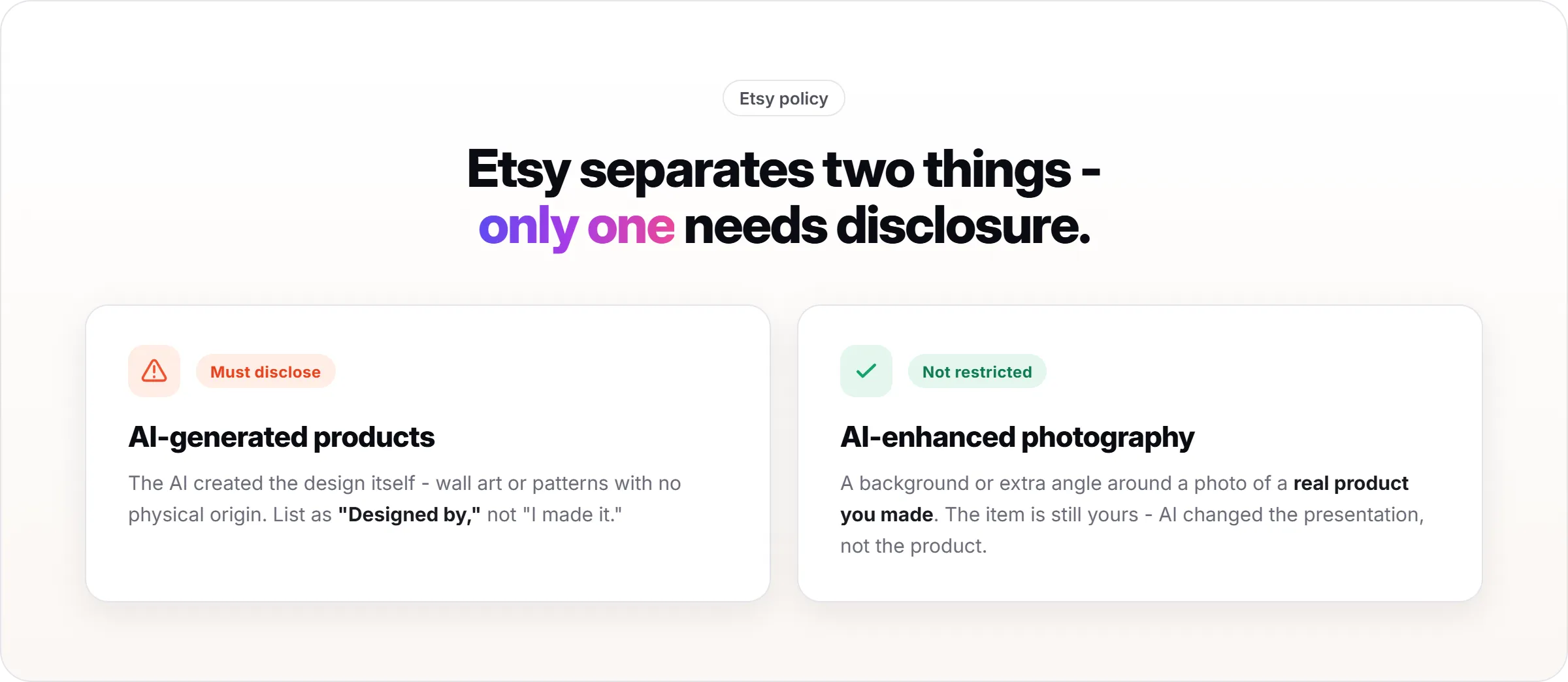
AI-enhanced photography of a real, physical product you made is a different category, and Etsy does not restrict it. Using an AI tool to generate a background, a lifestyle scene, or additional angles around a photo of your actual handmade item is a photography choice, not a product-creation one. The product in the listing is still real and still yours - the AI changed the presentation, not the item.
Etsy Image Specs to Match
Etsy recommends images at least 2000 pixels on the shortest side so photos stay sharp when buyers zoom in. For the primary listing photo, a 1:1 (square) or 4:3 ratio works best for how thumbnails display in search results and category browsing.
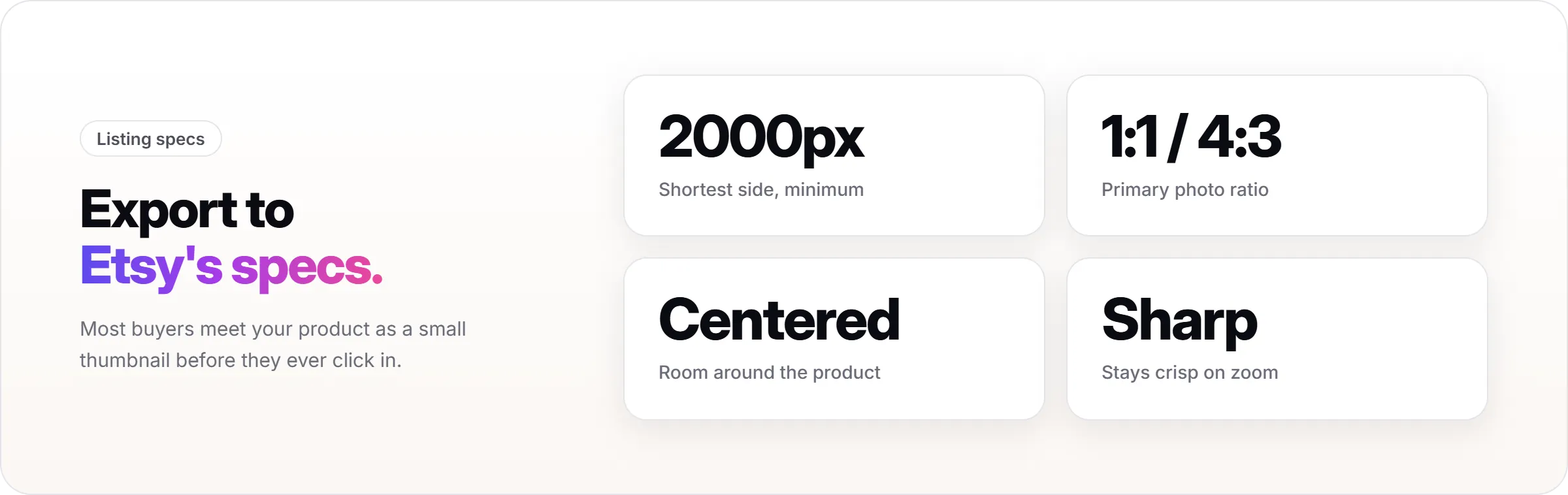
Keep your product centered with enough surrounding space that it does not feel cramped in a small thumbnail, since most buyers see your image first at a small size before clicking in.
FAQs About Taking Etsy Product Photos With AI
Do I need a professional camera to get good results?
No. A clear, well-lit smartphone photo is enough starting material for an AI photo tool - the input photo needs to be sharp and evenly lit, not shot on expensive equipment.
Will AI photos get my Etsy shop flagged?
Using AI to enhance photography of a real product you made is not restricted by Etsy. The disclosure requirements apply specifically to AI-generated products - items the AI designed, not photos of items you physically made.
How many photos does a good Etsy listing need?
At minimum, a clean primary shot, a lifestyle or in-context shot, and a close-up detail shot - three distinct angles that each answer a different question a buyer has before purchasing.
Should every listing in my shop use the same background style?
Yes, in most cases. A consistent background style, lighting direction, and crop approach across your shop reads as an established, trustworthy brand. Switching styles listing to listing reads as inconsistent even when individual photos look fine.
Can AI photos replace my real product photo entirely?
No - the source photo of your actual product stays the foundation. AI tools replace the background, generate additional angles, and place the product in lifestyle scenes, but the product itself in the output should still be your real item, not something invented.
What should I avoid in my source photo before using AI?
Avoid a cluttered or busy background in the photo you upload - the AI tool can pick up elements from that original background and carry them into the generated image, creating visual artifacts. Start with a clean, isolated shot of just the product.