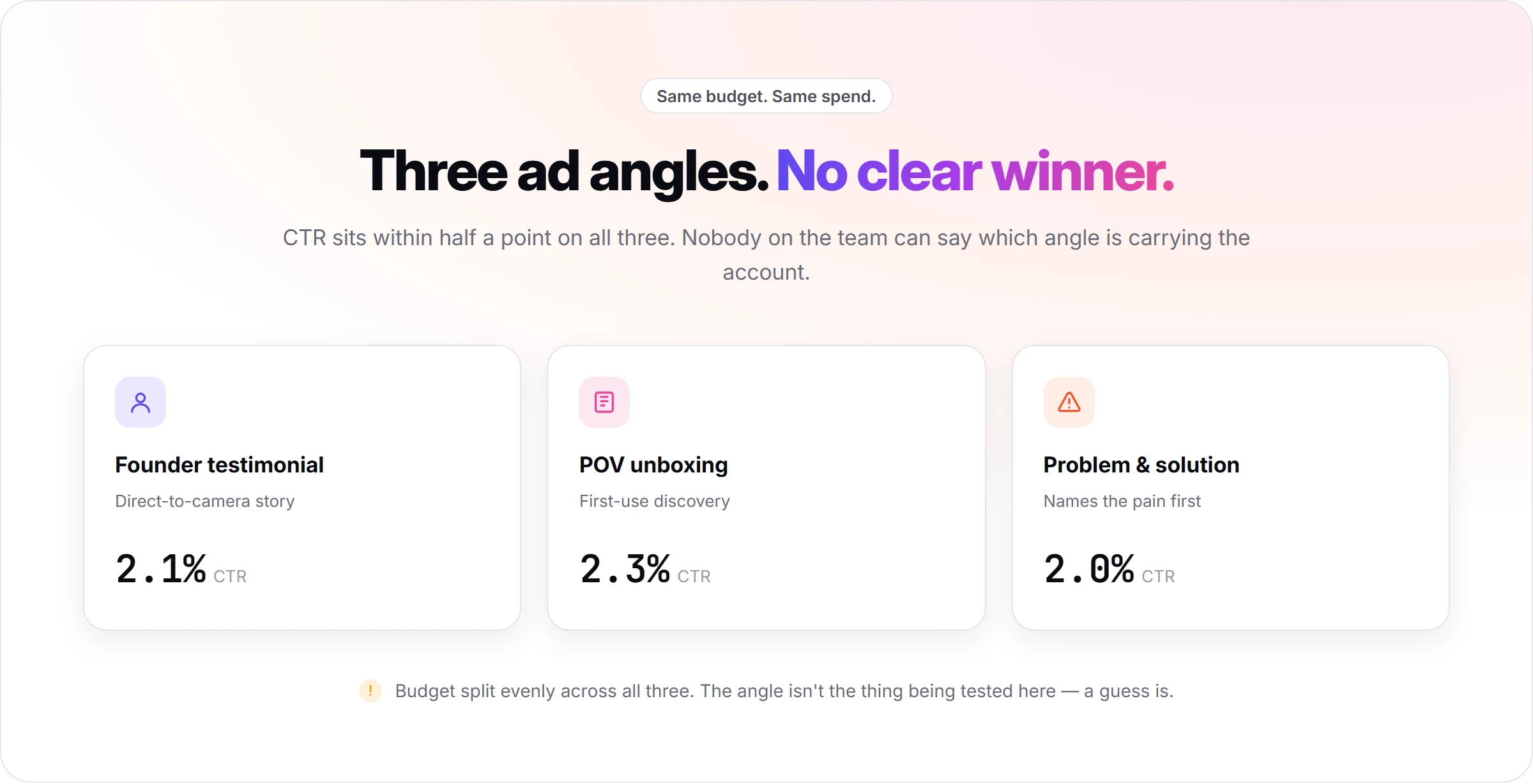
You have 3 UGC ads running on the same product. One is a founder-style testimonial, one is a POV unboxing, one is a problem-and-solution script. The CTR on all three sits within half a point of each other, the budget is split evenly, and nobody on the team can say which angle is carrying the account.
The best-performing UGC ad angle is not the one you like most or the one with the most views. It is the one built from a documented product pain point, tested in at least two formats, and judged against your own account's click-through rate and cost per result. Picking a favorite from a swipe file skips every one of those steps.
This article walks through the six-step process for finding that angle: where it comes from, how to validate it cheap before paying for video, how to match it to a format, how to check it against what competitors are already running, how to generate real test variations, and what to measure once they are live.
Key takeaways
- Start from a documented pain point, not a blank script. An angle pulled from a real product highlight, ideal customer, and pain point survives testing better than one written from a creator brief with no product context. Pain point, outcome, objection, urgency, and comparison are the five angle types worth testing first.
- Validate the angle as a static ad before paying for video. A static version of the angle costs less and renders faster than a video, so a weak angle gets cut before it costs you a video's worth of credits.
- Match the angle to the format built to carry it. A social-proof angle belongs in a testimonial format; a discovery angle belongs in a POV demo. The same angle in the wrong format tests worse for reasons that have nothing to do with the angle.
- Check what is already winning in your niche before testing. An ad still running after 30 days is a signal that it is profitable; filtering competitor ads by how long they have been active tells you more than the ad itself does.
- Test at least two variations of the same angle, not one ad. A single video tells you nothing about the angle itself; a second variation in a different format isolates whether the angle works or the specific execution does.
- Judge on hook rate, hold rate, CTR, and CPA, not views or likes. Views measure the platform's distribution, not whether the angle made someone want the product.
What you need before testing UGC ad angles?
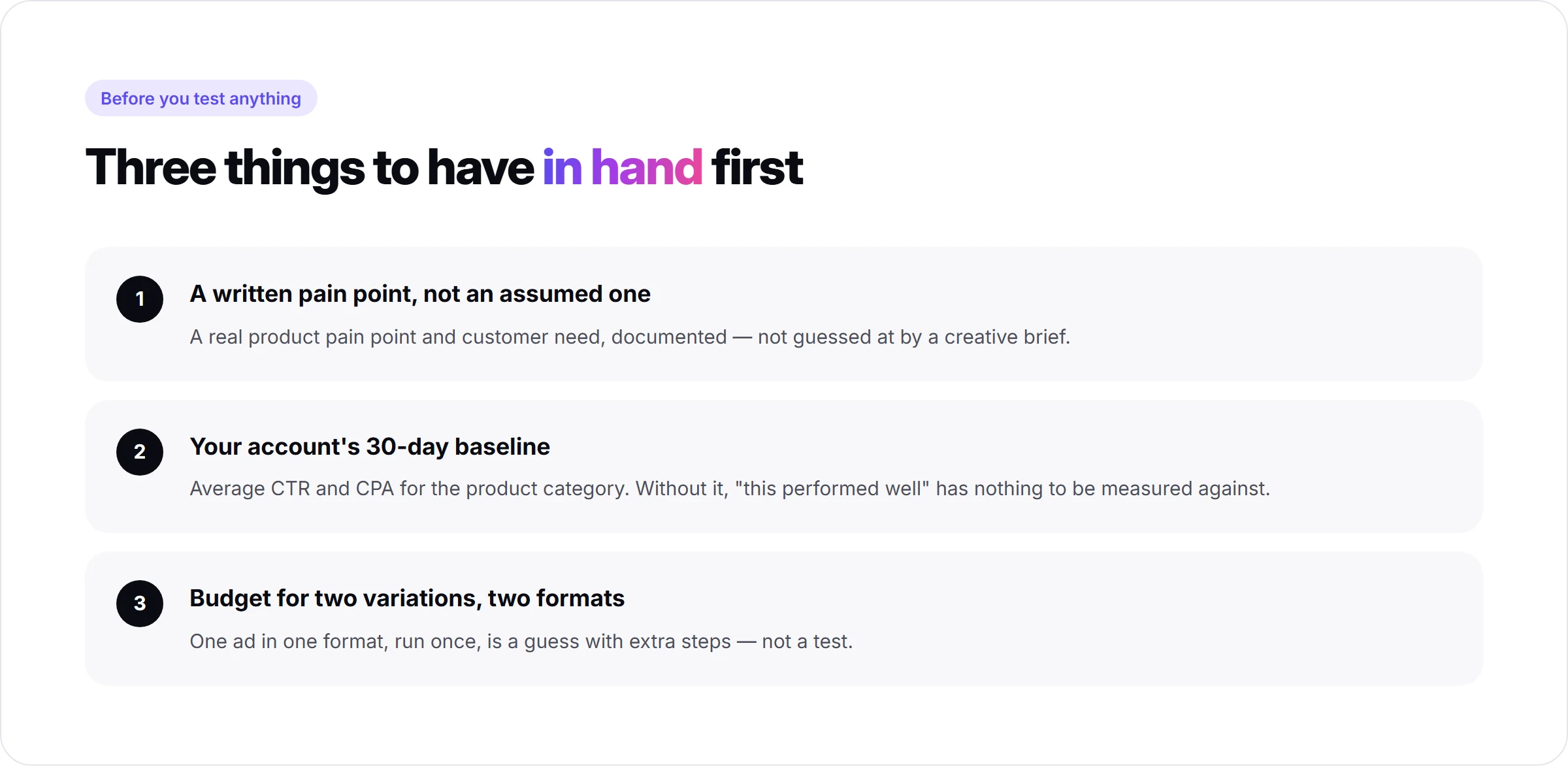
Before testing anything, you need a product with a real pain point and a real customer need written down, not assumed. If you are new to the format itself, what UGC ads are and why they outperform polished studio ads is worth reading first.
You also need a baseline. Pull your account's average CTR and CPA for the product category over the last 30 days. Without that number, "this angle performed well" has nothing to be measured against.
Last, budget for at least two variations per angle, in two different formats, run in the same ad set. One ad testing one angle in one format is a guess with extra steps.
Step 1: Pull the angle from your product's pain point and need, not a blank script
An angle is the single claim the ad is built around, not the script and not the format. "This fixes the problem you already have" is an angle. "Here is what's inside the box" is a different angle on the same product.
Promer AI's AI Ad Concept builds this from product context instead of a blank page: paste the product URL, and it generates an analysis layer covering product highlights, ideal customer, pain point, and need, each editable. From that analysis, it outputs multiple concepts, each with its own target audience, core idea, and ad angle.
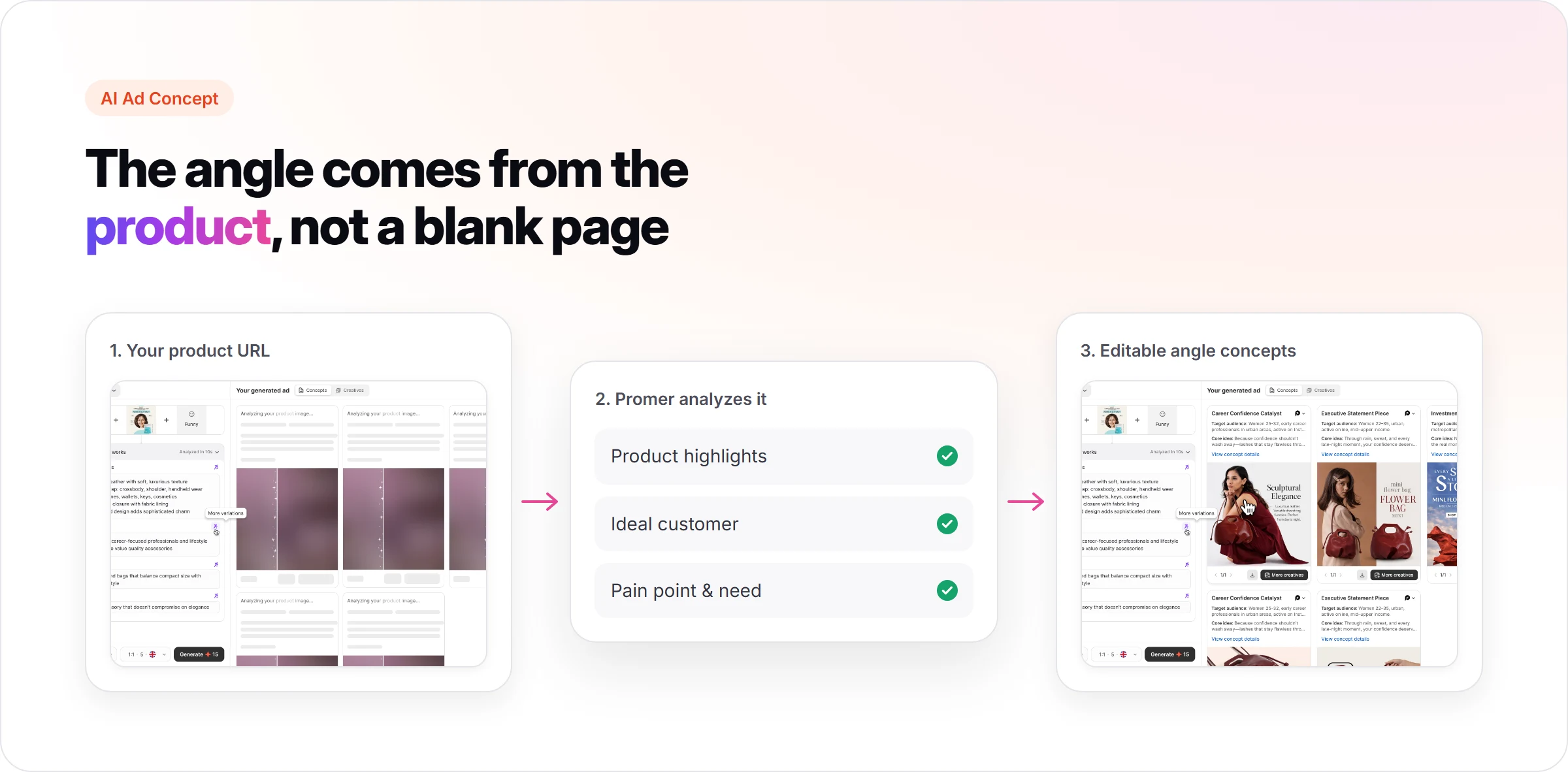
The value of starting here is that every angle it suggests is already tied to something specific about the product, not a generic hook that could sit on any item in the category. Edit the analysis fields if they miss the mark before generating concepts from them.
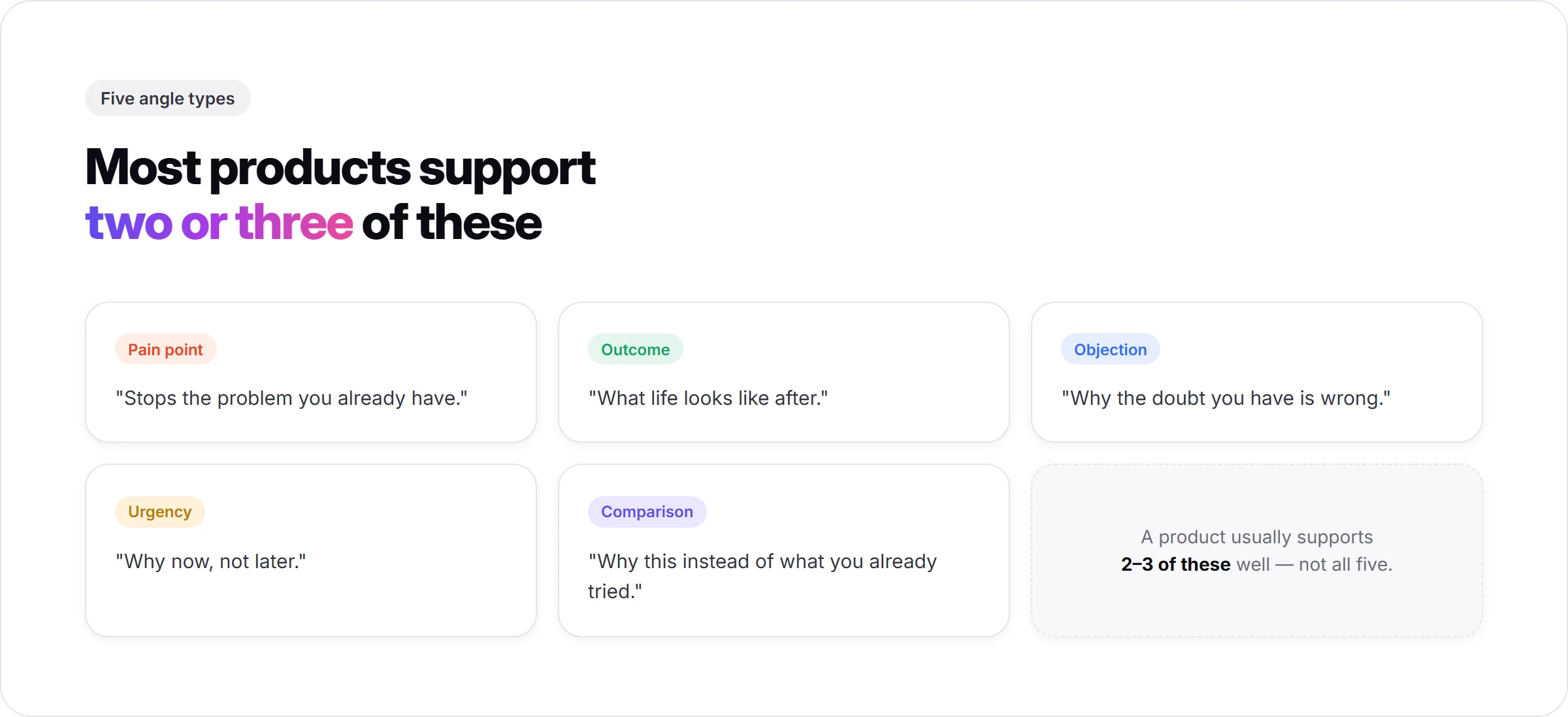
Five angle types cover most products worth testing:
- Pain point ("stops the problem you already have")
- Outcome ("what life looks like after")
- Objection ("why the doubt you have is wrong")
- Urgency ("why now, not later")
- Comparison ("why this instead of the thing you already tried")
A product usually supports 2 or 3 of these well, not all 5.
Step 2: Validate the angle as a static ad before paying for video
A UGC video costs more credits and more time to produce than a static ad built from the same angle. Testing the angle as a static ad first means a weak angle gets cut before it costs a video's worth of credits, not after.
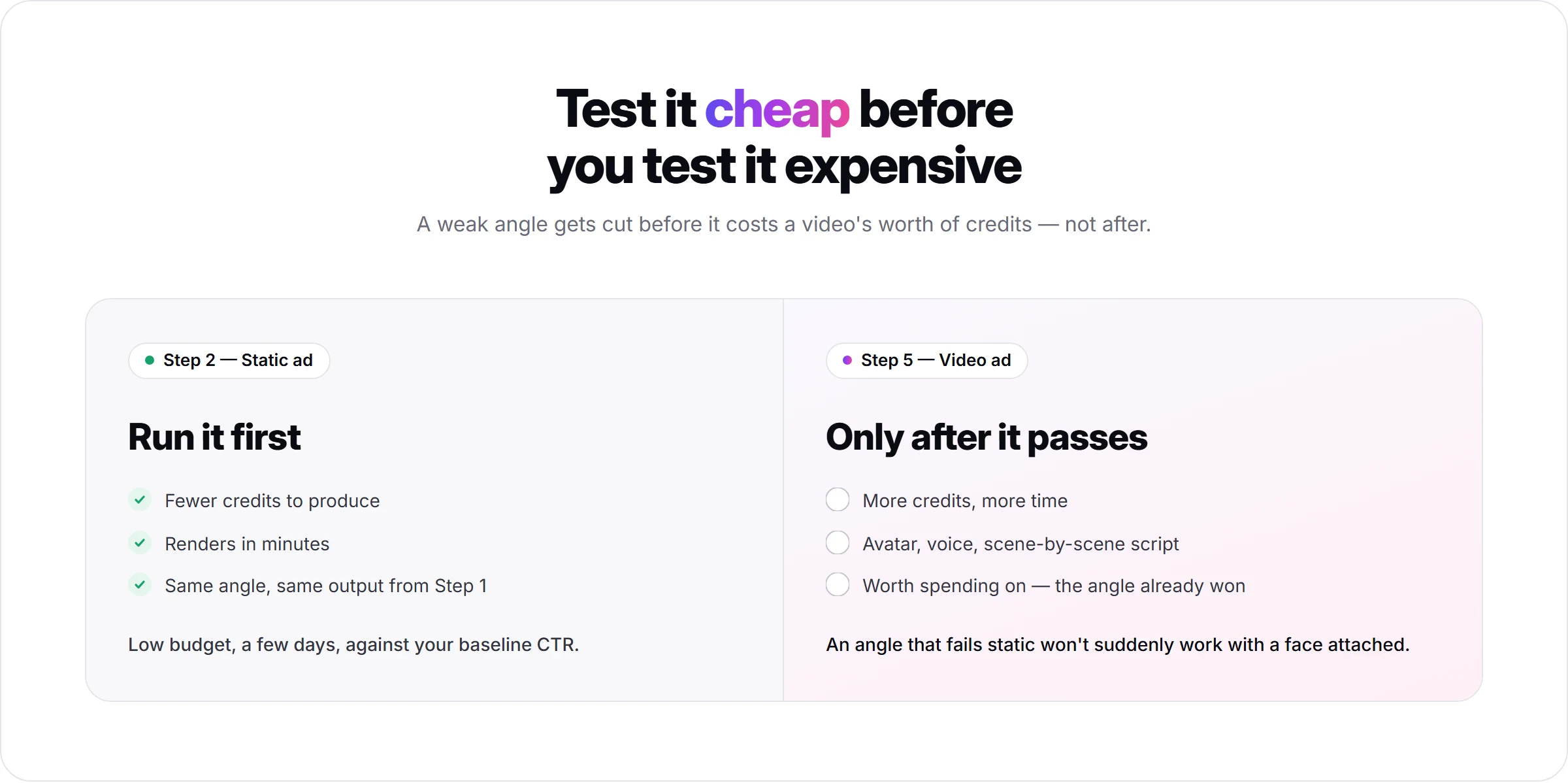
AI Ad Concept's output from Step 1 already includes a Creative view alongside the Concept view, so the same angle that produced the analysis can be generated as a static creative without a separate step. Run that static version at low budget for a few days against your baseline CTR.
An angle that fails as a static ad will not suddenly work once it has an avatar and a voice attached to it. An angle that passes the static test is the one worth spending video credits on in Step 5.
Step 3: Match the angle to the UGC format built to carry it
The same angle performs differently depending on the format carrying it. A pain-point angle lands harder in a Problem and Solution format than in a Routine or Day in the Life format, because the viewer needs the problem named before the product shows up.
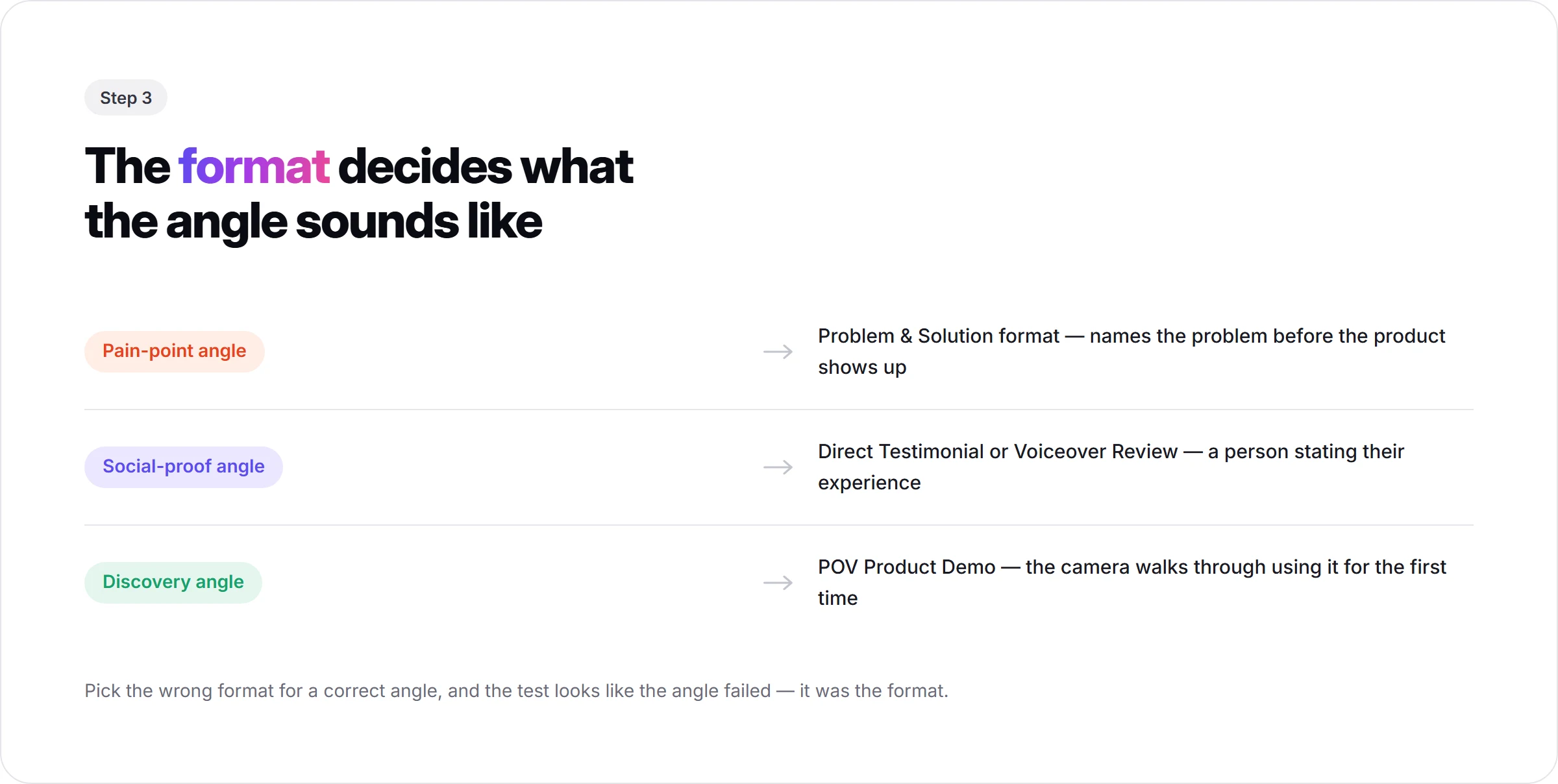
A social-proof angle fits a Direct Testimonial or Voiceover Product Review format, where a person stating their experience is the point. A discovery angle fits a POV Product Demo, where the camera walks through using the product for the first time. The different styles of UGC ads covers what each format is built to do, beyond the five names.
Picking the wrong format for a correct angle produces a test that looks like the angle failed when the format is what failed it. Decide the format from the angle, not the other way around.
Step 4: Check the angle against what is already winning in your niche
Before spending credits generating an angle nobody has validated, check what competitors in the same category are already running. Promer AI's AI Ad Spy searches top live Meta ads by keyword or brand, filterable by country, and shows which brands have ads actively running right now.
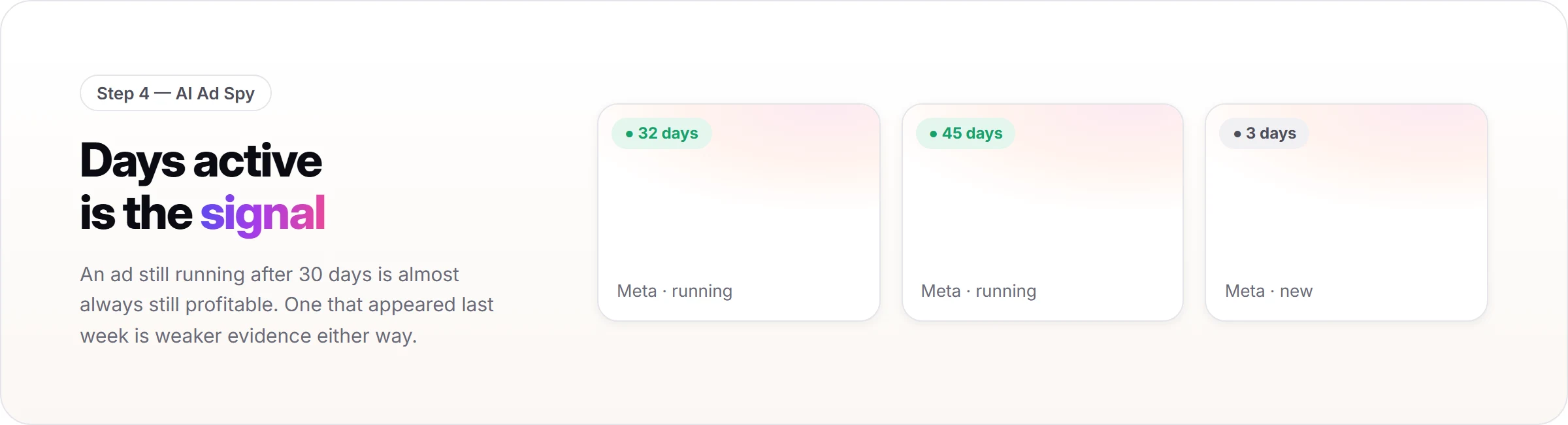
Days active is the signal worth filtering on. An ad still running after 30 days is almost always still profitable; brands do not keep paying for an ad that loses money. An ad that appeared last week and disappeared is weaker evidence either way.
If three competitors are all running a before-and-after angle and none are running a founder-origin-story angle, that is a signal, not proof. Competitors can be wrong too, or running an angle for a different product tier than yours.
Use this step to shortlist angles worth testing, not to copy a competitor's ad directly. The goal is a product-specific variation of a proven angle type, not a clone of someone else's creative.
Step 5: Generate 2-3 angle variations as real videos, not one
An angle is not tested until it exists as an actual video a real audience can react to. Promer AI's AI UGC video generator turns a shortlisted angle into a UGC-style video without a camera or a hired creator.
Select the product and up to 8 angle images, pick the format decided in Step 3, and review the AI-suggested video idea covering the hook, message, visual, and CTA; browse two more alternatives or add your own idea if none fit. Choose an AI avatar and AI voice, then generate a scene-by-scene script before rendering the video.
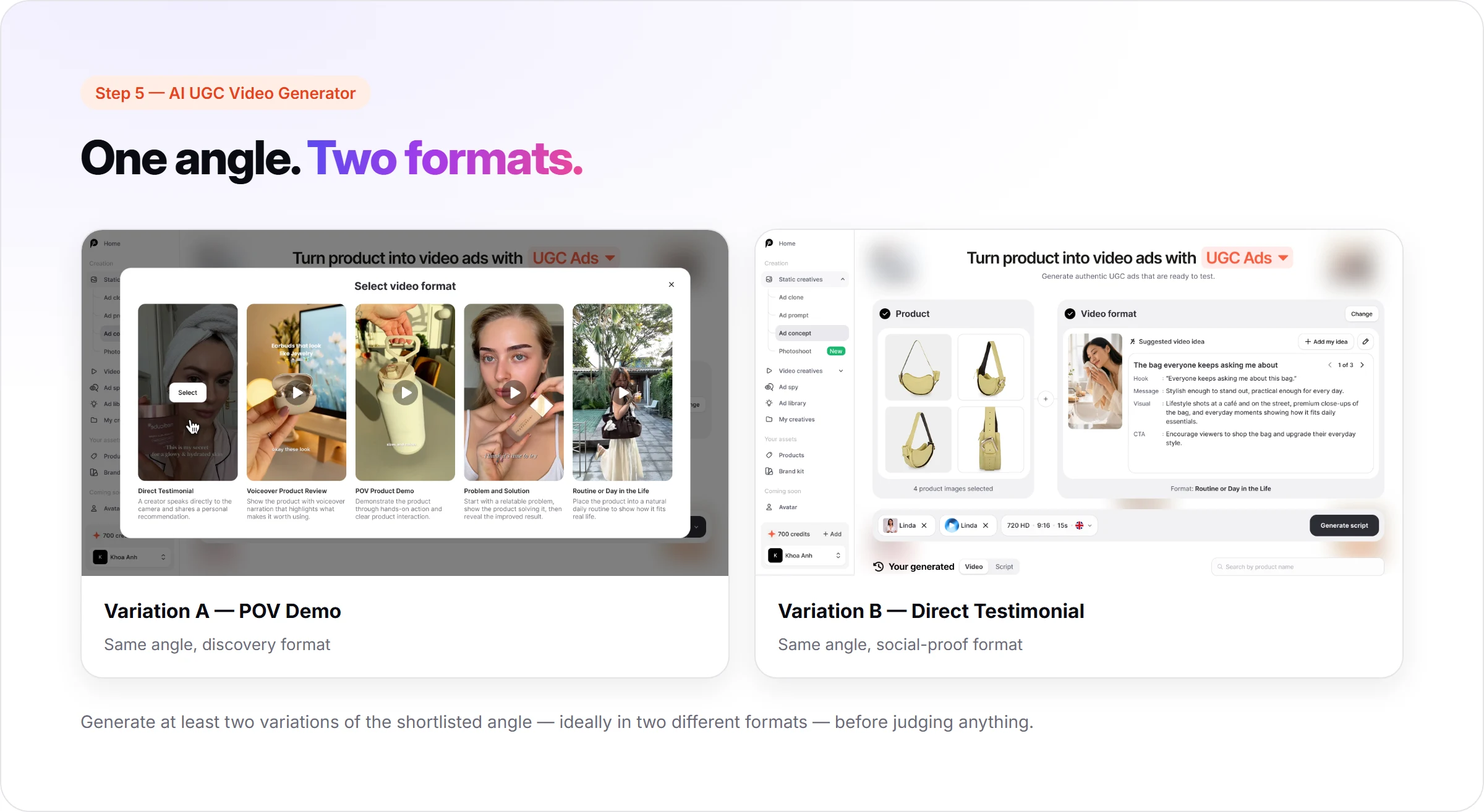
Generate at least two variations of the shortlisted angle this way, ideally in two different formats from Step 3. The output renders at 720 HD, 9:16, in 15 seconds, and can push directly to a connected Facebook, Instagram, or TikTok account once it is ready.
Step 6: Judge performance by hook rate, hold rate, and CTR, not views
Run both variations in the same ad set, same budget split, same audience, for at least 3 to 7 days before judging anything. A shorter window measures the algorithm's early learning phase, not the angle.
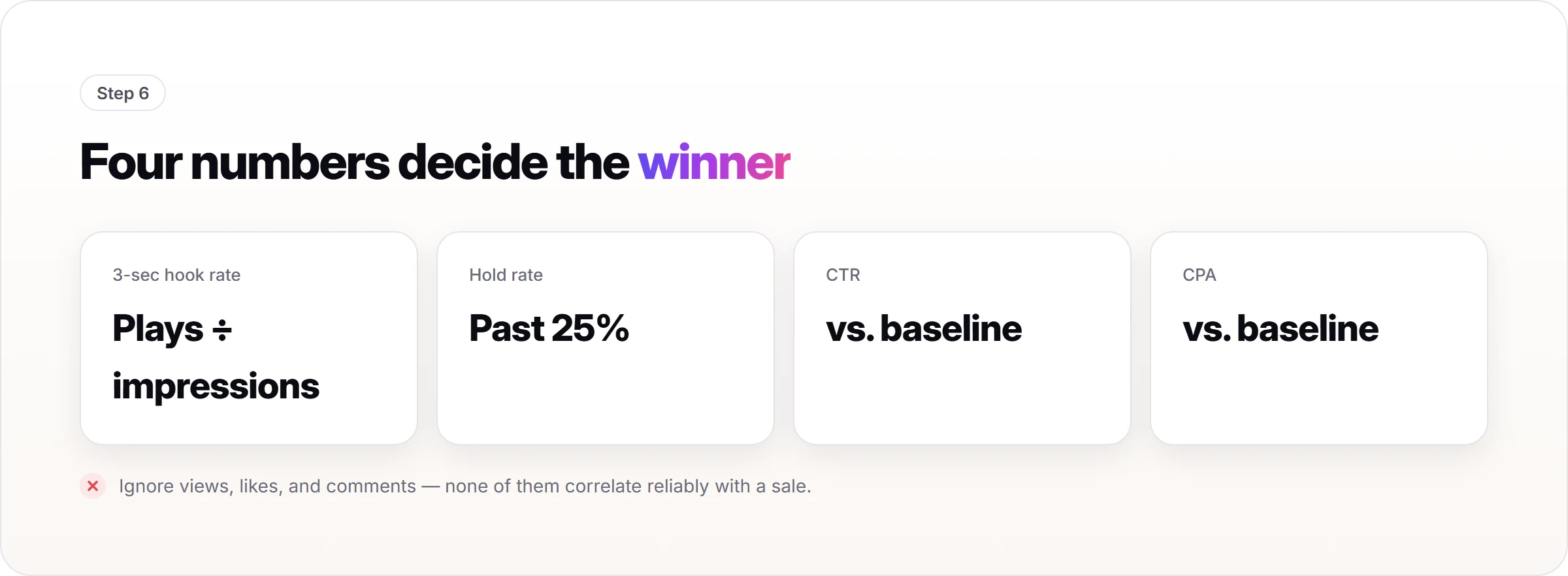
Four numbers decide the winner: 3-second hook rate (plays past the first 3 seconds divided by impressions), hold rate (plays past 25% of the video), click-through rate, and cost per result against your account's baseline from the prerequisites step. Ignore likes, comments, and raw view count; none of them correlate reliably with a sale.
An angle that wins on hook rate but loses on CPA is a distribution story, not a performance story. Keep the angle, but test a different CTA or offer attached to it before concluding the angle itself failed.
What a best-performing UGC ad angle looks like once you find it
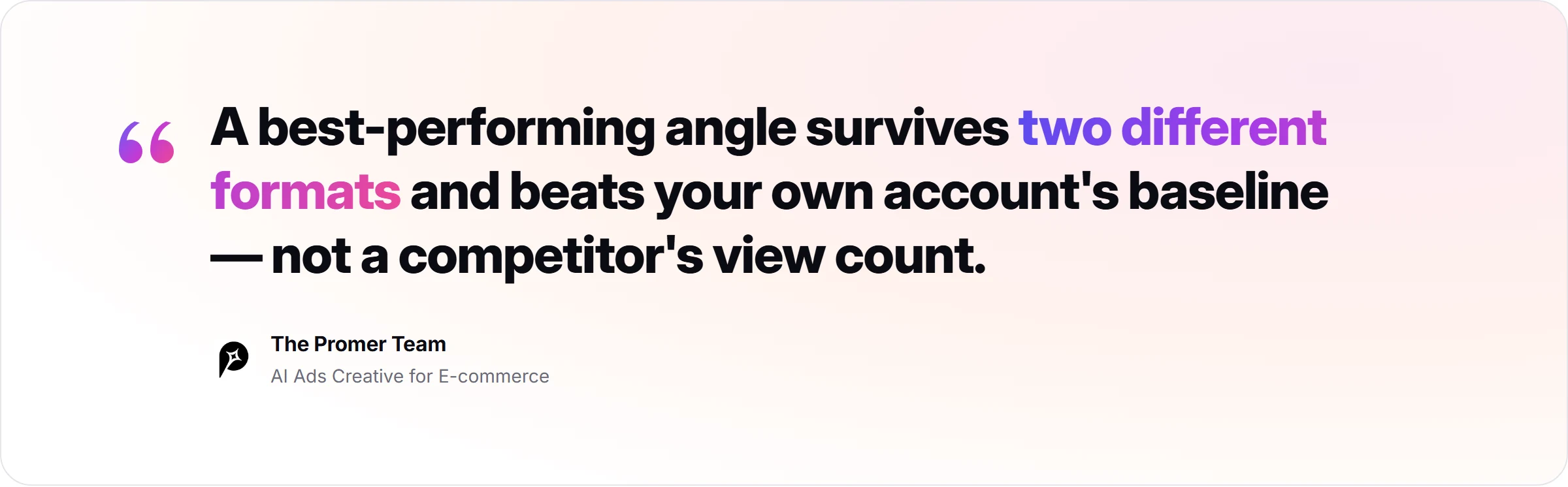
A best-performing angle ties back to a documented pain point or need, not a creative team's hunch. It survives being rendered in at least two different formats without losing its performance, which rules out an angle that only worked because of one specific execution.
It beats your account's baseline CTR and CPA, not a competitor's view count or a generic benchmark pulled from a blog post. And once it wins, it becomes the seed for the next round: a new variation in a format you have not tested yet, applied to a different product in the same category.
Typically this process takes one full testing cycle, not one ad. If you want to run this workflow end to end on your own product, Promer AI's AI ad maker covers every step from the product URL to the rendered video.
Common mistakes when testing UGC ad angles
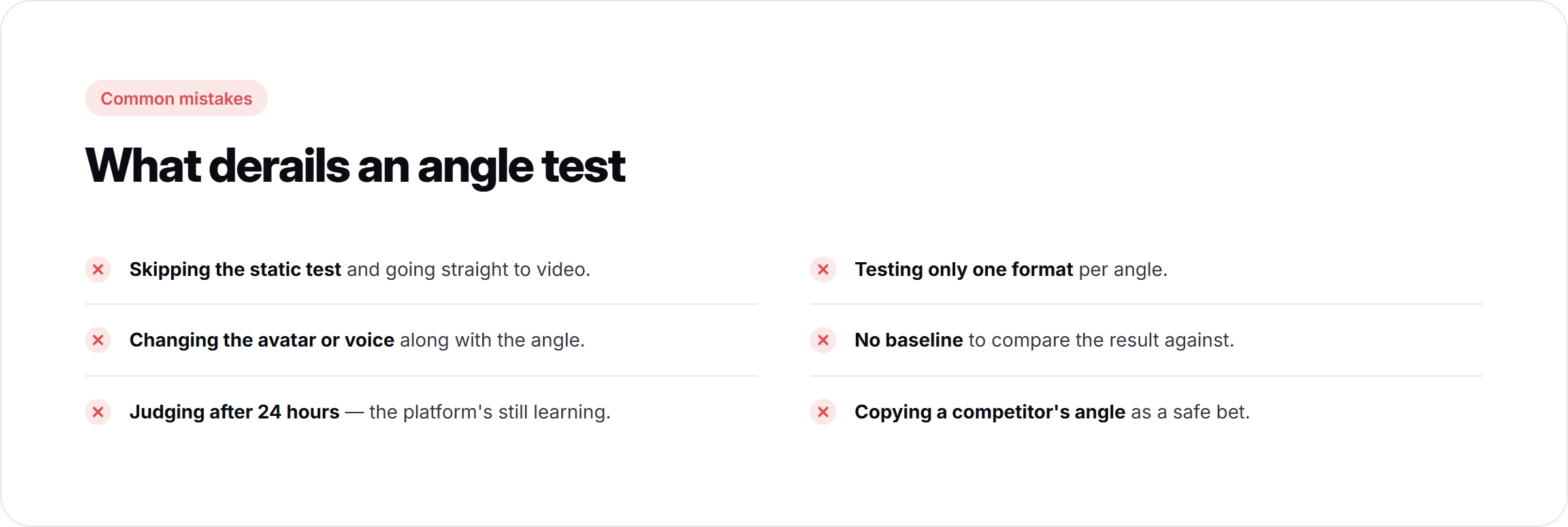
- Skipping the static test and going straight to video. A video costs more to produce than a static ad; an angle that would have failed cheap as a static ad fails just as often as a video, at a higher cost.
- Changing the avatar or voice along with the angle. This confounds the test; you no longer know whether the angle or the new face is driving the result.
- Judging after 24 hours. Early performance mostly reflects the platform still learning the audience, not the angle's actual ceiling.
- Testing only one format per angle. A single format can't tell you whether the angle failed or the format was wrong for it.
- No baseline to compare against. "It got a 2% CTR" means nothing without knowing what this product category normally gets in your account.
- Treating a competitor's winning angle as a safe copy. What works for a different price point, audience, or product maturity may not transfer directly.
FAQ
What is a UGC ad angle?
A UGC ad angle is the single claim or perspective the ad is built around, separate from its script or format. "This solves a problem you already have" and "here's what's inside the box" are two different angles for the same product. Most ecommerce teams test formats and creators far more often than they test angles, which is usually the bigger lever.
How many UGC ad angles should I test at once?
Test 2 to 3 angles at a time, each in at least two format variations. Testing more than 3 at once splits budget too thin to reach a reliable read on any of them within a normal testing window. Fewer than 2 means you have nothing to compare the result against.
How long should I test a UGC ad angle before judging it?
Run it for 3 to 7 days in the same ad set before drawing a conclusion. The first 24 to 48 hours mostly reflect the platform's learning phase rather than the angle's real performance. Extend the window if your daily spend per ad is low enough that it has not reached a meaningful sample size by day 7.
What's the difference between a UGC ad angle and a UGC ad format?
The angle is the claim; the format is the structure that delivers it. Direct Testimonial, Voiceover Product Review, POV Product Demo, Problem and Solution, and Routine or Day in the Life are formats. The same angle can be rendered in any of them, and typically performs differently depending on which one it lands in.
Can I reuse a winning UGC ad angle across products?
Yes, if the new product shares the same pain point or customer need, not just the same category. An angle built around "stops breaking after a week" transfers to another product with a durability complaint, but not to one where durability was never a customer concern. Re-check the pain point before assuming the angle carries over.
Do more video views mean the angle is performing better?
No, views mostly reflect platform distribution, not the angle's effect on the viewer. A video can rack up views through broad reach or an unrelated trend and still convert poorly. Hook rate, hold rate, CTR, and CPA against your account baseline are the signals that isolate whether the angle is working.
Do I need to make a video to test a UGC ad angle?
No, test the angle as a static ad first. A static version of the same angle costs less and renders faster, so a weak angle gets cut before it costs a video's worth of credits. Move to video only for the angle that already passed the static test.