AI Prompts for Photoshoot: Formula, Copy-Paste Examples, and a No-Prompt Option
A good AI prompt for a product photoshoot names 6 things: the product itself, the background or environment, the lighting style, the camera angle and lens, the mood and color grade, and the aspect ratio. Miss one of these and the AI fills in the gap with its own default look, which is usually a generic, overly glossy image that doesn't match your brand.
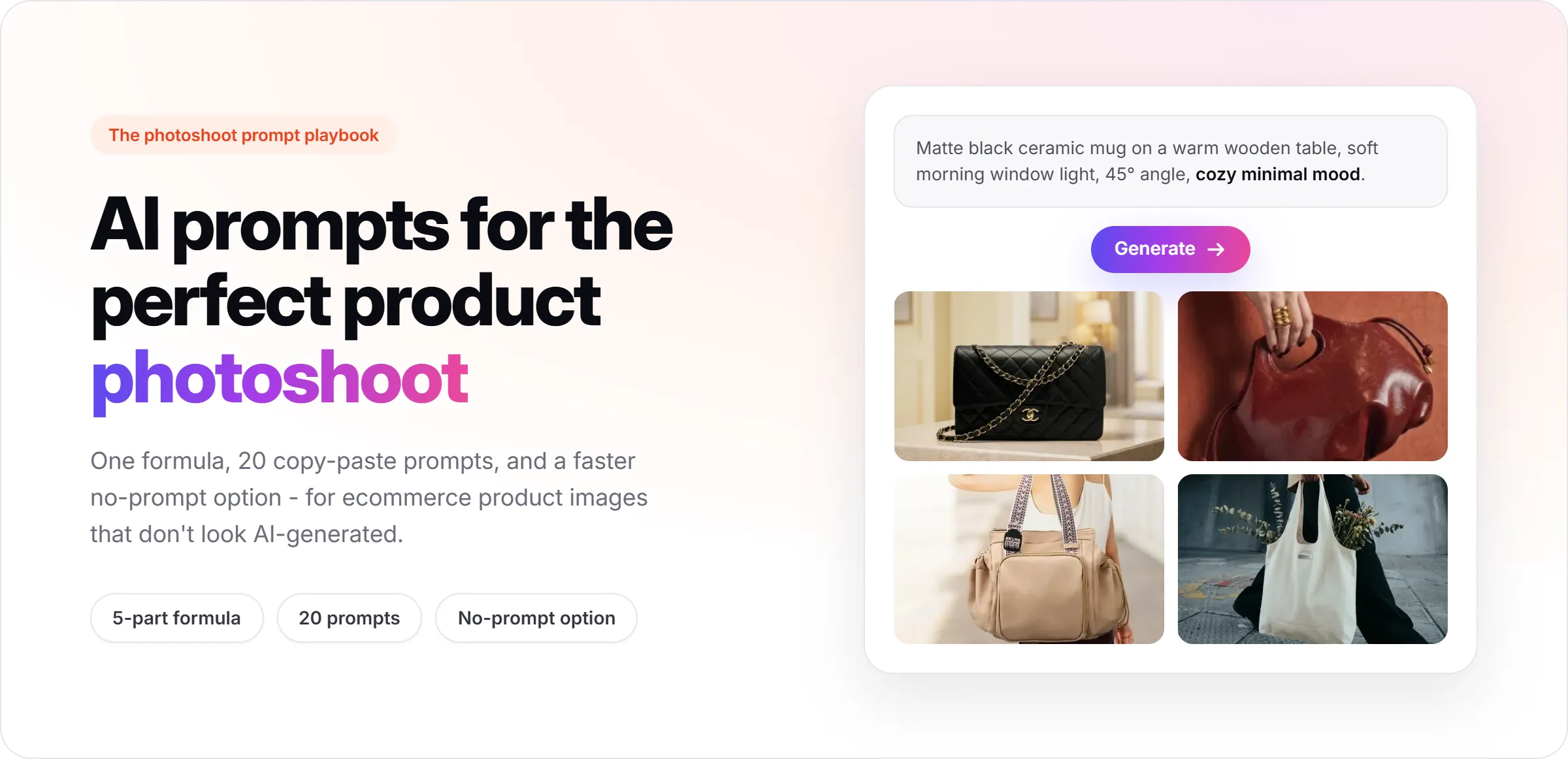
This guide is written for ecommerce sellers and marketers, not for personal portrait or selfie prompts. If you're looking for AI photoshoot prompts to generate product images for listings, ads, or social, this covers the formula, 20 ready-to-use prompts organized by product type, and the mistakes that make most AI product photos look obviously fake.
Already have a product photo?
Upload it to Promer to explore new product scenes while keeping the real product as the starting point.
Create a product photoshoot free →
$0 to start. No credit card required
At the end, there's also a faster option for anyone who would rather skip writing prompts entirely and let AI suggest the styling directly from a real product photo.
Key Takeaways
💡 The short version
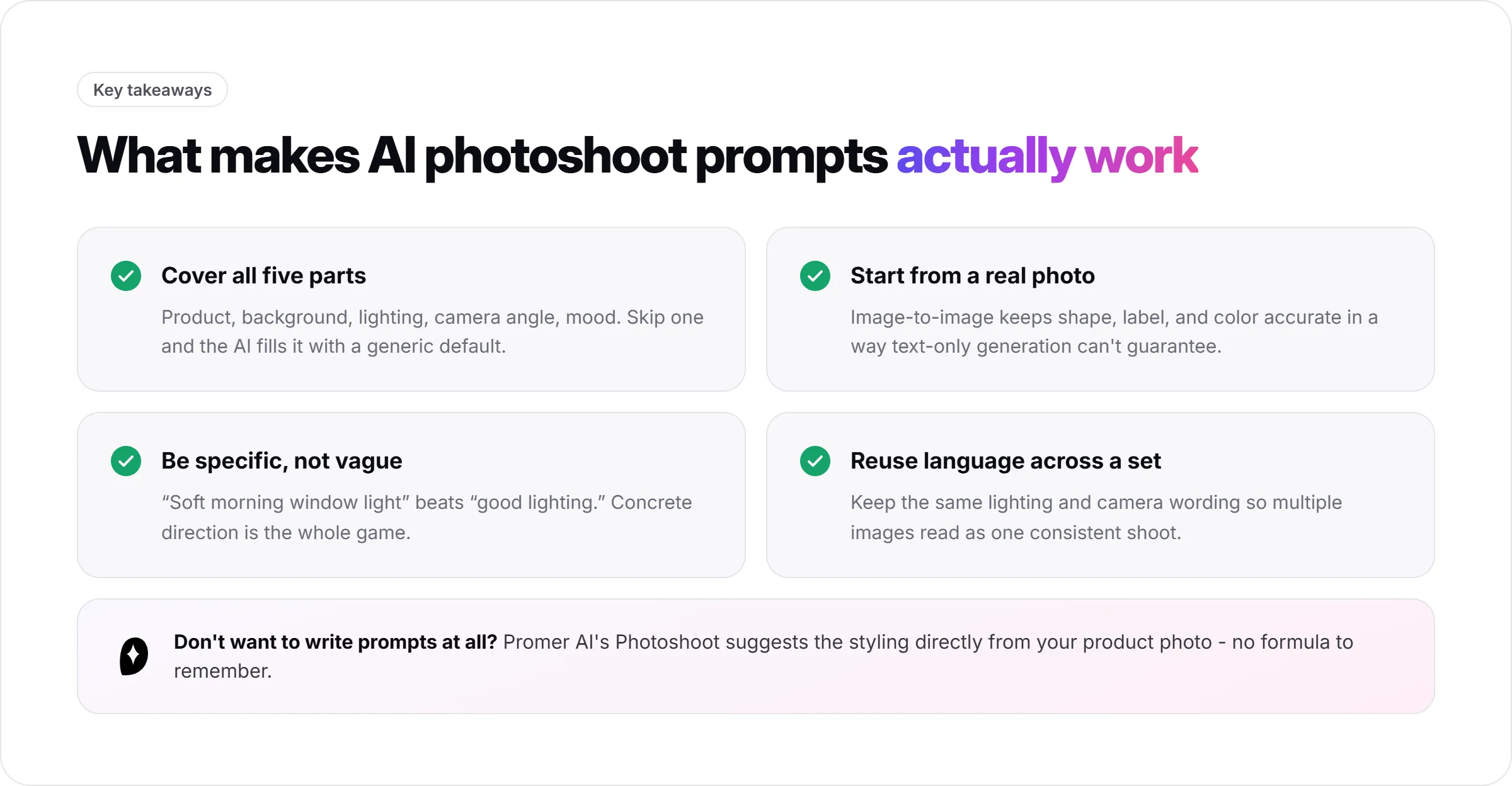
- A complete AI photoshoot prompt covers the product, setting, lighting, camera angle and lens, mood and color grade, and aspect ratio.
- Starting from a real product photo helps preserve shape, color, proportions, and label details.
- Specific direction works better than vague phrases such as "nice background" or "good lighting."
- Reusing the same lighting and camera language makes a set of product images feel consistent.
- If prompt writing slows you down, Promer can suggest product scenes from an uploaded product photo.
The 6-Part Formula for AI Photoshoot Prompts
1. Product description
Name the product precisely. Include its material, color, shape, and any detail that matters to the buyer.
Weak: Black mug
Better: Matte black ceramic mug with a curved handle
2. Background or environment
A pure white studio background reads like a listing image. A styled surface or real setting reads more like lifestyle content or ad creative. Decide what the image needs to do before choosing the scene.
3. Lighting style
Name the actual light source and setup, not just a mood word - softbox key light, ring light, single spotlight, natural window light, golden-hour sun. "Soft diffused studio light from a large softbox" and "hard directional light from a single spotlight with a deep shadow" create very different results.
4. Camera angle and lens
A straight-on view works well for clean product shots. A 45-degree or low-angle view can add more depth and energy. Pair the angle with a lens and aperture: a macro lens at a wide aperture (f/2.8-f/4) blurs the background for a premium look, while a standard lens at a narrower aperture (f/8-f/11) keeps the whole product sharp for a catalog-clean look.
5. Mood and color grade
One or two mood words, such as minimal, premium, cozy, or high-energy, guide the overall feel. Naming an actual color grade - warm amber, cool blue-gray, neutral daylight - locks in the tone instead of leaving color balance to the model's default.
6. Aspect ratio
Close with an aspect ratio so the output matches where it will run: 1:1 for marketplace listings and flat-lays, 4:5 for ecommerce catalog and social feed images, 9:16 for Stories, Reels, and vertical ads, 16:9 for website banners and wide ad creative.
Copy-paste AI photoshoot prompt template
Prompt template
[Product with specific material, color, shape, and key detail], [background or environment], [lighting setup and direction], [camera angle], shot on [lens] at [aperture], [mood] mood, [color grade] color grade, commercial product photography, [aspect ratio].
Example Matte black ceramic mug on a warm wooden table, soft morning window light from the left, shot from a 45-degree angle on a 50mm lens at f/2.8, cozy minimal mood, warm amber color grade, commercial product photography, 4:5.
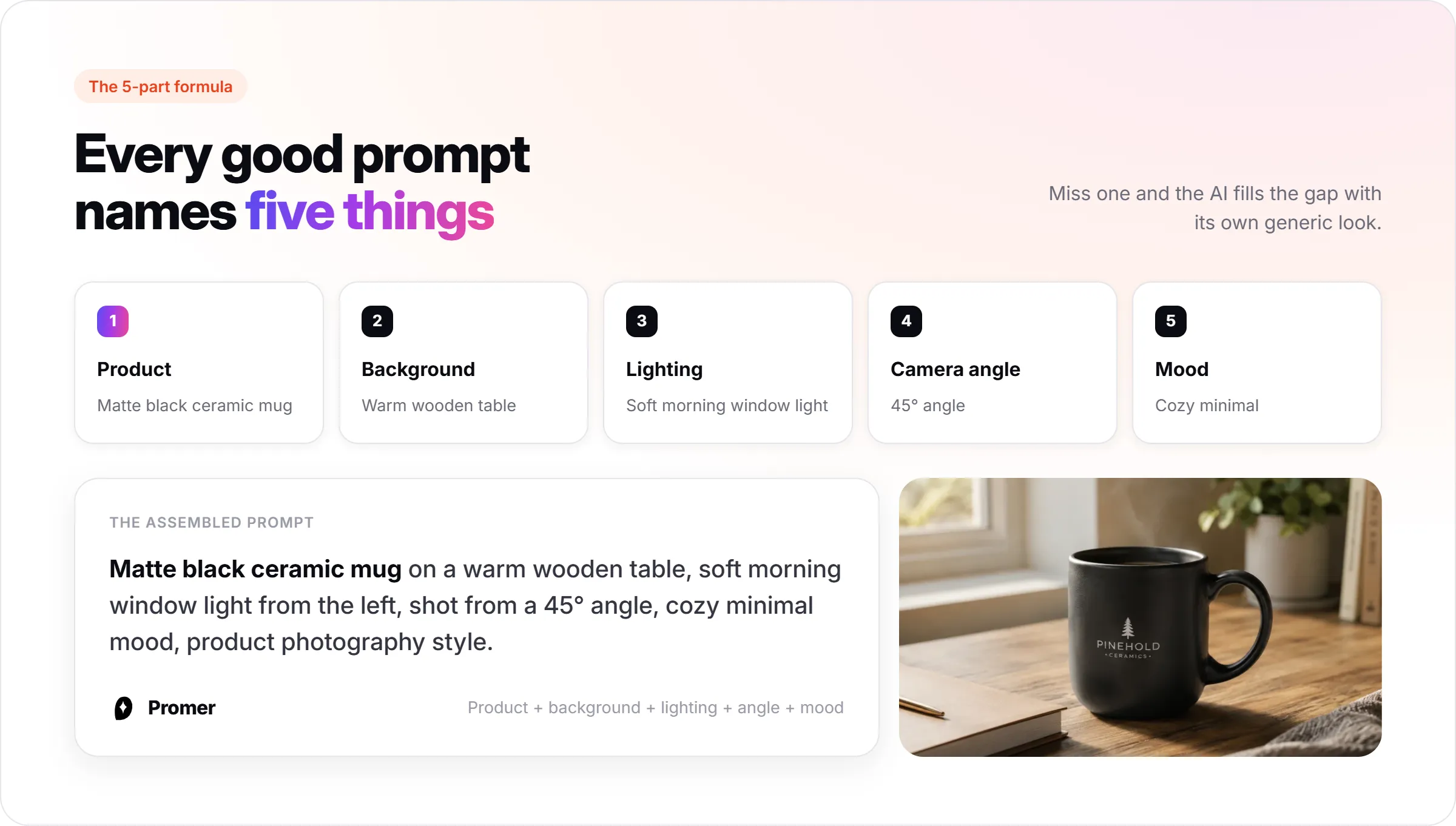
A prompt that hits all six typically reads like this: "Matte black ceramic mug on a warm wooden table, soft morning window light from the left, shot from a 45-degree angle on a 50mm lens at f/2.8, cozy minimal mood, warm amber color grade, product photography style, 4:5."
Why the Same Prompt Doesn't Always Give You the Same Result
The five-part formula gives the model clear direction. Three additional choices determine whether the result stays accurate across a complete image set.
Anchor the prompt to a real reference image
Without a photo of the actual product, the AI may invent its color, shape, proportions, or label placement. A basic phone photo gives the model something real to follow.
Describe what you want
Negative instructions are not handled consistently. Instead of writing "no pumpkins in the background," describe the exact surface, backdrop, and props you want to see.
Expect models to interpret prompts differently
The same wording can produce different composition, lighting, and color across image tools. If a prompt underperforms, test it in another model before rewriting everything.
Once a combination works, treat it as a reusable style. Keep the background, lighting, camera, and mood language consistent, then change only the product description. This helps 20 SKU images feel like one photoshoot instead of 20 unrelated experiments.
20 Copy-Paste AI Photoshoot Prompts by Product Type
Use these as starting points. Swap the product description and keep the structure - background, lighting, angle, mood - intact.
Skincare and Beauty
1. Clean serum packshot
Frosted glass serum bottle centered on a pure white seamless background, soft diffused studio lighting from a large softbox, straight-on angle, shot on a 100mm macro lens at f/5.6, clean minimal mood, neutral white color grade, commercial product photography, 1:1.
2. Natural dropper scene
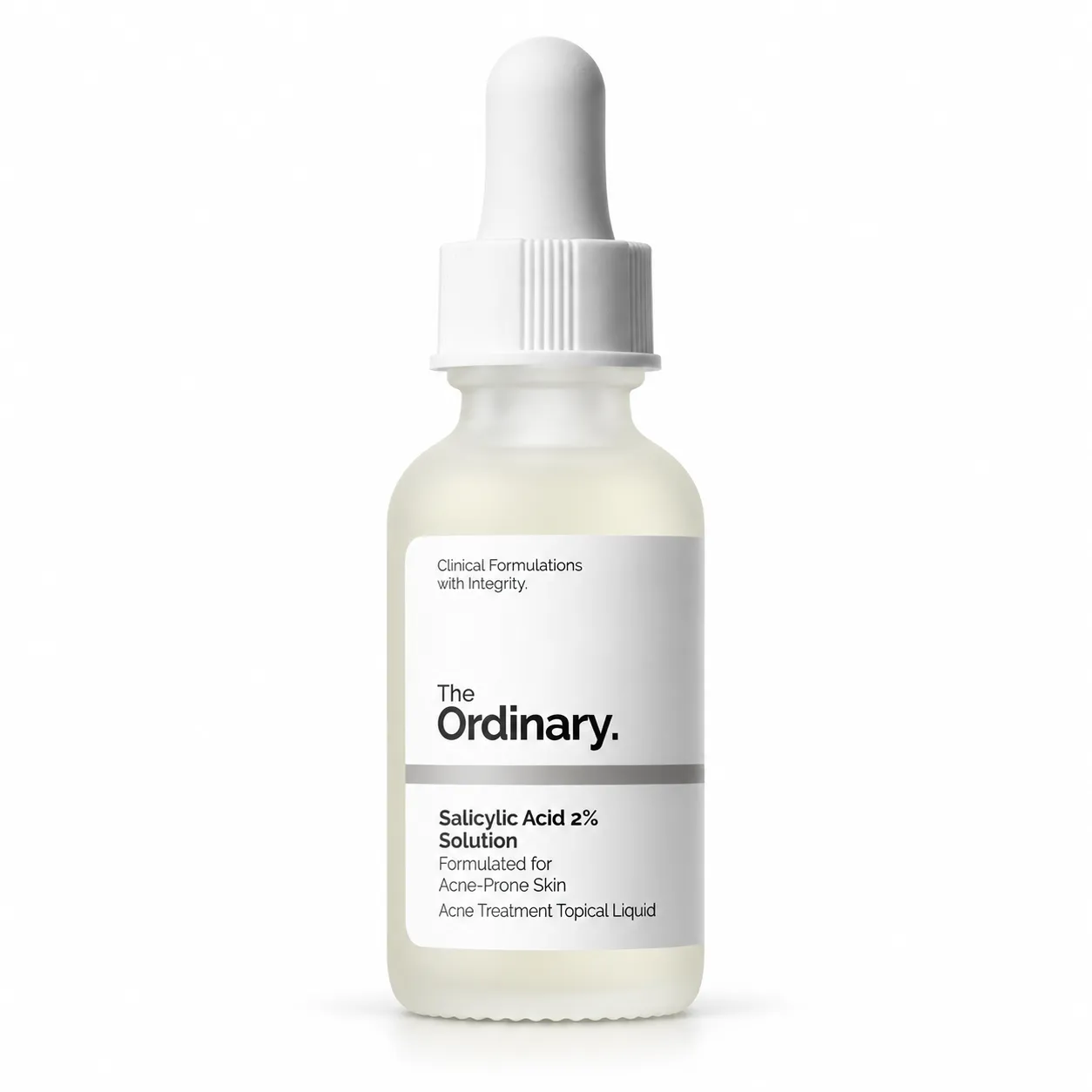
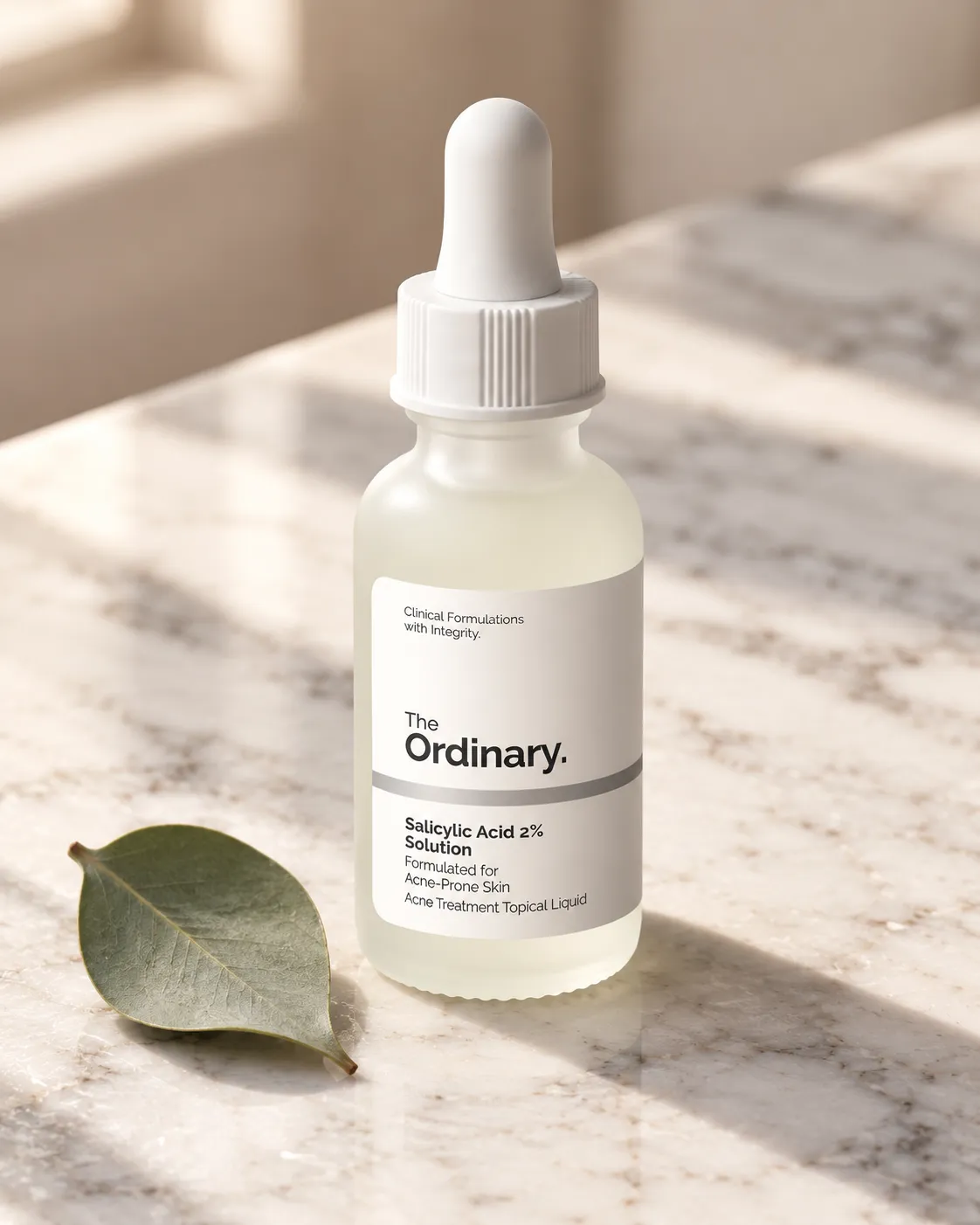
Amber glass dropper bottle on a marble surface with a single eucalyptus leaf beside it, soft natural window light, 45-degree angle, shot on a 85mm lens at f/4, calm spa-like mood, warm neutral color grade, commercial product photography, 4:5.
3. Premium cream texture
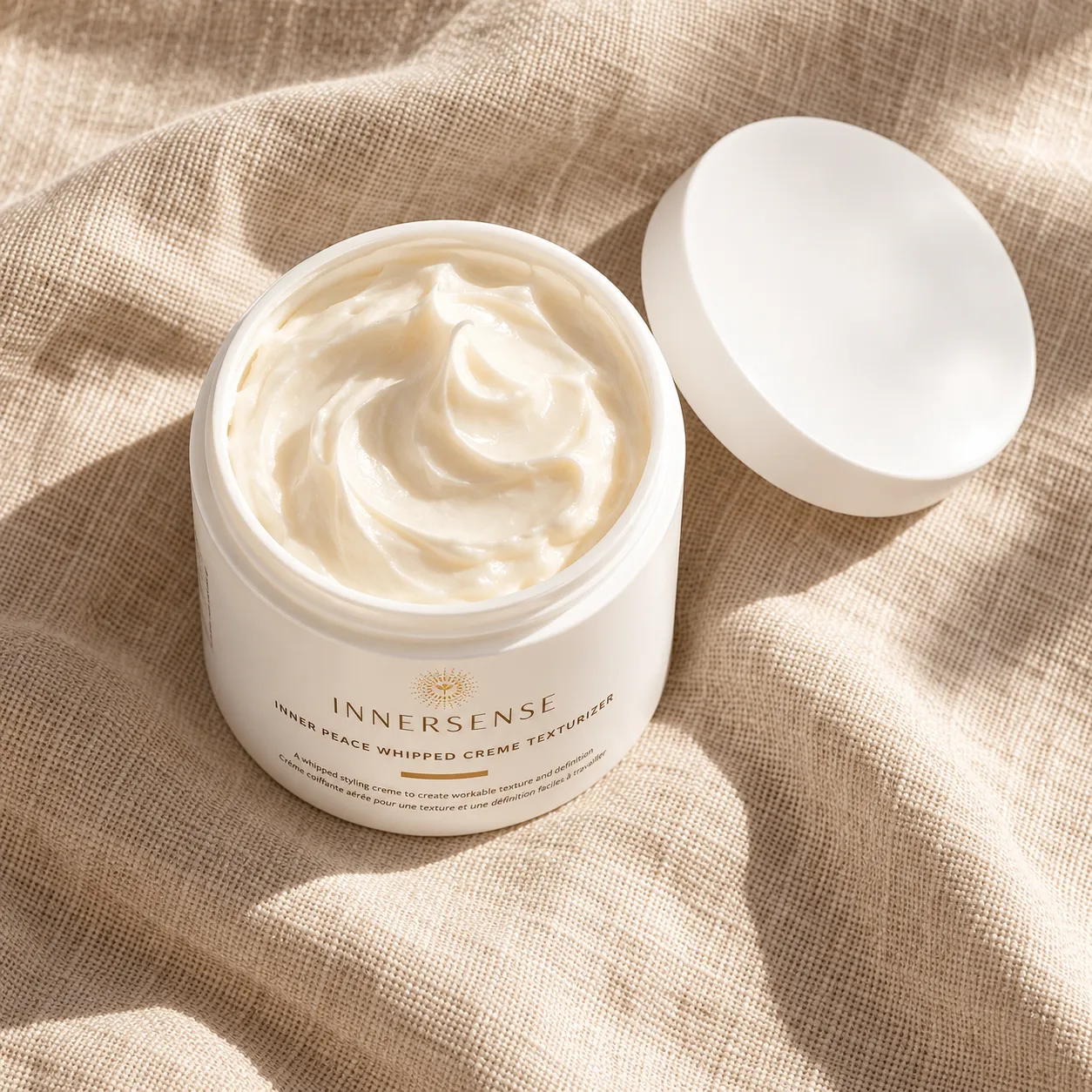
Cream jar with the lid removed and cream visible, placed on a linen surface with a soft shadow, warm afternoon light, top-down angle, shot on a 50mm lens at f/5.6, premium skincare mood, warm amber color grade, commercial product photography, 1:1.
4. Modern lipstick shot
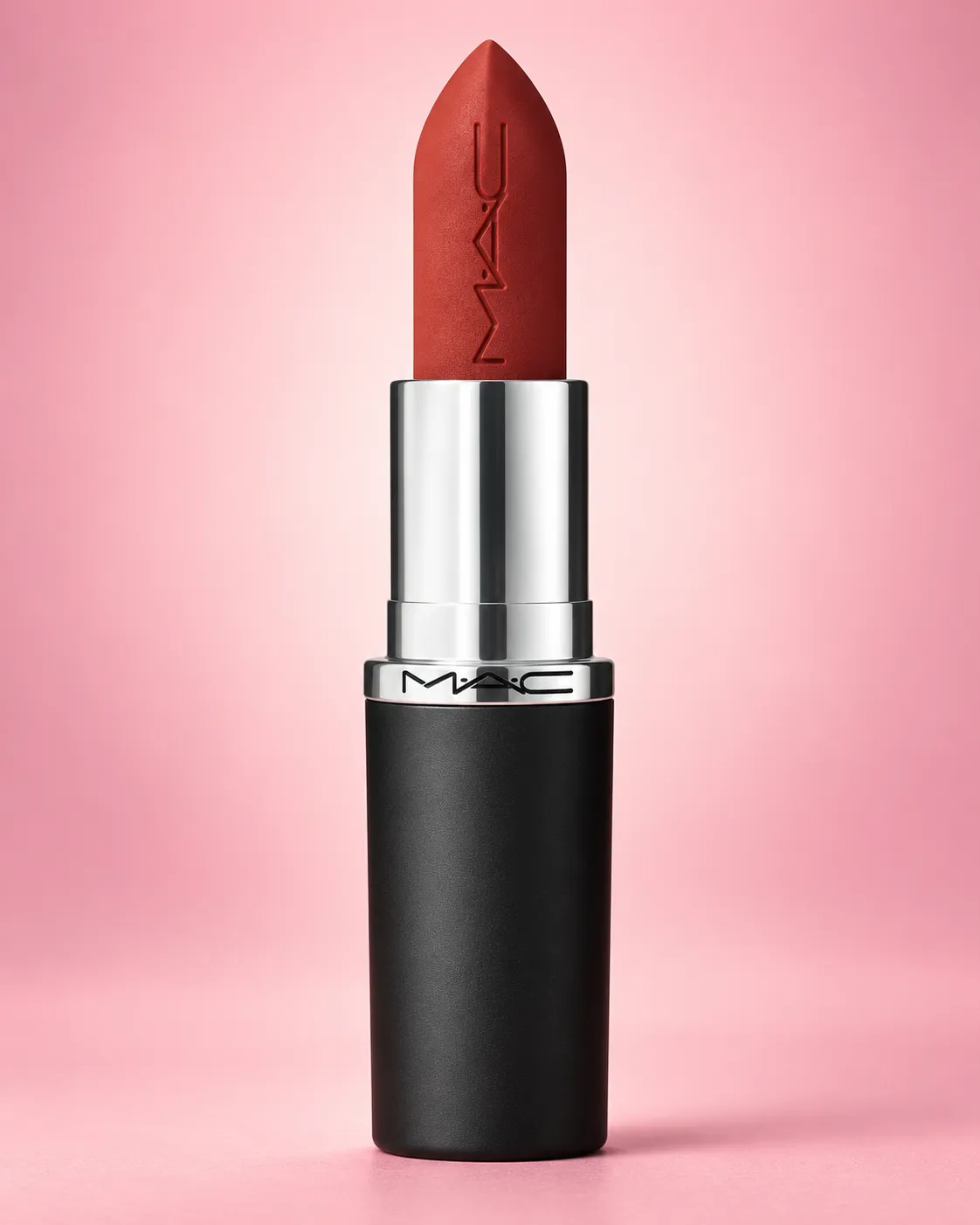
Lipstick tube standing upright against a soft pink gradient background, even studio lighting from a ring light, straight-on angle, shot on a 100mm macro lens at f/8, playful modern mood, soft pastel color grade, commercial product photography, 4:5.
Want these scenes with your actual product?
Upload your product photo and explore styled compositions in Promer.
Fashion and Accessories
5. Heritage handbag
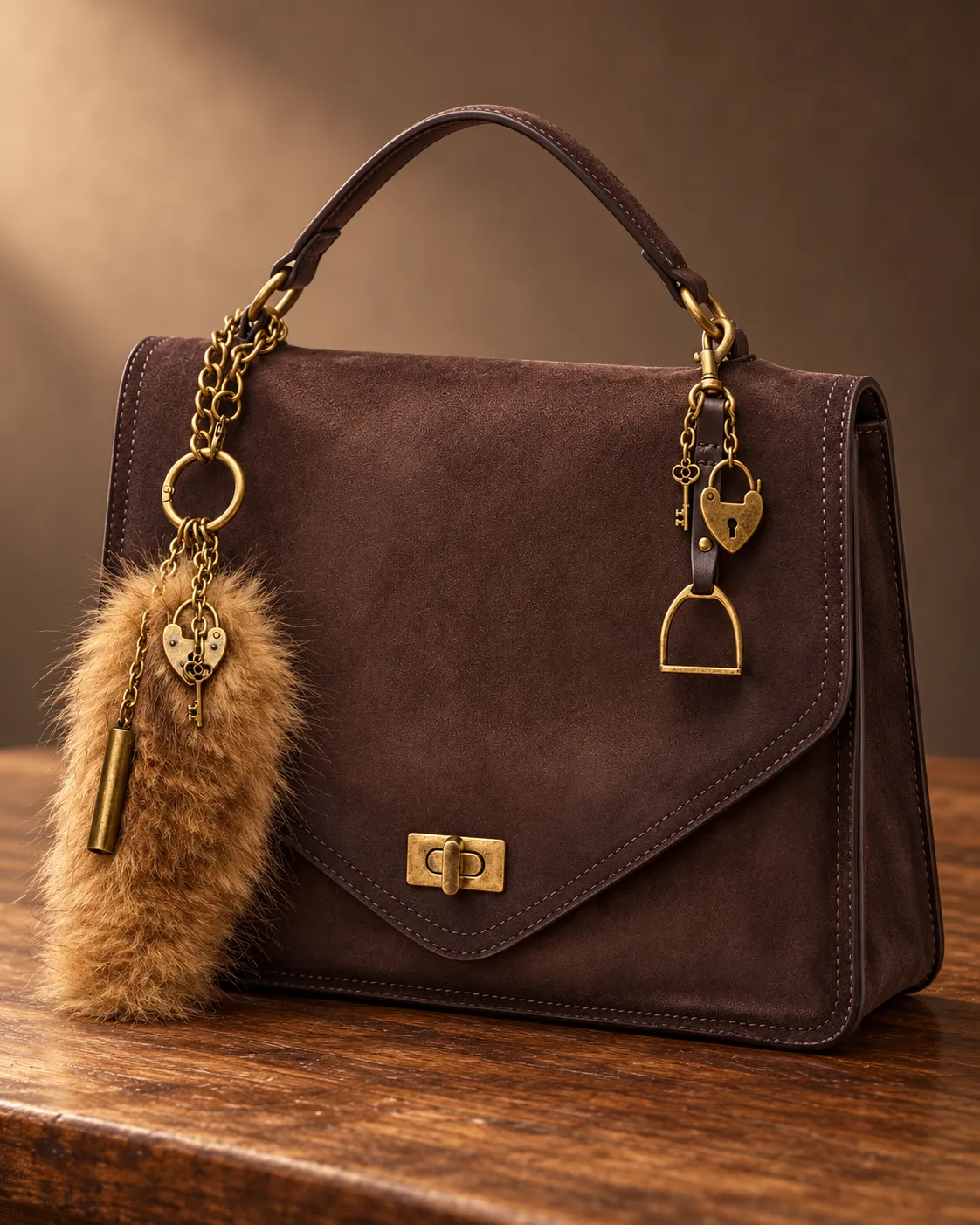
Leather handbag on a wooden studio table with soft side lighting from a single softbox, 45-degree angle, shot on a 50mm lens at f/4, warm heritage mood, warm sepia color grade, commercial product photography, 4:5.
6. Minimal tote flat lay
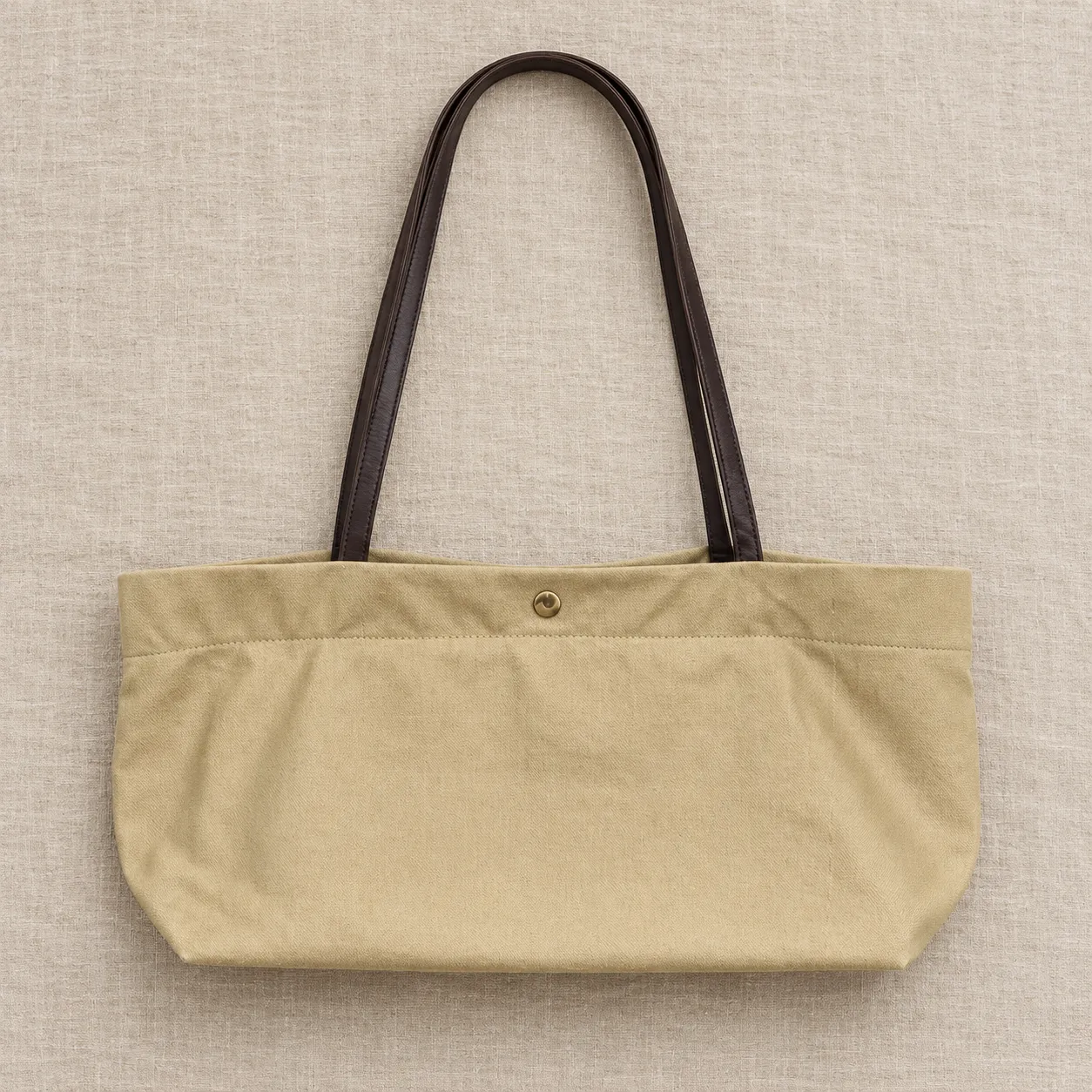
Canvas tote bag laid flat on a neutral linen surface, soft overhead light from a large diffuser, top-down angle, shot on a 35mm lens at f/8, minimal everyday mood, neutral beige color grade, commercial product photography, 1:1.
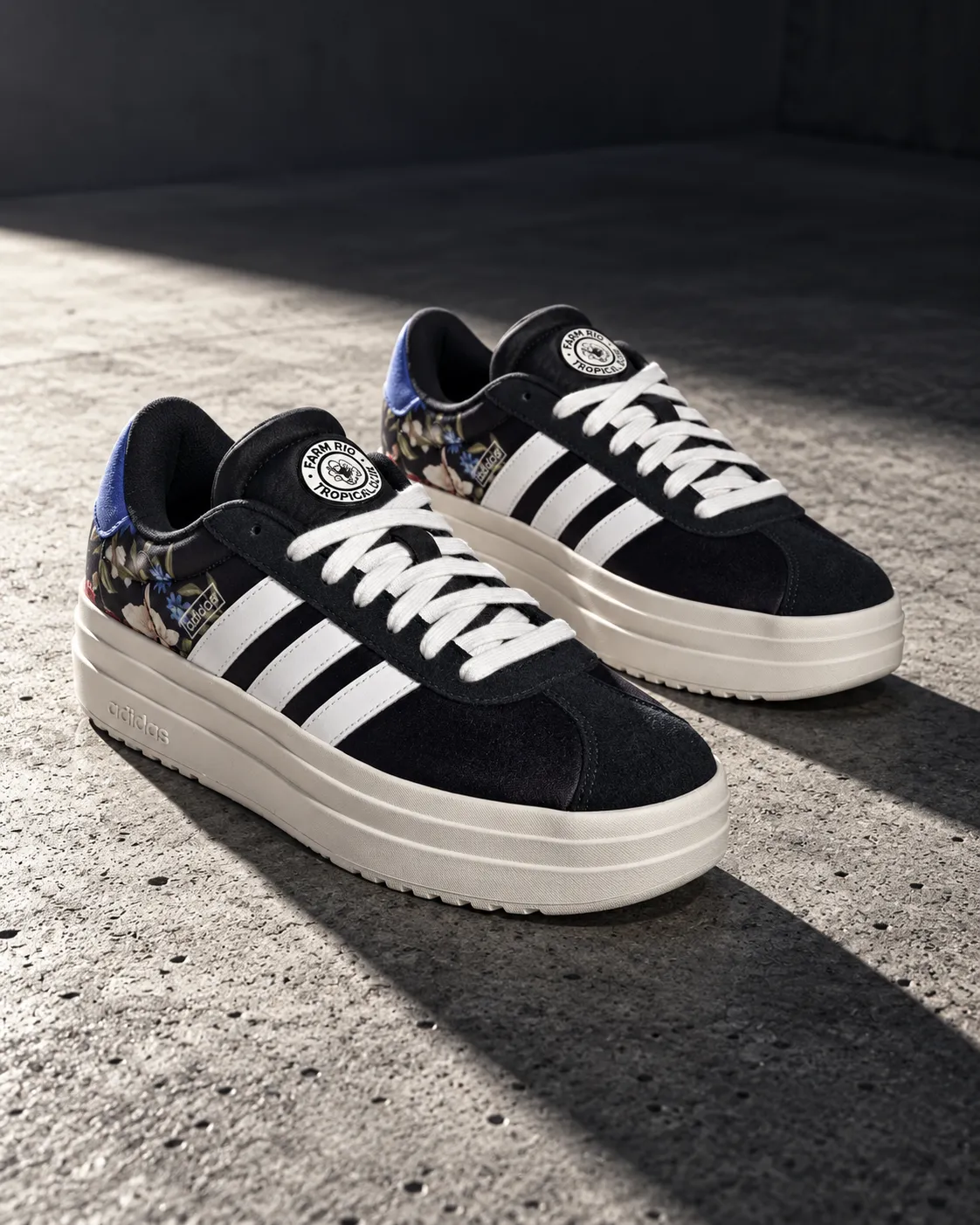
7. Bold sneaker campaign
Pair of sneakers on a concrete surface with hard directional light from a single spotlight casting a long shadow, low-angle shot, shot on a 35mm lens at f/4, bold streetwear mood, high-contrast cool gray color grade, commercial product photography, 4:5.
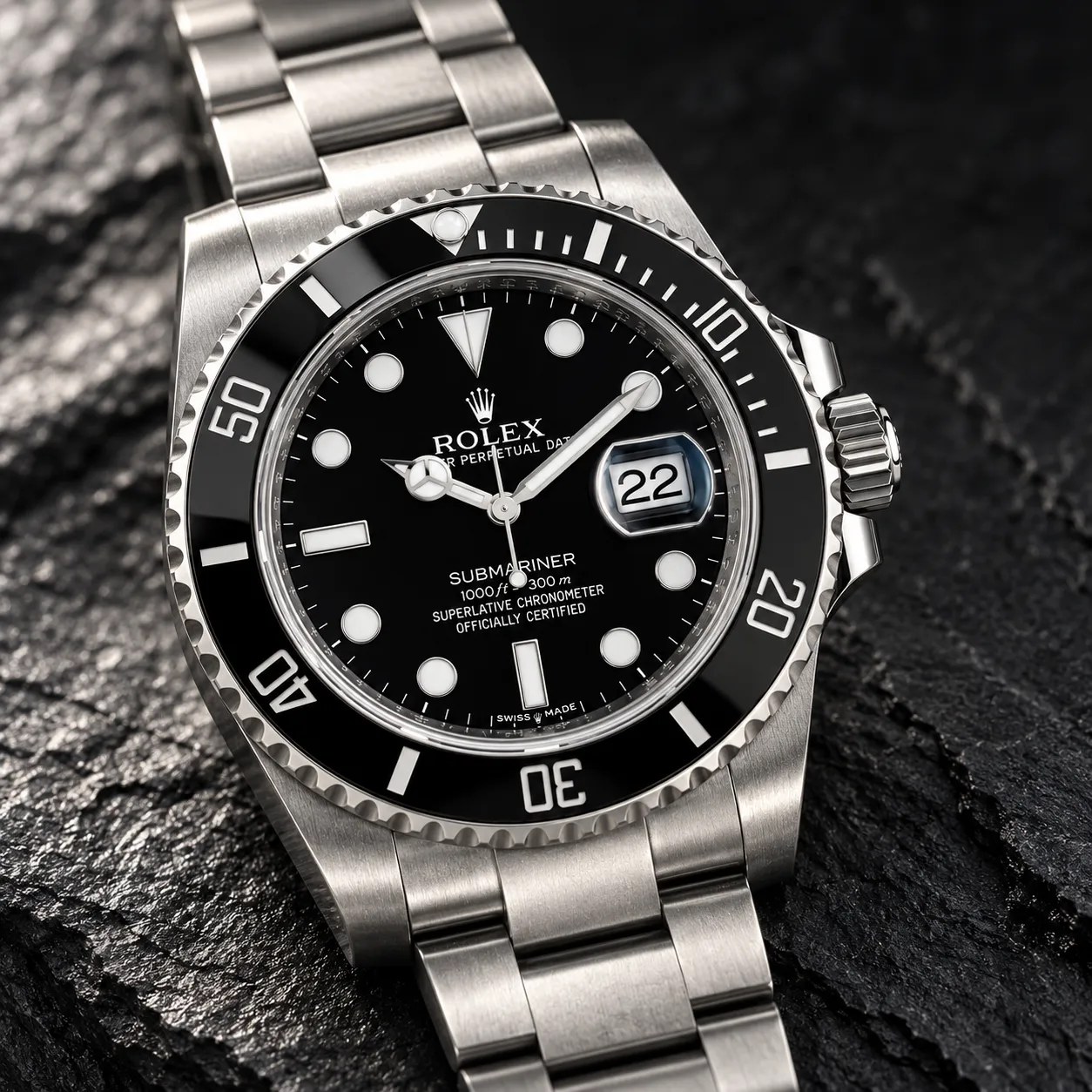
8. Luxury watch close-up
Wristwatch on a dark slate surface with a single dramatic spotlight, close-up angle, shot on a 100mm macro lens at f/2.8, refined luxury mood, deep charcoal color grade, commercial product photography, 1:1.
Home and Lifestyle
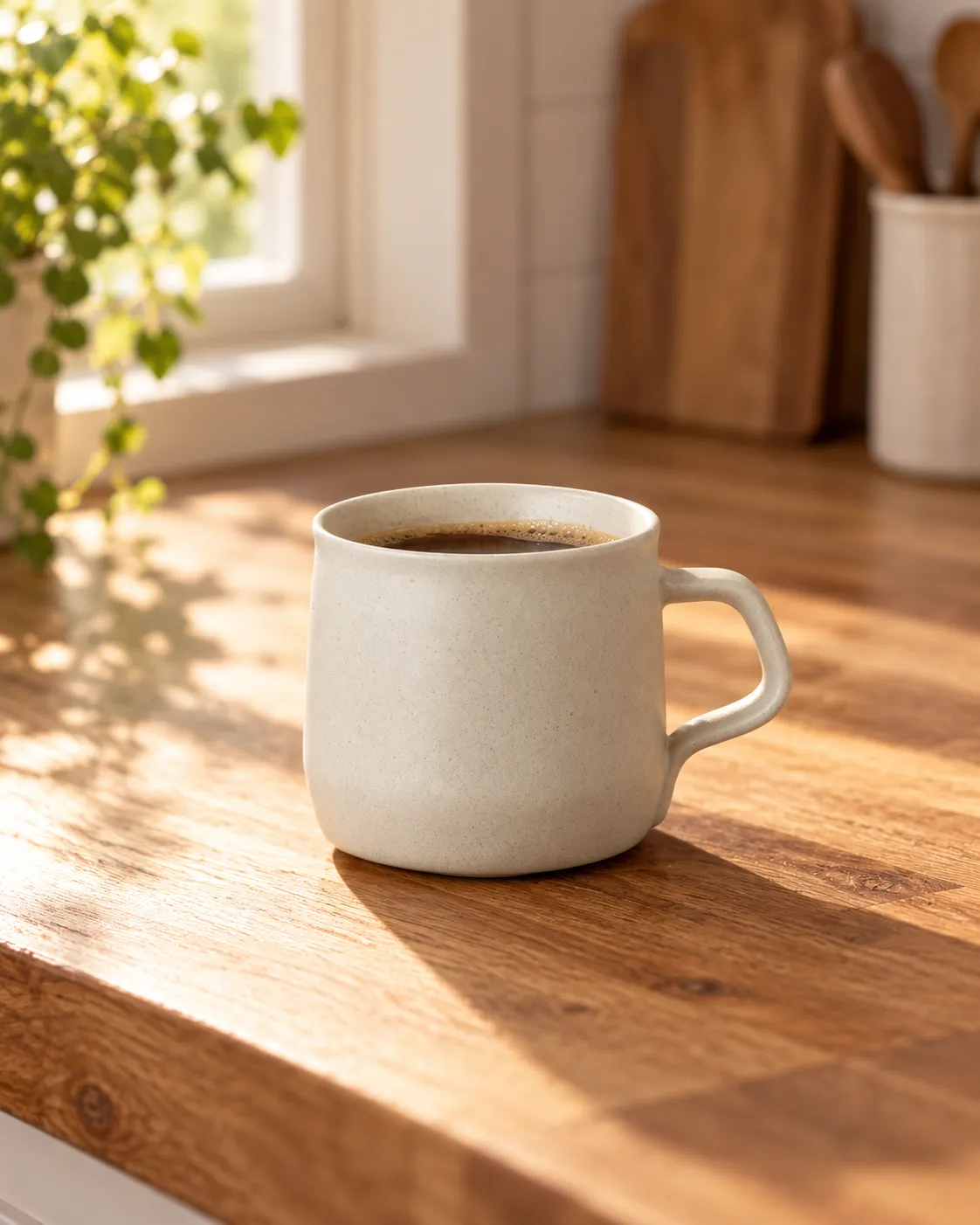
9. Cozy coffee moment
Ceramic coffee mug on a wooden kitchen counter, soft morning light from the left through a window, 45-degree angle, shot on a 50mm lens at f/2.8, cozy minimal mood, warm amber color grade, commercial product photography, 4:5.
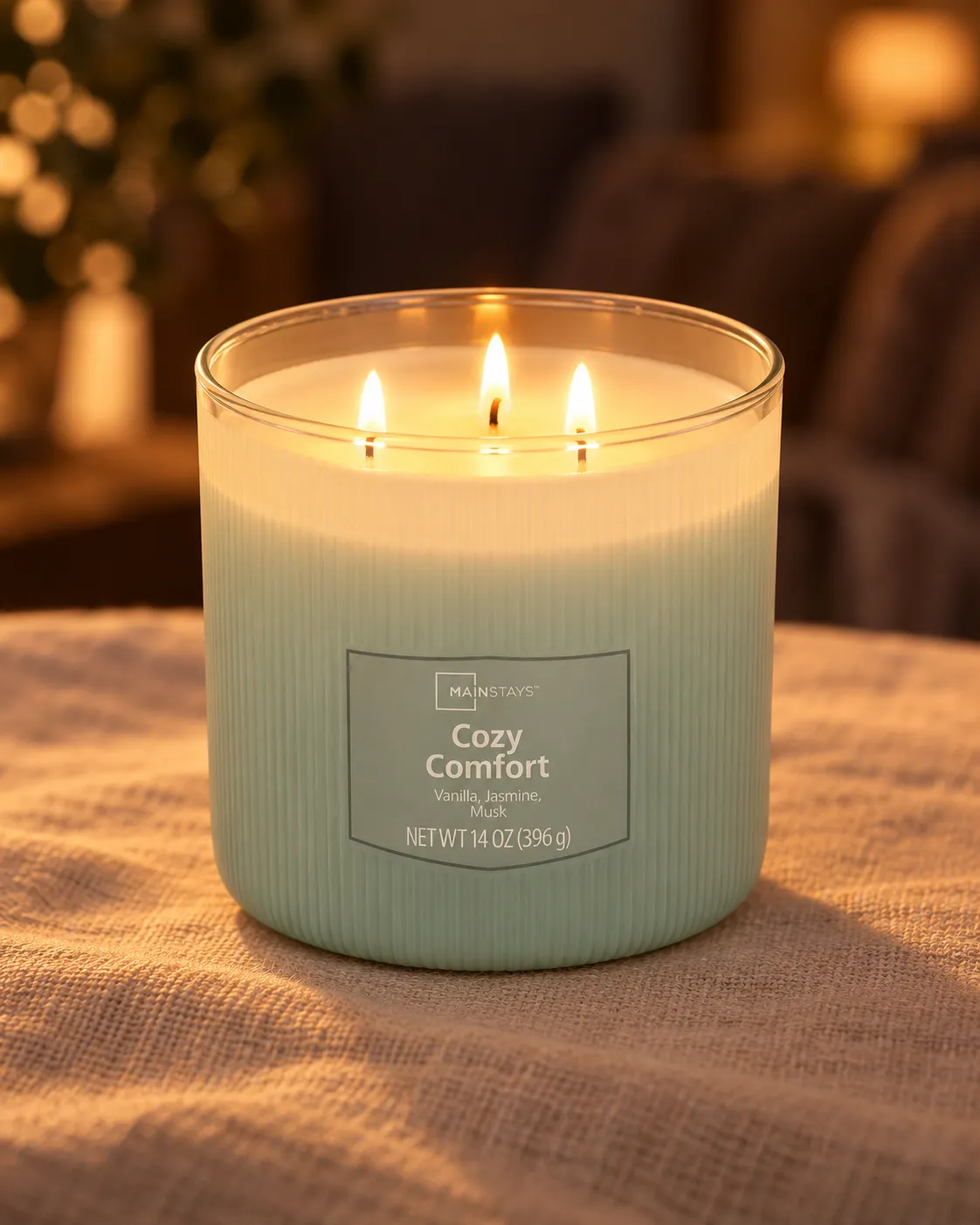
10. Warm candle scene
Scented candle on a linen tablecloth with a soft ambient glow, warm evening light, straight-on angle, shot on a 85mm lens at f/2.8, relaxed home mood, warm low-key color grade, commercial product photography, 4:5.
11. Lived-in soft furnishing
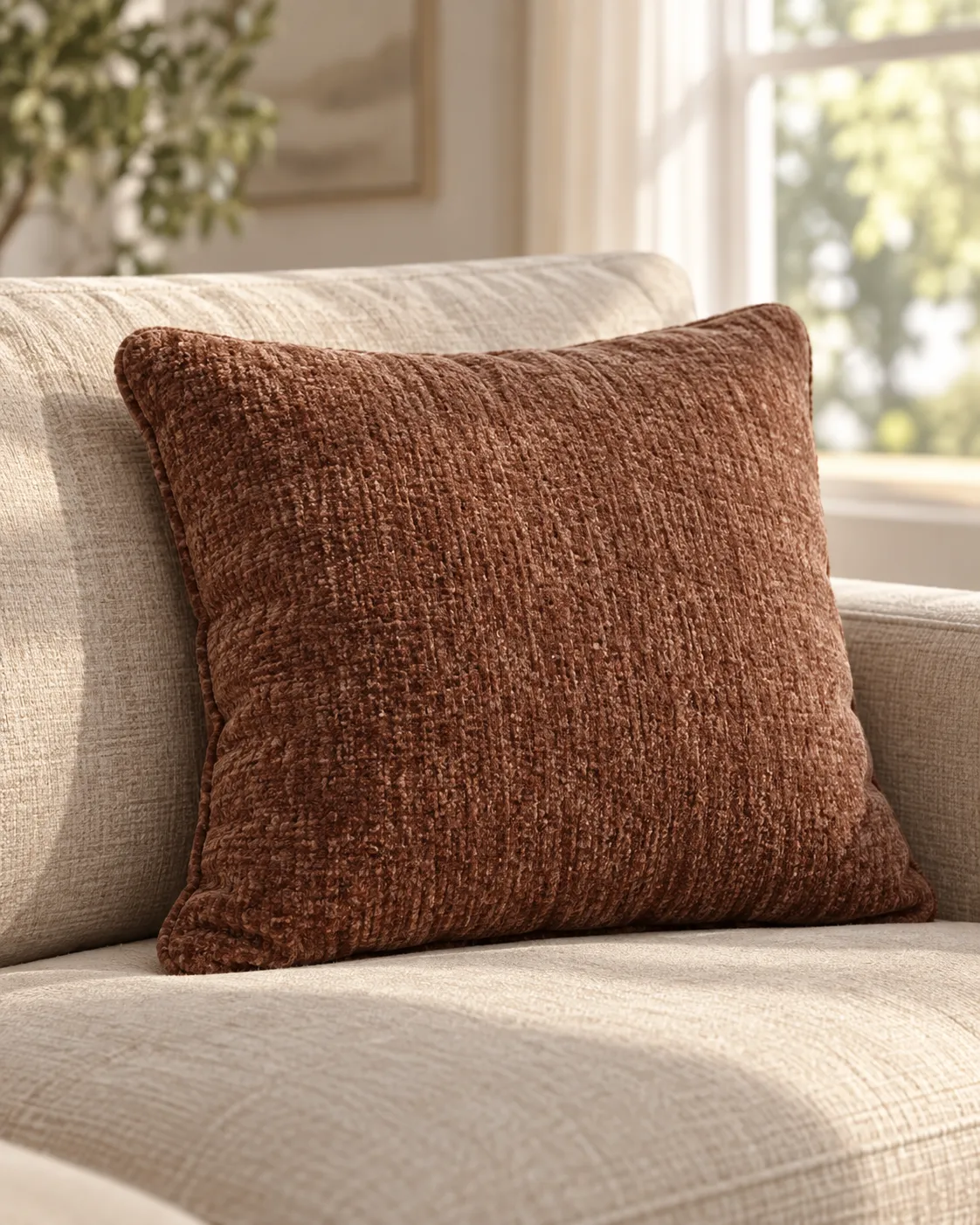
Throw pillow on a neutral sofa with natural window light and a soft shadow, 45-degree angle, shot on a 50mm lens at f/4, comfortable lived-in mood, soft neutral color grade, commercial product photography, 4:5.
12. Minimal vase styling
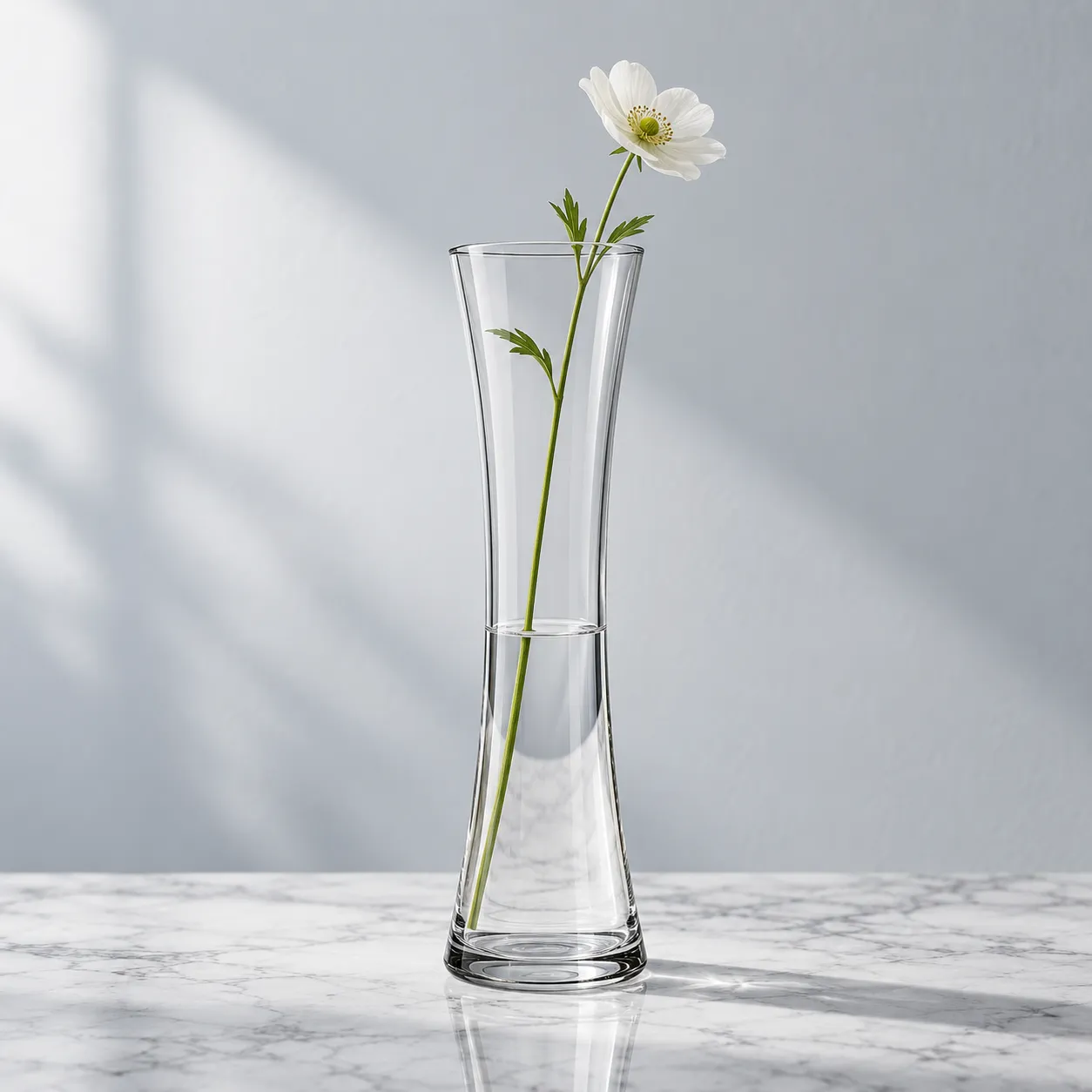
Glass vase with a single stem on a marble shelf, soft diffused daylight, straight-on angle, shot on a 85mm lens at f/5.6, minimal modern mood, cool neutral color grade, commercial product photography, 1:1.
Food and Drink
13. Artisanal coffee pack
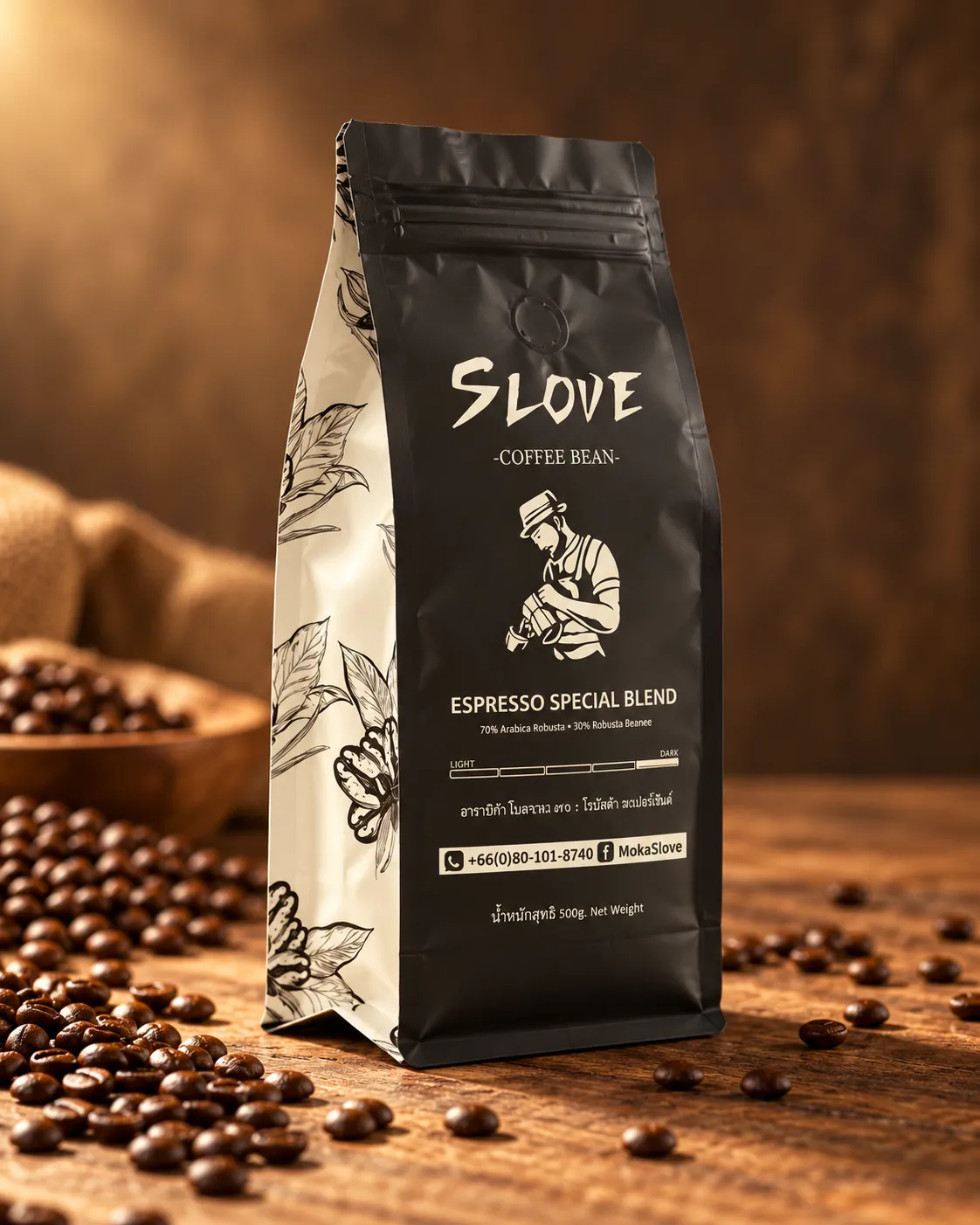
Coffee bag standing on a wooden table beside scattered coffee beans, warm directional light from the side, 45-degree angle, shot on a 50mm lens at f/4, artisanal mood, warm brown color grade, commercial product photography, 4:5.
14. Refreshing cold brew
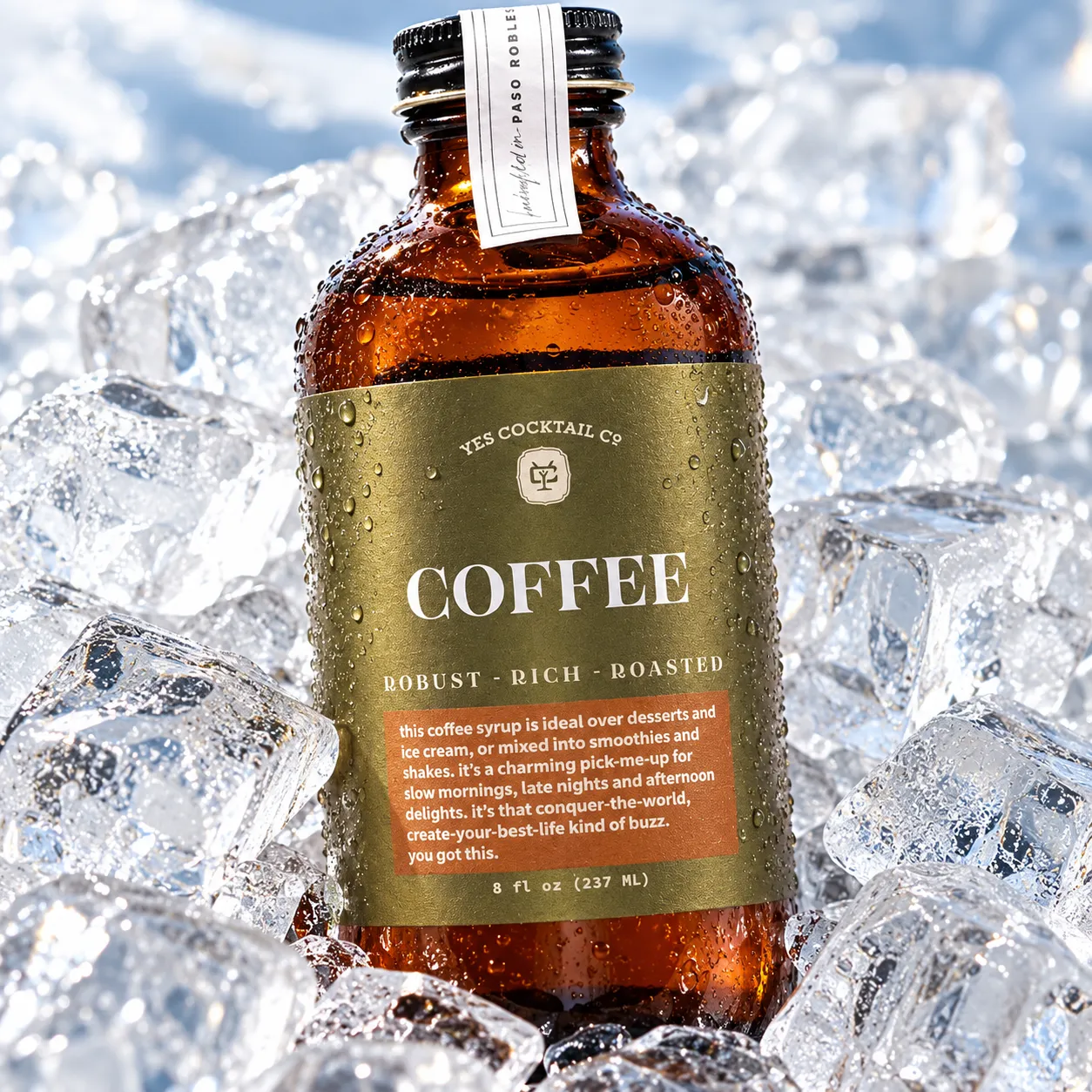
Bottled cold brew on ice with visible condensation, bright natural light, close-up angle, shot on a 100mm macro lens at f/4, fresh energetic mood, cool crisp color grade, commercial product photography, 1:1.
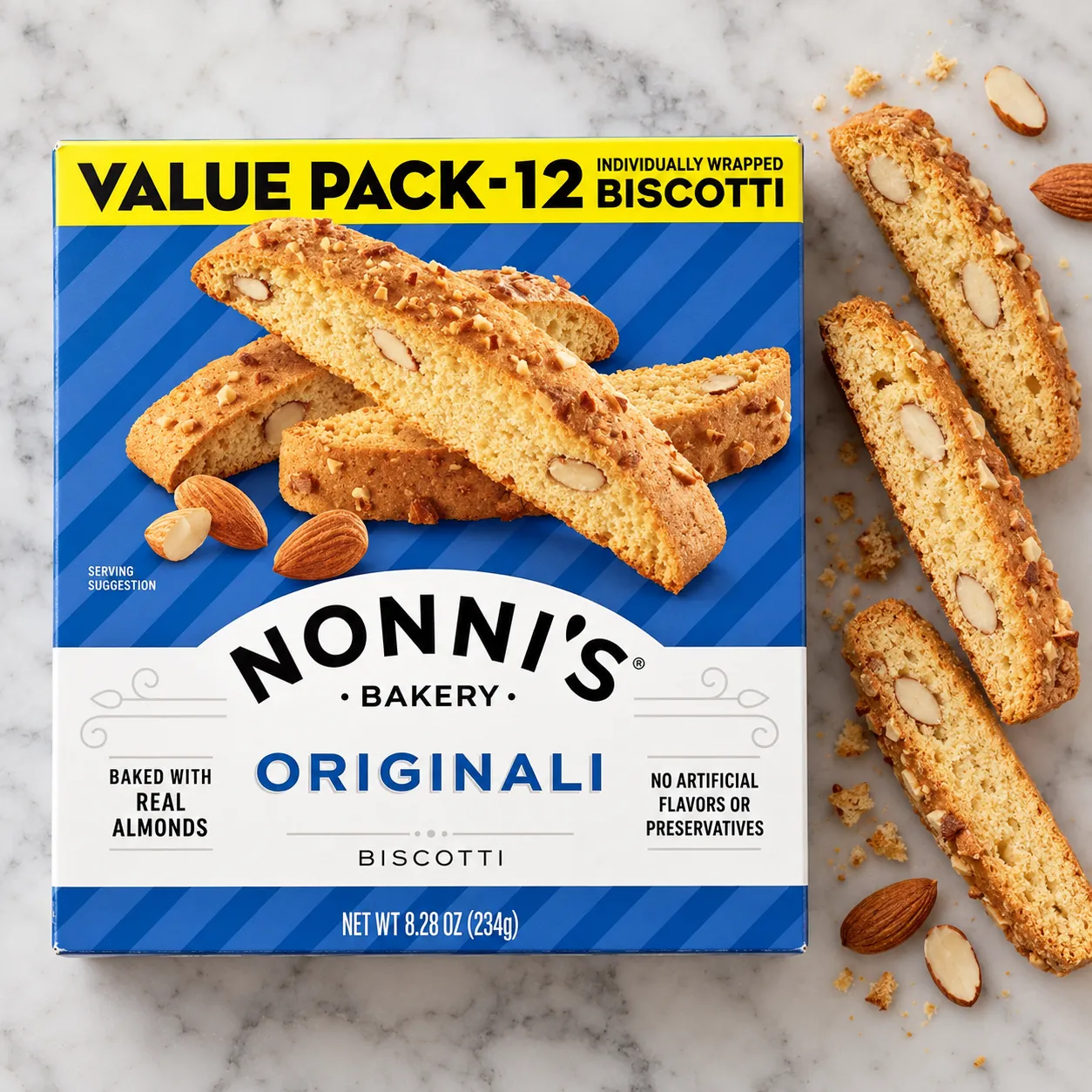
15. Appetizing snack flat lay
Snack bag on a marble surface with a few pieces arranged beside it, soft even lighting from an overhead diffuser, top-down angle, shot on a 35mm lens at f/8, clean appetizing mood, warm neutral color grade, commercial product photography, 1:1.
Tech and Gadgets
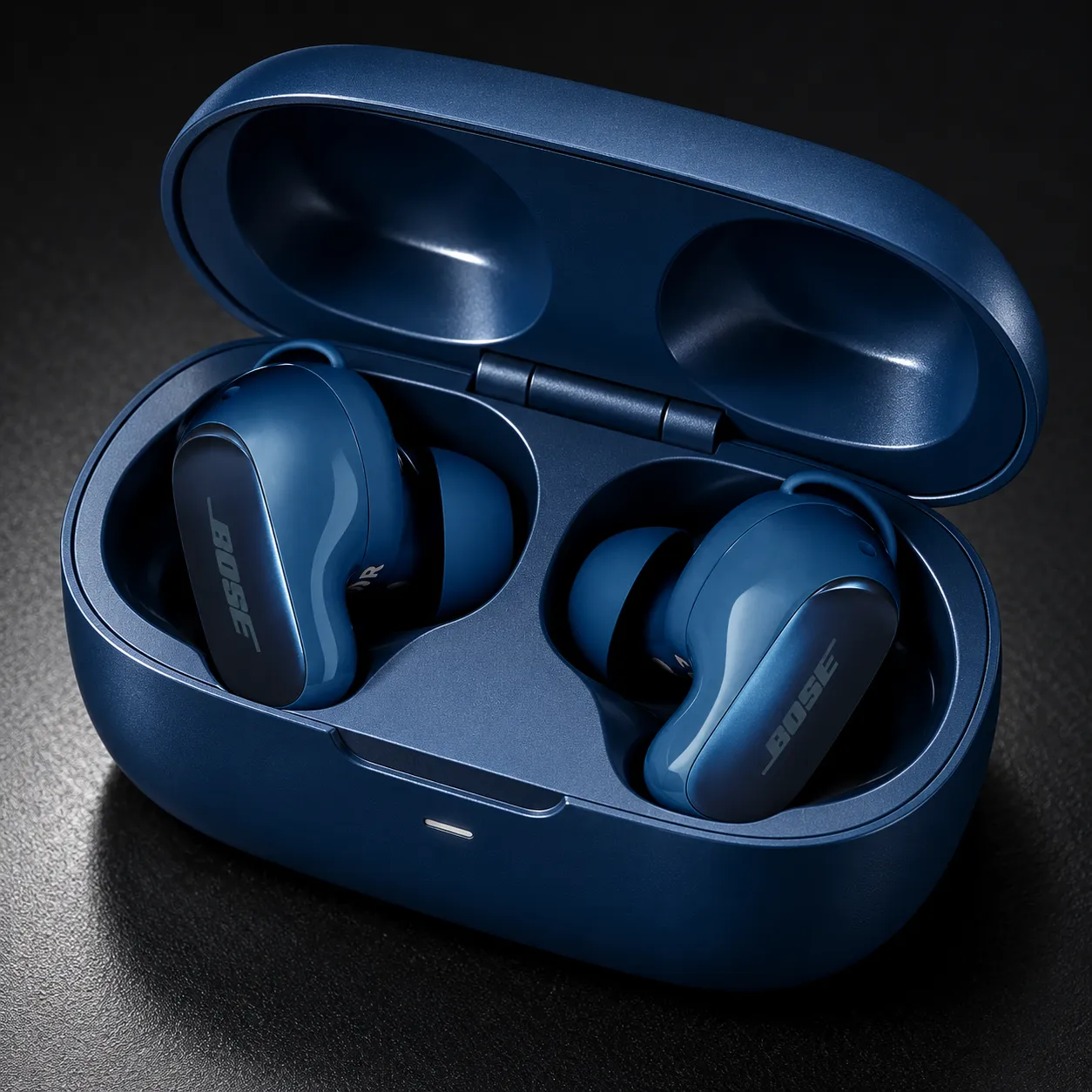
16. Sleek earbuds close-up
Wireless earbuds case open on a matte black surface, hard studio light from a single spotlight with sharp highlights, close-up angle, shot on a 100mm macro lens at f/5.6, sleek modern mood, high-contrast cool color grade, commercial product photography, 1:1.
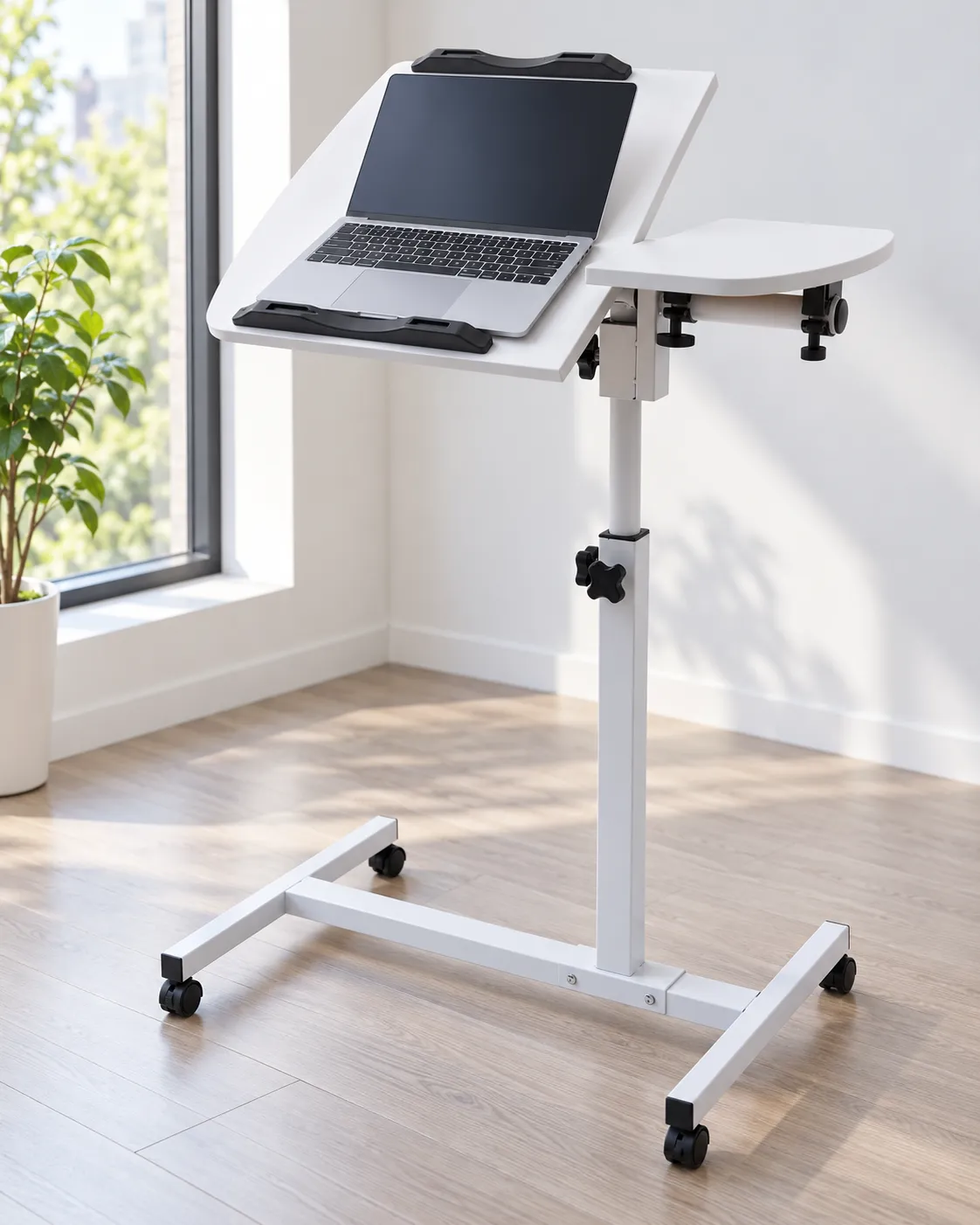
17. Clean workspace setup
Laptop stand holding a laptop on a minimalist desk, soft daylight from a nearby window, 45-degree angle, shot on a 35mm lens at f/5.6, clean workspace mood, cool neutral color grade, commercial product photography, 4:5.
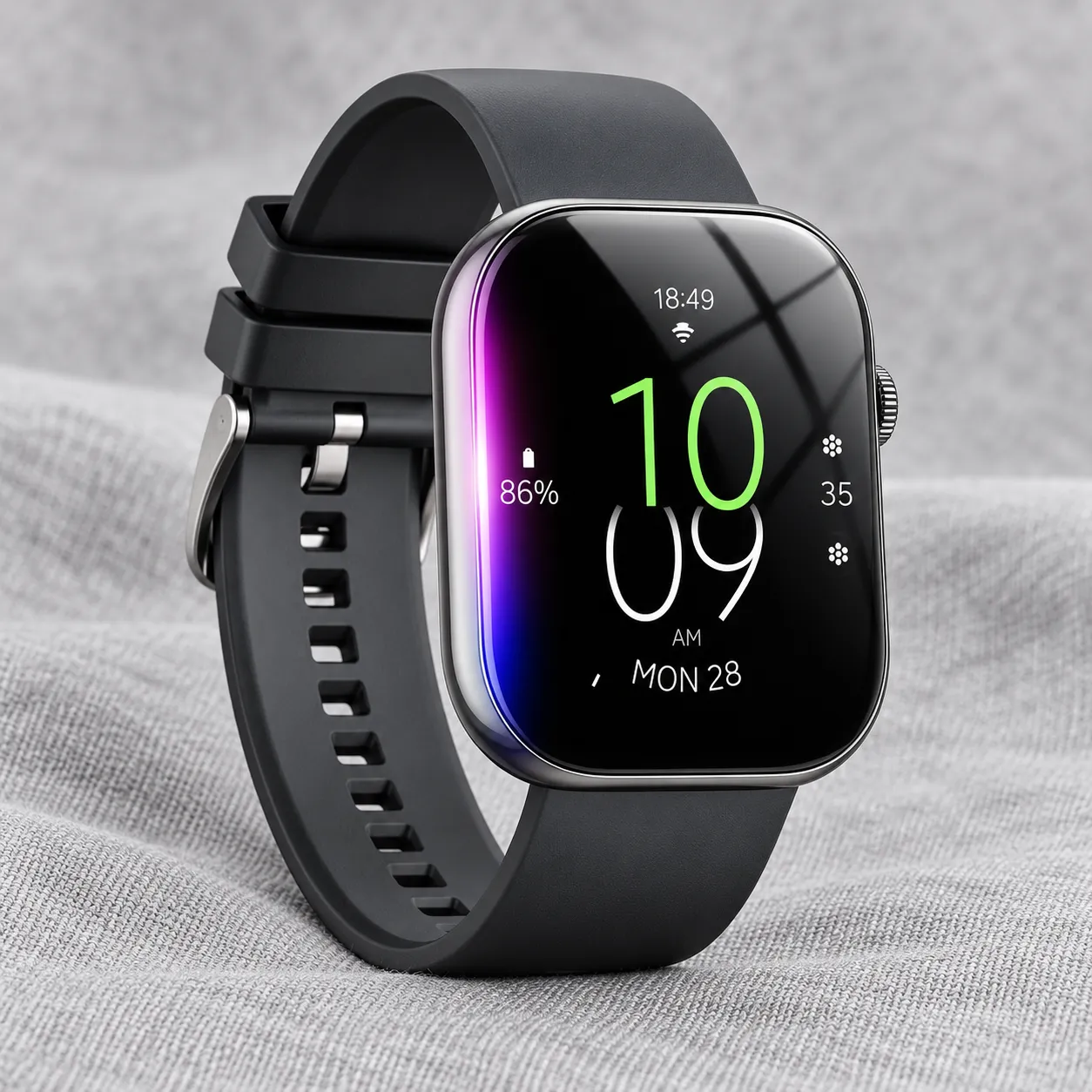
18. Minimal smartwatch shot
Smartwatch on a light gray fabric surface, even soft lighting from a softbox, straight-on angle, shot on a 100mm macro lens at f/8, minimal tech mood, cool neutral color grade, commercial product photography, 1:1.
Seasonal and Gifting
19. Festive gift scene
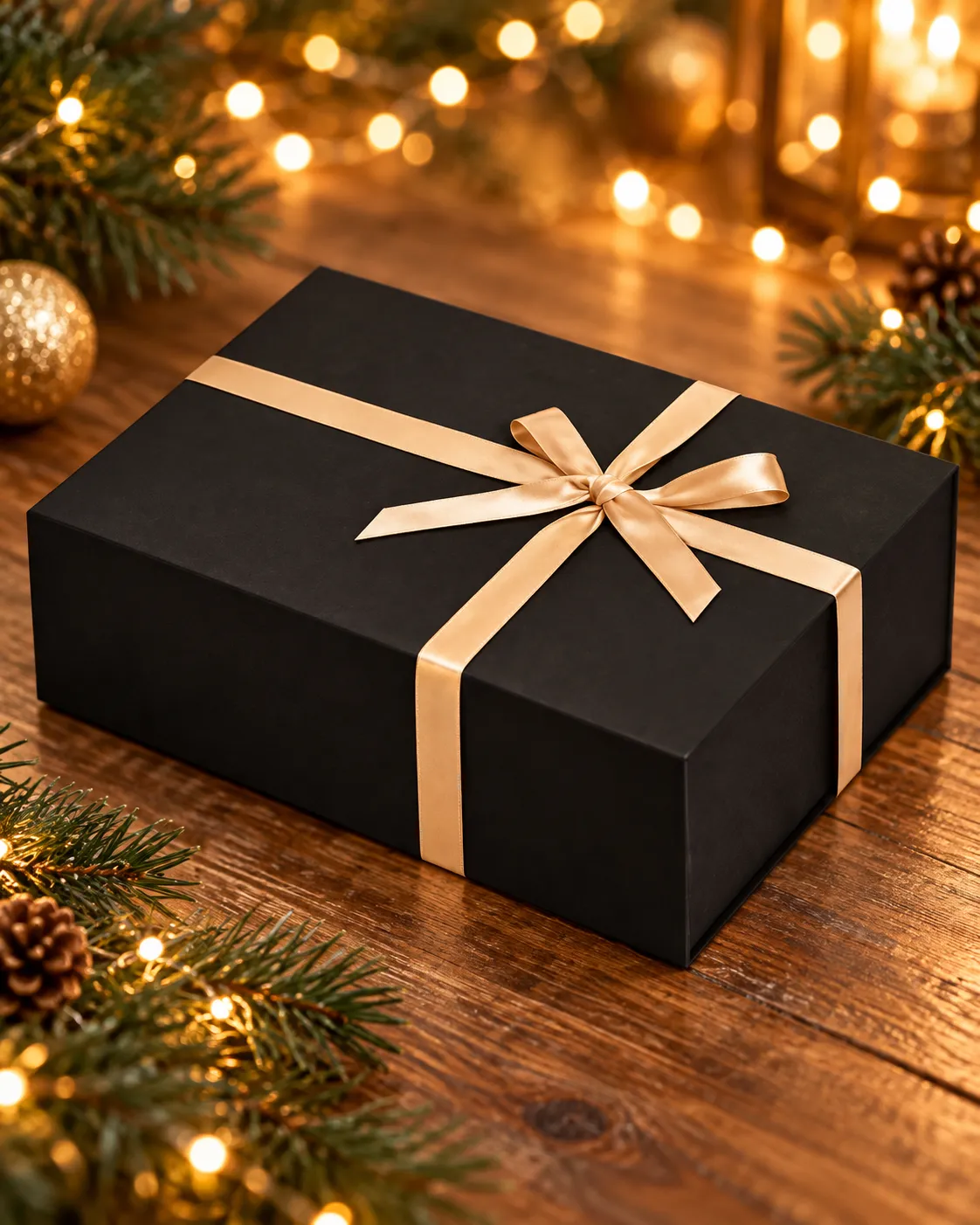
Gift box tied with ribbon on a wooden surface with soft pine branches nearby, warm string-light glow, 45-degree angle, shot on a 50mm lens at f/2.8, festive gifting mood, warm golden color grade, commercial product photography, 4:5.
20. Fresh spring campaign
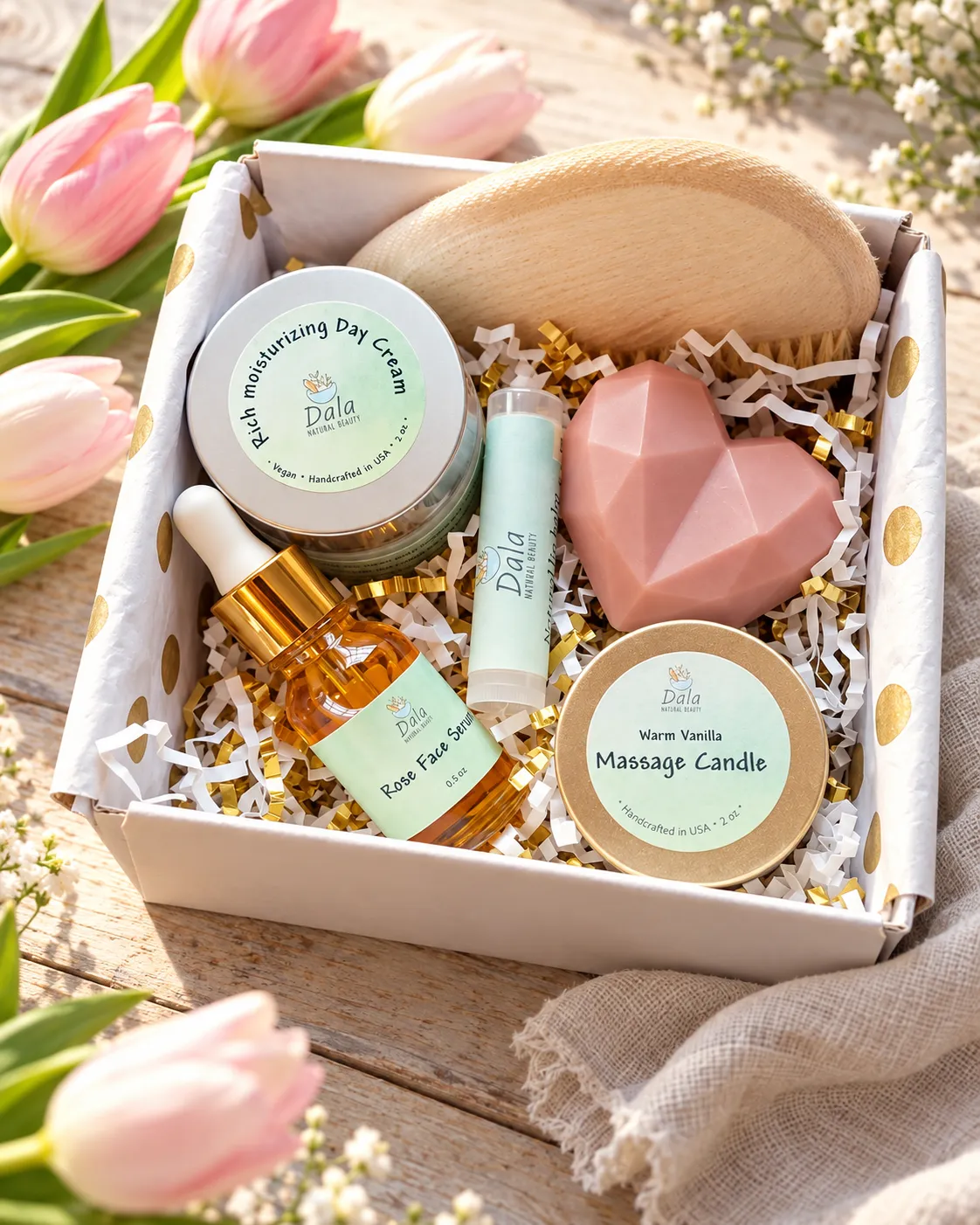
Skincare gift set arranged on a light wooden surface with fresh tulips and a linen napkin, soft natural daylight, 45-degree angle, shot on a 50mm lens at f/4, optimistic spring mood, soft pastel color grade, commercial product photography, 4:5.
From prompt to product image
Start with your real product photo. Promer helps you explore polished scenes without arranging a physical shoot.
Common Mistakes When Writing AI Photoshoot Prompts
Being vague
"Nice lighting" and "clean background" leave too much room for the model's default style. Name the lighting, surface, background, and angle you want.
Combining too many directions
A prompt with three moods, two lighting setups, and a crowded scene gives the model competing instructions. Use one clear visual direction per prompt.
Assuming text alone will preserve the product
Text-only generation is useful for early concepts, but it cannot reliably reproduce an exact product. Use a reference image when shape, color, packaging, or branding must remain accurate.
Using one image for every placement
A marketplace listing, a vertical social post, and a paid ad need different compositions. Specify the intended framing or aspect ratio when the tool supports it.
Treating an AI image as the primary listing photo without checking policy
Marketplace requirements differ and can change. Check the current rules for the platform where you sell. AI-generated lifestyle scenes are often better suited to ads, social content, and secondary gallery images than to the main listing image.
Skip the Prompt Entirely, or Let AI Write It for You
The prompts above work with image tools that accept text or image-to-image instructions. If writing and maintaining prompts is not the work you want to own, Promer offers two paths.
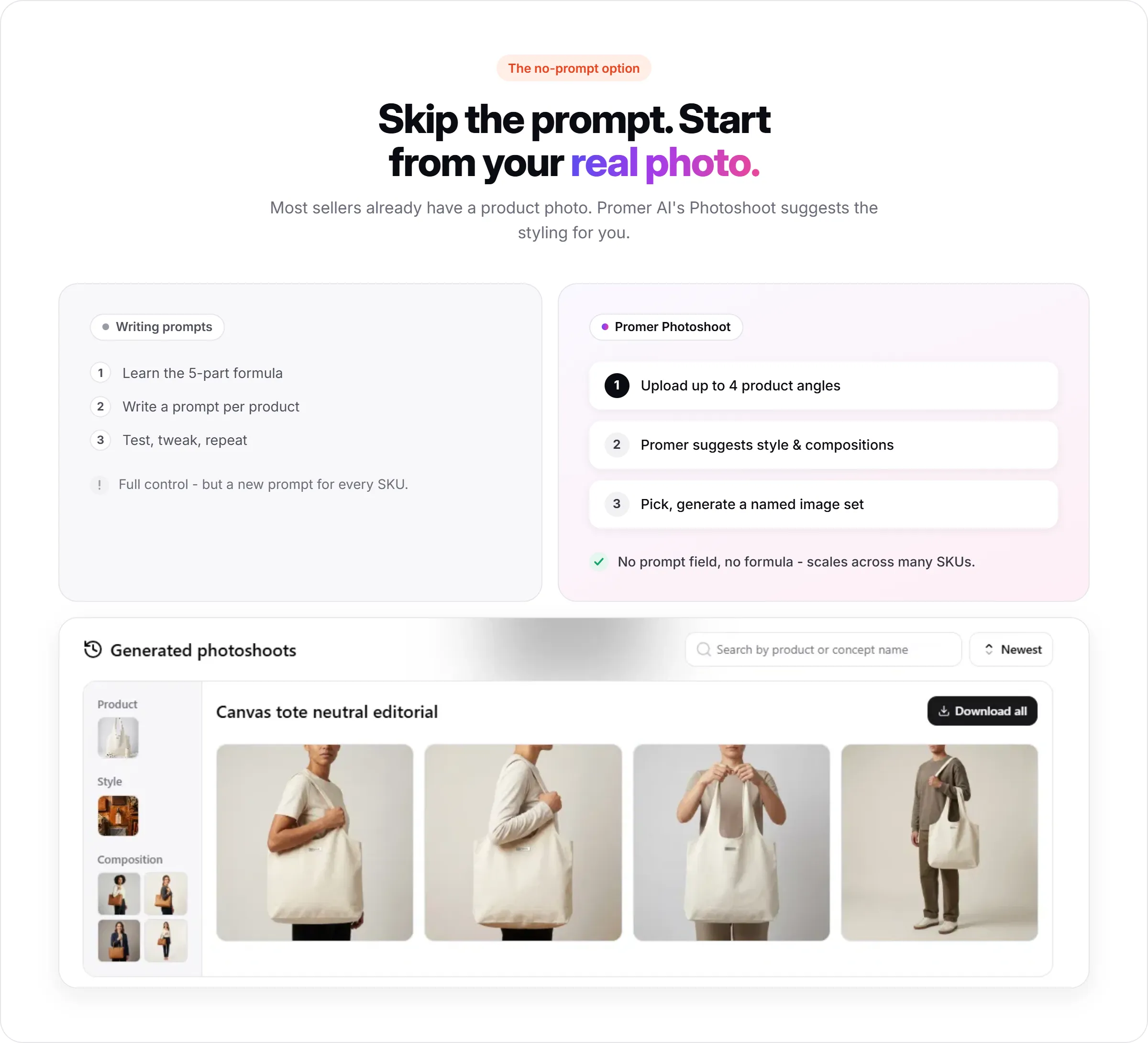
AI Product Photoshoot
Start with a real product photo. Promer suggests styles and compositions based on the product, so you can explore polished scenes without building every prompt manually.
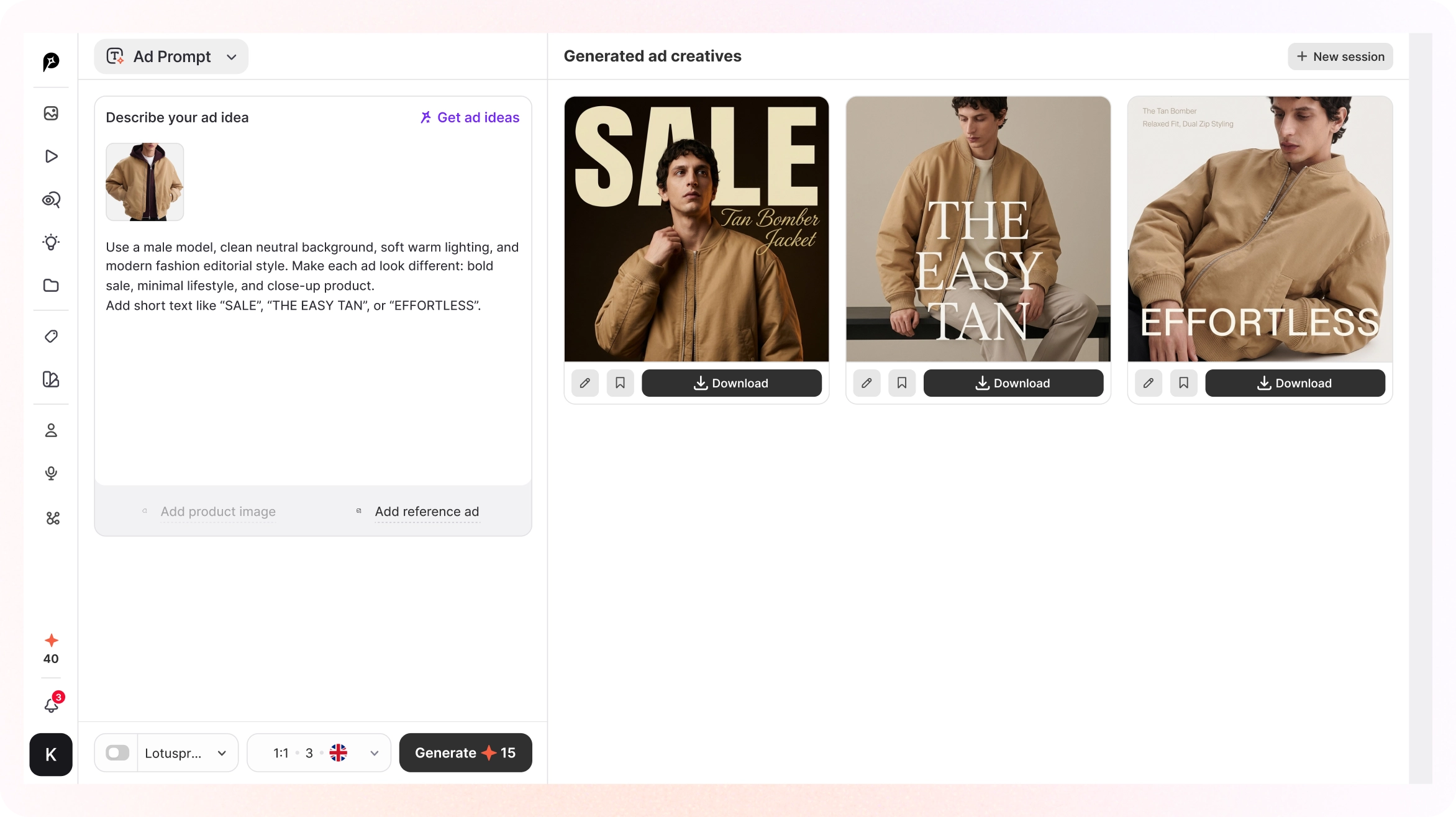
AI Ad Prompt
Use AI Ad Prompt when you need more than an image. Add a product image and a rough idea to generate an editable creative direction with headline, body copy, and CTA.
FAQs about AI Prompts for Photoshoot
What is a good AI prompt for a photoshoot?
A good AI photoshoot prompt identifies the product and describes the setting, lighting, camera angle and lens, mood and color grade, and aspect ratio. Specific visual direction produces more controlled results than general phrases such as "professional photo."
What makes an AI photoshoot prompt good instead of generic?
A good prompt names the product specifically, then covers background, lighting, camera angle and lens, mood and color grade, and aspect ratio in concrete terms. Vague direction like "professional photo" produces vague, generic-looking output in most cases.
Which AI tools work with these prompts?
These prompts follow a structure that works across common AI image tools that support text or image-to-image generation. The same prompt can still come back looking noticeably different from one tool to another - if results feel off on one tool, try the same prompt on a second one before rewriting it.
Do I need a real product photo, or can I generate from text alone?
Text-only generation works for concepting and mood boards, but starting from a real product photo keeps shape, color, and label details accurate. For anything going on a live listing or ad, starting from the real photo is typically the safer choice.
How many prompts should I test before picking one?
Testing 2 to 3 variations per product - same product description, different backgrounds or lighting - typically surfaces a clear winner faster than trying to perfect one prompt in isolation.
Can I use these prompts for lifestyle images with a model, not just flat product shots?
The formula still applies, but lifestyle images with a person add complexity that AI models handle less predictably, especially with facial consistency across multiple shots. For that specific case, a guided tool that generates model-based compositions directly from your product photo is typically more reliable than a text prompt alone.
Is there a faster way than writing prompts for every product?
Yes, two options. Promer AI's Photoshoot skips prompt-writing entirely by suggesting styles and compositions directly from your uploaded product photo. Ad Prompt is for when you want a full ad creative, not just the image - it builds the prompt and the ad copy for you from a rough idea.
Turn one product photo into a full shoot
Upload your product, choose a direction, and create new scenes for ads, social posts, and product pages.
Create your product photoshoot free →
$0 to start. No credit card require